• There seems to be an uptick in Political comments in recent months. Those of us who are long time members of the site know that Political and Religious content has been banned for years. Nothing has changed. Please leave all political and religious comments out of the forums.

    If you recently joined the forums you were not presented with this restriction in the terms of service. This was due to a conversion error when we went from vBulletin to Xenforo. We have updated our terms of service to reflect these corrections.

    Please note any post refering to a politician will be considered political even if it is intended to be humor. Our experience is these topics have a way of dividing the forums and causing deep resentment among members. It is a poison to the community. We appreciate compliance with the rules.

    The Staff of SOH

  • Please see the most recent updates in the "Where did the .com name go?" thread. Posts number 16 and 17.

    Post 16 Update

    Post 17 Warning

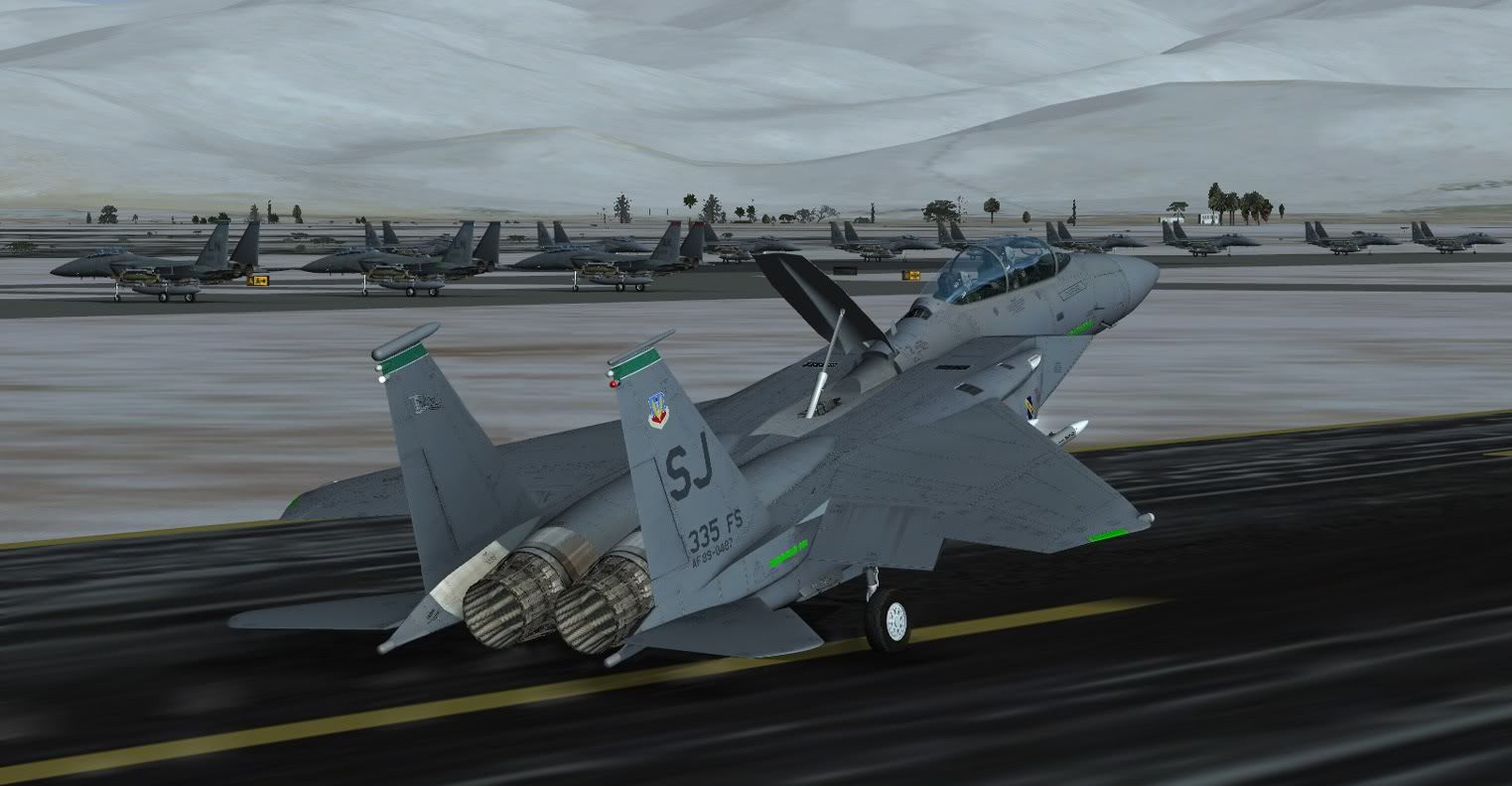
Milviz F-15E Service Pack

I think even after you released the SP, I think I will stick to the Iris plane, cause it still looks like you have issues with it.

Well, you are certainly entitled to your views and your money belongs to you. But, for what it is worth, there are a number of things our jet can do that remains unique in FSX.

Sorry to see you don't want to get in on the fun. But, again, I understand and respect your choice.

Cheers,

Ken
 
I am still only getting 10-12 fps at KEDW and 15 or so with chop out in the boonies with this bird. Time for me to mothball it and try again later after a long overdue new system build.

Then again I have never had a computer that liked any plane or heli with CRT displays. The Aerosoft F-16 being the sole exception.
 
I am still only getting 10-12 fps at KEDW and 15 or so with chop out in the boonies with this bird. Time for me to mothball it and try again later after a long overdue new system build.

Then again I have never had a computer that liked any plane or heli with CRT displays. The Aerosoft F-16 being the sole exception.


...Incredibly odd. The aerosoft F-16 is the only aircraft on my 4.8ghz system that kills my frames to the point of unflyability. Very strange...
 
I am still only getting 10-12 fps at KEDW and 15 or so with chop out in the boonies with this bird. Time for me to mothball it and try again later after a long overdue new system build.

Then again I have never had a computer that liked any plane or heli with CRT displays. The Aerosoft F-16 being the sole exception.

Curious how is this F-15E comparing to any other high end add-on aircraft you have purchased in the past?

We tried to code it in a way that makes it framerate friendly, but clearly the jet has a lot of processes going on all the time with the UFC and the MFD's and it is a demanding jet on your computer.

Ken
 
I am still only getting 10-12 fps at KEDW and 15 or so with chop out in the boonies with this bird. Time for me to mothball it and try again later after a long overdue new system build.

Then again I have never had a computer that liked any plane or heli with CRT displays. The Aerosoft F-16 being the sole exception.

Colin has asked me to pass along this potential solution to your frame rate issue:

It will require a small bit of manual editing using Notepad, but I think it is easy enough to implement.

1. Use Windows Explorer to path down to the jet's folder. Should be located in your FSX folder at: SimObjects/Airplanes/Milviz F-15E

2. Once inside the jet's folder, locate and open up the folder named model1

3. In this you will see three internal model files that are named: F15_10212_3.MDL, F15_10212_3_L.MDL, and F15_10212_3_VL.MDL

4. There is another file in there named model.cfg and you can open this using Notepad and make edits to it. By default, the highest resolution (and consequently the most demanding framerate version) is used and referenced in that model.cfg file. What you can do is amend the name of the model file used in the interior. Here is how:

5. Open the model.cfg file using Notepad and then you will see this entry at the bottom: "interior=F15_10212_3"

6. Edit this entry to read instead: "interior=F15_10212_3_L"

7. Save and then exit Notepad. Fire up FSX and select the F-15E and see how you like the framerates with the lower resolution jet. If you like it, then you are done. If you don't then repeat step 6 except name it to "interior=F15_10212_3_VL"

Hope that helps!

Ken

 
Quick question, I downloaded the file from your product page and the .EXE file is MV-F-15E_SP so Am I correct in assuming this is the lastest and greatest ready to rock version?

Steve
 
Don't quote me, but you should be good to go!

As I understand it, the .exe is a full install, whether you have the previous version or not.

Good hunting! Diego
 
Don't quote me, but you should be good to go!

As I understand it, the .exe is a full install, whether you have the previous version or not.

Good hunting! Diego

Thanks, I've been following the development from the start and it looks like time to jump in, afterall I see the real thing being built every day at work (BOEING St Louis) but for some silly reason they just won't let me fly theirs :icon_lol:.

Steve
 
Could someone please post a pic how the Day-Burners should look like?.
I only see a few rings.
Thanks
Michael
 
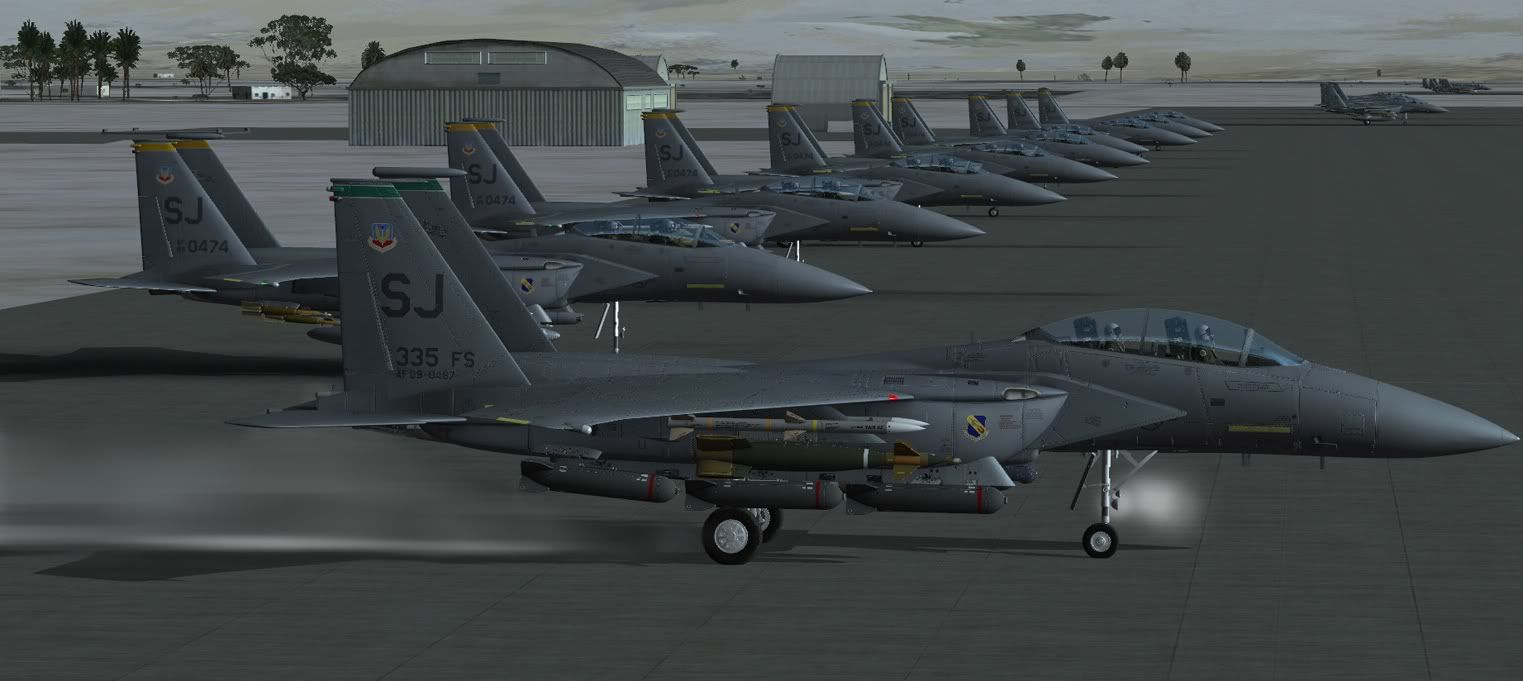
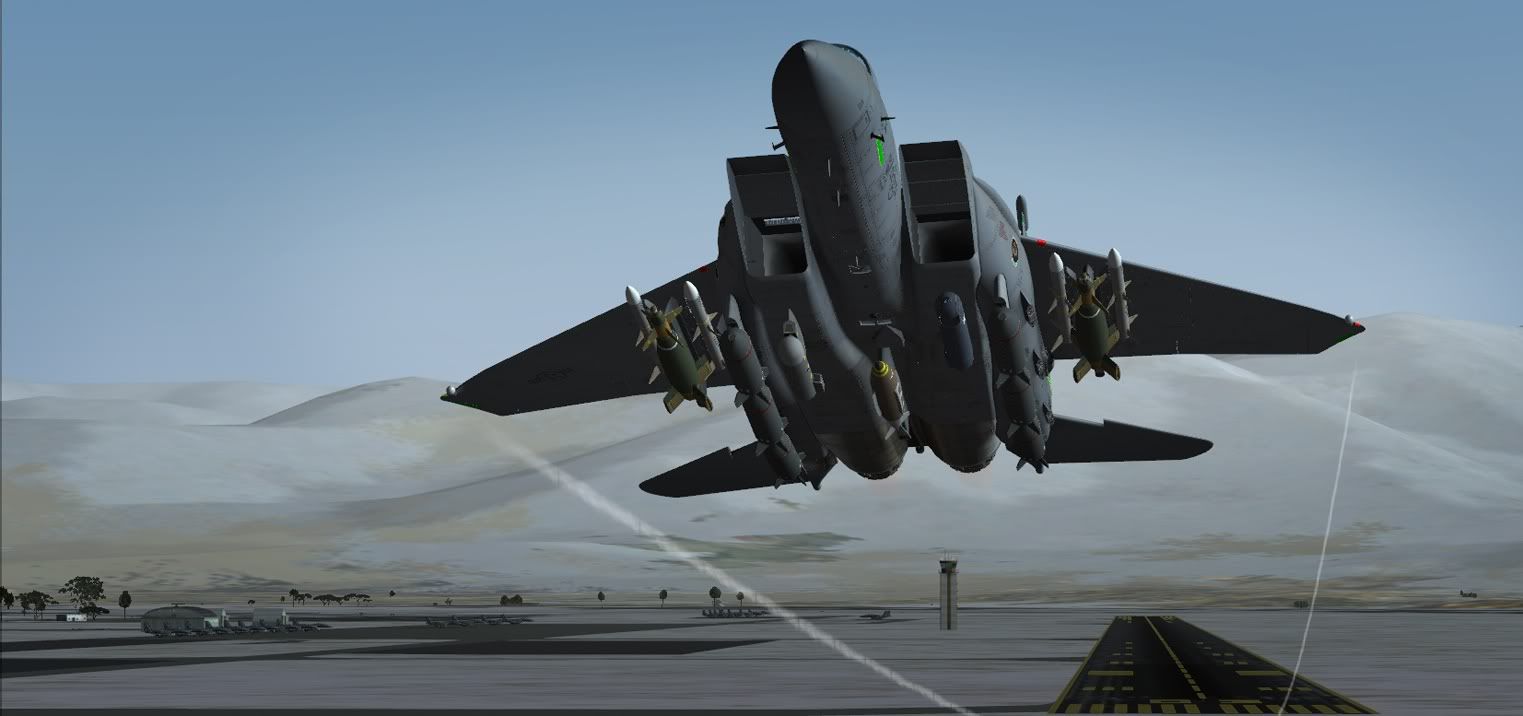
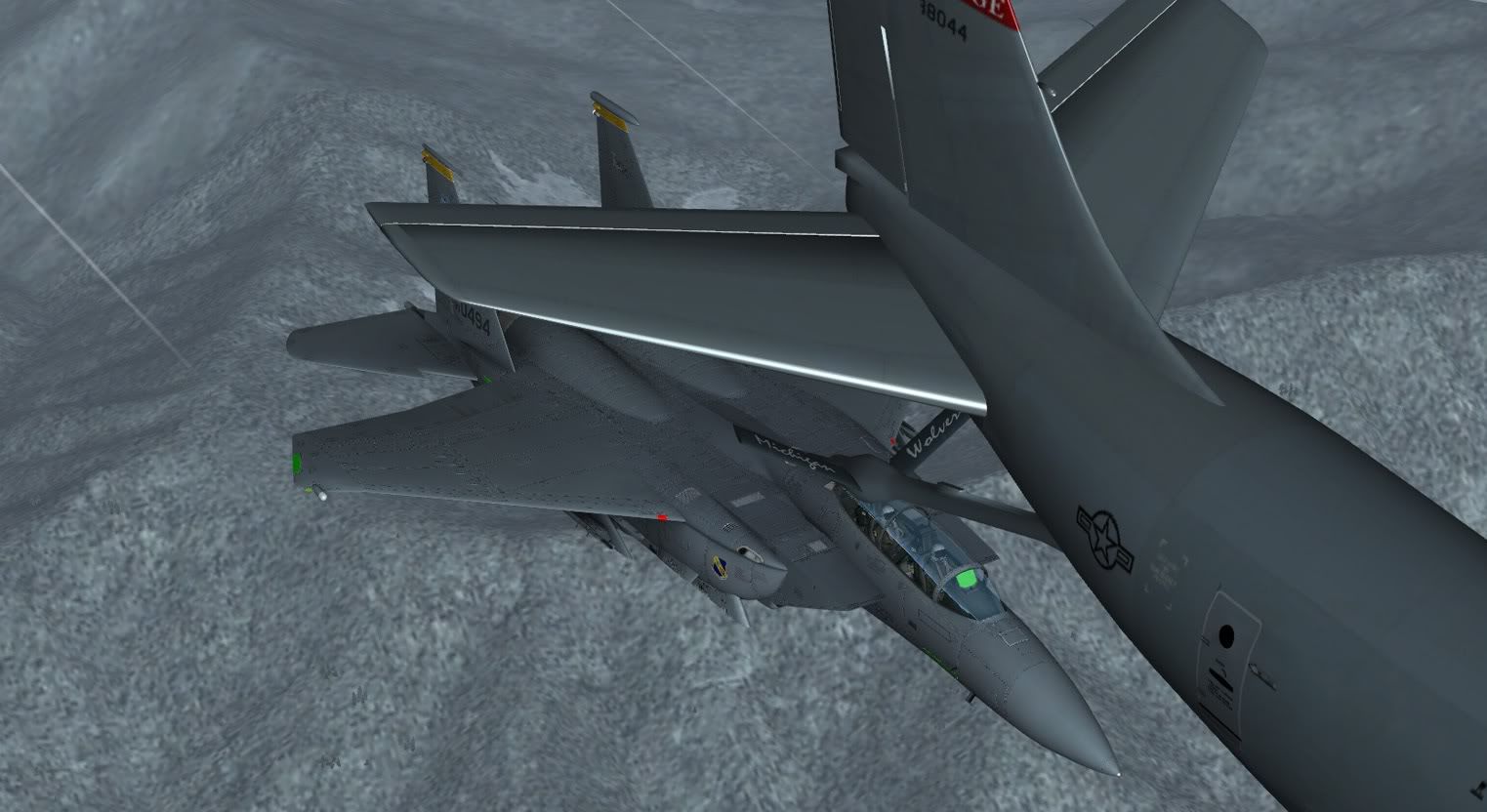
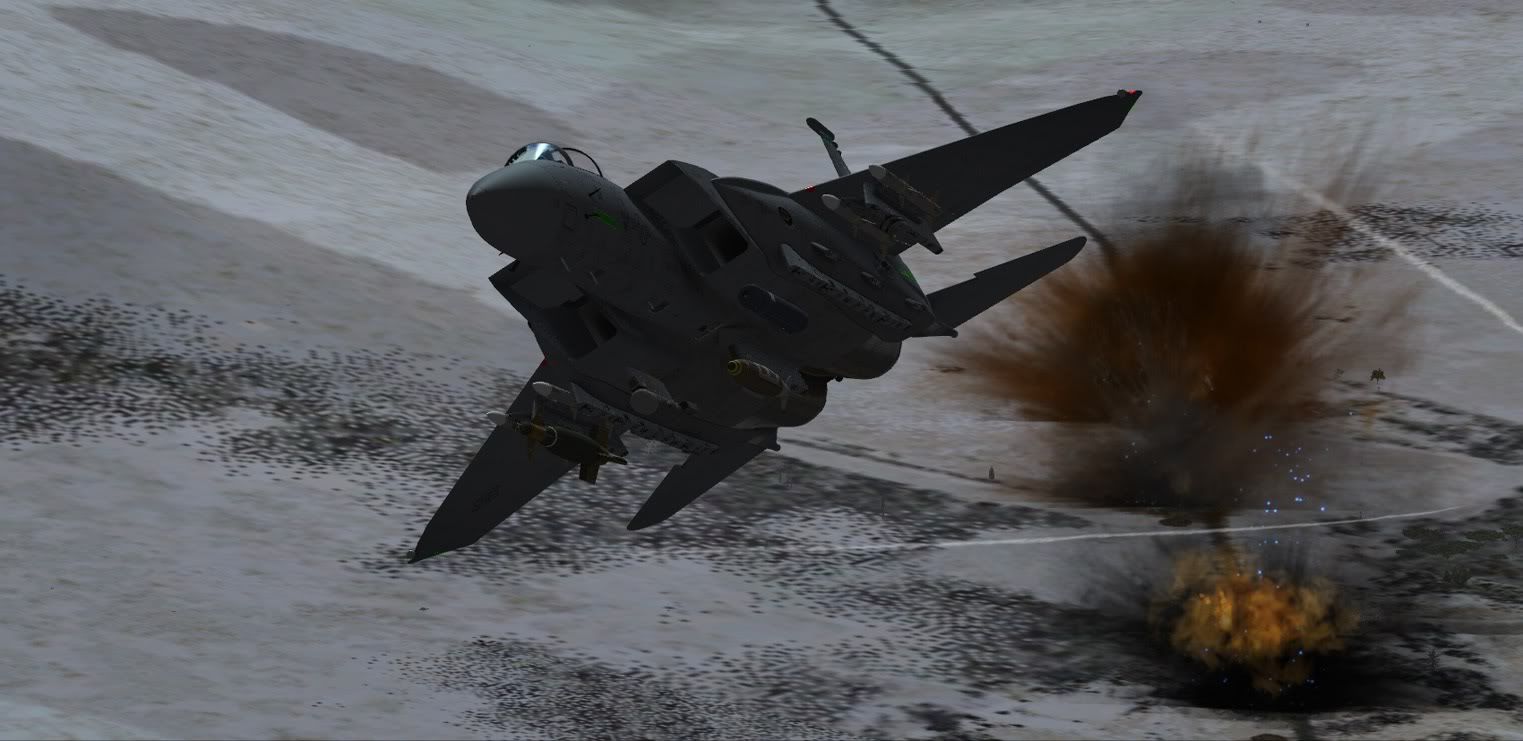
Do not ask me what I`m doing, but I have great fun...... :jump:

bm1.jpg


bm2.jpg


bm3b.jpg


bm3.jpg


bm4.jpg
 
Excellent shots Ernie :icon_lol:
A lot of fun here.....
We have to fly a MP session sooner or later (it's been a long time since I attended) :salute:
 
Beaufighter, By watching a few F-15E T/O videos, all I can say is that your shot's daylight F-15E A/B flame is what it appears to be in real life. Flame in the A/B duct and almost transparent exhaust gases. Check it for yourself also.

(I'm also getting the same transparent look, and I like having the real life effect )
 
Colin has decided to establish the price of the SP'd F-15E at $39.99 and this price will remain in effect to the end of March. After March the price will increase back to the $50 it was originally sold at.

For those who have purchased the SP jet for $50, please check your email as Colin has determined a method for you to receive your refund to reflect the $39.99 temporary price.

If anyone purchased at $50 and you do not have email on this refund, then please email Colin at: colin@milviz.com

Cheers,

Ken
 
Thanks for clarifying Ken. I got my email today from Colin and he did indeed adjust my purchase price. Great customer support.

Matt
 
Back
Top