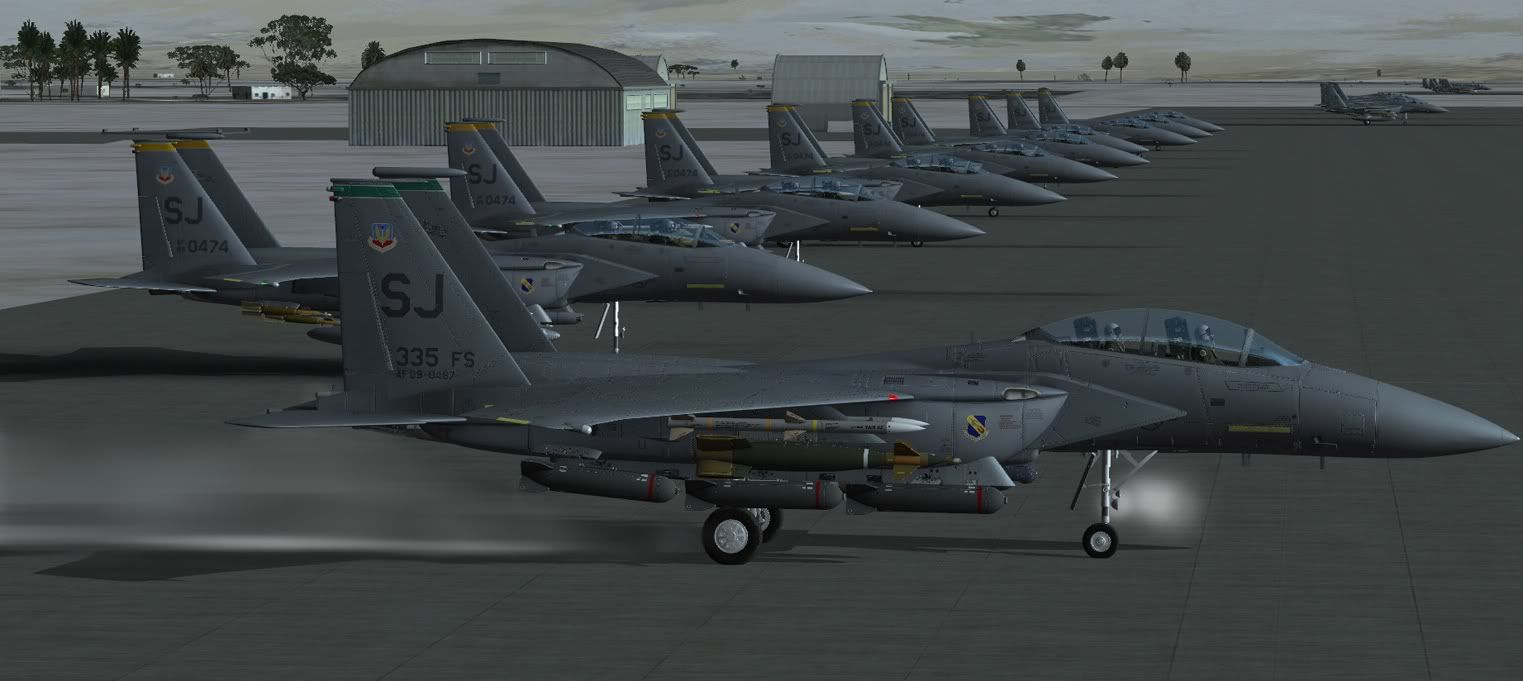
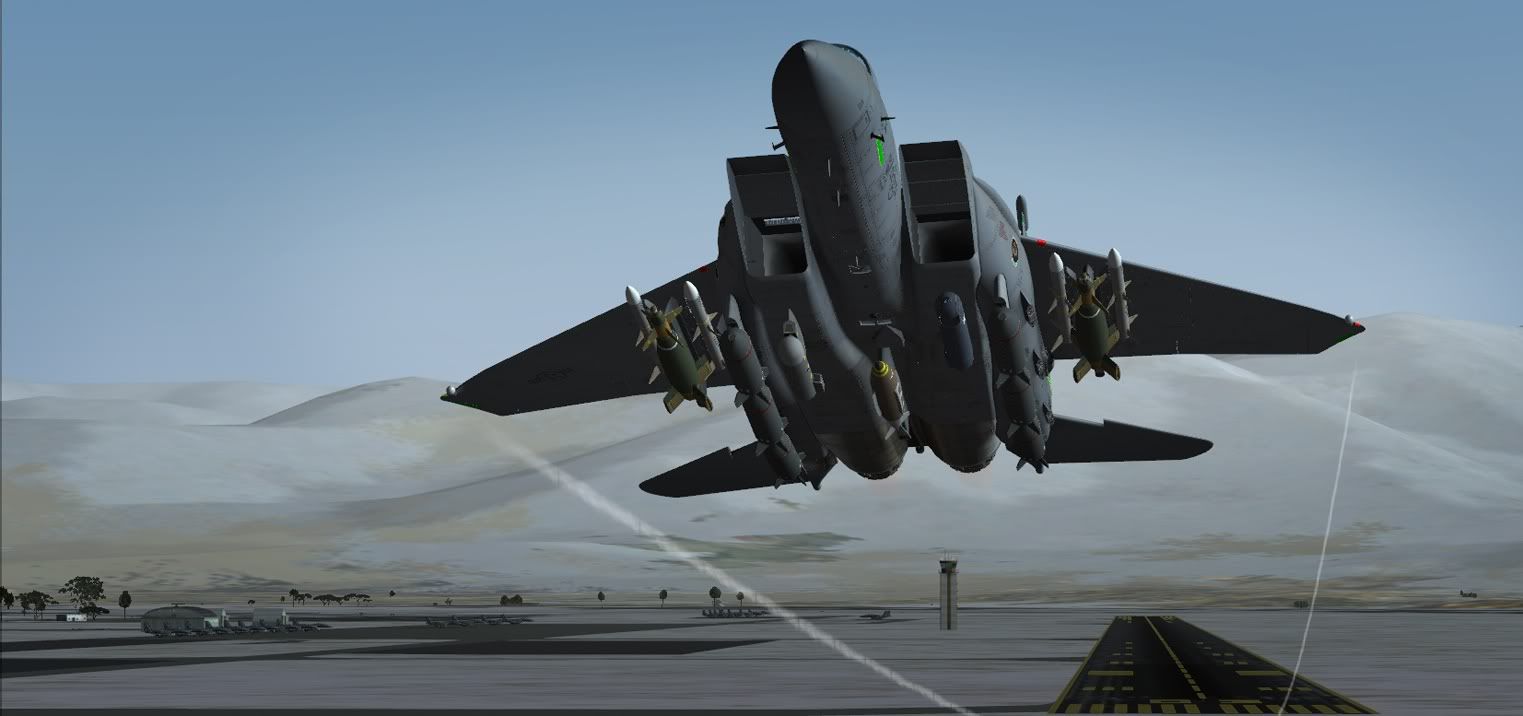
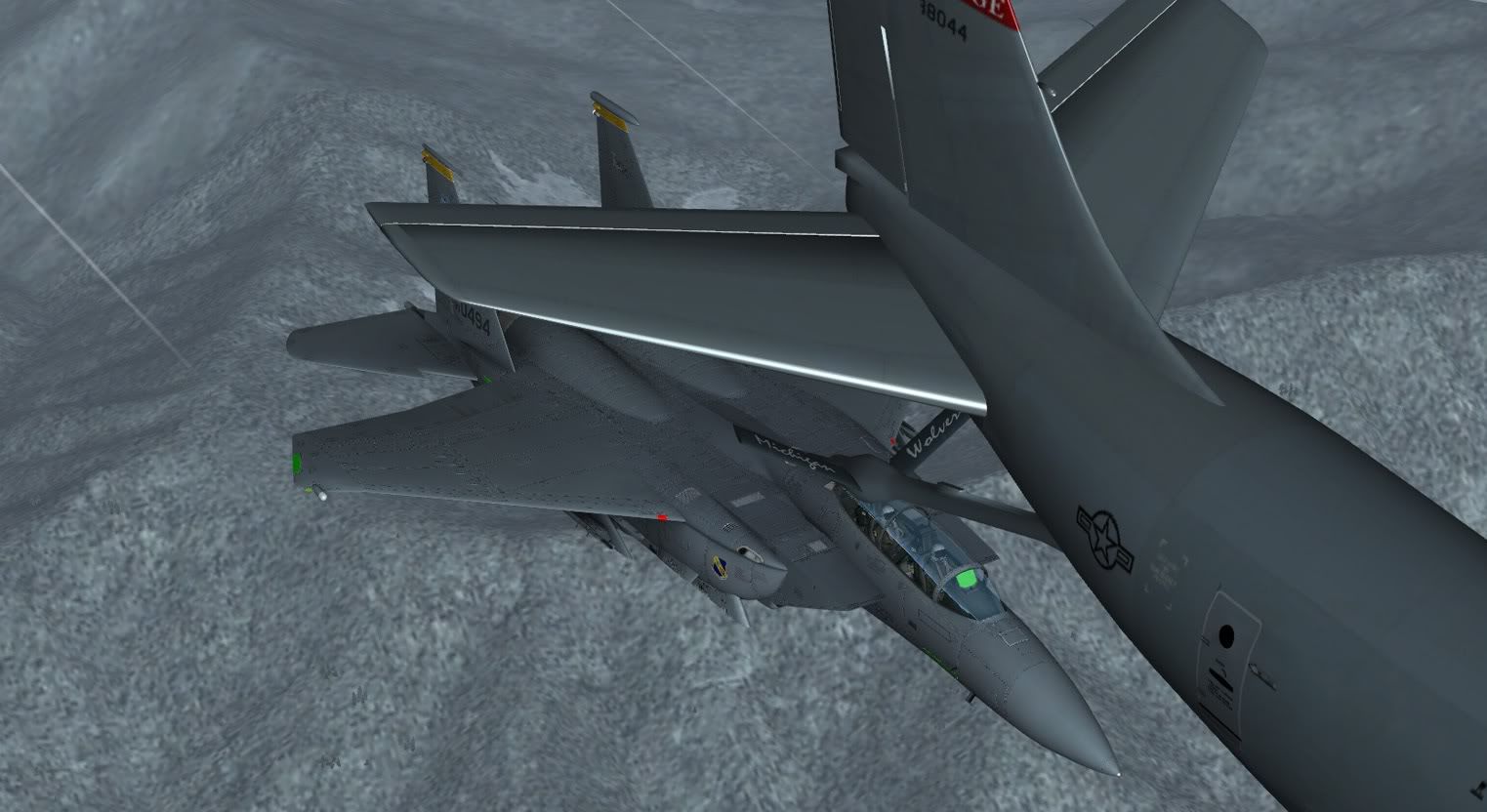
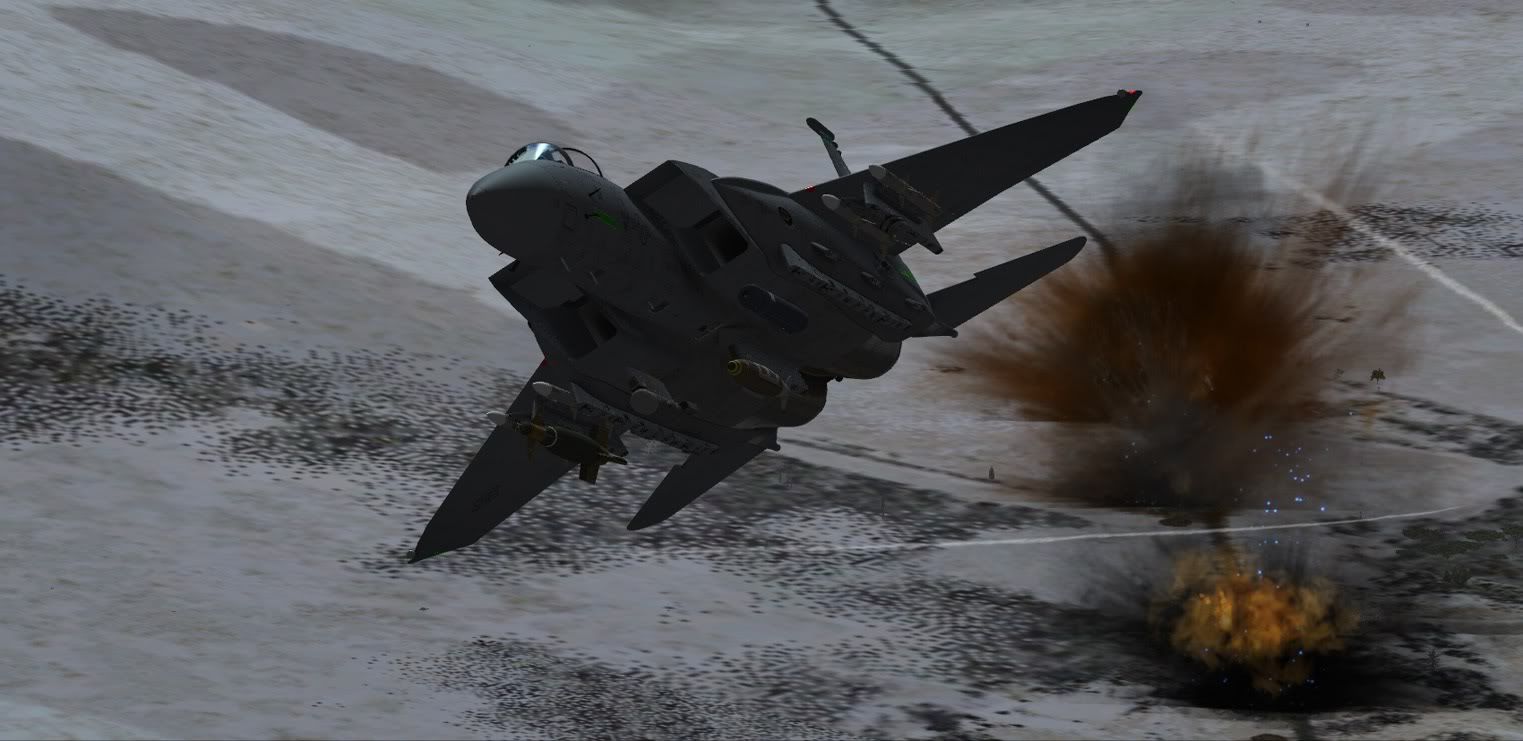
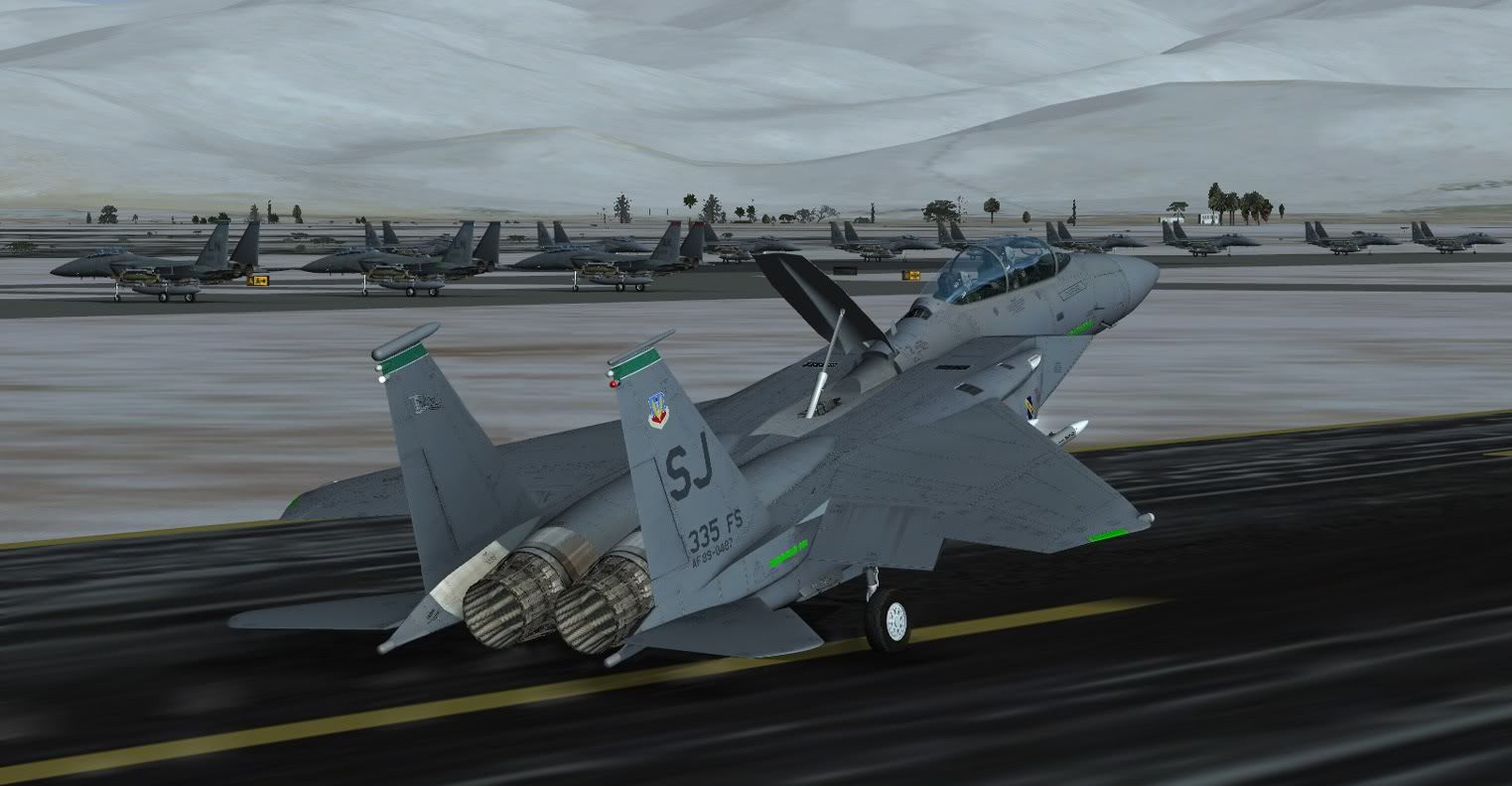
I am still only getting 10-12 fps at KEDW and 15 or so with chop out in the boonies with this bird. Time for me to mothball it and try again later after a long overdue new system build.
Then again I have never had a computer that liked any plane or heli with CRT displays. The Aerosoft F-16 being the sole exception.
Colin has asked me to pass along this potential solution to your frame rate issue:
It will require a small bit of manual editing using Notepad, but I think it is easy enough to implement.
1. Use Windows Explorer to path down to the jet's folder. Should be located in your FSX folder at: SimObjects/Airplanes/Milviz F-15E
2. Once inside the jet's folder, locate and open up the folder named model1
3. In this you will see three internal model files that are named: F15_10212_3.MDL, F15_10212_3_L.MDL, and F15_10212_3_VL.MDL
4. There is another file in there named model.cfg and you can open this using Notepad and make edits to it. By default, the highest resolution (and consequently the most demanding framerate version) is used and referenced in that model.cfg file. What you can do is amend the name of the model file used in the interior. Here is how:
5. Open the model.cfg file using Notepad and then you will see this entry at the bottom: "interior=F15_10212_3"
6. Edit this entry to read instead: "interior=F15_10212_3_L"
7. Save and then exit Notepad. Fire up FSX and select the F-15E and see how you like the framerates with the lower resolution jet. If you like it, then you are done. If you don't then repeat step 6 except name it to "interior=F15_10212_3_VL"
Hope that helps!
Ken

 .
.