
-
Please see the most recent updates in the "Where did the .com name go?" thread. Posts number 16 and 17.
-
Special Server Maintenance
Just when you think you have everything running some what better...
You get a message from the Hosting company. Short story they need to move us to a new server. I have been working with them to plan a good date for all concerned. Here is what we have come up with as a schedule.
- November 4th 17:00 -5UTC shut off the forums and start backup proceedures. During this time there will be no access to the forums or the Resource Section.
- November 5th Continue with Backups and download same until complete.
- November 6th 7:00 turn over server to hosting company to move system to new server
- November 7th - 8th restore backups and upgrade forum software.
If all goes well we should be back online on November 8th.
To keep you updated we will post updates on AVSIM forums.
Thank you for your support.
You are using an out of date browser. It may not display this or other websites correctly.
You should upgrade or use an alternative browser.
You should upgrade or use an alternative browser.
Milviz F-4E Phantom II
- Thread starter MenendezDiego
- Start date


Dumonceau
Banned
Check your e-mails guys, new build is out
Oh yeah! Downloading as I type!
And hoping that she'll smoke now!!

Last edited:
Stickshaker
SOH-CM-2023
I got one this morning or so.

dhazelgrove
Charter Member

Awesome, its P3dV2 now (the first version only up to 1.4)!
Downloading and testing!
Cheers,
Mark
Downloading and testing!
Cheers,
Mark

skyhawka4m
Charter Member
Did a couple of short flights, and there is indeed quite a bit of improvement. Sadly no smoke as yet... Essential for a Phantom, not?
Dumonceau
As long as its not a FPS issue.....like the 86 is for me.
When loading ordnance (shift+1) with the new version, after doing shift+1 I get the box on the screen and it's not readable. It's just a bunch of lines covering up the square. In the previous version I enlarged the square (?) and then I could see the various attachments for the aircraft. That doesn"t work on the new version. Am I doing something wrong? or did I load the aircraft wrong? Can anybody help?

Ian Warren
Charter Member
It maybe a bad d/load everything worked fine here regard to weapon loading .When loading ordnance (shift+1) with the new version, after doing shift+1 I get the box on the screen and it's not readable. It's just a bunch of lines covering up the square. In the previous version I enlarged the square (?) and then I could see the various attachments for the aircraft. That doesn"t work on the new version. Am I doing something wrong? or did I load the aircraft wrong? Can anybody help?

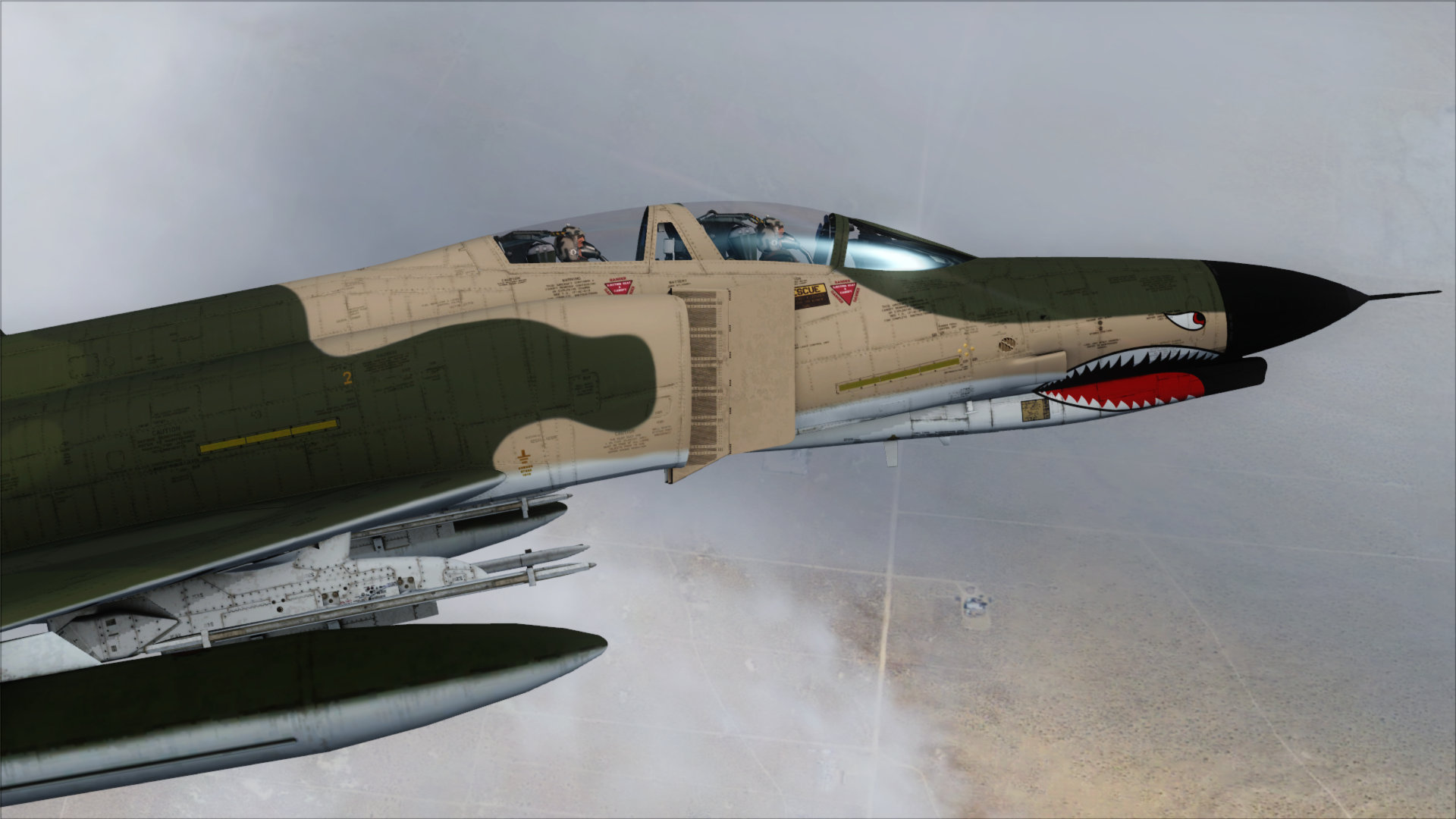
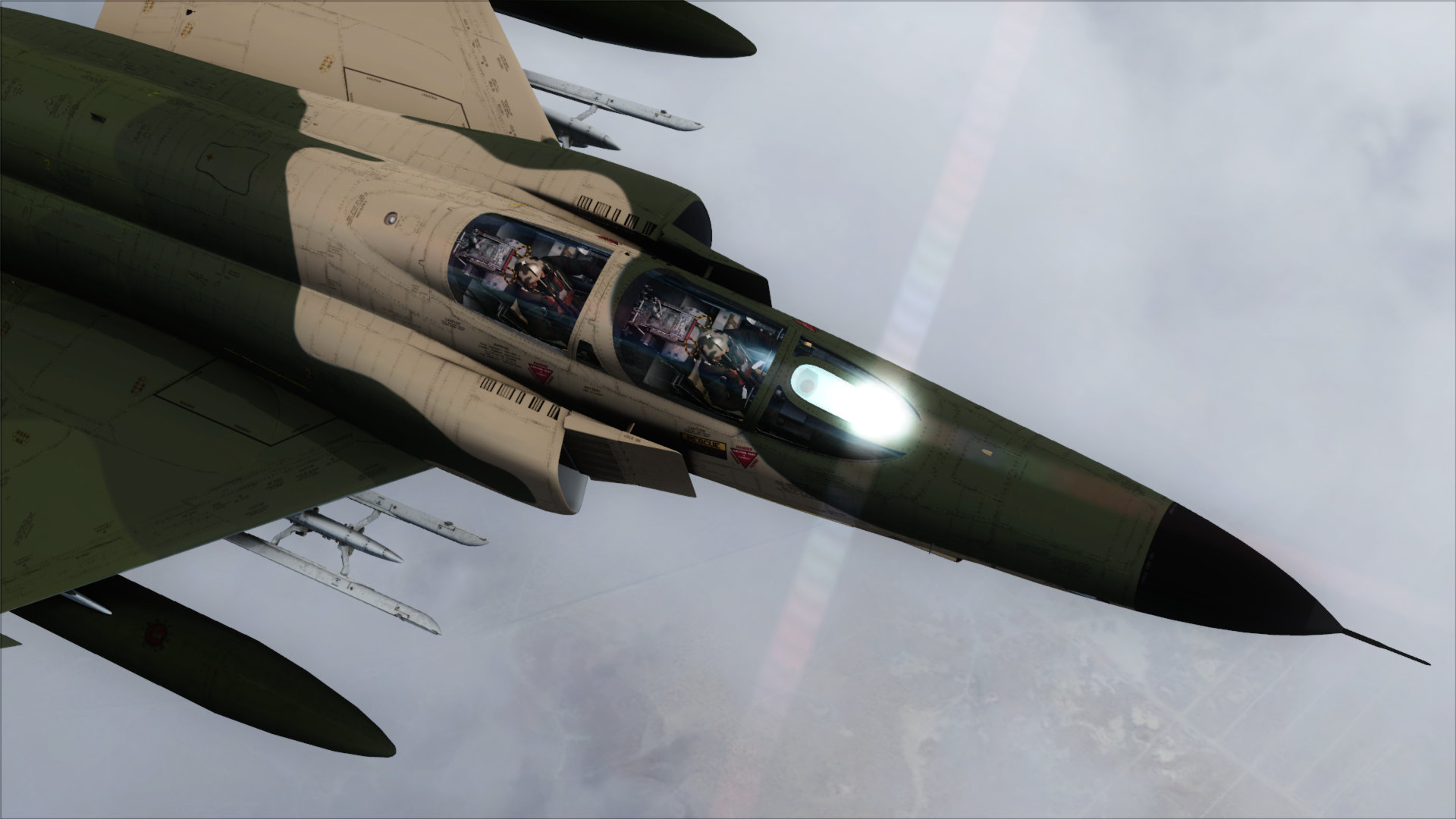
Ian Warren
Charter Member
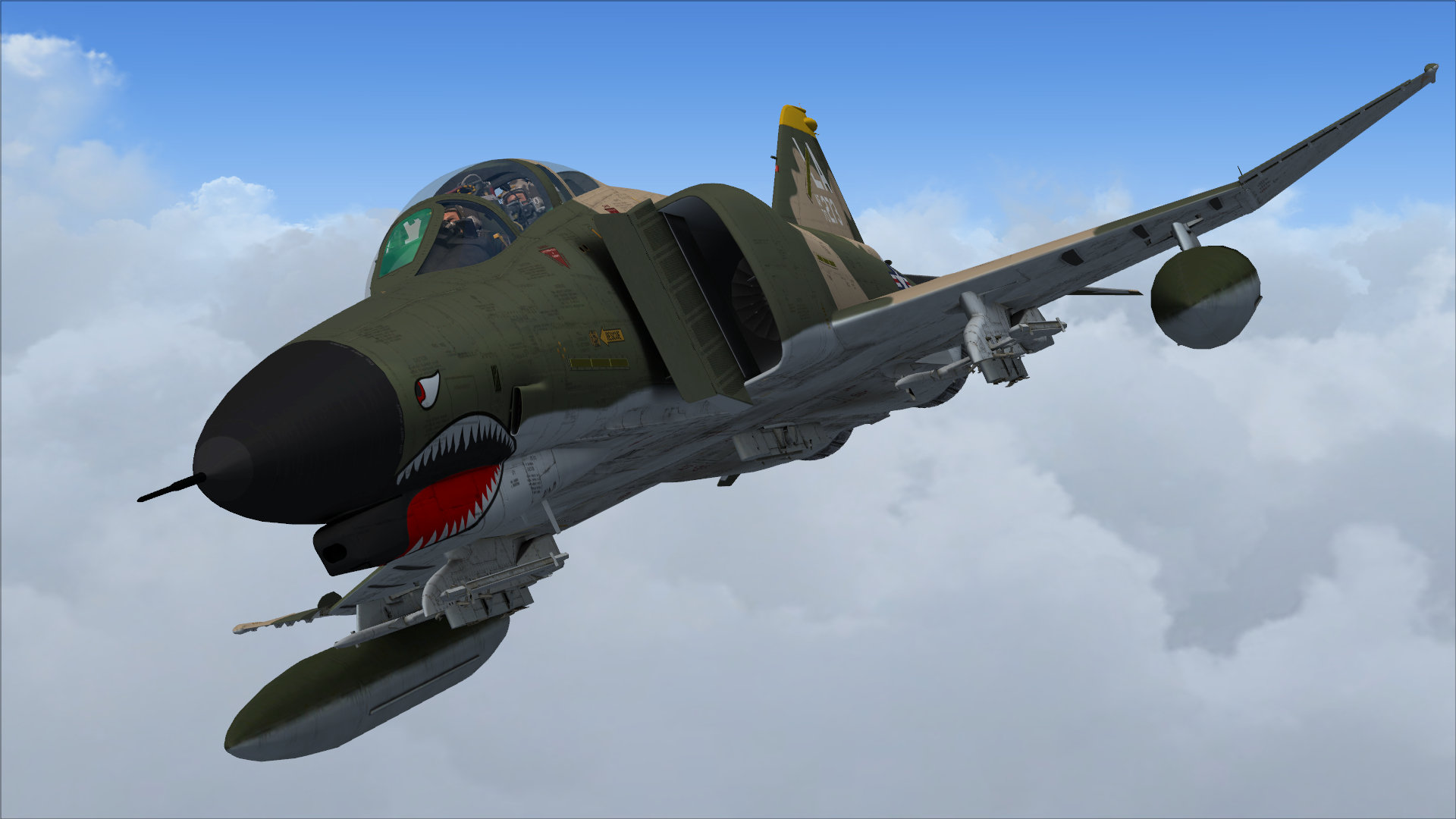
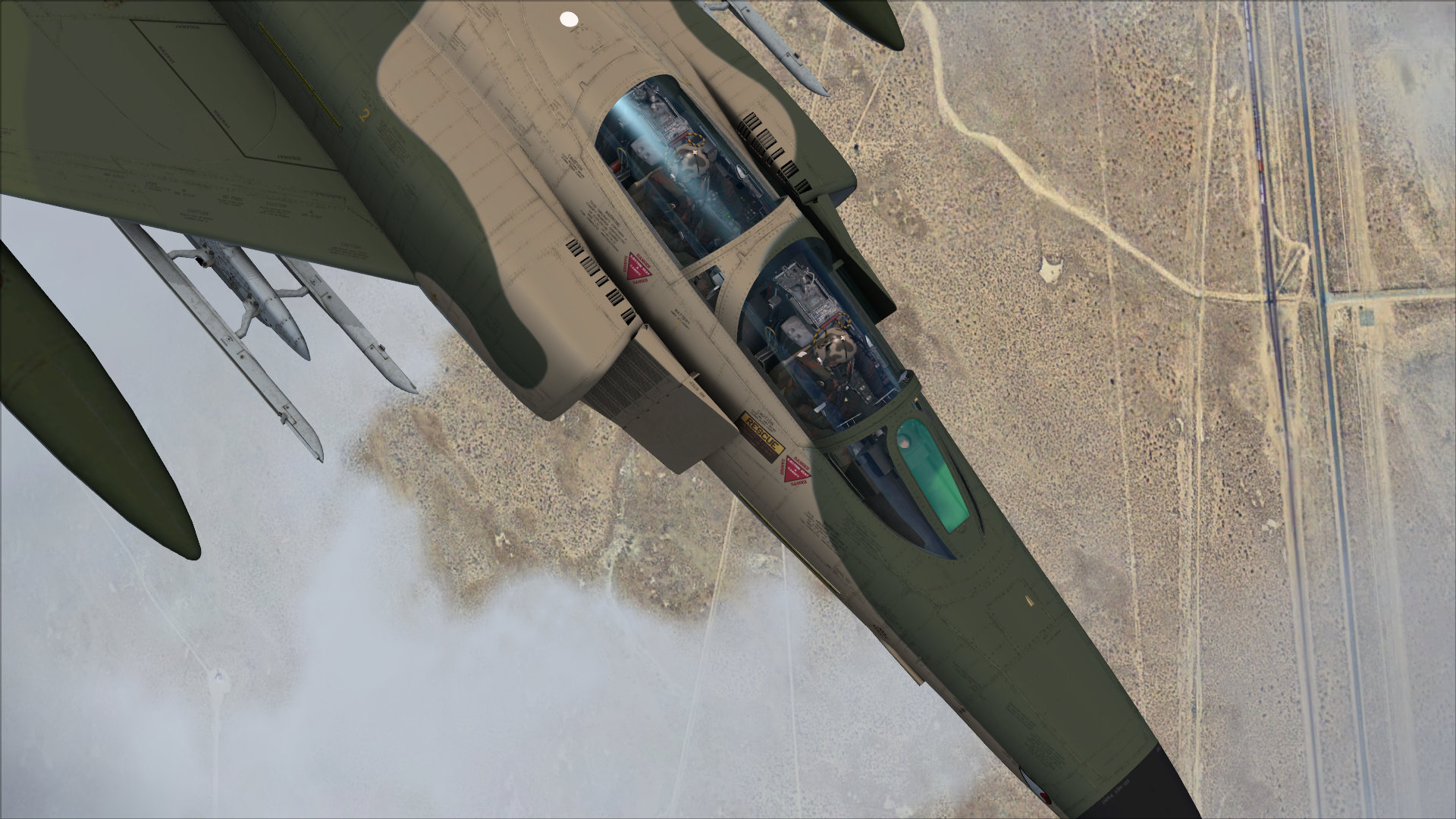
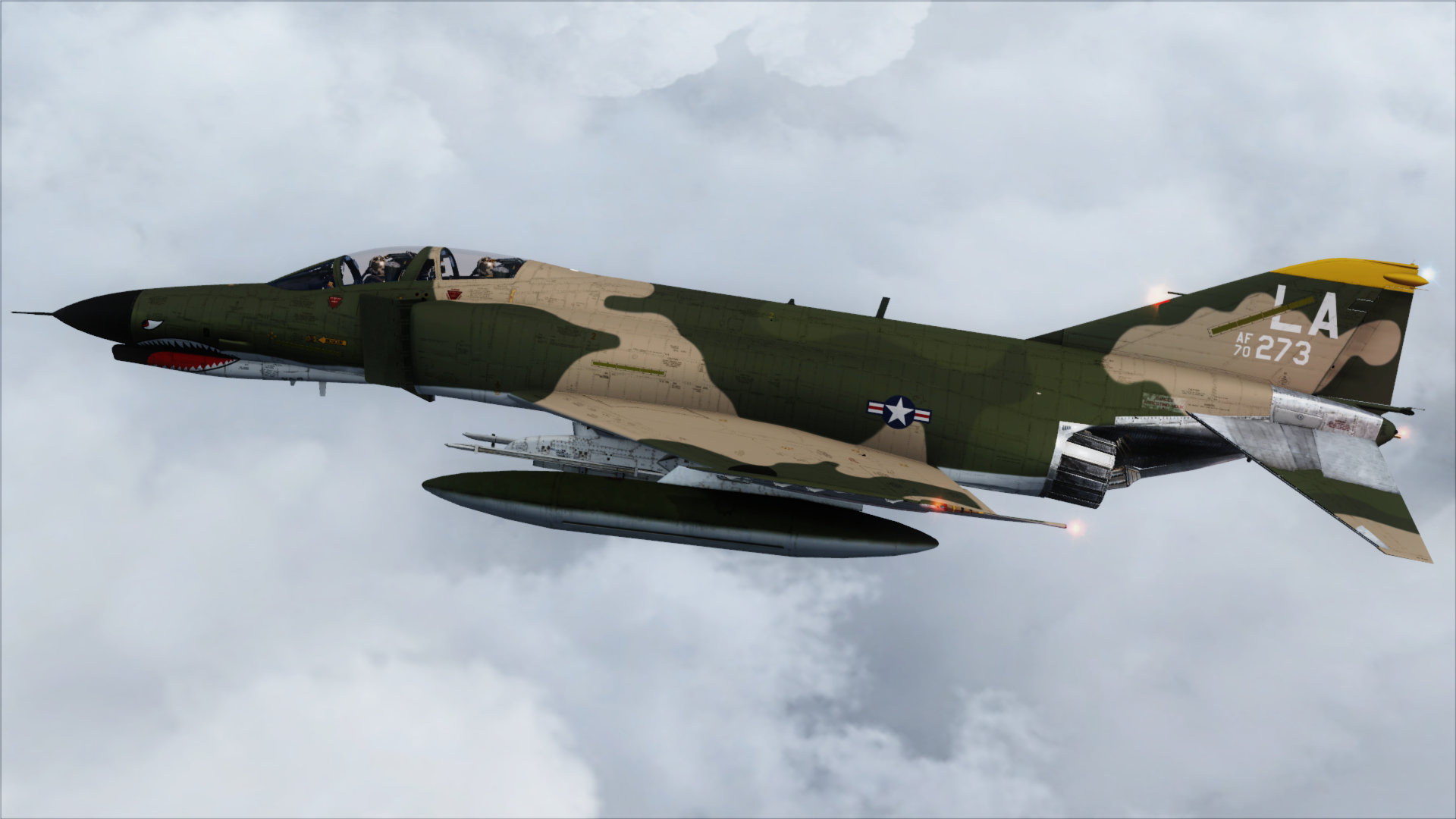
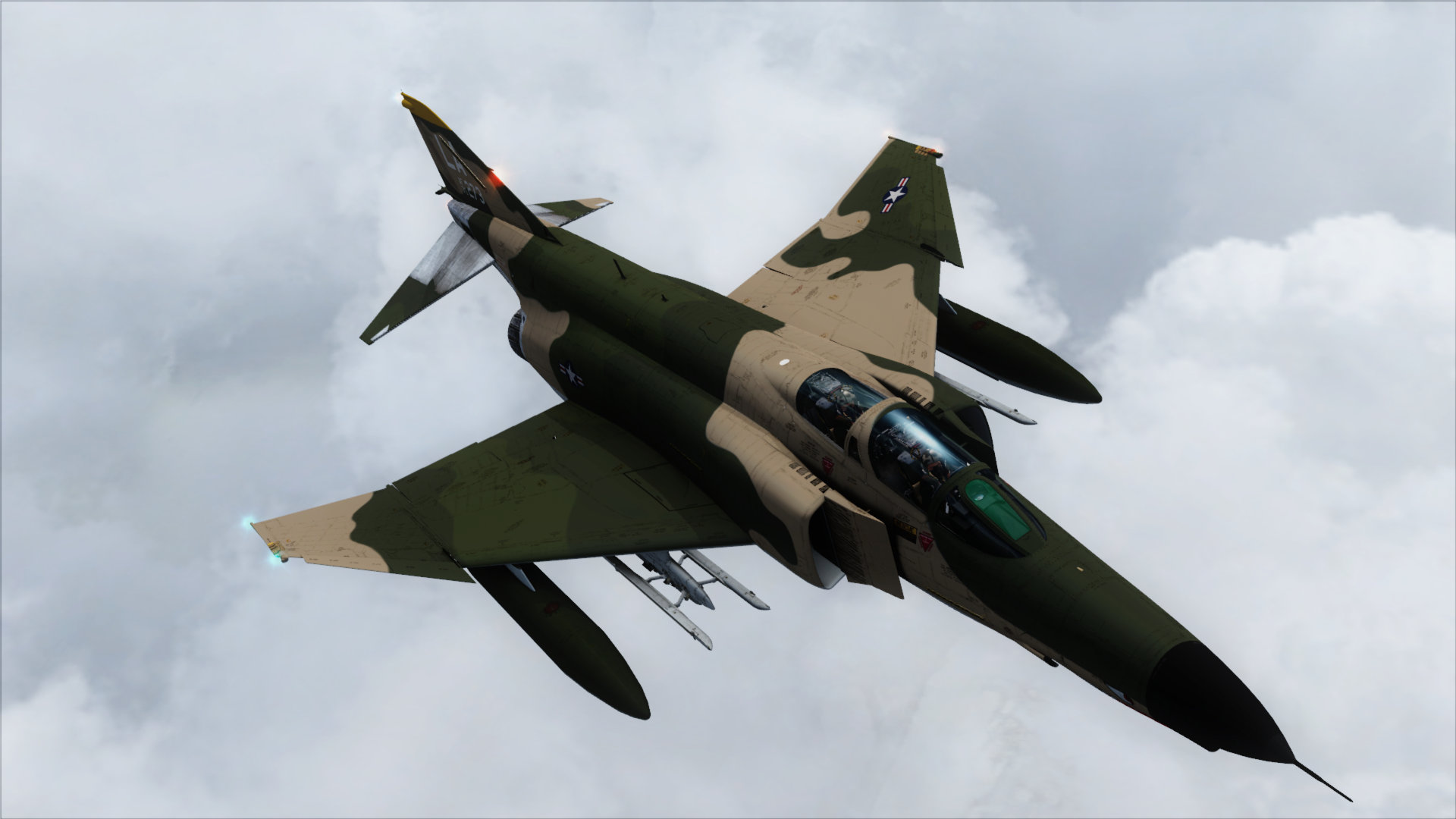
RICK! .. dang Snazzy screens 

strykerpsg
SOH-CM-2026
Very nice! I am so envious. Purchase as soon as Thrustmaster gets repaired.
Looks great!
Hopefully we'll see additional variety in national operators as well!
http://en.wikipedia.org/wiki/McDonnell_Douglas_F-4_Phantom_II_non-U.S._operators
Hopefully we'll see additional variety in national operators as well!
http://en.wikipedia.org/wiki/McDonnell_Douglas_F-4_Phantom_II_non-U.S._operators
Naruto-kun
Charter Member
Jim, the graphics glitch is caused by something that DirectX11 does with images with unusual dimensions (like in this case 800x439) on certain video cards. It took me a while to debug things since it wasn't happening on my pute and I had to work remotely. As such the fix for it was only completed too late to make it into this build. I had to prevent resizing of the window because it caused CTDs for some. The fix will be out in the next iteration.
Dumonceau
Banned
Jim, the graphics glitch is caused by something that DirectX11 does with images with unusual dimensions (like in this case 800x439) on certain video cards. It took me a while to debug things since it wasn't happening on my pute and I had to work remotely. As such the fix for it was only completed too late to make it into this build. I had to prevent resizing of the window because it caused CTDs for some. The fix will be out in the next iteration.
Is there a workaround that we could implement ourselves??
Sorry for the bother,
Dumonceau
Naruto-kun
Charter Member
Im afraid not. It required some special programming to fix.