FlameOut
SOH-CM-2026
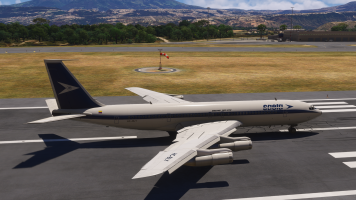
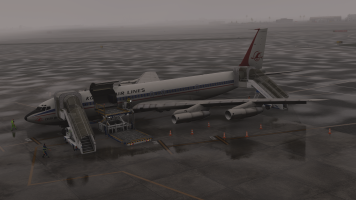
They have done a top shelf recreation on this jet and it's too bad that I only had 2 days or so to enjoy it!
I'm using MH Dennis's GSX profile (GSX Profile for the inbuilds / Working Titles Boeing 707-320C) to correctly position the stairs, parking cones etc.
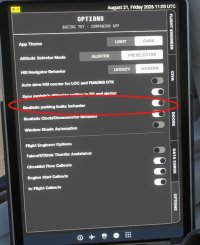
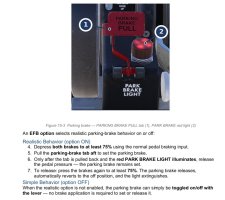
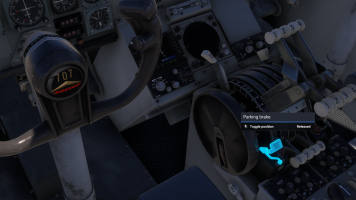
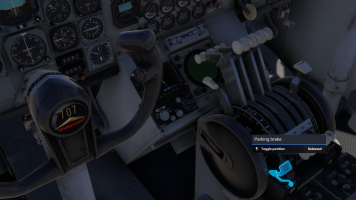
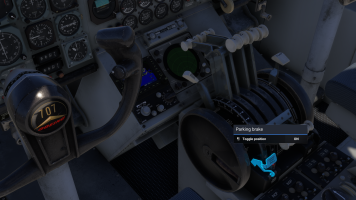
Just asking, could that have goobered up the "Set parking brake"?
And here is another warning that I have:
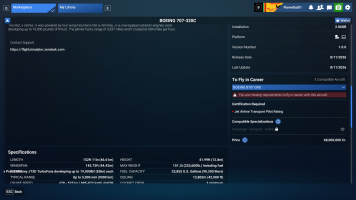 I do not fly in Career Mode.
Just asking, could that have goobered up the "Set parking brake"?
I have not seen anyone reporting this issue over at the Official MSFS 2024 Forum.
I have not filed a "Bug Report"
Searching for "Set Parking Brake" in the MSFS 2024 Forums will only garnish a result of "Toggle Parking Brake" going all the way back to September 2024.
In this post there was a comment in March 2025 about the Left Brake Axis being erroneously applying brake pressure at a 50% level above the "Neutral Slider" and you had to go into the sensitivities section and reset & save at a "Zero Level"
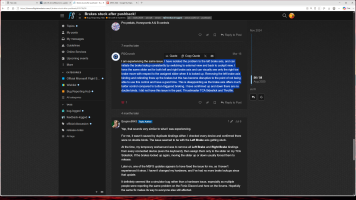
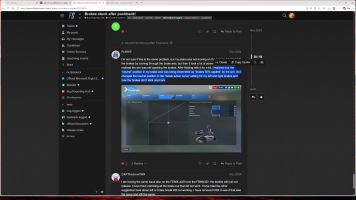
Well crap that doesn't work!
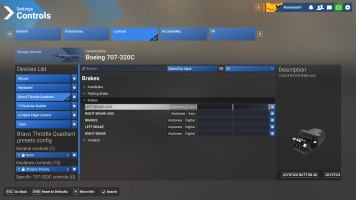
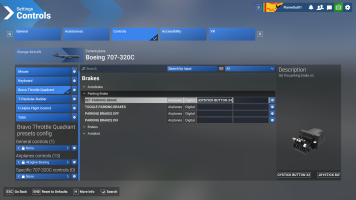
None of these boxes are clickable
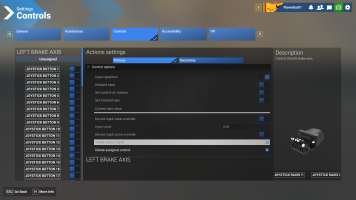
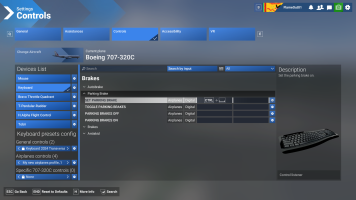
Ah-ha, by chance I clicked on some of the "Joystick Buttons" on the left side of this box and then the boxes on the right became clickable!
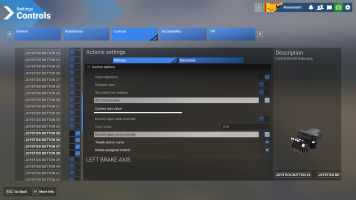
I do not know what these damn things do!
Why don't they(Asosbo/Microsoft) make these "Buttons, Axis's, Input, Curve Override etc. do something like blink on & off, slide left & right, change colors, vibrate or do a damn back flip or something so I can see what is doing what like they did in MSFS 2020.
And they went through all of the trouble to have a little picture of my Honeycomb Bravo Unit why don't they make that little mutha light up and show me which button, toggle switch or axis is supposed to be moving! Grrrrr.(
I use SimHanger Flight Simulation's Honeycomb Bravo profiles for all of my assignment needs and have followed his videos. The 4Engine-Boeing specifically.
I deleted every one of those profiles thinking they may have become corrupt. I redownloaded the whole set of them again and imported them as per his instructions.
Profiles :
https://drive.google.com/drive/folders/1cOqzErkm78FwD5h_XA5R9aXfJLAKUjp1
I've unplugged and changed USB ports of my Honeycomb Bravo Unit USB cable both using the simulation and not using the simulation.
The Set Parking Brake toggle switch on my Honeycomb Bravo Unit works for every other aircraft that I've tested in MSFS 2024.
I also have another problem on the 4 engine jets: 707, 747, & the Dreamlifter
Engines 3 & 4 work correctly in all engine phases like forward thrust, reverse thrust, idle, and cutoff but engines 1 & 2 give only forward thrust. The reverse thrust pedals do not move into their positions.
Thanks for bearing with me.
- Don