• Please see the most recent updates in the "Where did the .com name go?" thread. Posts number 16 and 17.

    Post 16 Update

    Post 17 Warning old domain name stealing credentials

  • Special Server Maintenance

    Just when you think you have everything running some what better...

    You get a message from the Hosting company. Short story they need to move us to a new server. I have been working with them to plan a good date for all concerned. Here is what we have come up with as a schedule.

    1. November 4th 17:00 -5UTC shut off the forums and start backup proceedures. During this time there will be no access to the forums or the Resource Section.
    2. November 5th Continue with Backups and download same until complete.
    3. November 6th 7:00 turn over server to hosting company to move system to new server
    4. November 7th - 8th restore backups and upgrade forum software.

    If all goes well we should be back online on November 8th.

    To keep you updated we will post updates on AVSIM forums.

    Thank you for your support.

Parking brake keys

gray eagle

SOH-CM-2026
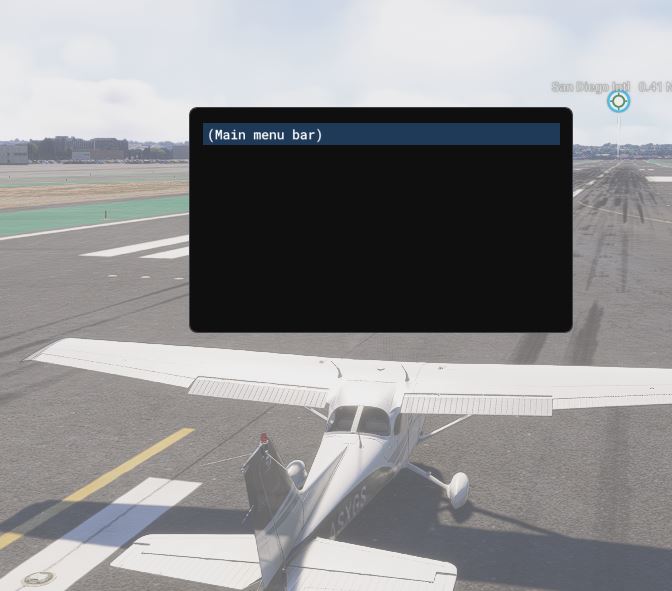
When I press the CTRL + Enter keys (Park Brake) a menu bar screen will appear for as long as I hold those two keys down, upon release, it disappears.
I have SU 5 installed.

Capture.jpg


Capture1.jpg
 
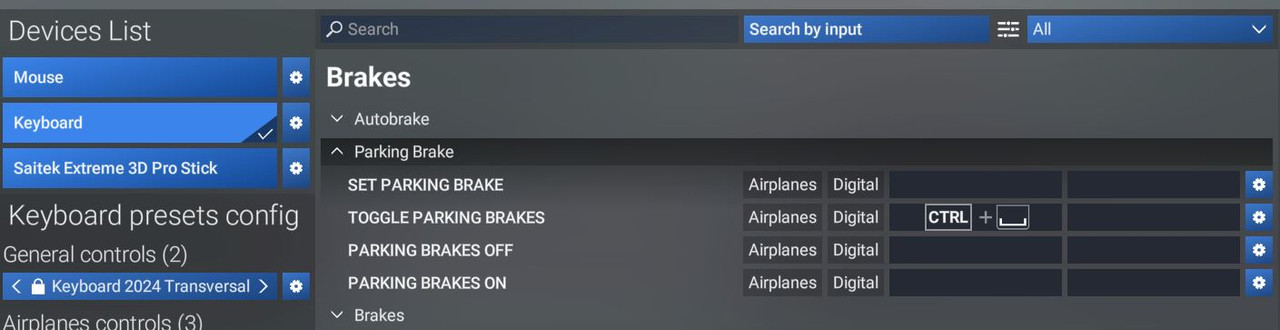
Hi, Butch! Never saw that particular symbol used to represent enter key before. I can do a Right-click on the image and it does a "Search this image with Google Lens".

The image shows the control mapping menu for Microsoft Flight Simulator 2024. [1, 2]
  • Parking Brake Controls: The menu displays options to set, toggle, turn off, or turn on the parking brake.
  • Default Binding: The "Toggle Parking Brakes" command is currently assigned to CTRL + Backslash.
OK, I think I got it. That should be CTRL+Space.
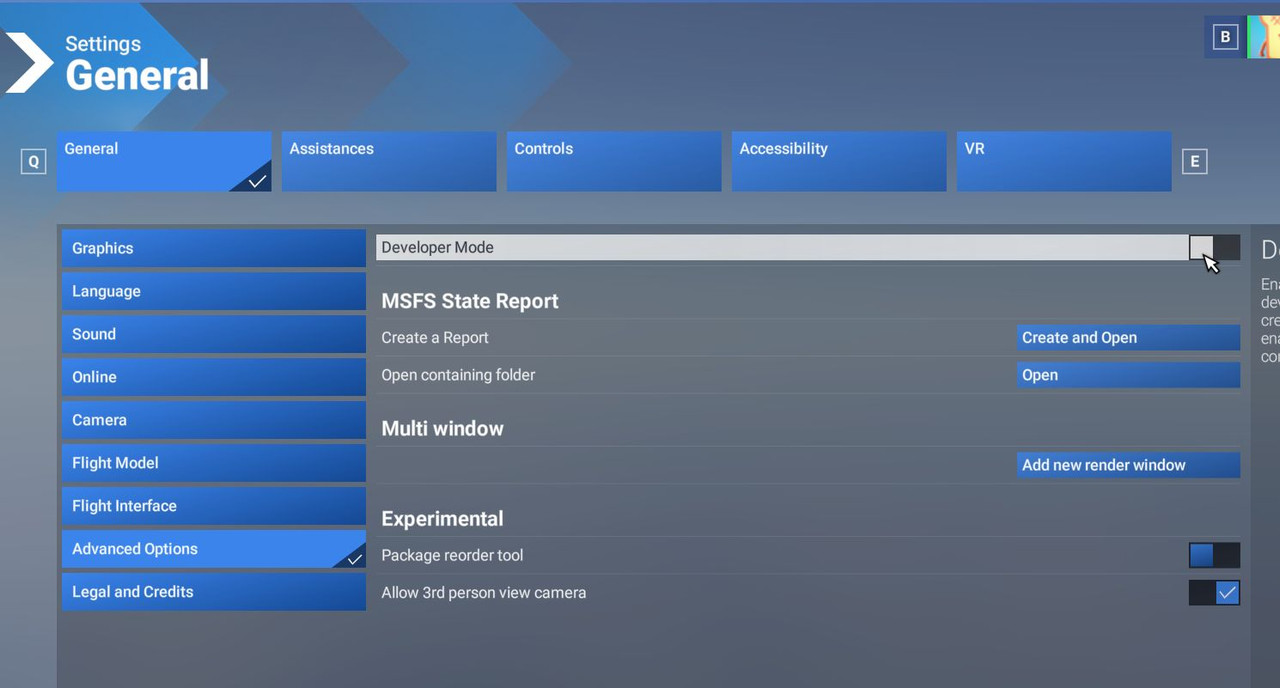
Screenshot 2026-05-08 5.07.30 PM.png

In Microsoft Flight Simulator 2024, the CTRL+ENTER key combo is primarily used to launch or fly from the main menu after selecting a departure/arrival point. It acts as a shortcut to skip directly to the flight, acting similarly to selecting the "Fly" button, and is often used alongside the [G] key for menu navigation. [1]
 
Last edited:
Back
Top