-
Please see the most recent updates in the "Where did the .com name go?" thread. Posts number 16 and 17.
-
IMPORTANT DOWNLOADING INFORMATION - ALL MEMBERS PLEASE READ
Please see this thread for updates. Update Thread
SOH ADMINISTRATION
You are using an out of date browser. It may not display this or other websites correctly.
You should upgrade or use an alternative browser.
You should upgrade or use an alternative browser.
Rob's F2H-2 BANSHEE for P3Dv4.5 is out
- Thread starter noddy
- Start date


delta_lima
Charter Member 2015
Awesome Jan!!
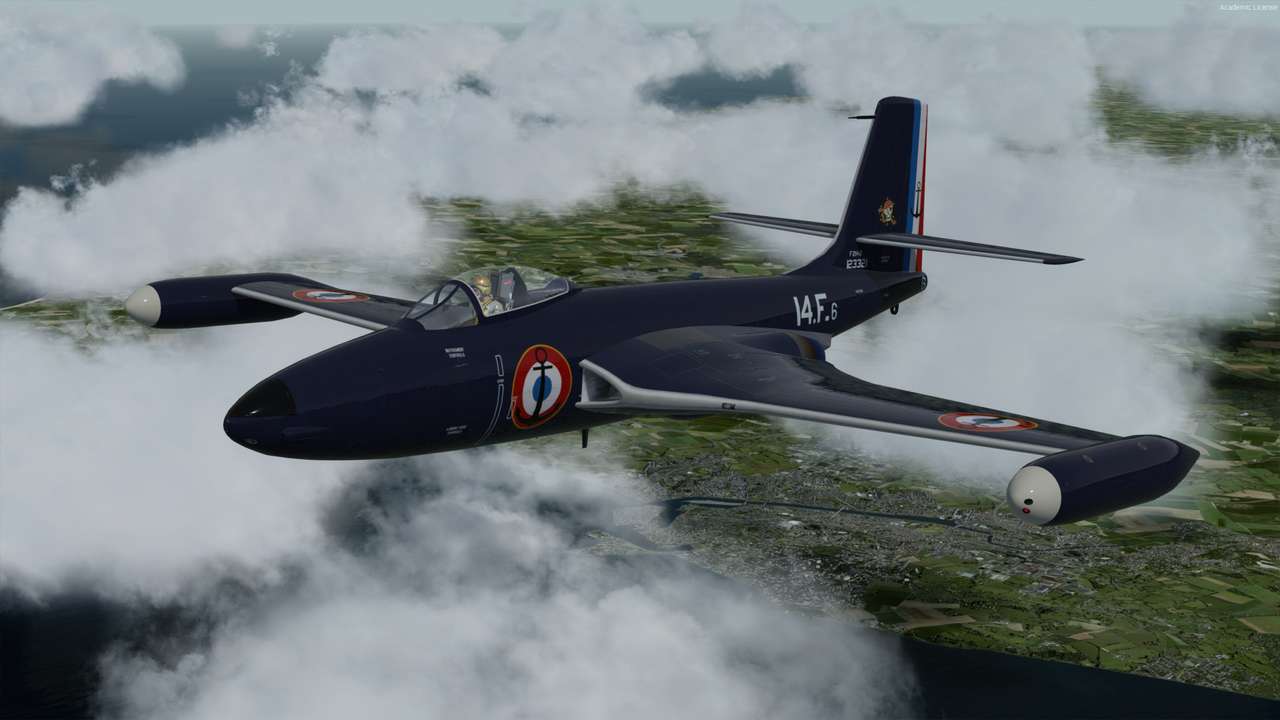
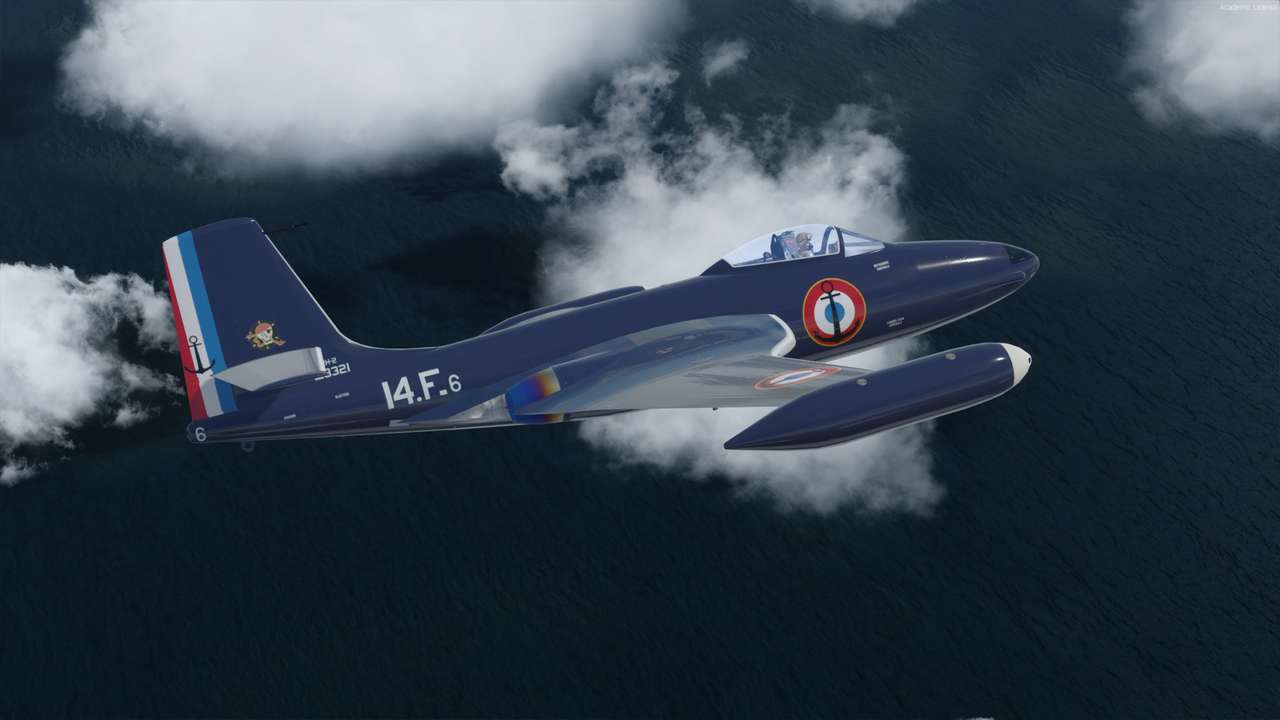
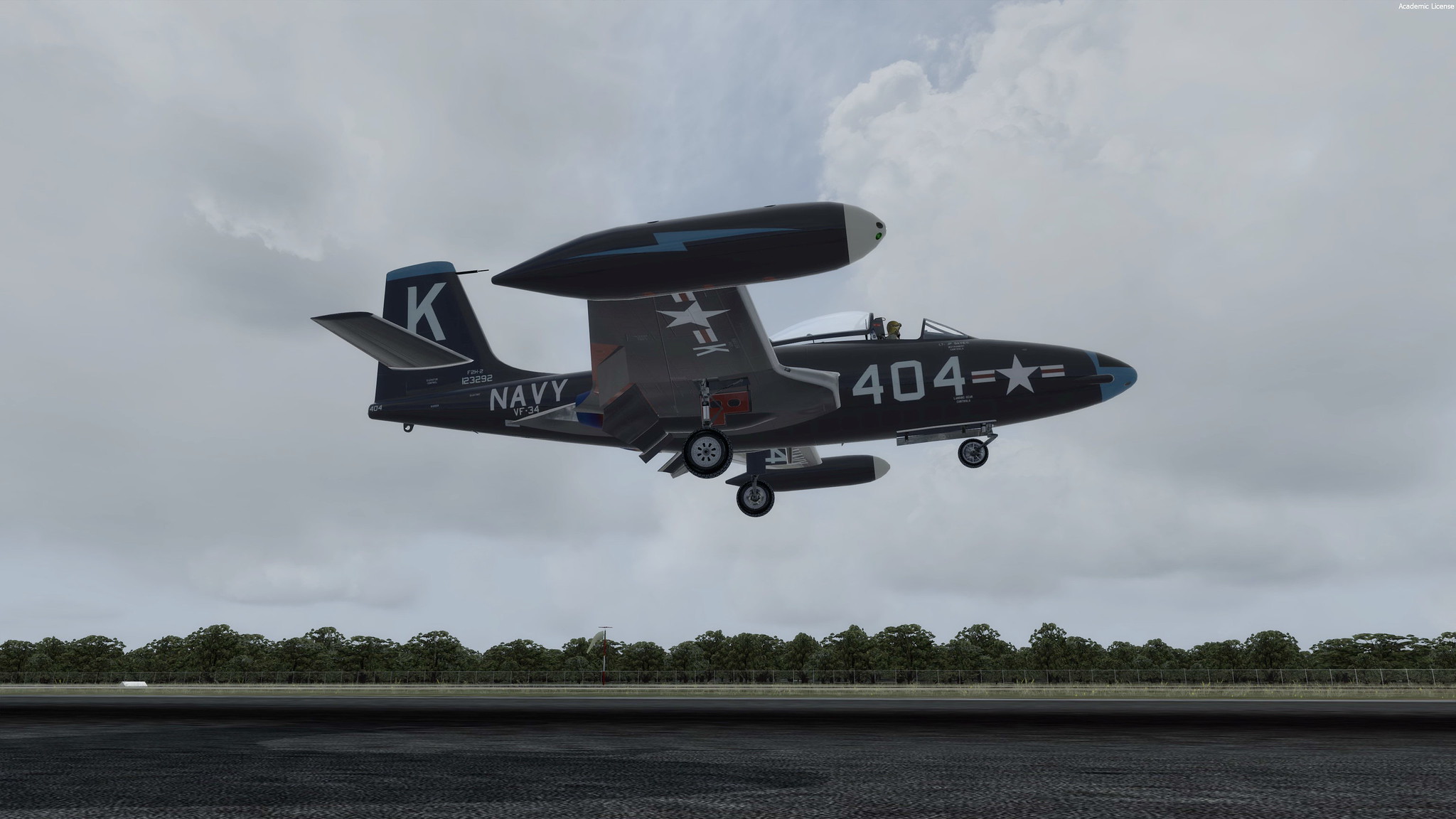
That RCN paint now looks dead right. That one, the VMF-224, and VF-34 are going to be my favourite mounts on this model!
Thanks so much!
dl
That RCN paint now looks dead right. That one, the VMF-224, and VF-34 are going to be my favourite mounts on this model!
Thanks so much!
dl
Guns, smoke, noise and shell casings!
For a bit of fun, add this effect for the nose guns/cannons with the following entries:
[SMOKESYSTEM]
Smoke.0 = -10.0, 3.2, -0.4,fx_Sea_Venom_Smoke.fx
Smoke.1 = -10.0, -3.2, -0.4,fx_Sea_Venom_Smoke.fx
smoke.2= 15.9, 0.6, -0.8, fx_Wing_Guns
smoke.3= 15.9,-0.6, -0.8, fx_Wing_Guns
Your "I" key may fire these but you may want to (also) map it to a button.
NB: these were my coordinates above for the Razbam F2H so you might want to play around with them for better alignment.
For a bit of fun, add this effect for the nose guns/cannons with the following entries:
[SMOKESYSTEM]
Smoke.0 = -10.0, 3.2, -0.4,fx_Sea_Venom_Smoke.fx
Smoke.1 = -10.0, -3.2, -0.4,fx_Sea_Venom_Smoke.fx
smoke.2= 15.9, 0.6, -0.8, fx_Wing_Guns
smoke.3= 15.9,-0.6, -0.8, fx_Wing_Guns
Your "I" key may fire these but you may want to (also) map it to a button.
NB: these were my coordinates above for the Razbam F2H so you might want to play around with them for better alignment.
Attachments
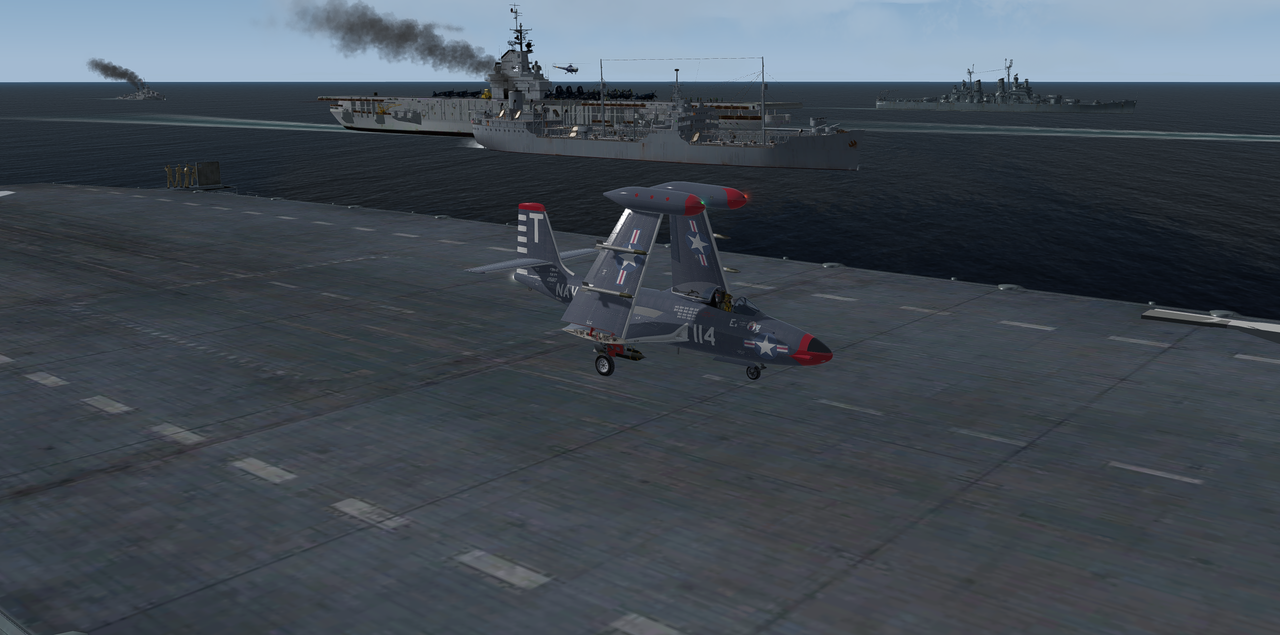
Goes so well with Klaus's Korea area ships! One thing I notice is that in bright day light the color is more lightish blue grey and more glassy, whereas in my first screenie a few posts above, this was at dusk and the glossy sea blue looked right on the money. Now, this is due I am sure to P3Dv4 HDR + dynamic lighting and the tomatoe shaders I am using. Notice this effect with other aircraft with these settings.

robcarrich
SOH-CM-2026
Goes so well with Klaus's Korea area ships! One thing I notice is that in bright day light the color is more lightish blue grey and more glassy, whereas in my first screenie a few posts above, this was at dusk and the glossy sea blue looked right on the money. Now, this is due I am sure to P3Dv4 HDR + dynamic lighting and the tomatoe shaders I am using. Notice this effect with other aircraft with these settings.
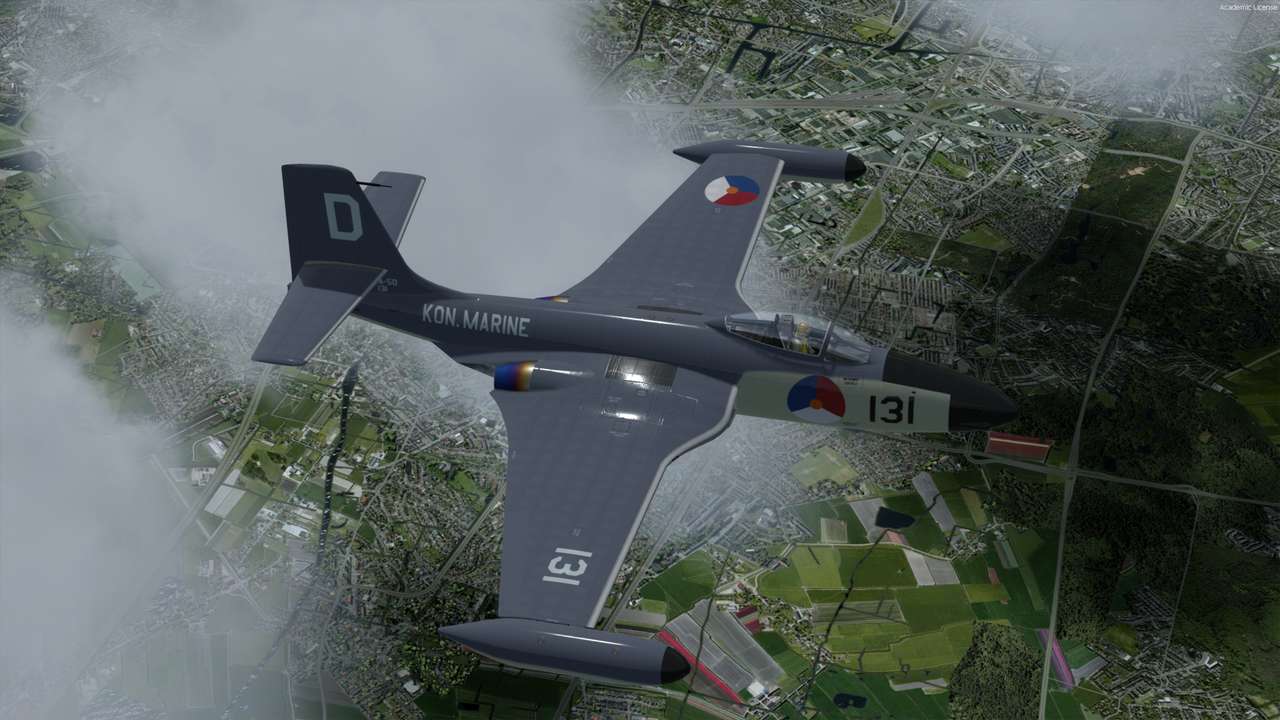
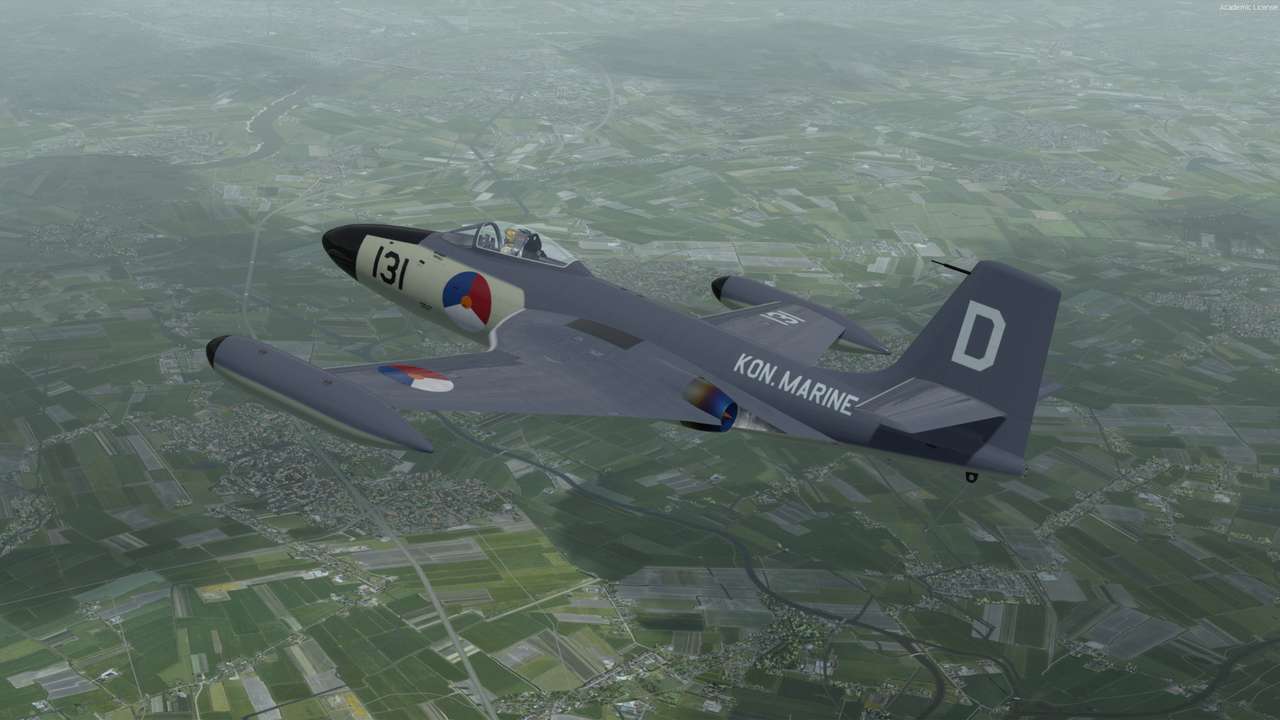
Just posted an updated P3D model to hopefully correct that texture issue, also added g meter reset switch, hud vis switch and one or two other small improvements.
delta_lima
Charter Member 2015
Rob,
New model is great. I appreciated the "HUD on/off" toggle, and the resetable G meter.
Thanks again - will get lots of use out of this one. Love that you've given attention to 1950s USN birds that doubtlessly would never have been modeled.
Jan, installed the repaints yesterday - they're delightful.
Cheers all,
dl
New model is great. I appreciated the "HUD on/off" toggle, and the resetable G meter.
Thanks again - will get lots of use out of this one. Love that you've given attention to 1950s USN birds that doubtlessly would never have been modeled.
Jan, installed the repaints yesterday - they're delightful.
Cheers all,
dl

gray eagle
SOH-CM-2026
For a bit of fun, add this effect for the nose guns/cannons with the following entries:
[SMOKESYSTEM]
Smoke.0 = -10.0, 3.2, -0.4,fx_Sea_Venom_Smoke.fx
Smoke.1 = -10.0, -3.2, -0.4,fx_Sea_Venom_Smoke.fx
smoke.2= 15.9, 0.6, -0.8, fx_Wing_Guns
smoke.3= 15.9,-0.6, -0.8, fx_Wing_Guns
Your "I" key may fire these but you may want to (also) map it to a button.
NB: these were my coordinates above for the Razbam F2H so you might want to play around with them for better alignment.
I'd like to know where this fx_Sea_Venom_Smoke.fx is at and what is it supposed to do?
I did not see that effect file for the FSX version?

MrZippy
SOH-CM-2026
I'd like to know where this fx_Sea_Venom_Smoke.fx is at and what is it supposed to do?
I did not see that effect file for the FSX version?
Venom smoke (i) key gives smoke out the tailpipe for a few seconds. The effect should be in your Effects folder.


jankees
SOH-CM-2026

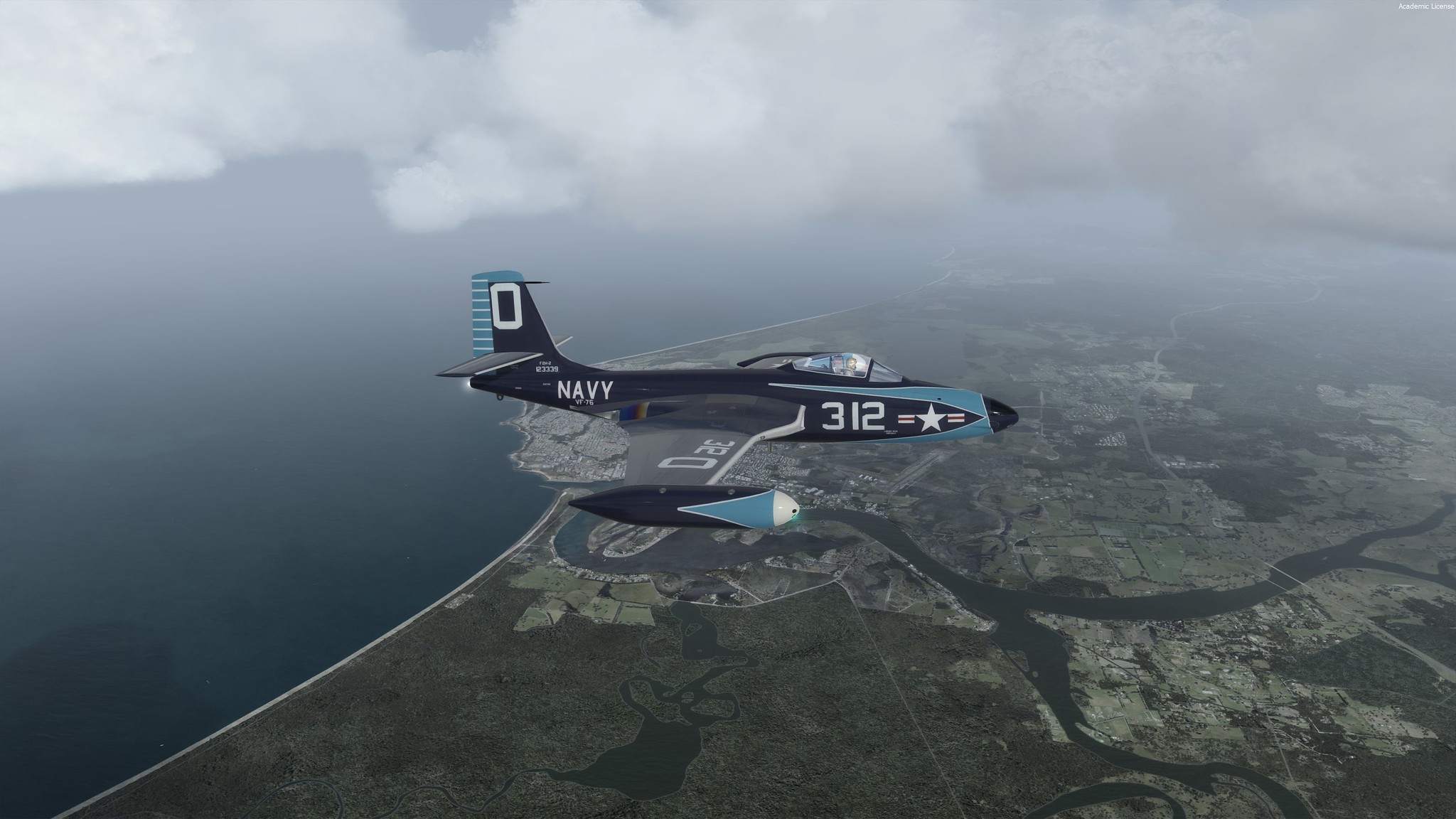

WarHorse47
SOH-CM-2024
Love those latest paints, Jankees. 
delta_lima
Charter Member 2015
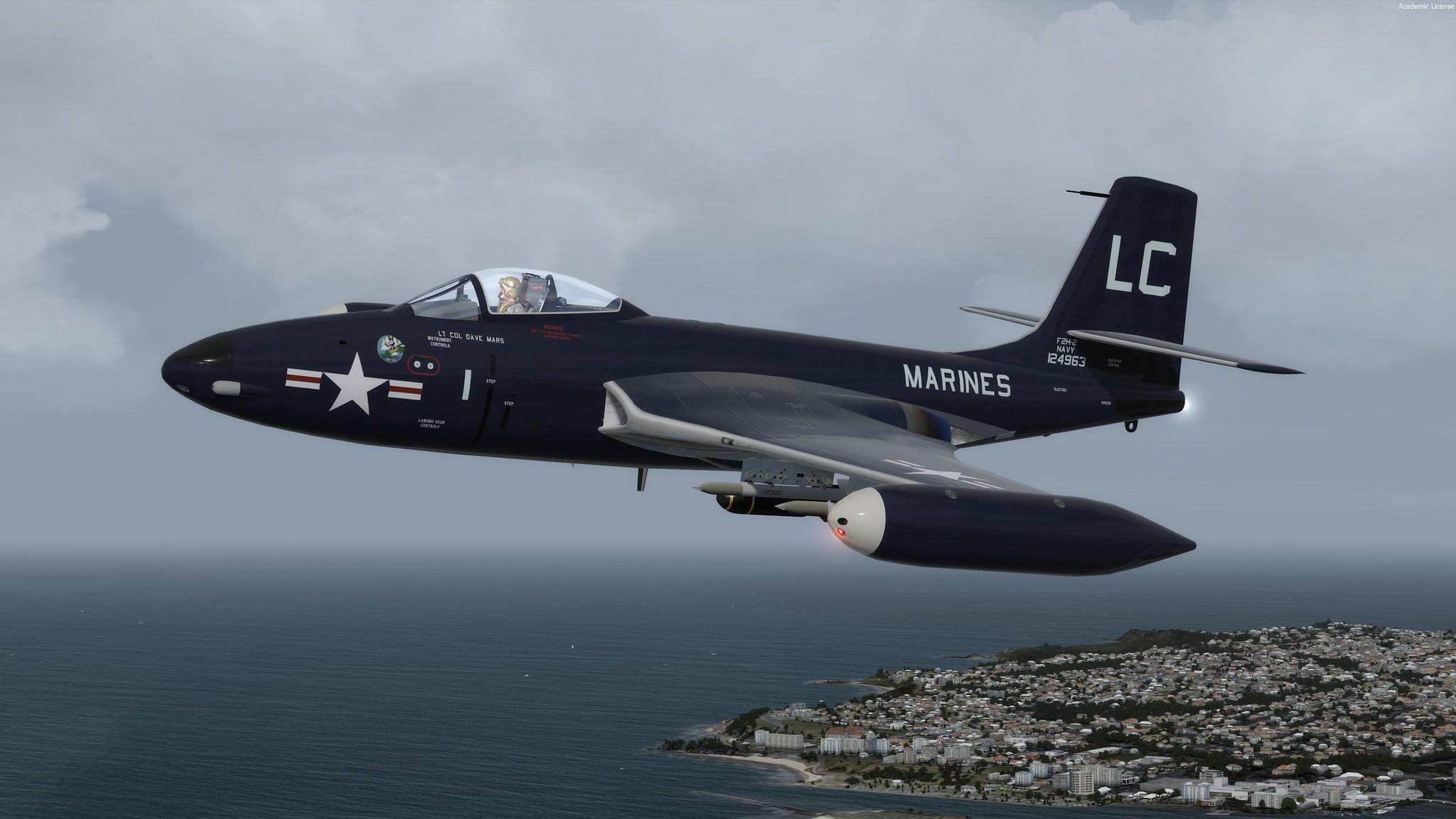
Thanks Jankees for another USMC paint. It's lovely!
dl
dl
jankees
SOH-CM-2026
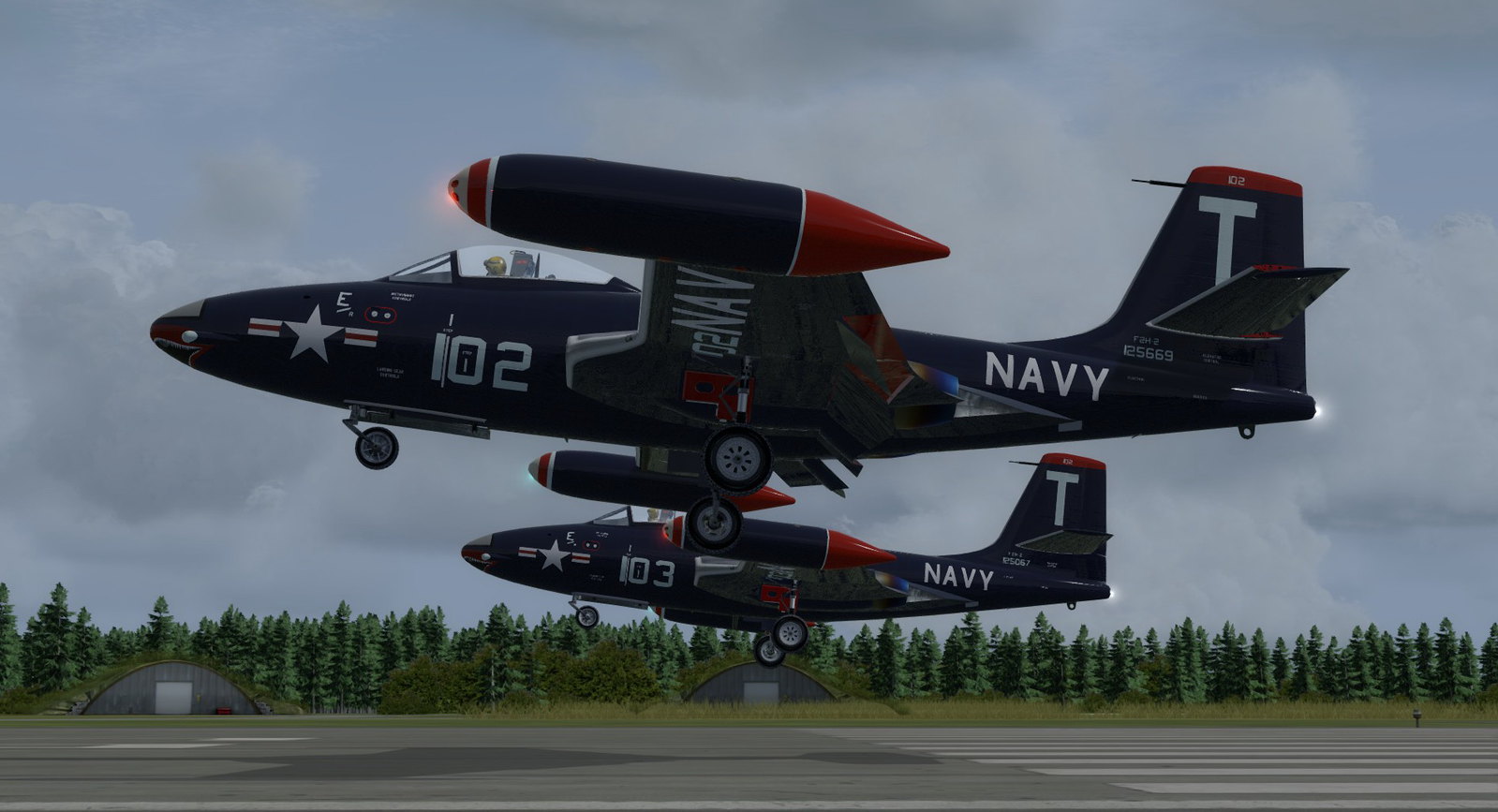
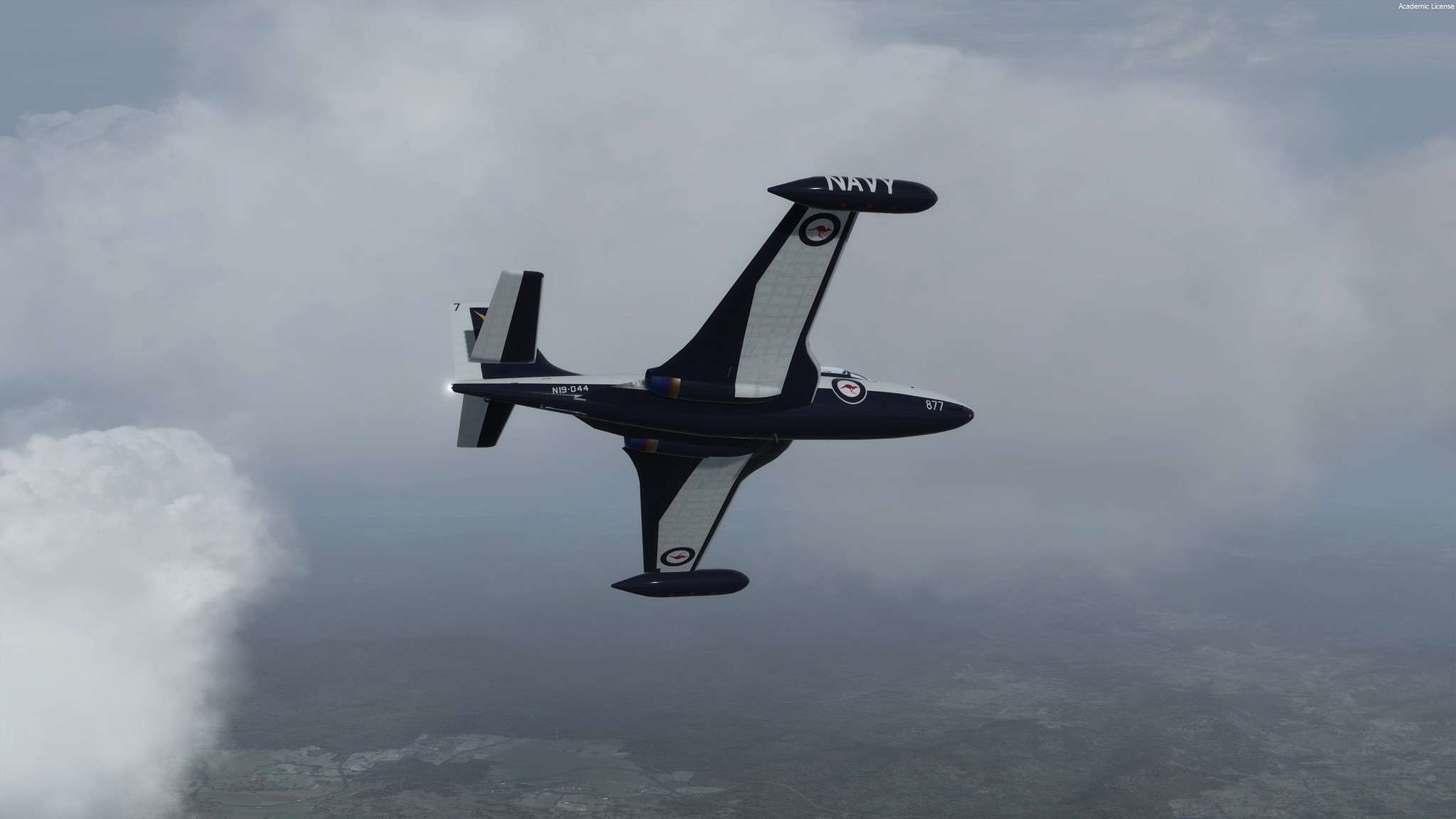
I'm glad you like them, they have been uploaded so have fun
and if you can, do post a screenshot, I'd appreciate it.
 2020-1-20_22-12-45-667
 2020-1-19_22-57-47-787
 2020-1-19_23-17-25-138
and if you can, do post a screenshot, I'd appreciate it.
2020-1-20_22-12-45-667 2020-1-19_22-57-47-787 2020-1-19_23-17-25-138