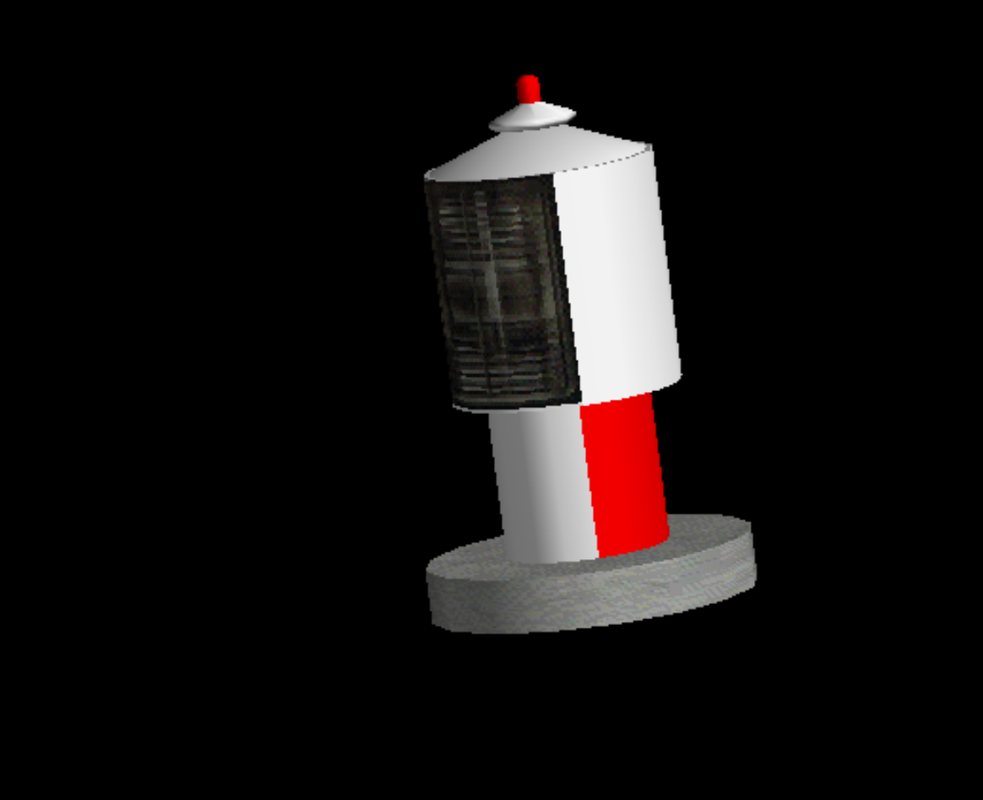
Sorry for being away for so long, but family and a few other things have taken priority for most of the year.
Please feel free to use the smoke xml I use to make the smoke if you would like. Just make a txt and insert the code, then drag-and-drop over "bglcomp.exe" and it should create a "bgl" file.
Conversely, if you want to edit the airport in ADE, you can also add the code through there by adding the "effect" through the "right-click" menu. I don't usually do it this way since I edit the xml "post-export" anyway, but it works fine if you add it that way too.
Here's the code for the smoke:
XML:
<?xml version="1.0" encoding="ISO-8859-1"?>

<FSData
version="9.0"
xmlns:xsi='http://www.w3.org/2001/XMLSchema-instance'
xsi:noNamespaceSchemaLocation="bglcomp.xsd" >

<!-- GENERIC AIRPORT BASE TYPE "A" - OBJECTS -->

<!-- Smoke Pot For Runway Choice -->

    <SceneryObject
        lat="0"
        lon="0"
        alt="0"
        altitudeIsAgl="TRUE"
        pitch="0"
        bank="0"
        heading="0"
        imageComplexity="NORMAL">
        <BiasXYZ
            biasX="0"
            biasY="0"
            biasZ="0"/>
        <Effect
            effectName="fx_smokestack_w"
            effectParams="HOD=05,17;"/>
    </SceneryObject>

</FSData>
Just replace the lat/lon with your values of the place you want.
This one uses the white smoke effect and operates from 0500 local until 1700 local, which is usually good enough for daytime use. To have this work with the "right-click" option to add effects in ADE, just make sure you add the effect name and parameters in the window in the appropriate locations. Just the "stuff" between the quotes without the quotes, if I remember correctly.
Hope this helped!
Jorge
Miami, FL