
-
Please see the most recent updates in the "Where did the .com name go?" thread. Posts number 16 and 17.
-
Special Server Maintenance
Just when you think you have everything running some what better...
You get a message from the Hosting company. Short story they need to move us to a new server. I have been working with them to plan a good date for all concerned. Here is what we have come up with as a schedule.
- November 4th 17:00 -5UTC shut off the forums and start backup proceedures. During this time there will be no access to the forums or the Resource Section.
- November 5th Continue with Backups and download same until complete.
- November 6th 7:00 turn over server to hosting company to move system to new server
- November 7th - 8th restore backups and upgrade forum software.
If all goes well we should be back online on November 8th.
To keep you updated we will post updates on AVSIM forums.
Thank you for your support.
You are using an out of date browser. It may not display this or other websites correctly.
You should upgrade or use an alternative browser.
You should upgrade or use an alternative browser.
Screenshots
- Thread starter noddy
- Start date


RichardLouis
Members +
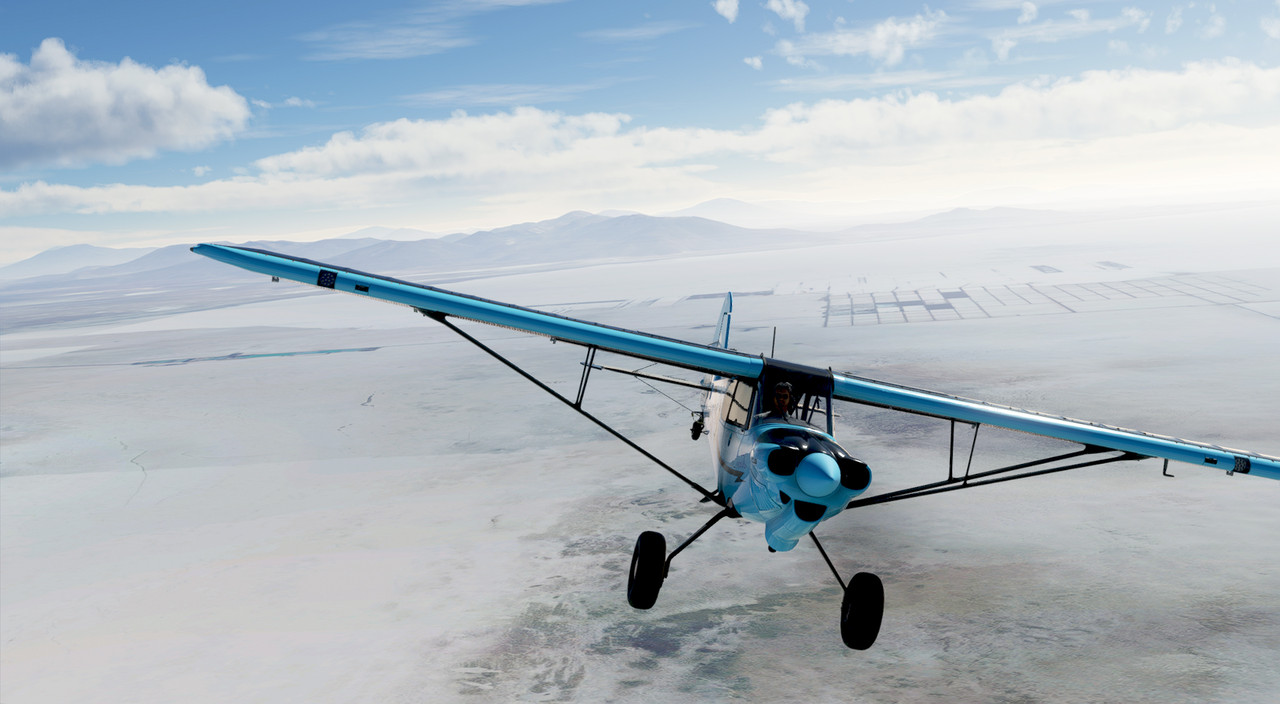
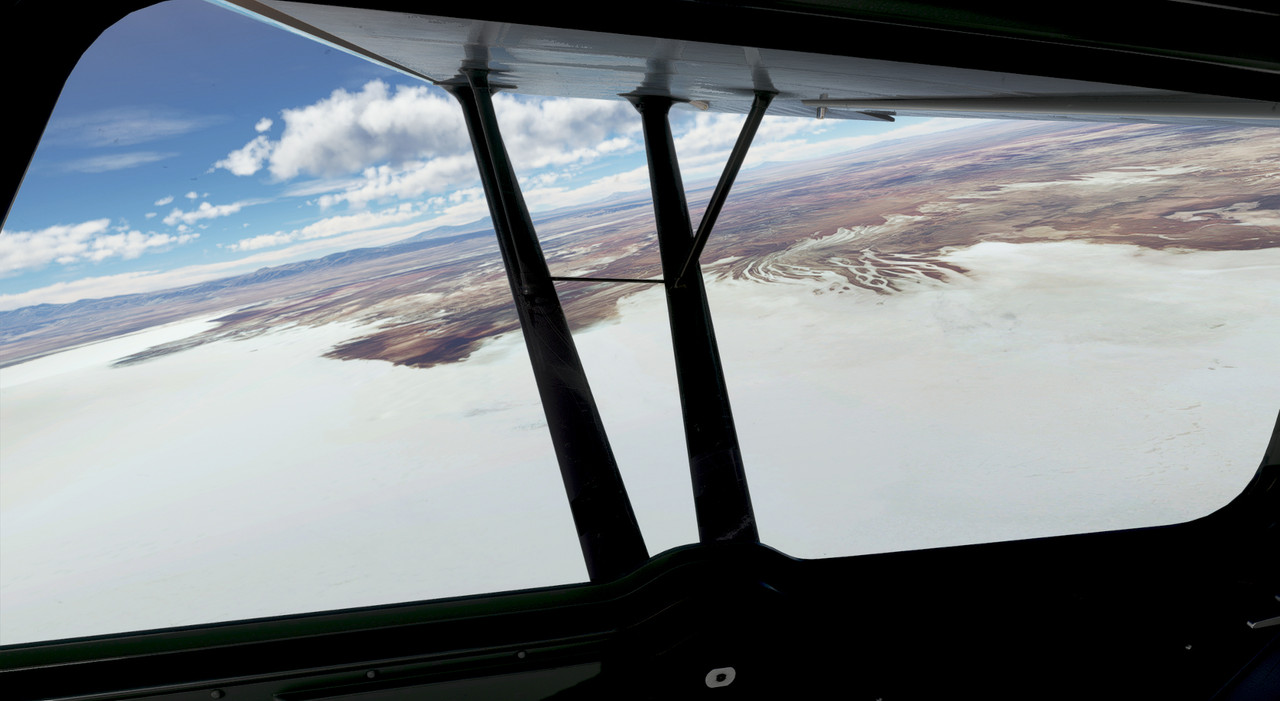
Trip to Bolivia
Salar d'Uyuni area.
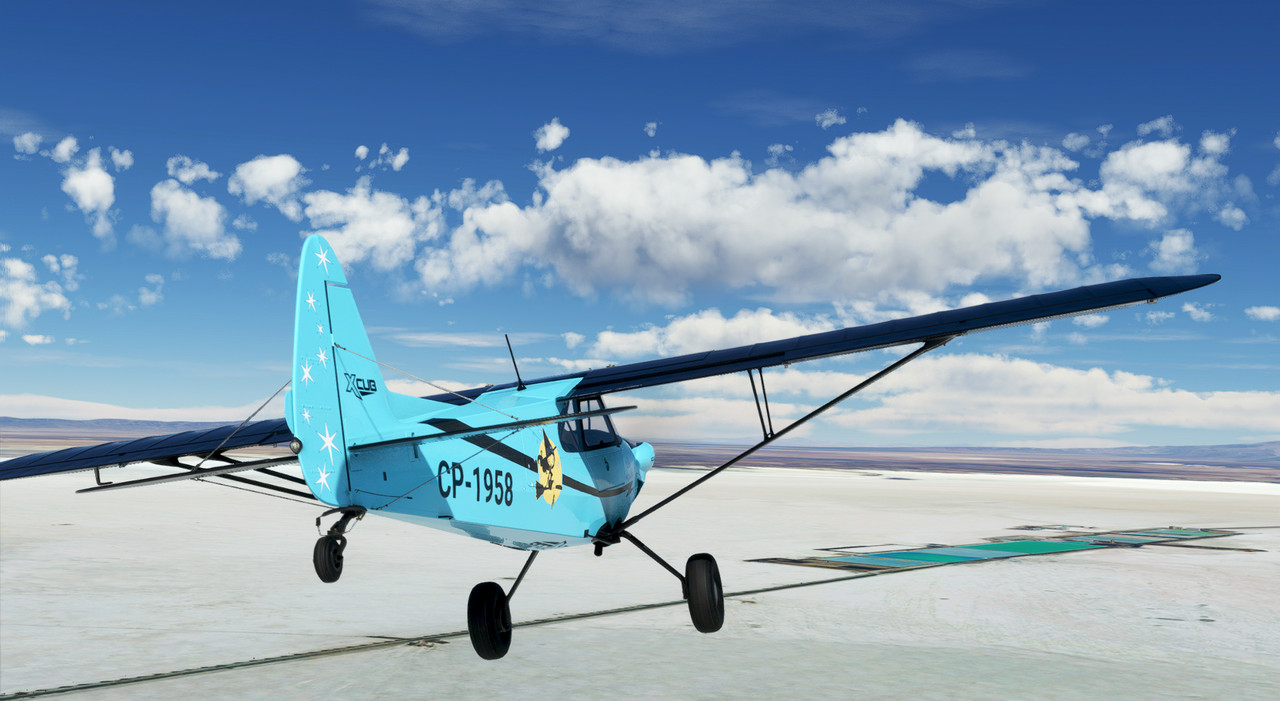

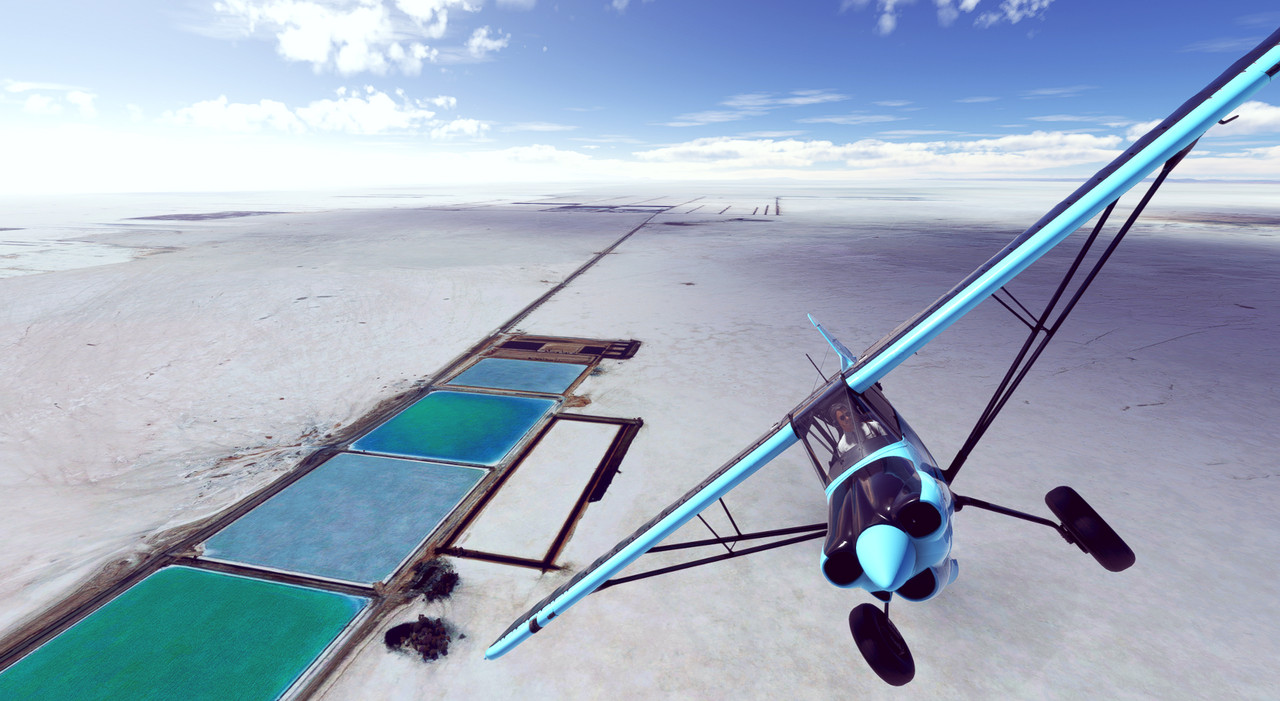

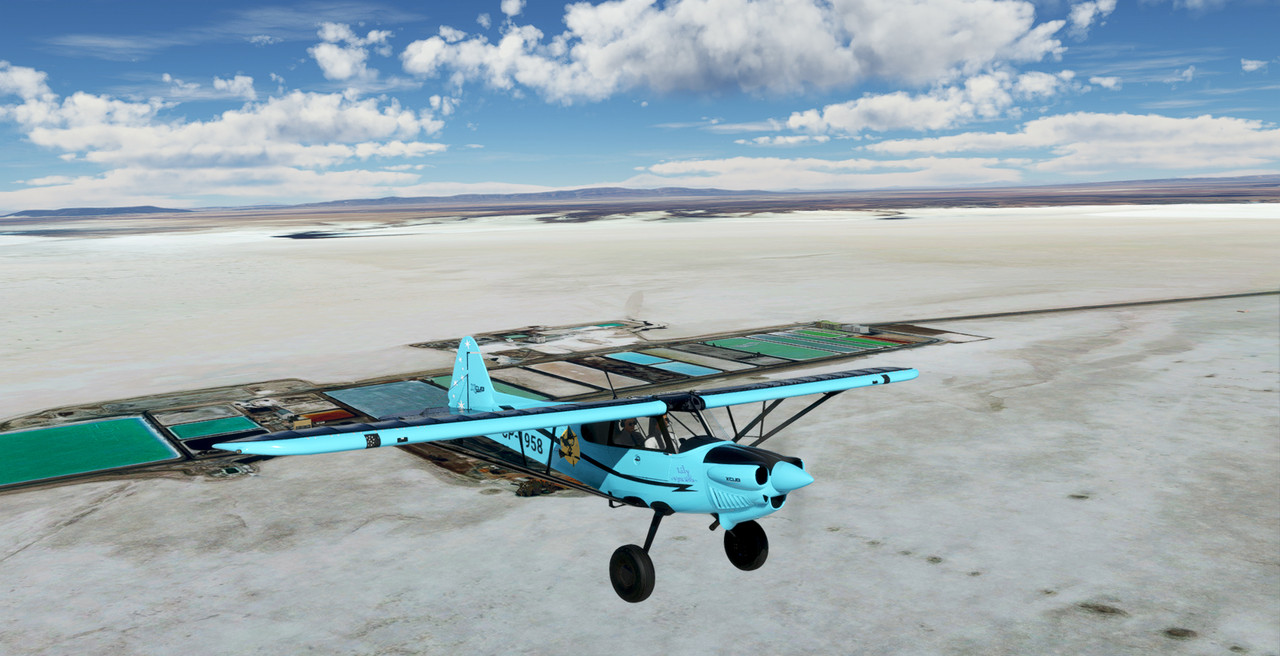
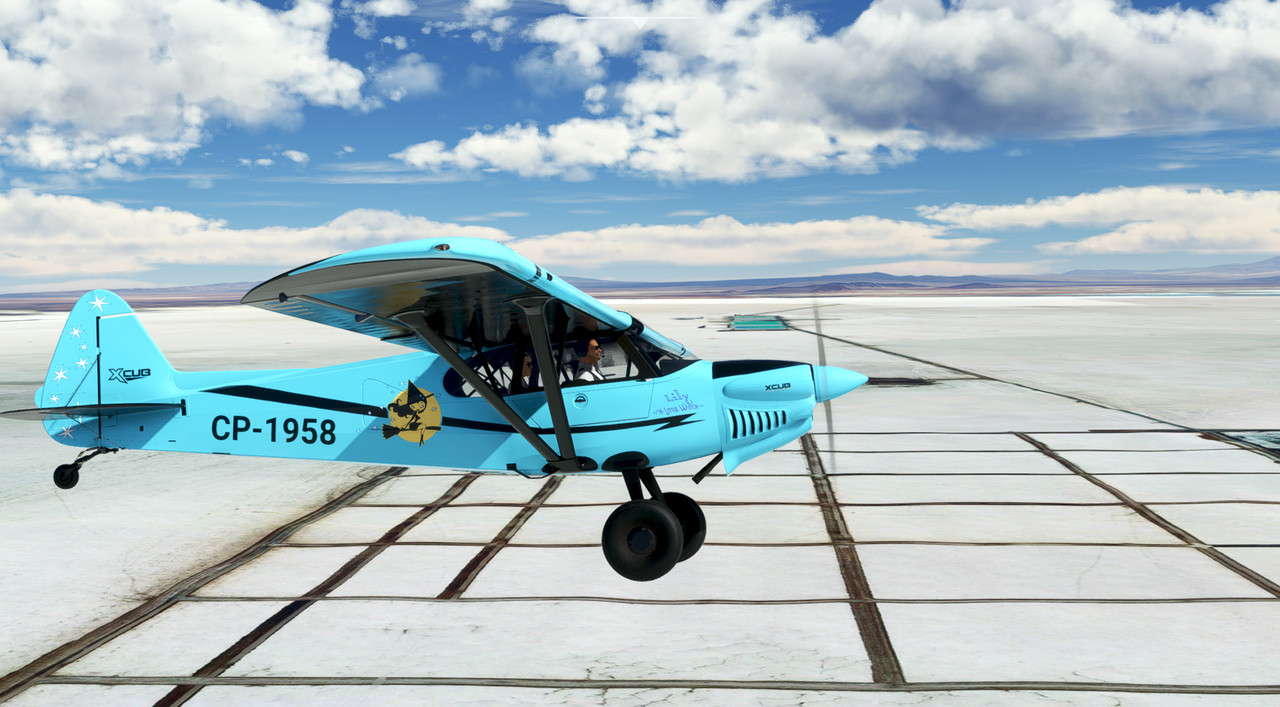
Salar d'Uyuni area.
RichardLouis
Members +




ZsoltB
Charter Member
Again, a couple of modest shots:


Damn, I'm loving this sim!!
Priller
Hi Priller,
BAe Hawk available?
Zsolt

Hi Zsolt,
No that is actually a repaint of Dino's T-45C Goshawk. You can find it on https://flightsim.to.
Cheers,
Priller
No that is actually a repaint of Dino's T-45C Goshawk. You can find it on https://flightsim.to.
Cheers,
Priller
ZsoltB
Charter Member
Hi Zsolt,
No that is actually a repaint of Dino's T-45C Goshawk. You can find it on https://flightsim.to.
Cheers,
Priller
I'm getting old, I didn't notice the difference

Zsolt


ZsoltB
Charter Member

ZsoltB
Charter Member


BananaBob
SOH-CM-2022
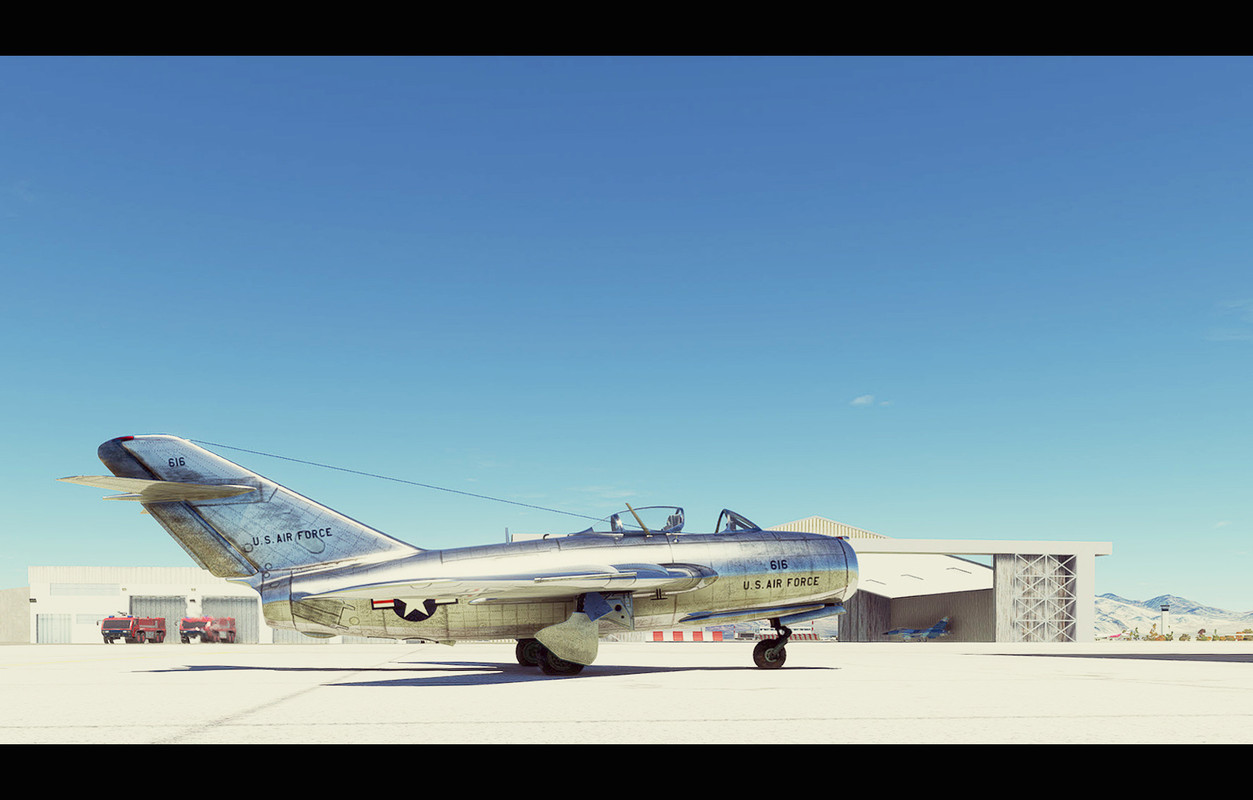
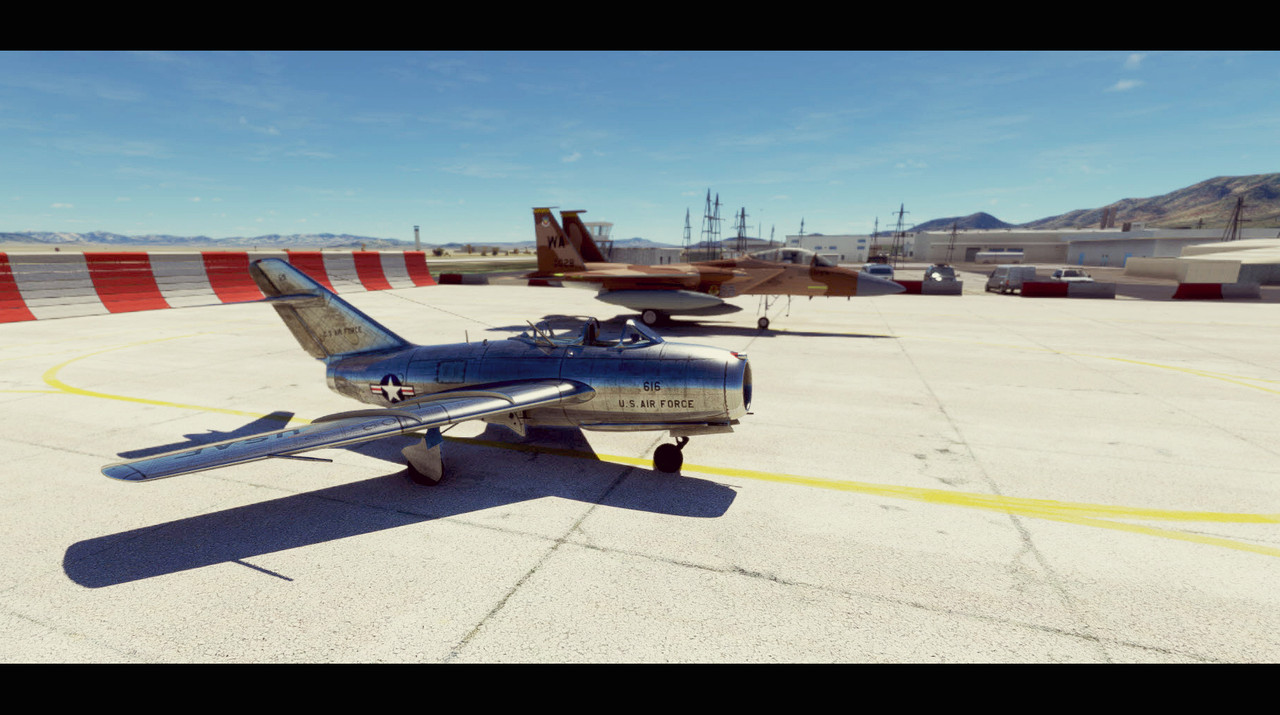
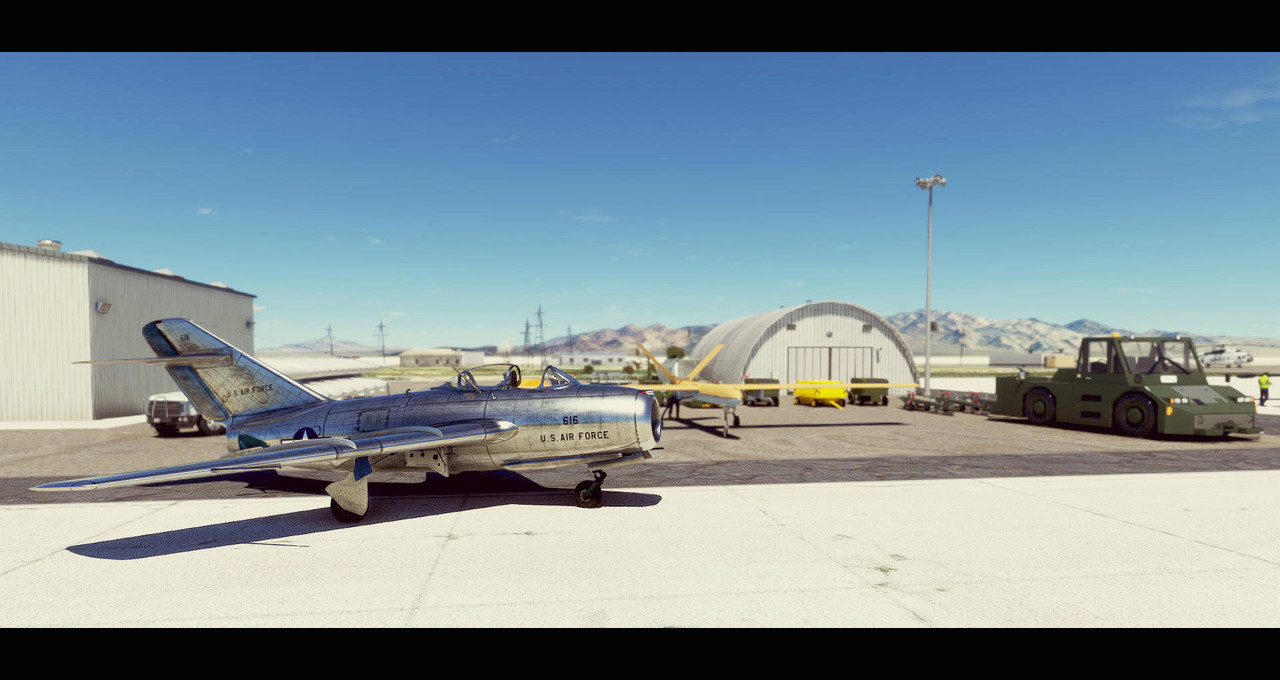
Couple of shots
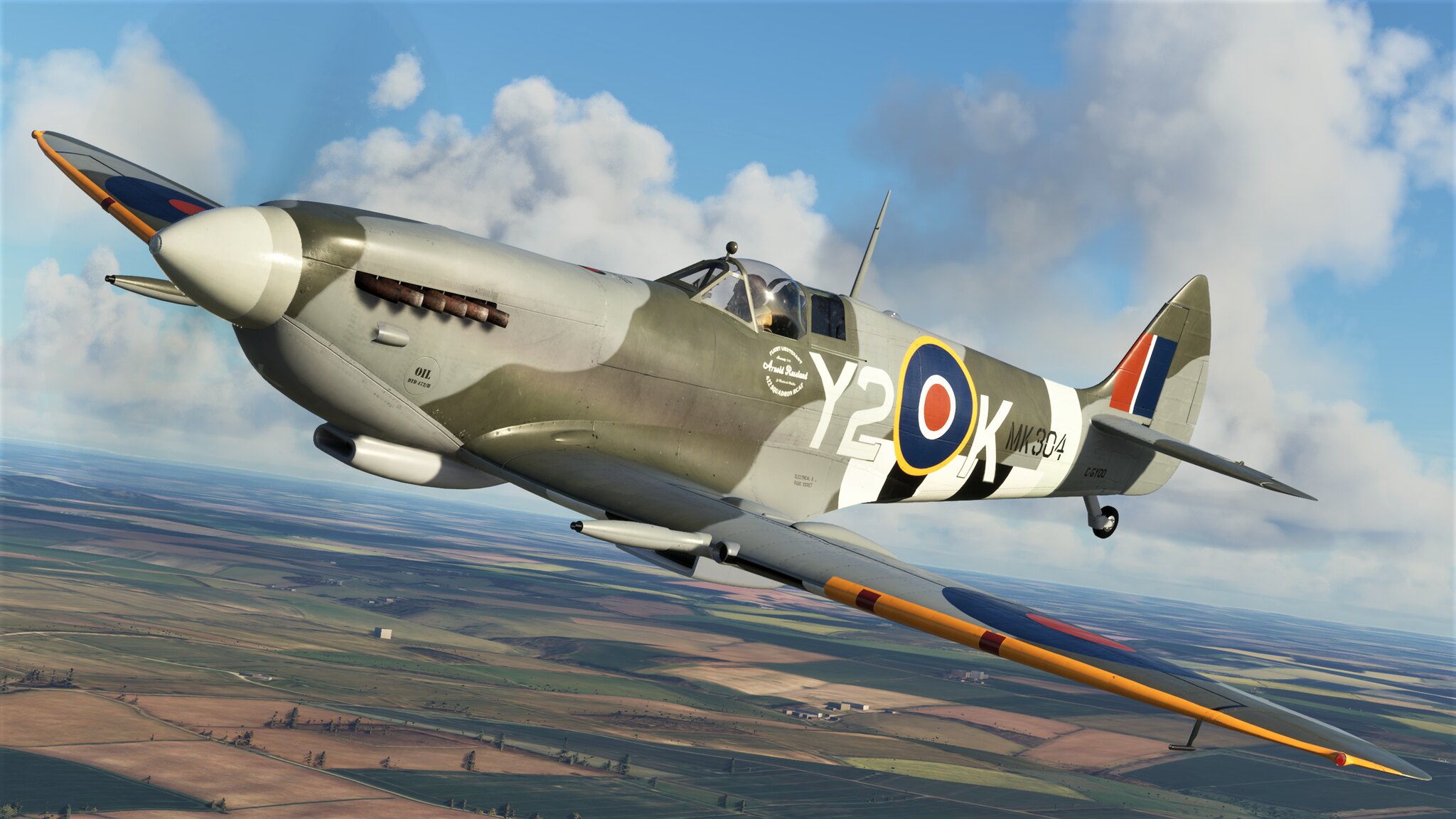 1250410_20210410010213_1 by Robert Rivera, on Flickr
 1250410_20210410010848_1 by Robert Rivera, on Flickr
 1250410_20210410010059_1 by Robert Rivera, on Flickr
1250410_20210410010213_1 by Robert Rivera, on Flickr1250410_20210410010848_1 by Robert Rivera, on Flickr1250410_20210410010059_1 by Robert Rivera, on Flickr
BananaBob
SOH-CM-2022
This sim is really awesome How can you take such drone shots in flight? Is there a keyboard layout for taking screenshots?
For myself, I rarely use the drone. I use my head tracking TrackIR and just tilt my head or move it to the framing I like in outside view. I need to connect my XBox controller to the drone and try it, been too lazy to do it, LOL.

DennyA
SOH-CM-2023
Zsoltquack, if you're running Windows 10 and you have the Xbox Game Bar installed (free from the Microsoft Store), you can take a screenshot with Windows-Alt-PrtScn.
Alternately, Windows-G brings up the bar and you can start recording a video, review your screenshots, change hotkey settings, etc.
Alternately, Windows-G brings up the bar and you can start recording a video, review your screenshots, change hotkey settings, etc.
ZsoltB
Charter Member
Zsoltquack, if you're running Windows 10 and you have the Xbox Game Bar installed (free from the Microsoft Store), you can take a screenshot with Windows-Alt-PrtScn.
Alternately, Windows-G brings up the bar and you can start recording a video, review your screenshots, change hotkey settings, etc.
Thank you,
Zsolt


Fnerg
SOH-CM-2023
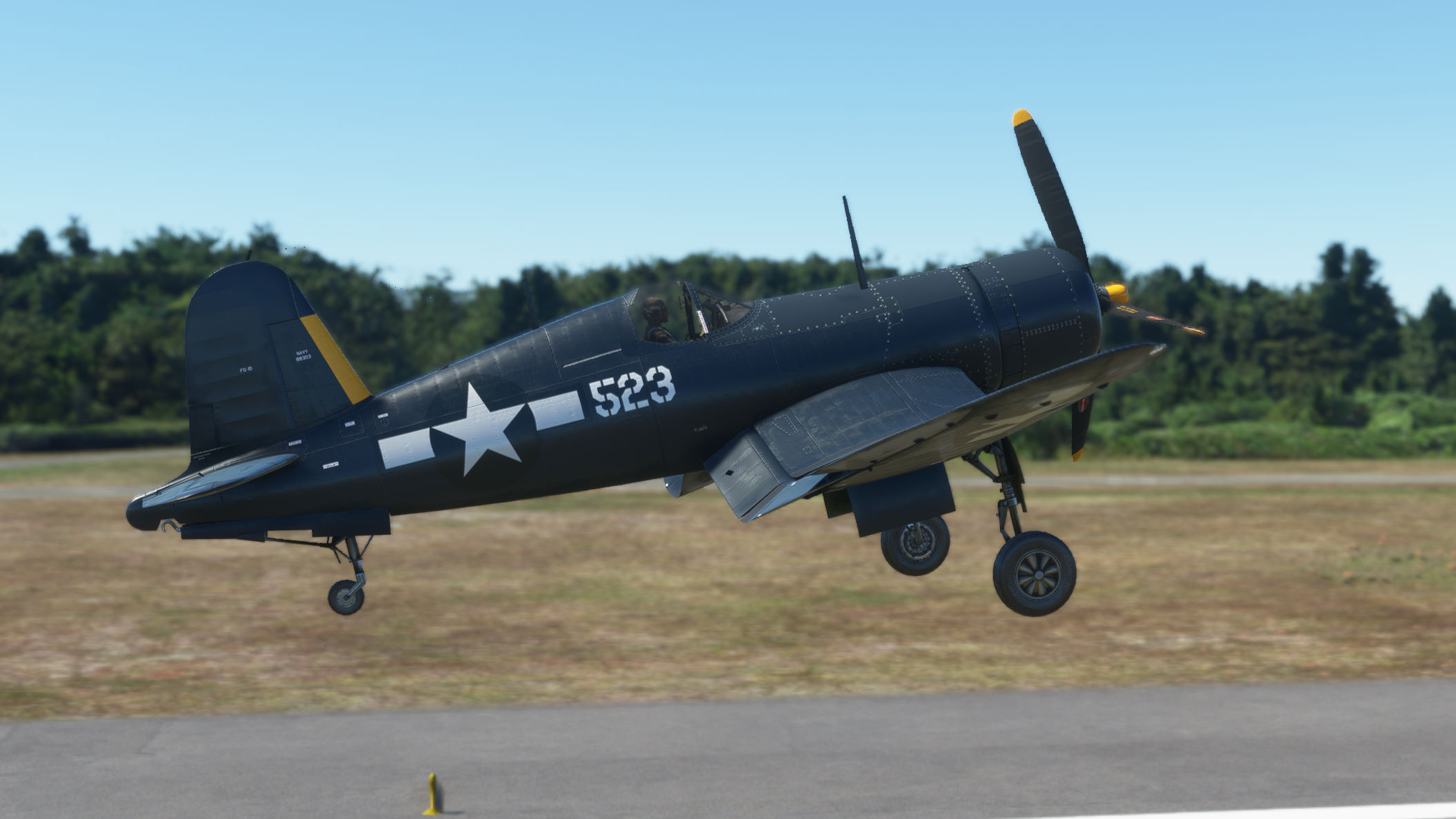
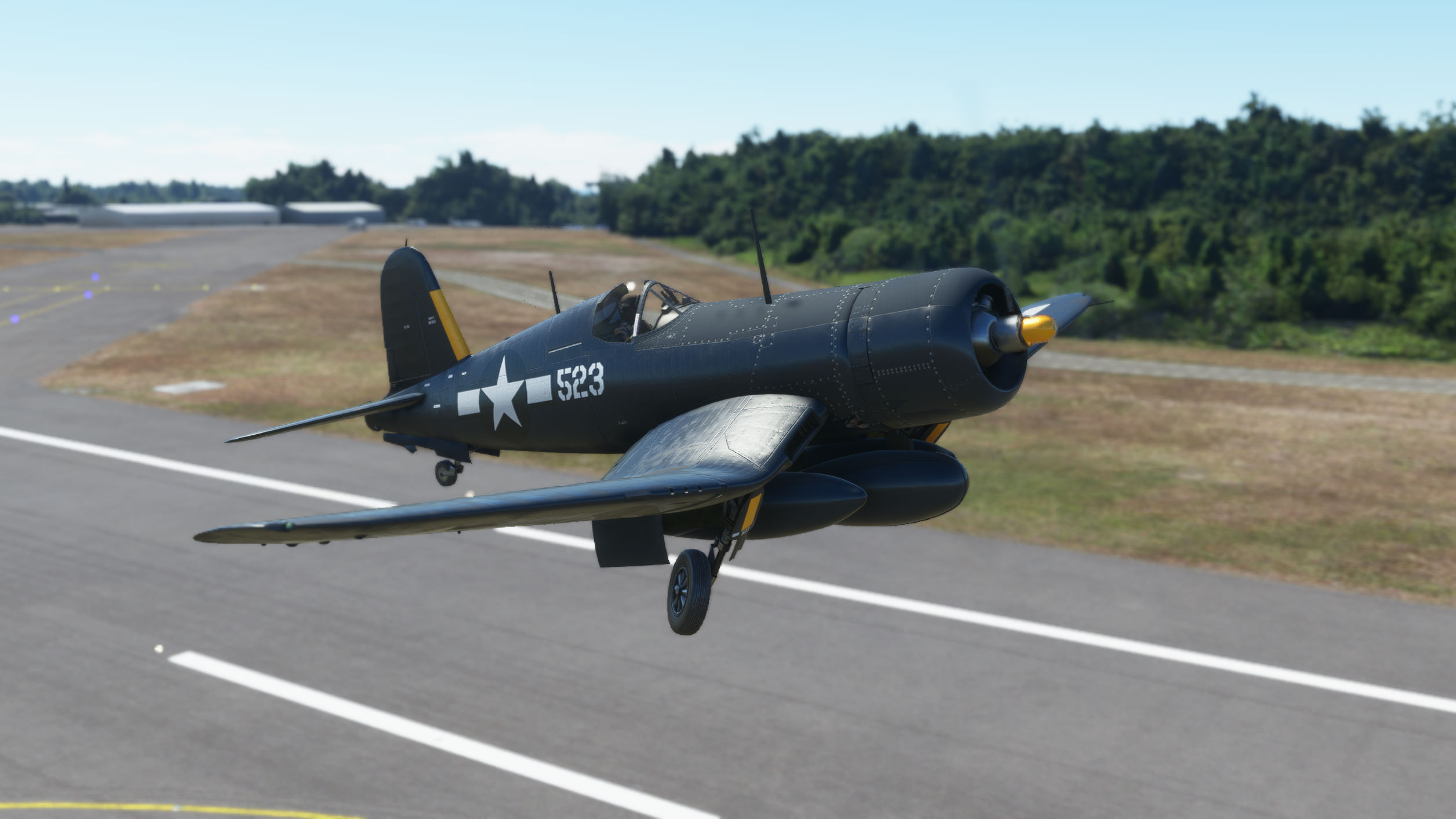
BBob, nice screenshots! There's an initial feeling you get (terror?) when you see your work on someone else's system and you just pray you don't spot something out of whack, ya I got that. Got over it quick though, I'm proud, and it's great to see it out "flourishing in the wild". Anyway, thank you I'm glad you like it and are having fun with Y2K. All the best.
Jan you're a livery machine! Your work is exceptional. Much respect.
Jan you're a livery machine! Your work is exceptional. Much respect.
BananaBob
SOH-CM-2022
BBob, nice screenshots! There's an initial feeling you get (terror?) when you see your work on someone else's system and you just pray you don't spot something out of whack, ya I got that. Got over it quick though, I'm proud, and it's great to see it out "flourishing in the wild". Anyway, thank you I'm glad you like it and are having fun with Y2K. All the best.
Jan you're a livery machine! Your work is exceptional. Much respect.
Hey, thanks for great paint, brother!

RichardLouis
Members +
Thank you so much for this updade JanKees.
Richard

 20210411121107_1 by Brad617, on Flickr
 20210411121750_1 by Brad617, on Flickr
 20210411122136_1 by Brad617, on Flickr
 20210411122059_1 by Brad617, on Flickr