collensr
SOH-CM-2025
I use the Windows key + Print
I am a "Windows Key + Print" man as well but would love to know if there are ways to improve the quality.
I assume that, as in all photography, one is limited by the quality of the original image.

Please see the most recent updates in the "Where did the .com name go?" thread. Posts number 16 and 17.
Please see this thread for updates. Update Thread
SOH ADMINISTRATION
I use the Windows key + Print
I think it was from flightsim.to, will try to track it down.

Do you still have a copy of the old FSScreen.exe app? If so, it still works with Win 11 and captures screenshots in 24-bit bmp format. That means there's zero loss in your original capture. From there you can use your fav image processor app to convert with minimal compression for the best quality conversion.I am a "Windows Key + Print" man as well but would love to know if there are ways to improve the quality.
I assume that, as in all photography, one is limited by the quality of the original image.


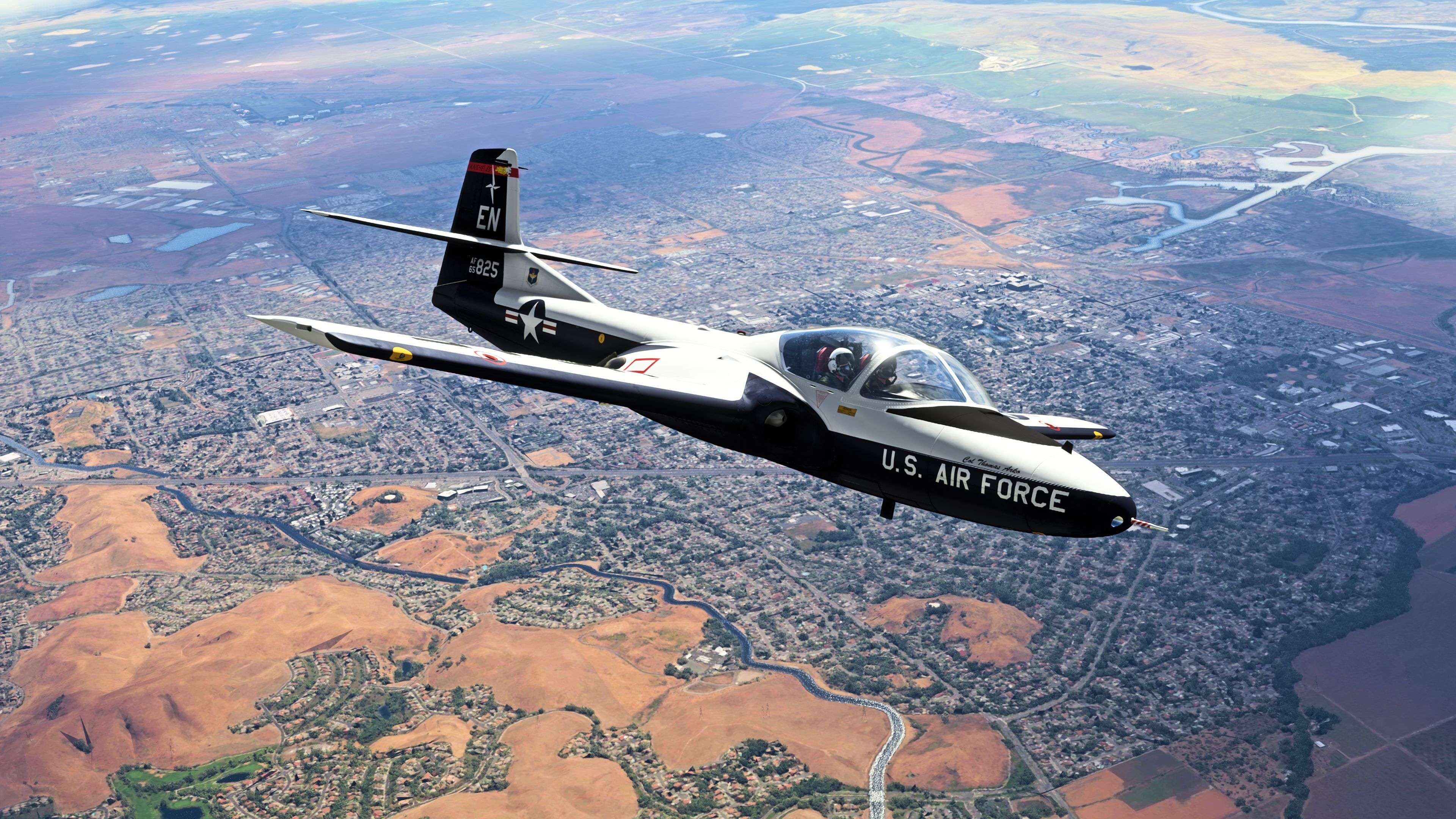
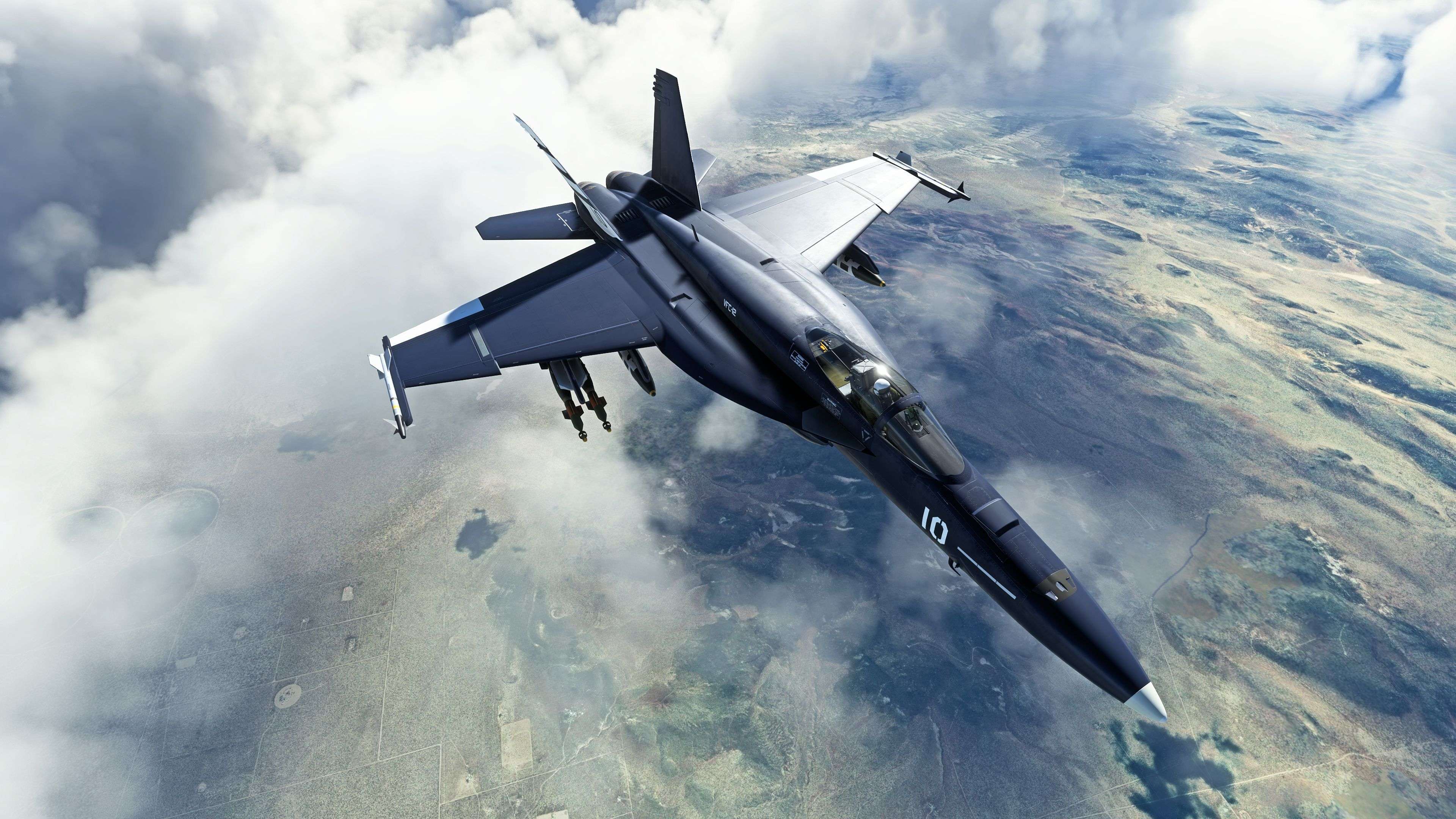
 20230322211025_1 by Robert Rivera, on Flickr
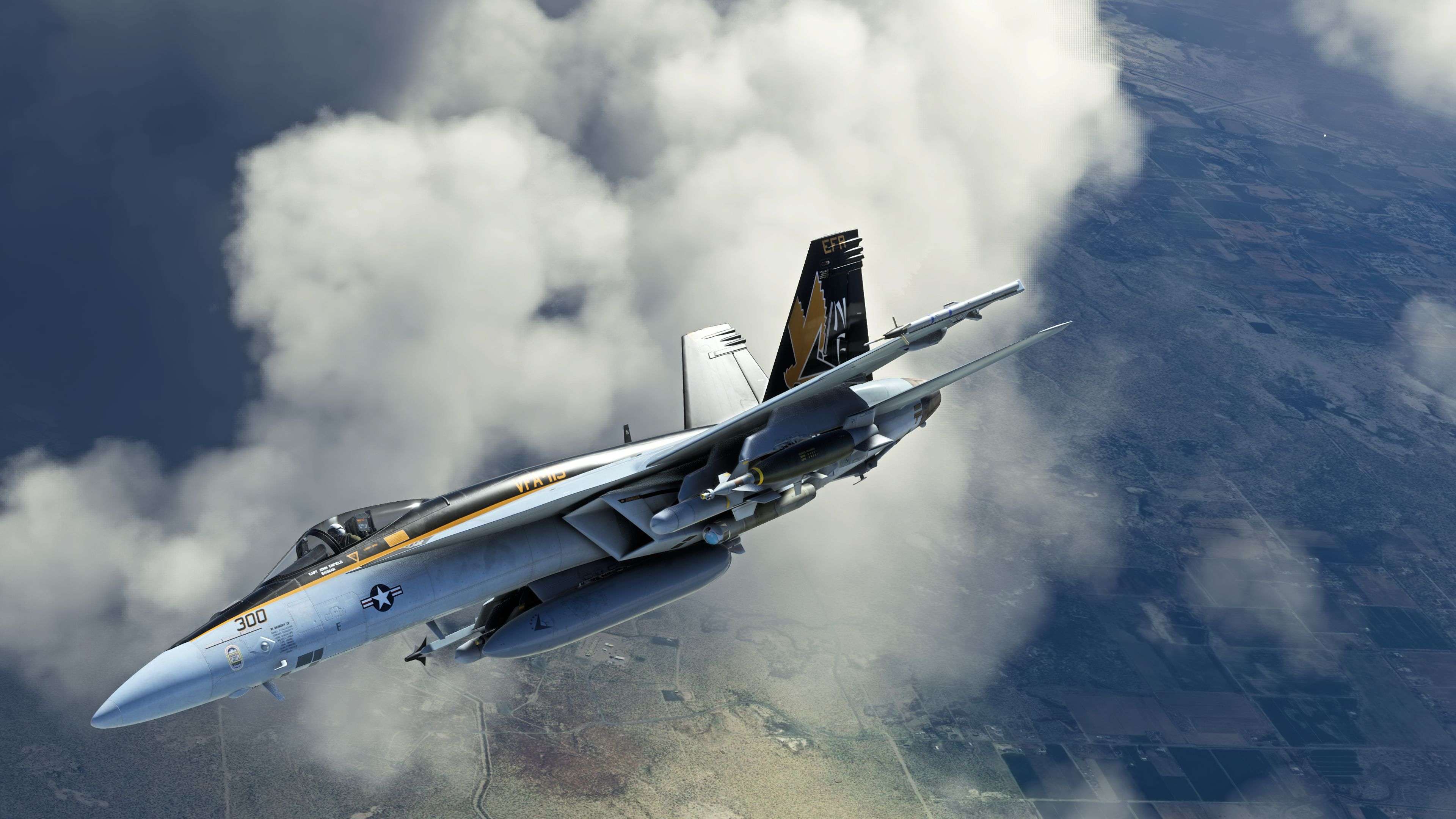
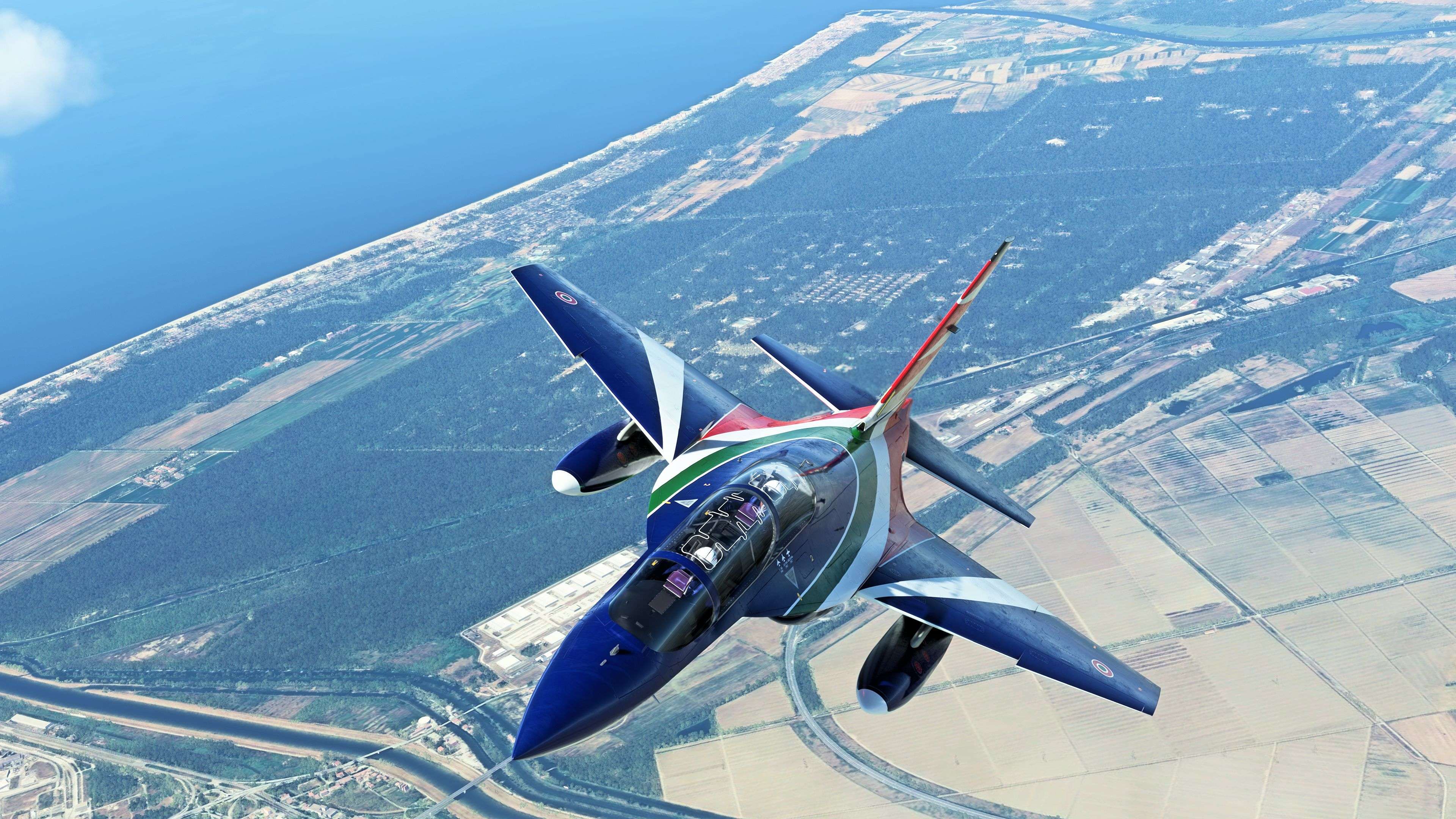
 20230322211121_1 by Robert Rivera, on Flickr
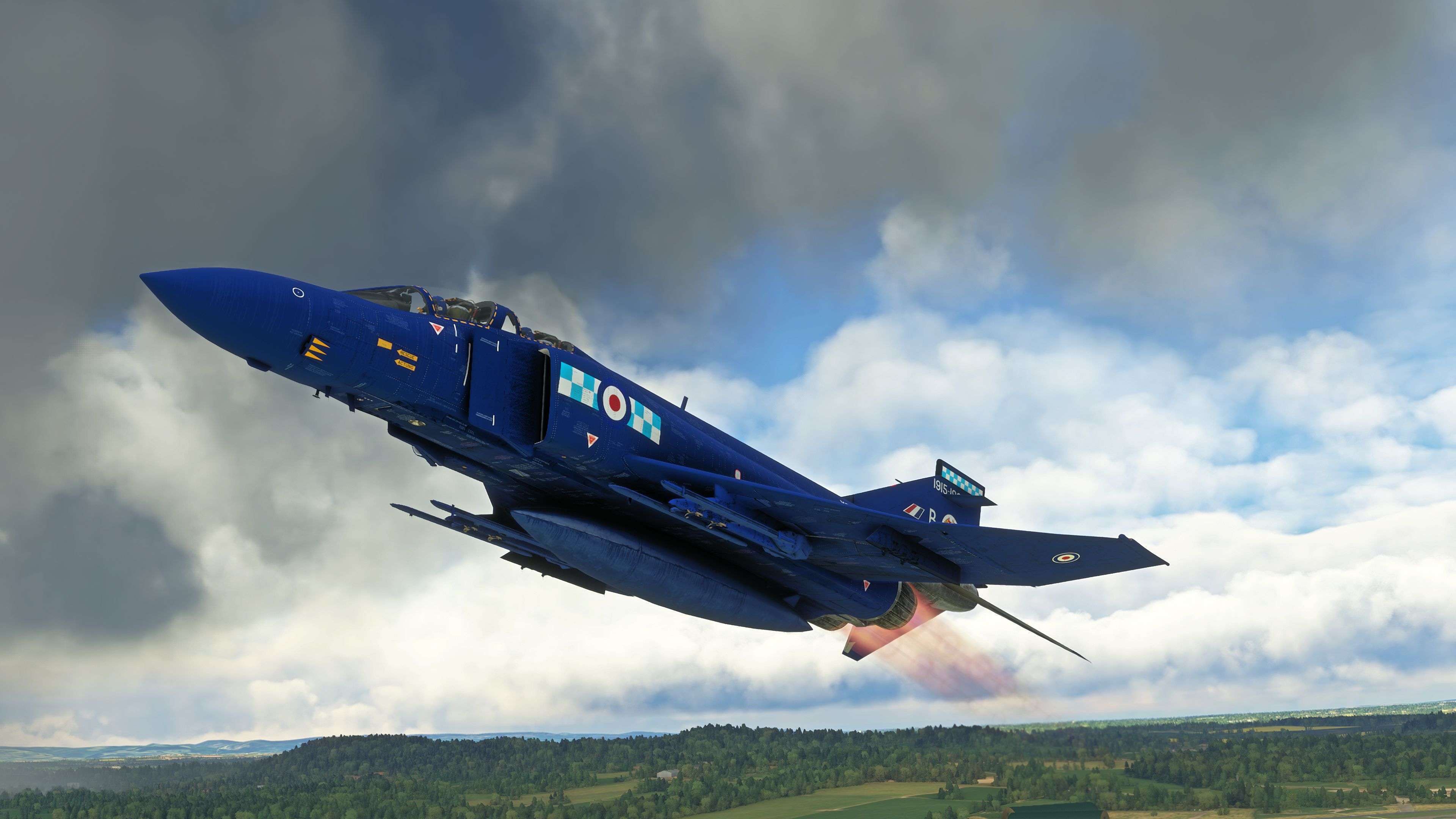
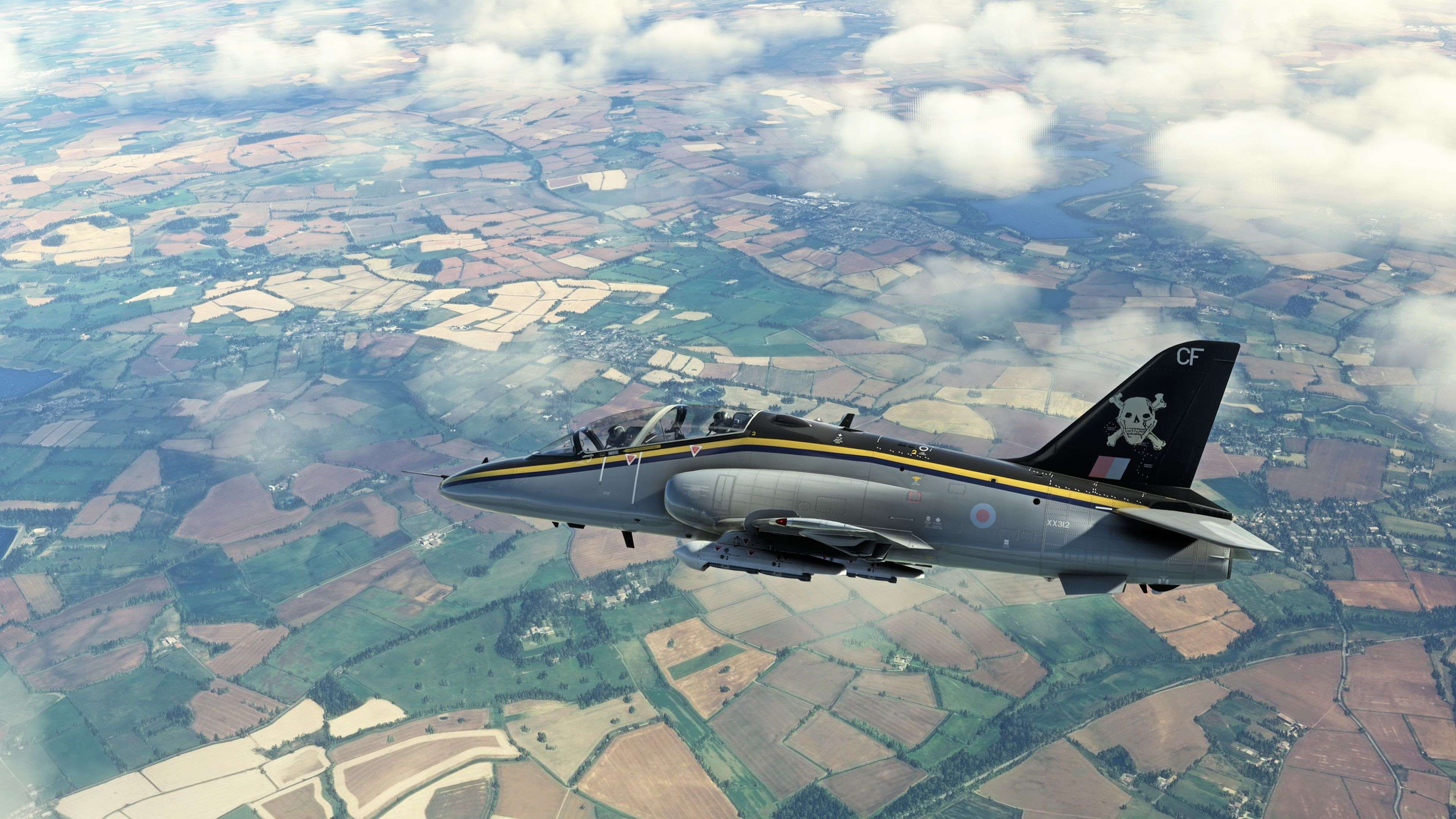
 20230322211226_1 by Robert Rivera, on Flickr
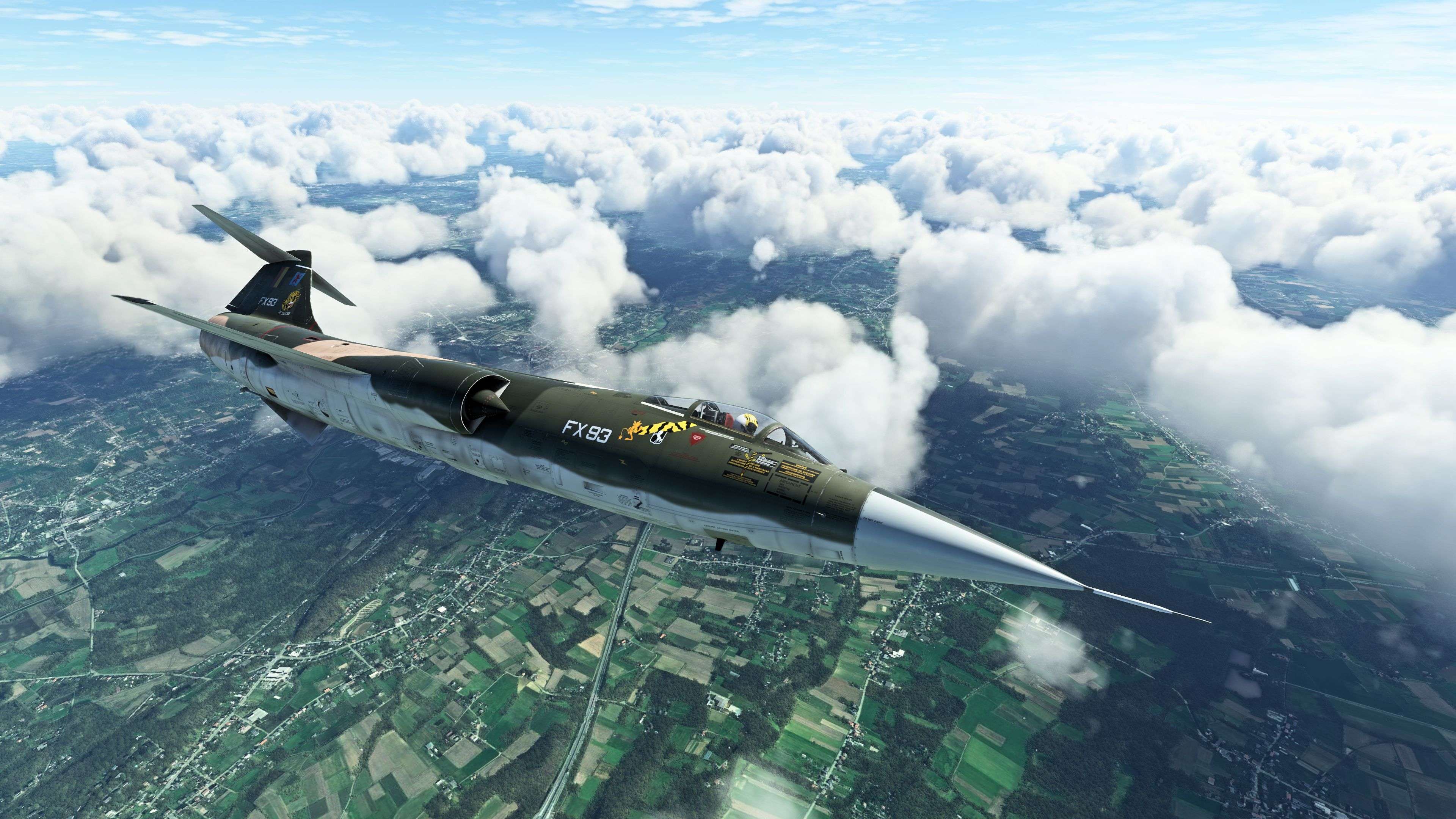
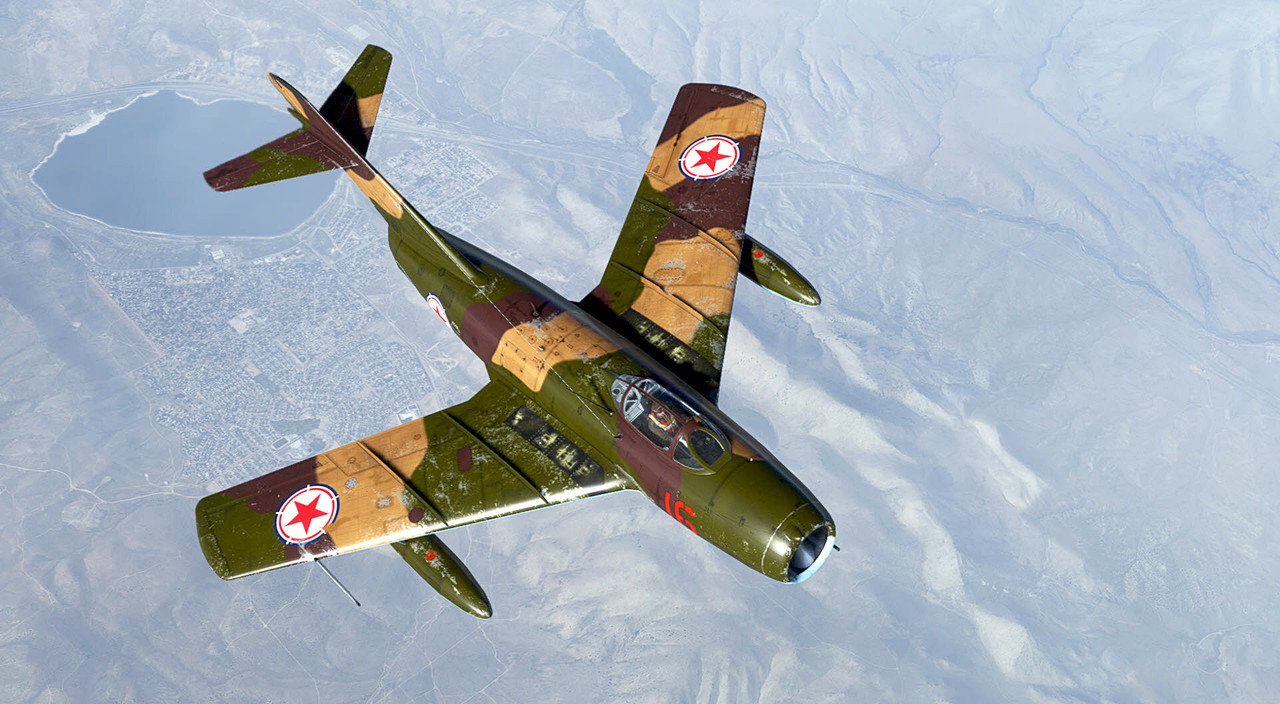
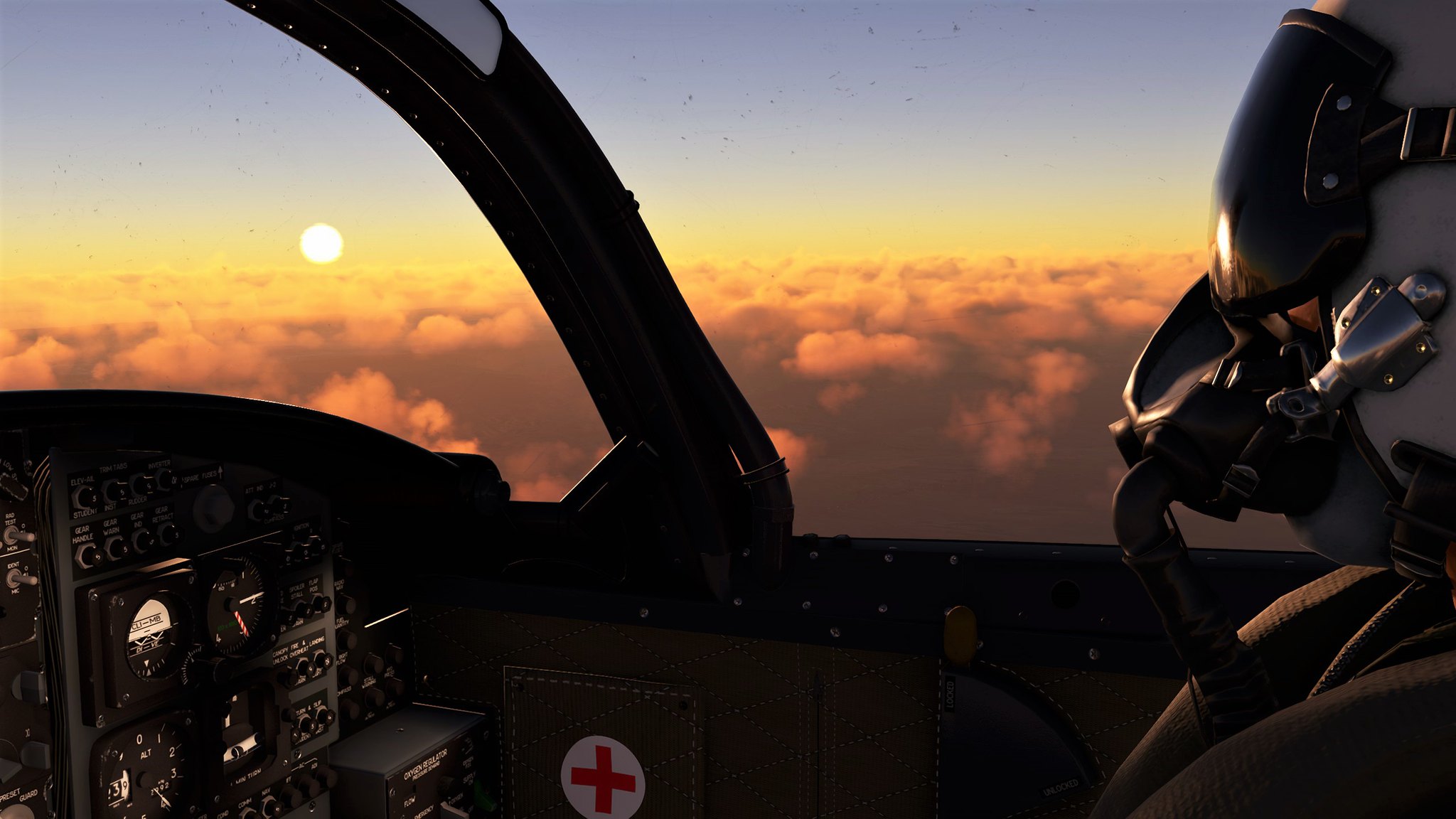 20230322211604_1 by Robert Rivera, on Flickr
I am a "Windows Key + Print" man as well but would love to know if there are ways to improve the quality.
I assume that, as in all photography, one is limited by the quality of the original image.
JIC you missed it,there's also this pinned post that may have some pointers you may be looking for. http://www.sim-outhouse.com/sohforu...real-screenshot-quot-Artists-quot-here!-(Tips!)