SU5 and CTD issues

gray eagle

SOH-CM-2026
Since SU5 was installed, I've been getting a CTD popup message in just a few minutes after flying, never had this happen before SU5.
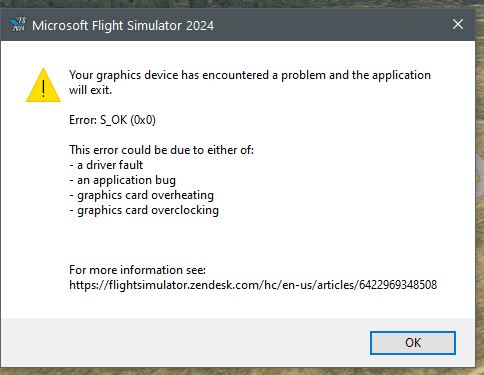
CTD.jpg


I have tried to lower the

LOWER THE GRAPHICS​

  • Open the General Options menu > Graphics
  • Reduce Global Rendering Quality to "Low-end" then click "Apply and Save" that did not help.
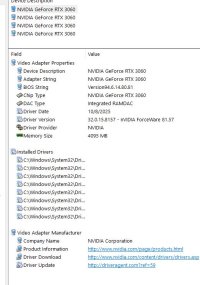
My GPU is Nvidia Geforce RTX 3060 and were no issue prior to SU5.

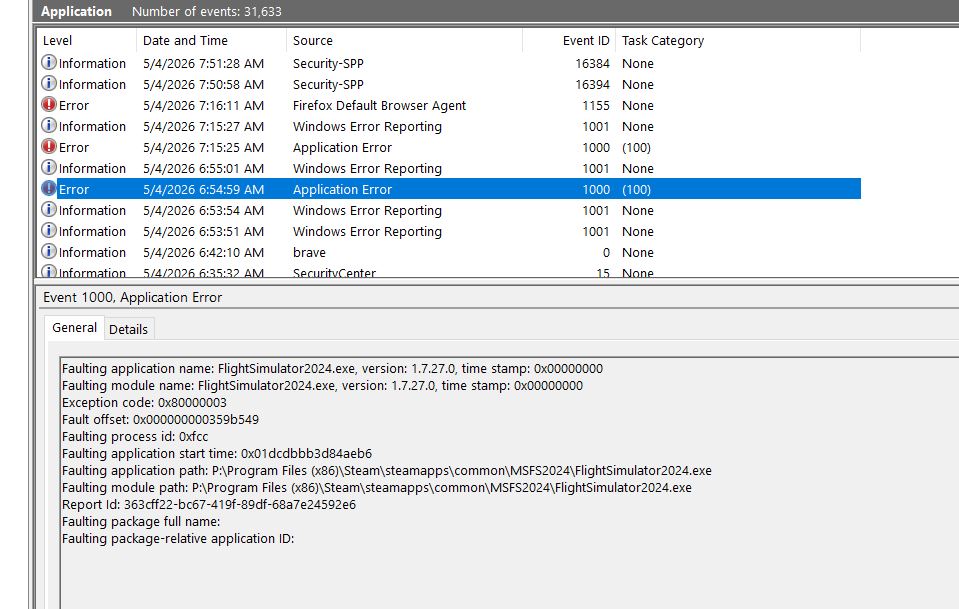
This issue is addressed here.

1777898876029.jpeg
 
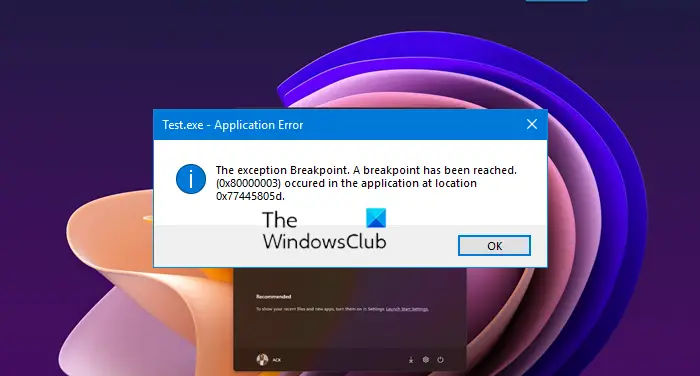
A quick search for the Exception code: 0x80000003 gives this result with some useful information and fixes:

A quick search for the Exception code: 0x80000003 gives this result with some useful information and fixes:

I did a chkdsk (took a long time to complete) and that didn't work so I installed latest Nvidia Driver and was able to fly from one airport to
the next one without any issues so, I guess I am good for now. Thanks for your help. :)
 
Back
Top