
-
Please see the most recent updates in the "Where did the .com name go?" thread. Posts number 16 and 17.
-
Special Server Maintenance
Just when you think you have everything running some what better...
You get a message from the Hosting company. Short story they need to move us to a new server. I have been working with them to plan a good date for all concerned. Here is what we have come up with as a schedule.
- November 4th 17:00 -5UTC shut off the forums and start backup proceedures. During this time there will be no access to the forums or the Resource Section.
- November 5th Continue with Backups and download same until complete.
- November 6th 7:00 turn over server to hosting company to move system to new server
- November 7th - 8th restore backups and upgrade forum software.
If all goes well we should be back online on November 8th.
To keep you updated we will post updates on AVSIM forums.
Thank you for your support.
You are using an out of date browser. It may not display this or other websites correctly.
You should upgrade or use an alternative browser.
You should upgrade or use an alternative browser.
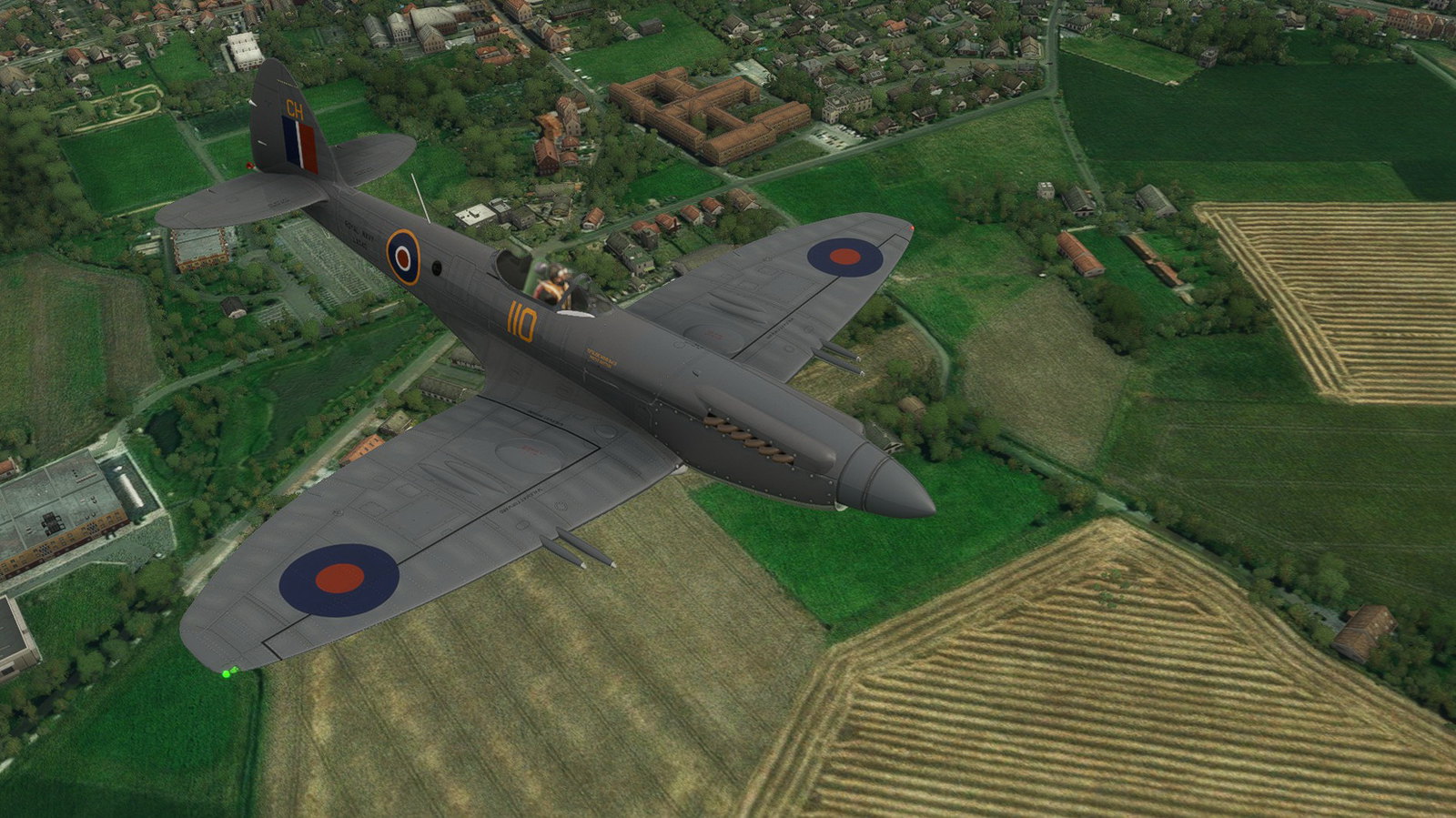
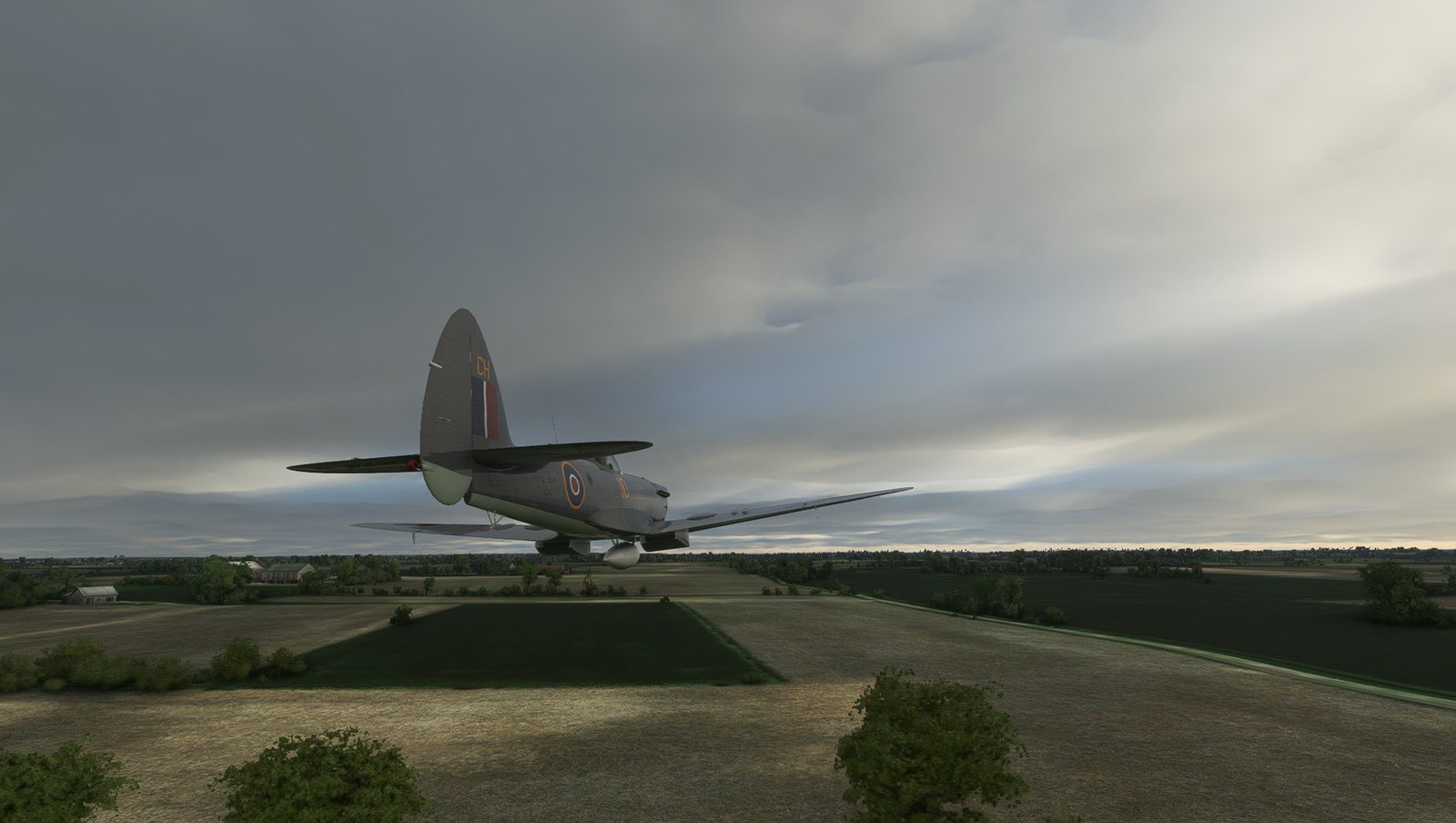
Supermarine Seafire Mk 47
- Thread starter robcarrich
- Start date

heywooood
Mayor Emeritus of Taco City
Simply beautiful.
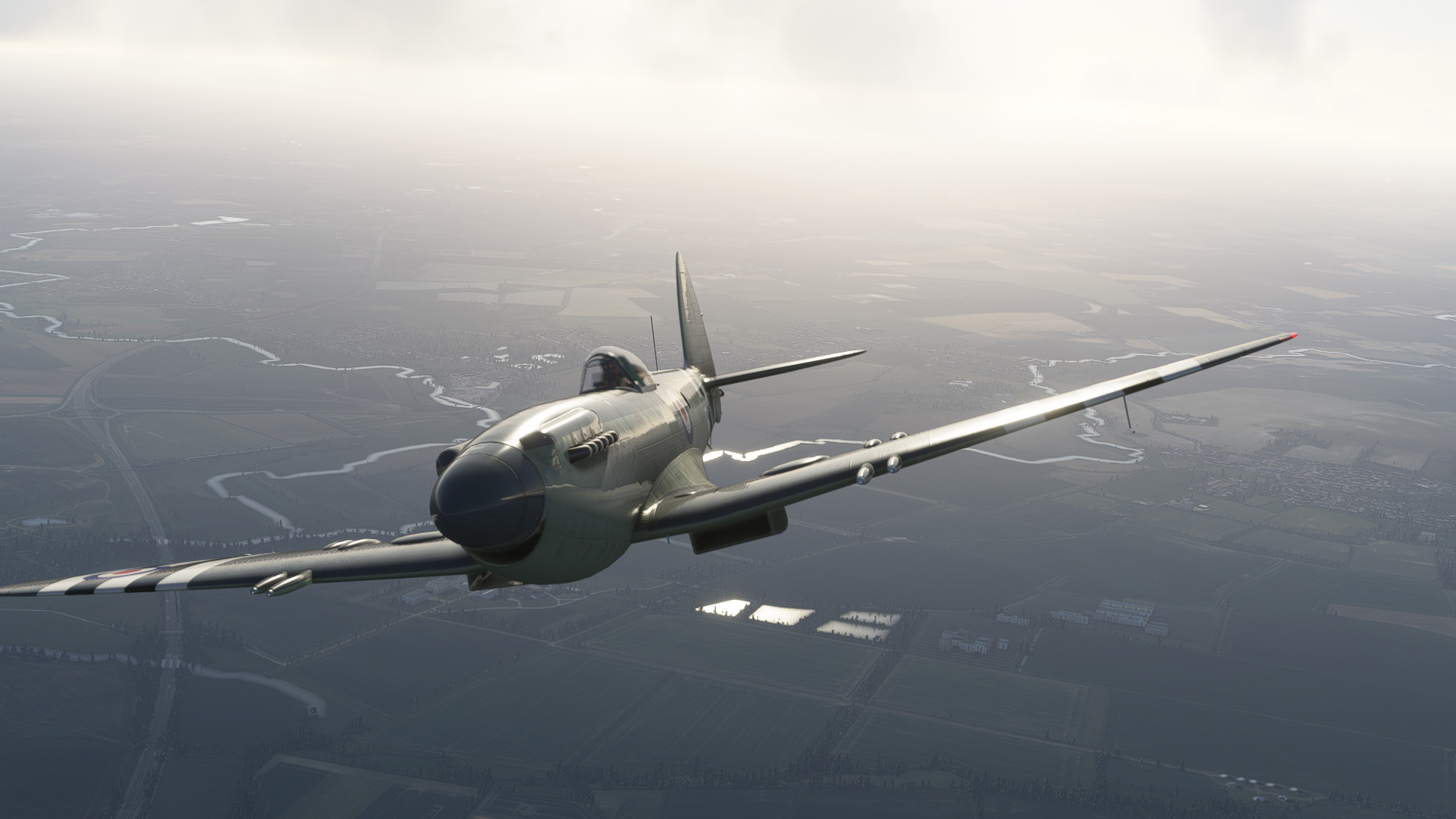
WOW - this is an inspirational shot and a half! if there were a 'Spirit of Flight' award for screenshots this one would win going away

Seahawk72s
SOH-CM-2023
Not there yet Dean!
I have managed to open up the pipeline for projecting 2D panels, thanks to your help.
No need on the Seafire but I'm working on a Sport Cruiser that needs moving map and radio panels.
Rob
Will wait with anticipation to see how your 2D panel work evolves.
Awesome job on the Seafire..!


DaveWG
Charter Member
WOW - this is an inspirational shot and a half! if there were a 'Spirit of Flight' award for screenshots this one would win going away
Thank you, although to be honest, in this sim with this aircraft it's hard to do a bad screenshot!


Anyone else seeing Seafires everywhere?
<img src="http://www.sim-outhouse.com/sohforums/attachment.php?attachmentid=80039&stc=1" attachmentid="80039" alt="" id="vbattach_80039" class="previewthumb">
Spawned as static planes, don't know why...EDIT it was the
atc_parking_types ="ANY"
atc_parking_codes =""
lines in aircraft.cfg, commenting them out and I'm back to boring GA planes.
What we really need is a few 'period' airfields with appropriate parking types and codes so that we can have interesting aircraft spotted about.
Anyone know how to add these to existing airfields?
Cheers
Keith
<img src="http://www.sim-outhouse.com/sohforums/attachment.php?attachmentid=80039&stc=1" attachmentid="80039" alt="" id="vbattach_80039" class="previewthumb">
Spawned as static planes, don't know why...EDIT it was the
atc_parking_types ="ANY"
atc_parking_codes =""
lines in aircraft.cfg, commenting them out and I'm back to boring GA planes.
What we really need is a few 'period' airfields with appropriate parking types and codes so that we can have interesting aircraft spotted about.
Anyone know how to add these to existing airfields?
Cheers
Keith
Attachments
Last edited:


It's the CBFSIM Rapide, as an FSX Import 
The Seafire should appear at any airport with a number of AI parking slots - the excellent freeware EGBW has several.
The
isAirTraffic=1
line in aircraft.cfg is also required - I can get eg Dino's MB339 to appear as traffic too, posting pics on the 339 thread.
Cheers
Keith
The Seafire should appear at any airport with a number of AI parking slots - the excellent freeware EGBW has several.
The
isAirTraffic=1
line in aircraft.cfg is also required - I can get eg Dino's MB339 to appear as traffic too, posting pics on the 339 thread.
Cheers
Keith
DaveWG
Charter Member
It's the CBFSIM Rapide, as an FSX Import
MSFS native version coming soon(ish)...

jankees
SOH-CM-2026
MSFS native version coming soon(ish)...
Looking forward to it!

I tried but No joy
I disabled the generic twin-jet and the A320Neo for AI and enabled a bunch of other planes, but
a, the A320's still showed up at Duxford
b, the twin-jets all disappeared from Luton and Heathrow
c, Rob's Banshee showed up at Duxford
d, none of the FSX imports showed up anywhere
So I think Duxford is explicitly including the A320 and we will need to connect with the Developer perhaps.
And only MSFS-native AI works, which is sad as there is a LOT of FSX military AI available.
And which explains why my attempts to import FSX aircraft AI fails whilst Ship AI works.

EGBW with 8 Seafires (plus one more out of shot, by the Vulcan), 2 MB339s and just one generic single
I'd be interested to know how the AI parking is defined for this field as it seems to attract a lot of Seafires...
Cheers
Keith
I disabled the generic twin-jet and the A320Neo for AI and enabled a bunch of other planes, but
a, the A320's still showed up at Duxford
b, the twin-jets all disappeared from Luton and Heathrow
c, Rob's Banshee showed up at Duxford
d, none of the FSX imports showed up anywhere
So I think Duxford is explicitly including the A320 and we will need to connect with the Developer perhaps.
And only MSFS-native AI works, which is sad as there is a LOT of FSX military AI available.
And which explains why my attempts to import FSX aircraft AI fails whilst Ship AI works.
EGBW with 8 Seafires (plus one more out of shot, by the Vulcan), 2 MB339s and just one generic single
I'd be interested to know how the AI parking is defined for this field as it seems to attract a lot of Seafires...
Cheers
Keith


Shoot Rob a PM.
