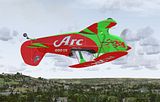
The EAGLE is out ........

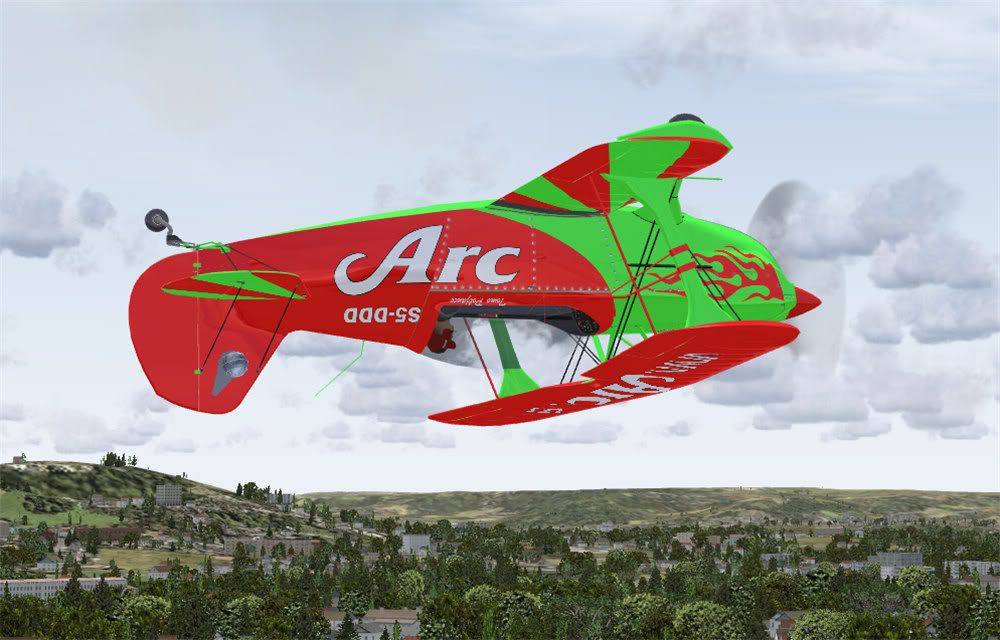
I have almost finnished but still cant work out the underside. I might just put a reg underneath and call it a day


Complete-7.jpg
 
Well if you'd looked at the photo I linked, you can see clearly that there is a white-black-white line from wingtip to wingtip under the lower wing and the D-EMAT registration is almost readable (with a little imagination) under the left wing.

Definitely coming along nicely there.
 
Well if you'd looked at the photo I linked, you can see clearly that there is a white-black-white line from wingtip to wingtip under the lower wing and the D-EMAT registration is almost readable (with a little imagination) under the left wing.

Definitely coming along nicely there.
Hi Chris tx - im just going to try one last go to find a pic and then complete it as you quite correctly suggest with the lower wing stripe.
 
Hey Chris

I got a question....
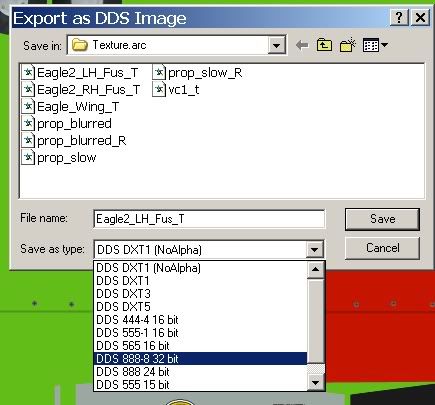
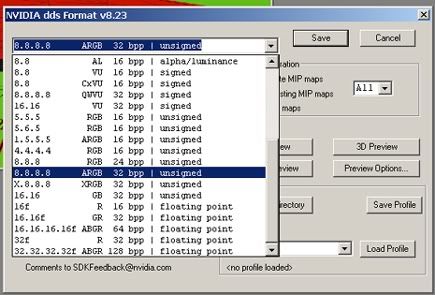
What are you using when you paint? I'm using PhotoShop CS (8.0) with the Invidia Plugin...My problem...is they save o-kay DXT bmp but not PhotoShop?
See pic's...
DXT bmp...
fsscr115.jpg


PhotoShop...
fsscr119-1.jpg


Any ideas....It just adds a couple of steps when using DXT bmp when I wouldn't have to leave PhotoShop at all?

Jeff
 
Jeff, sorry I use Corel Draw and Photopaint X3

But one thing I see from your "save options" I think most would agree: save your textures in DDS DXT 5 format

I always have to go "the long way round" because Corel and the nVidia tools don't work together. I always save a texture as Windows BMP or TGA (for 4096 textures) (DXTbmp always resizes larger bitmaps to a maximum of 2048 pixels)

I then add the alpha channels separately, flip the images and save as DDS DXT5

I know I am a PITA when it comes to evangelising my thoughts on large textures, but then again, I think 32bit is wasted filespace. Give me the pixels per metre rather than image data per pixel...

But speaking with other painters who do use Photoshop, I do understand that the PSD export/save to dds works very well. Maybe one of them will drop in and give a hint or three.
 
By the way - is that the Turkish paint I see in the background? Here's the one I did for FS9
 
Jeff, sorry I use Corel Draw and Photopaint X3

But one thing I see from your "save options" I think most would agree: save your textures in DDS DXT 5 format

I always have to go "the long way round" because Corel and the nVidia tools don't work together. I always save a texture as Windows BMP or TGA (for 4096 textures) (DXTbmp always resizes larger bitmaps to a maximum of 2048 pixels)

I then add the alpha channels separately, flip the images and save as DDS DXT5

I know I am a PITA when it comes to evangelising my thoughts on large textures, but then again, I think 32bit is wasted filespace. Give me the pixels per metre rather than image data per pixel...

But speaking with other painters who do use Photoshop, I do understand that the PSD export/save to dds works very well. Maybe one of them will drop in and give a hint or three.
Thanks Chris...I did the DXT 5 thing from PhotoShop with no success?
DXT bmp is the only thing that gives a clean save.
Every thing else saves fine with PhotoShop and DXT 5.

Jeff
 
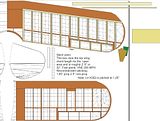
Just a few bits to do and I will upload this in a few hours...

WIP-46.jpg
 
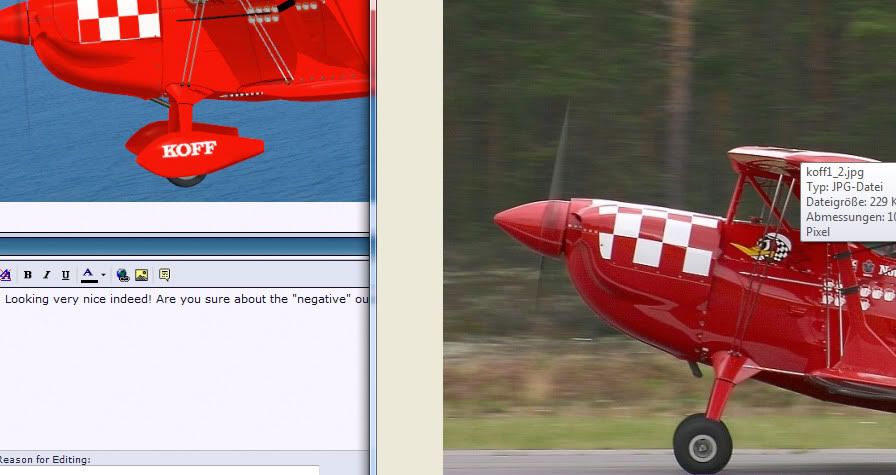
Looking very nice indeed! Are you sure about the "negative" outlines on the checker bits? And the shade of red? Sorry to be such a boor. ;)


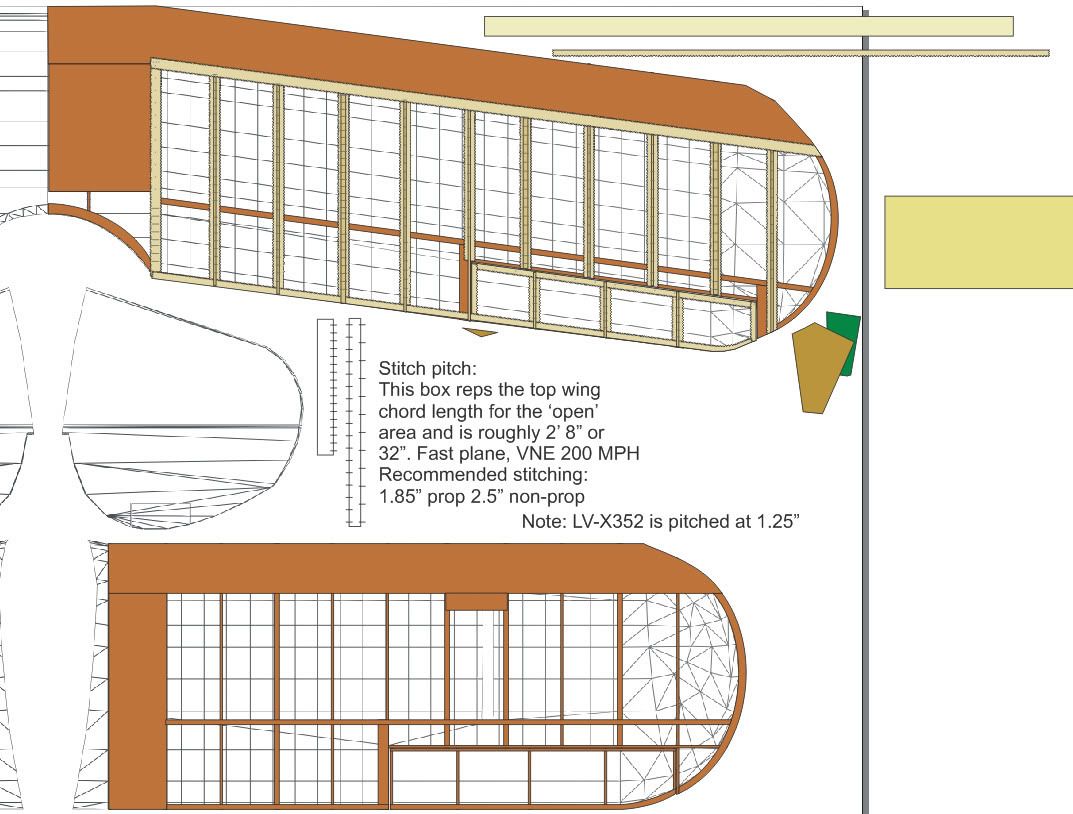
And why no paints from me yet? I am working on the rib stitching and taping ;)
 
LOL - Boor - NEVER!!

Yes- those outlines were the bits I was thinking of. The red I took from a sunny pic of the aircraft - i will look again.

Cheers :ernae:
 
i'm just finalising my demonstration then running it past the boss and will make my videos, don't expect a fancy livery, mines a bit..... dirty... been bush flying the thing :icon_lol:
 
Bush flying lol - looking forward to seeing that one Smoothy


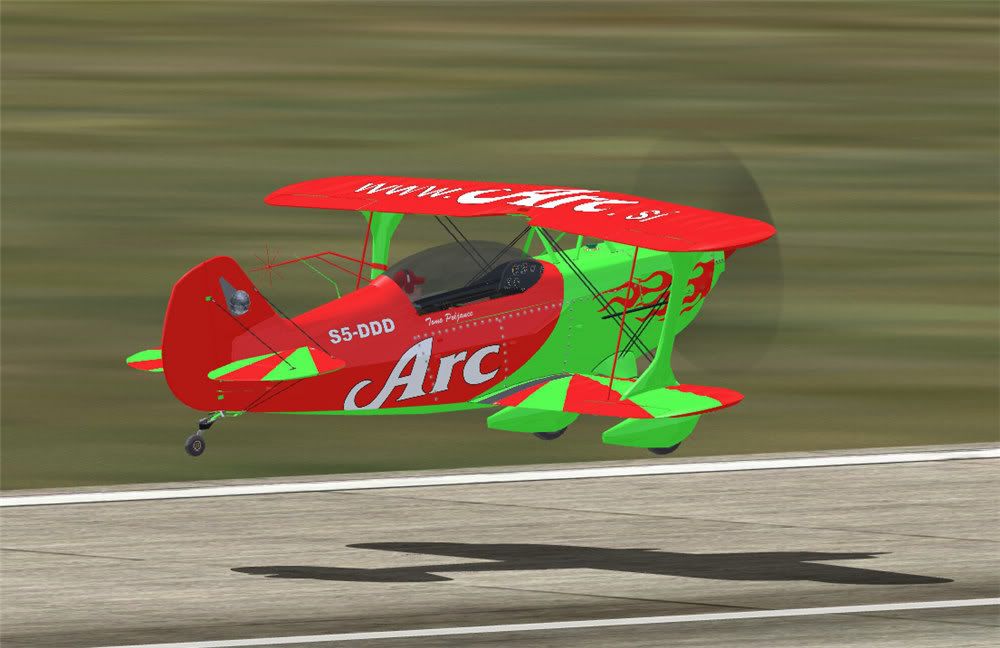
Just uploading this one for Anatopopov

Chris - I have tweaked the red down a bit but prefer to go for the sunny shade from photos.

complete-8.jpg
 
Back
Top