• There seems to be an uptick in Political comments in recent months. Those of us who are long time members of the site know that Political and Religious content has been banned for years. Nothing has changed. Please leave all political and religious comments out of the forums.

    If you recently joined the forums you were not presented with this restriction in the terms of service. This was due to a conversion error when we went from vBulletin to Xenforo. We have updated our terms of service to reflect these corrections.

    Please note any post refering to a politician will be considered political even if it is intended to be humor. Our experience is these topics have a way of dividing the forums and causing deep resentment among members. It is a poison to the community. We appreciate compliance with the rules.

    The Staff of SOH

  • Please see the most recent updates in the "Where did the .com name go?" thread. Posts number 16 and 17.

    Post 16 Update

    Post 17 Warning

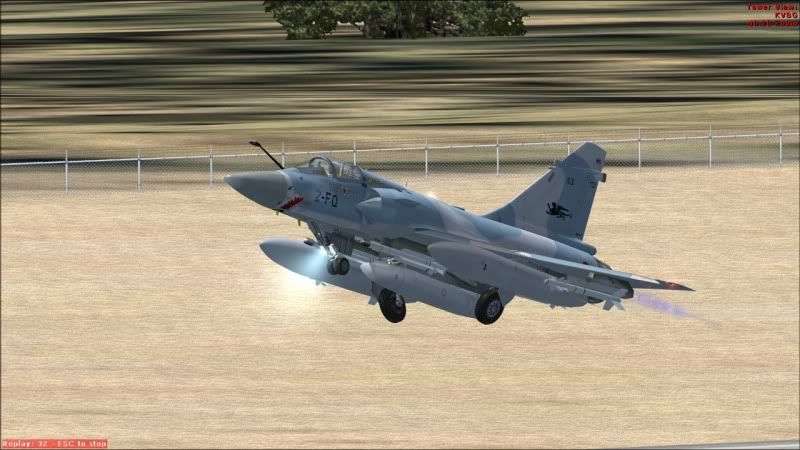
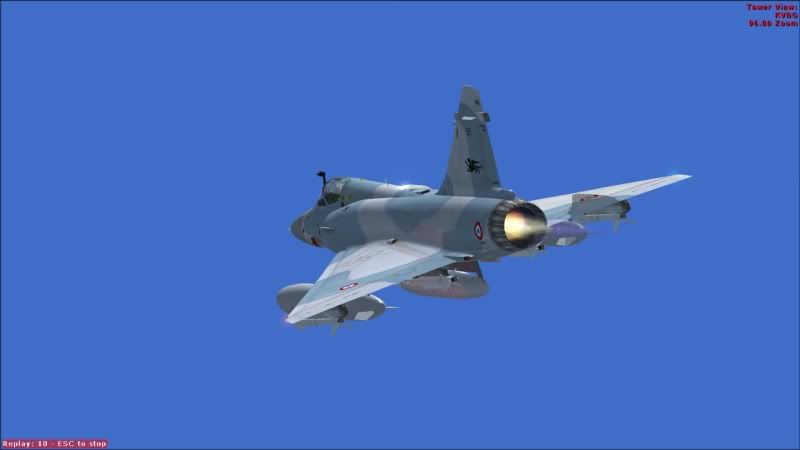
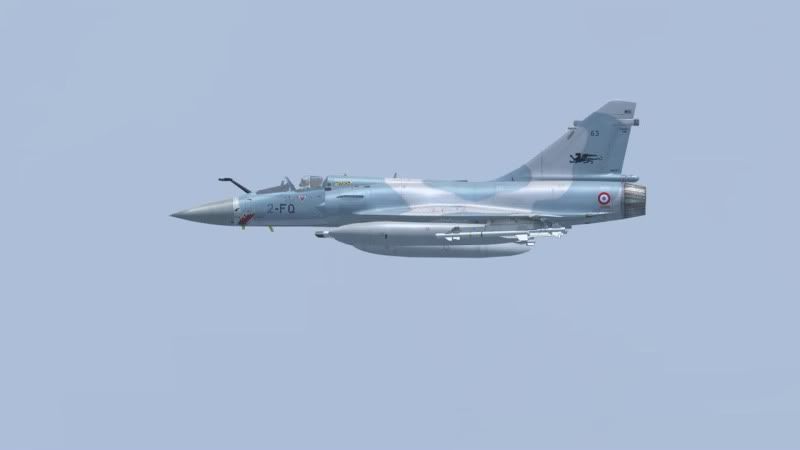
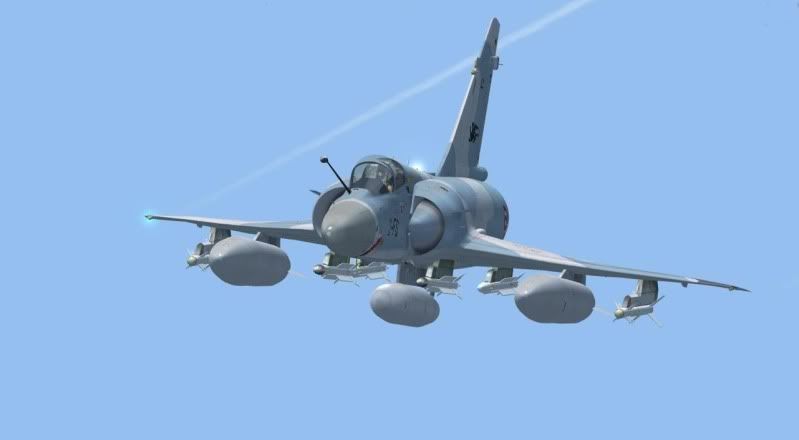
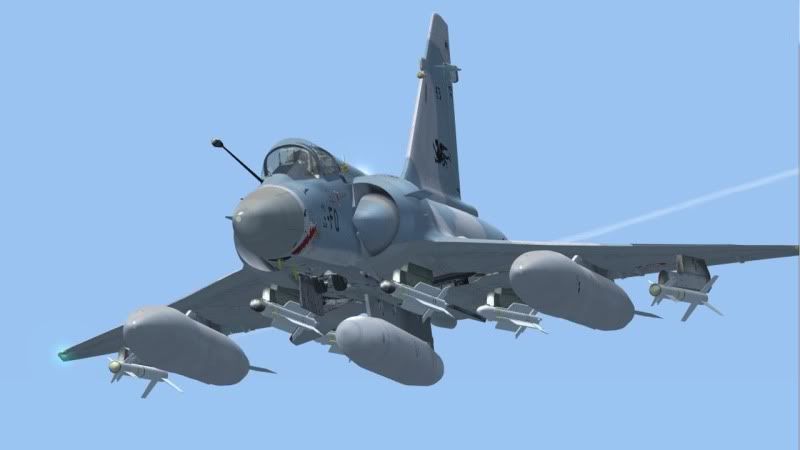
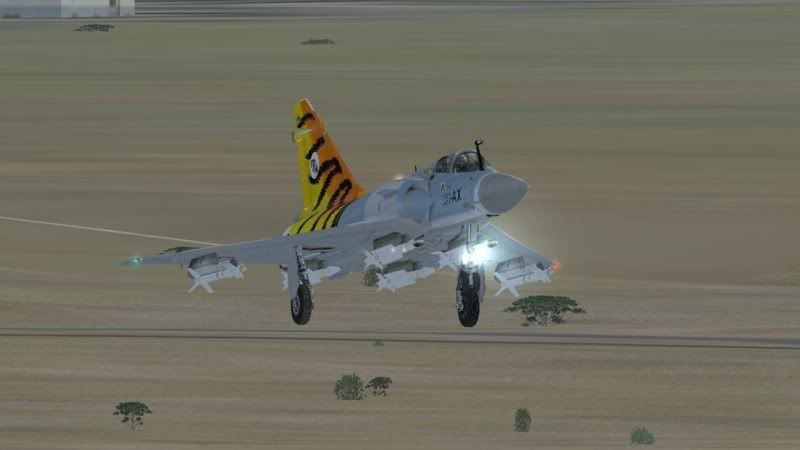
The Mirage 2000 by Rollus is out!

weapon load-fuel tank load

HI !

The explanation is at the chapter 8 of the pdf files " Doc_Mirage2000-5.pdf". In.... French

Let me try to help you.

Myself first I switch on the left glass screen on weapon and tanks configuration on the VC vue. Just to see easely my choice.

Then I activate the TBD 2D vue and you will see the 2D vue describe on page 32.

Ther is four green seclectors, the two left are for the tanks, the two right are for the weapons.

Tanks
The left green tank selector is for the external tanks and the right one for the central.

Weapons

The left one is for the central weapons and the right one for the external.

If you activate these selectors you will see the configuration changing on your VC glass screen.

It is the first part of the selection. Now you have to adjust your weapon and tanks configuration manualy in FSX. You have to use the FSX default menu activation by the ALT KEY.

Sorry I have a french version of FSX so its for me "Appareil" should be "aircraft" for you and "carburant et poids" may be for you "fuel and hevy adjust".

On page 33 you can see the value to assign for the tanks.

100% selected for external tnaks and you have all the tanks

27% selected for the external tanks, you have tne heavy value just for the center tank.

73% selected you have the value for the external tanks only.

It is the same for the heavy and so weapons configuration. You select the weapons configuration you have chosen.

I hope that I have helped you, sorry for my english....

Best regards

Gilles
 
Hassan I GMML

4501.jpg

2132.jpg
 
I e-mailed Rollus about an anglish manual this week-end. He is well aware of its necessity and he is in touch with someone to do it. So all our english speaking friends have to do is to wait for it...

Or if you don't want to wait use Google translate.

It does not only translate web-pages; you can also enter entire text-blocks and have them translated (in different languages if you like). It is not the perfect translation, but it will get you somewhere closer to understanding the bird, rather then wait for the English manual to be published. :engel016:
 
HI !

The explanation is at the chapter 8 of the pdf files " Doc_Mirage2000-5.pdf". In.... French

Let me try to help you.

Myself first I switch on the left glass screen on weapon and tanks configuration on the VC vue. Just to see easely my choice.

Then I activate the TBD 2D vue and you will see the 2D vue describe on page 32.

Ther is four green seclectors, the two left are for the tanks, the two right are for the weapons.

Tanks
The left green tank selector is for the external tanks and the right one for the central.

Weapons

The left one is for the central weapons and the right one for the external.

If you activate these selectors you will see the configuration changing on your VC glass screen.

It is the first part of the selection. Now you have to adjust your weapon and tanks configuration manualy in FSX. You have to use the FSX default menu activation by the ALT KEY.

Sorry I have a french version of FSX so its for me "Appareil" should be "aircraft" for you and "carburant et poids" may be for you "fuel and hevy adjust".

On page 33 you can see the value to assign for the tanks.

100% selected for external tnaks and you have all the tanks

27% selected for the external tanks, you have tne heavy value just for the center tank.

73% selected you have the value for the external tanks only.

It is the same for the heavy and so weapons configuration. You select the weapons configuration you have chosen.

I hope that I have helped you, sorry for my english....

Best regards

Gilles


Thank you!

Regards,

Zsolt
 
Not a fan of this plane, but sounds like a good download!

too bad they dont allow repaints, thats purdy gay...
 
This add on is phenominal by looking at the manual. The details and extras are mind blowing judging by the pictures. I very eagerly await an english manual as just getting it going and flying without understanding is an injustice to the efforts put into making this (to me anyway).

I even managed to start it up and fly twice. Haven't pulled off that trick again although I don't know what I'm doing different. I tried Babelfish translation but it cleared up very little.

This is definately worth signing up to that site and downloading. If you understand the French you are golden, if not the wait for the English version will be worth it too.

Well I rambled on here, I meant to just say unbelievable effort and good to know an english manual is coming.

Thank you Rollus!
 
Thank you Frank for these precise details! sorry for Brazilian people and what a pity , and so much worse for me ! I did not know that they did not have a 2000-5 ,
for
taseal<SCRIPT type=text/javascript> vbmenu_register("postmenu_237302", true); </SCRIPT>
:bump:
: I think that there is a reason…
do not be naive, and reflect.... :running:
 
For the loadout I press shift+2 then look under the annunciator panel there are 4 green lights just press them to remove the tanks and missiles!
 
FPS wise isn't perfect, but it's most definately better than the AS F-16. However, I don't think any add-on will be able to beat the L-39 FPS-wise :p. Let's just say, I get very decent frames on my less-than-medium laptop. :D

I really love this plane! Although Rollus could compress the entire package by atleast 500mb :O. Unpacked the mir2000-5-Rollus folder was about 900MB, and after some deleting and redirecting with texture.cfg, I managed to reduce the sice to 550MB, without deleting the 110MB pdf manual :p. Bit sloppy of him, but whatever :p

And someone said it would be impossible to repaint this plane. It really is not, there are only 6-8 files that deal with exterior. Too bad it's not allowed :(
 
I totally agree this jet is the best freeware to date, I have to say this though, after experimenting with various sound options, I've found that the TSS Mirage F1 sound package is the closest match to the real thing, I highly recommend you guys get it and you'll hear the difference big style!!

The scenery he's using is Laayune GMML in Morocco available at AVsim as (FsX scenery Morocco and Sahara FsX vbersion I)
 
What about repaints for your own use...?

Superb aircraft, sad that we will not get additional paints for it.
 
I was kitesurfing with my two sons this weekend.

Back to the FS Office this morning and actually downloading this
FSX 2000-5/9 of Roland Laborie !

I am available for some translations of the Flight Manual !
:mixedsmi:
VaporZ
 
Back
Top