
weapon load-fuel tank load
HI !
The explanation is at the chapter 8 of the pdf files " Doc_Mirage2000-5.pdf". In.... French
Let me try to help you.
Myself first I switch on the left glass screen on weapon and tanks configuration on the VC vue. Just to see easely my choice.
Then I activate the TBD 2D vue and you will see the 2D vue describe on page 32.
Ther is four green seclectors, the two left are for the tanks, the two right are for the weapons.
Tanks
The left green tank selector is for the external tanks and the right one for the central.
Weapons
The left one is for the central weapons and the right one for the external.
If you activate these selectors you will see the configuration changing on your VC glass screen.
It is the first part of the selection. Now you have to adjust your weapon and tanks configuration manualy in FSX. You have to use the FSX default menu activation by the ALT KEY.
Sorry I have a french version of FSX so its for me "Appareil" should be "aircraft" for you and "carburant et poids" may be for you "fuel and hevy adjust".
On page 33 you can see the value to assign for the tanks.
100% selected for external tnaks and you have all the tanks
27% selected for the external tanks, you have tne heavy value just for the center tank.
73% selected you have the value for the external tanks only.
It is the same for the heavy and so weapons configuration. You select the weapons configuration you have chosen.
I hope that I have helped you, sorry for my english....
Best regards
Gilles
HI !
The explanation is at the chapter 8 of the pdf files " Doc_Mirage2000-5.pdf". In.... French
Let me try to help you.
Myself first I switch on the left glass screen on weapon and tanks configuration on the VC vue. Just to see easely my choice.
Then I activate the TBD 2D vue and you will see the 2D vue describe on page 32.
Ther is four green seclectors, the two left are for the tanks, the two right are for the weapons.
Tanks
The left green tank selector is for the external tanks and the right one for the central.
Weapons
The left one is for the central weapons and the right one for the external.
If you activate these selectors you will see the configuration changing on your VC glass screen.
It is the first part of the selection. Now you have to adjust your weapon and tanks configuration manualy in FSX. You have to use the FSX default menu activation by the ALT KEY.
Sorry I have a french version of FSX so its for me "Appareil" should be "aircraft" for you and "carburant et poids" may be for you "fuel and hevy adjust".
On page 33 you can see the value to assign for the tanks.
100% selected for external tnaks and you have all the tanks
27% selected for the external tanks, you have tne heavy value just for the center tank.
73% selected you have the value for the external tanks only.
It is the same for the heavy and so weapons configuration. You select the weapons configuration you have chosen.
I hope that I have helped you, sorry for my english....
Best regards
Gilles


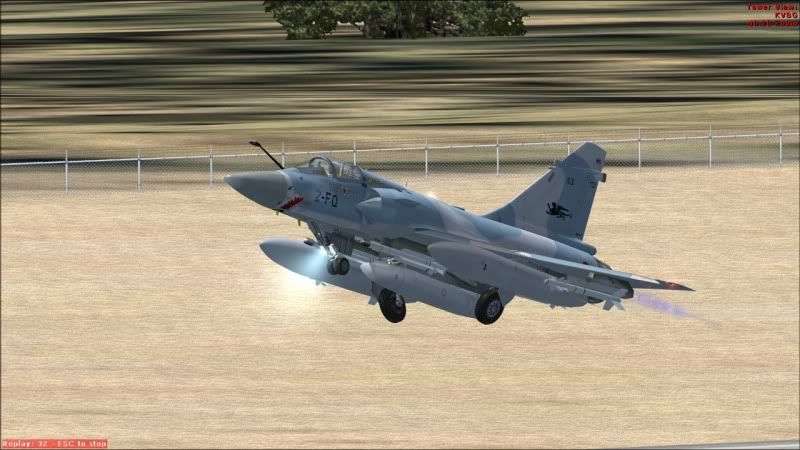
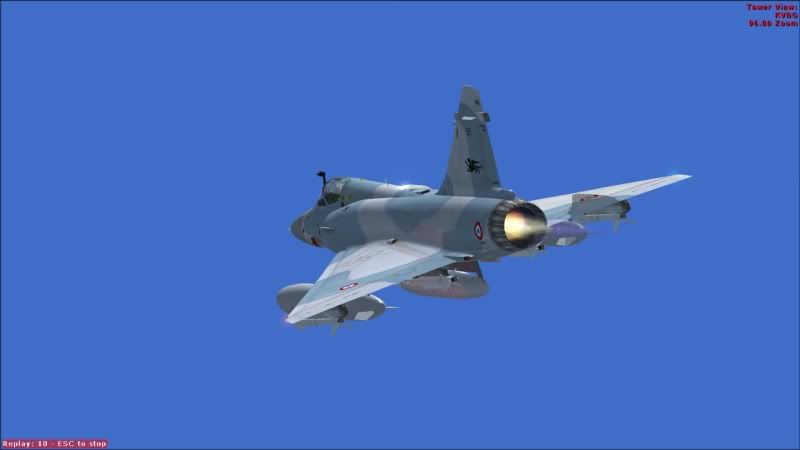
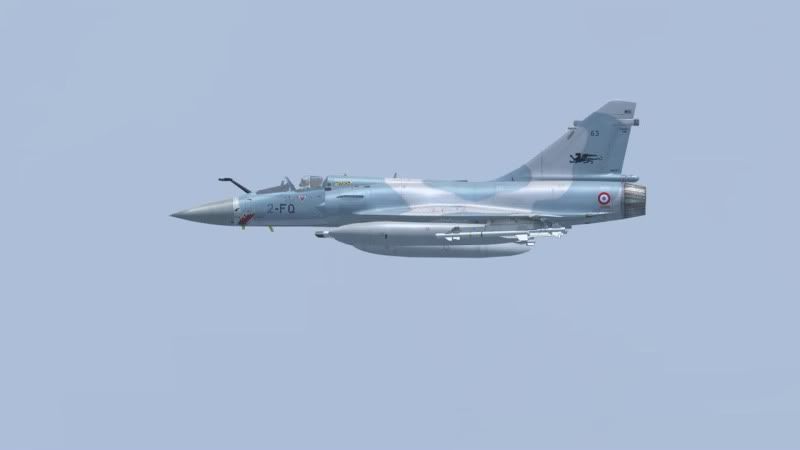
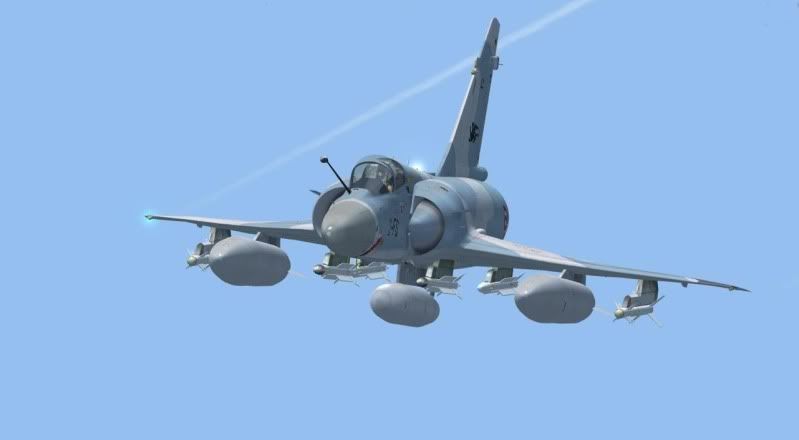
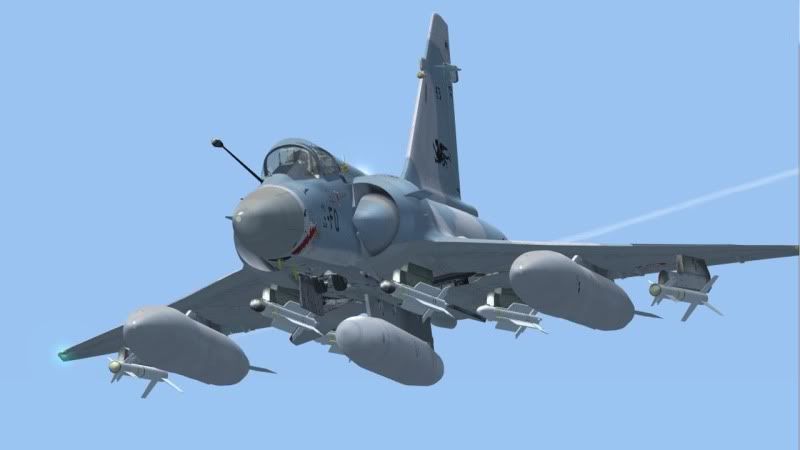
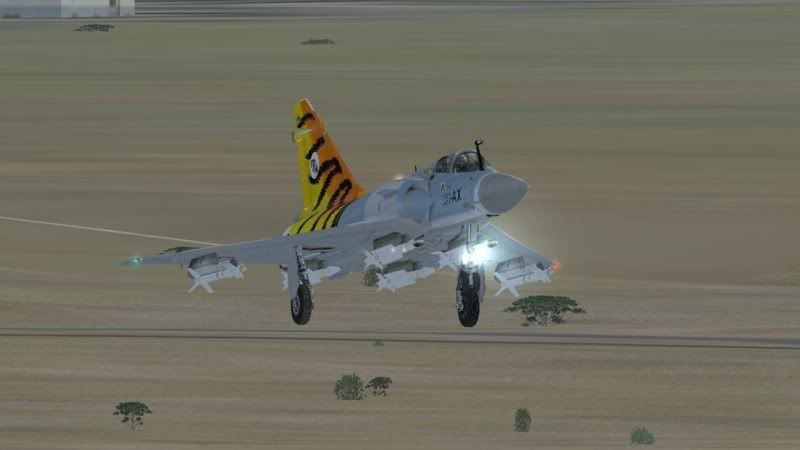
 . Let's just say, I get very decent frames on my less-than-medium laptop.


