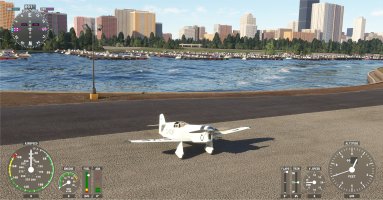
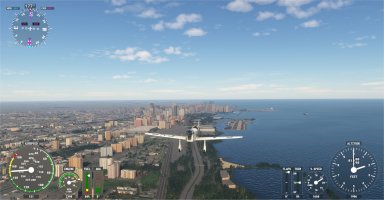
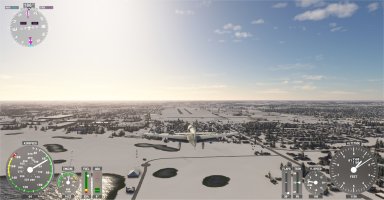
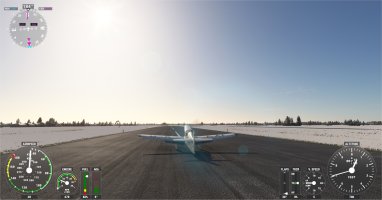
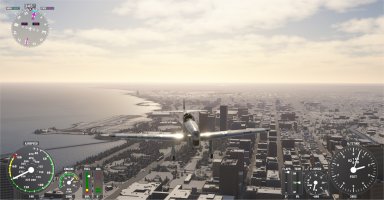
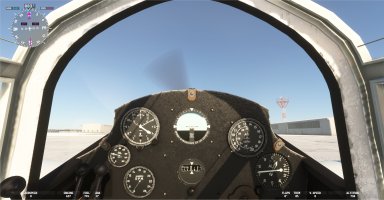
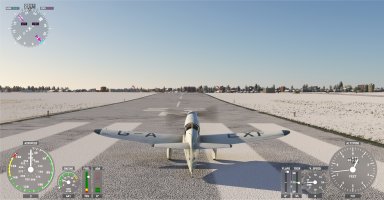
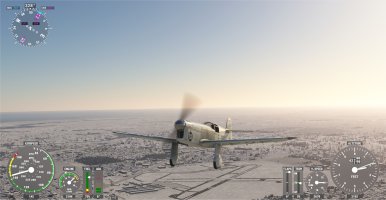
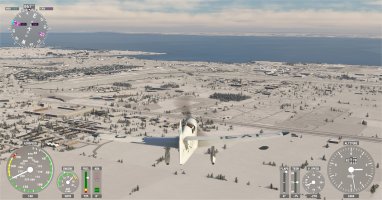
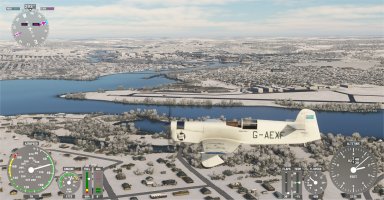
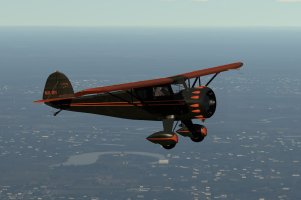
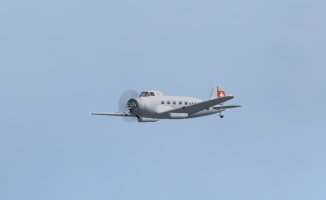
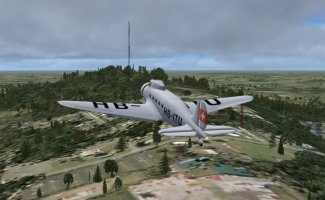
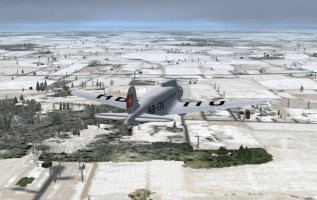
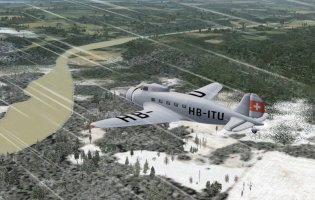
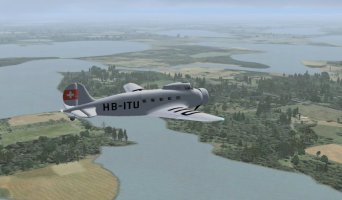
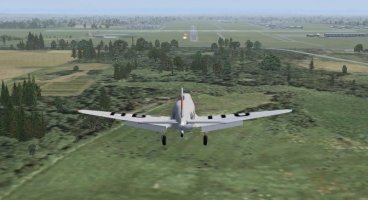
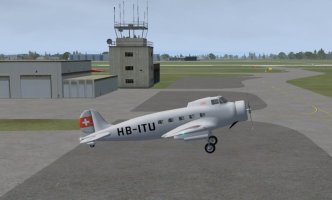
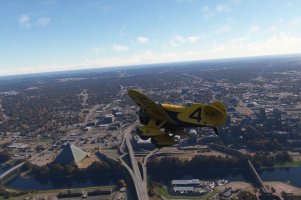
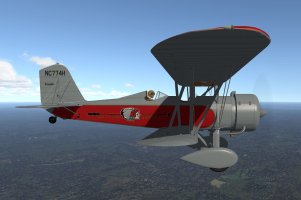
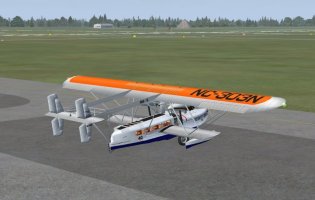
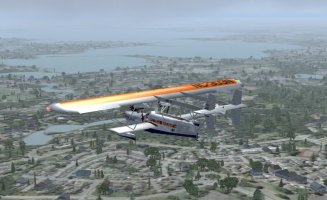
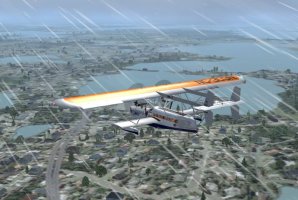
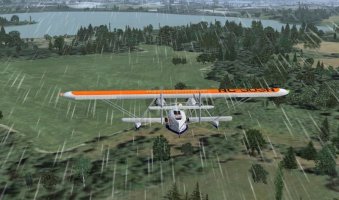
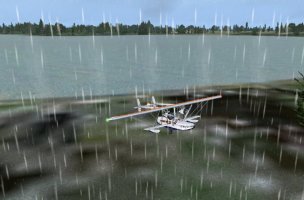
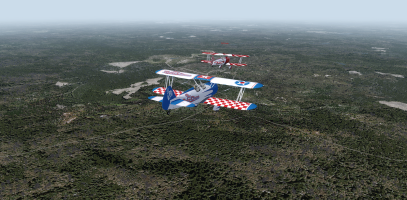
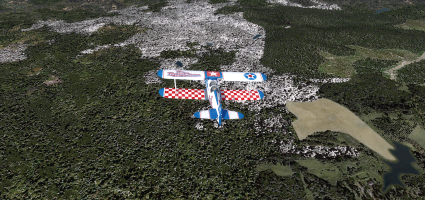
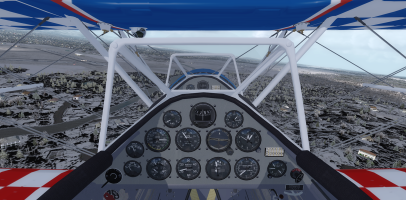
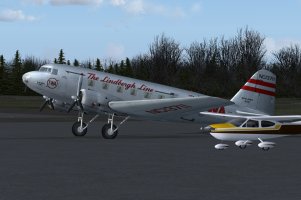
Rob and I got to fly again last night which was unexpected as I thought he'd be busy unpacking from his trip. As he was back at home with all his toys available he turned up in a new/old bird he wanted to try out, Piglet's Boeing Monomail. He had downloaded it a while ago but not really put any serious miles on her hence wanting to do a leg or two in it. I didn't have it in P3D so I grabbed it from the resources here and slapped it into the sim real quick. I added my usual pop-up panel and GPS unit and connected to the MP server and that's when things went pear shaped!
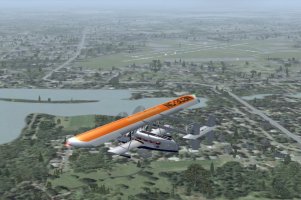
It loaded into P3D with no issues and Rob could see me in my Monomail in FSX but I couldn't see him on my sim, nothing, nada, not a trace! We spent ages putzing around trying to get it to work and nothing showed in my sim. We did discover that if I aliased him to something other than the Monomail in JoinFS then he immediately appeared beside me, alias him back to the Monomail and poof he disappeared again. We also noticed that he had a red box in my JoinFS 'aircraft' window when he was in the Monomail and no red box when I aliased him to anything else. After more than an hour we gave up and decided we would go with whatever worked so he stayed in the Monomail with me aliased into a Monomail on his sim while I put him into a Dragon Rapide because I could see him in that and jumped into my own Rapide on my sim and we finally got to fly a leg!
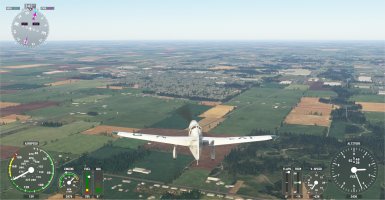
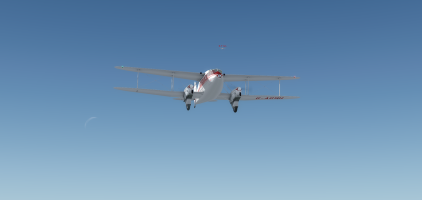
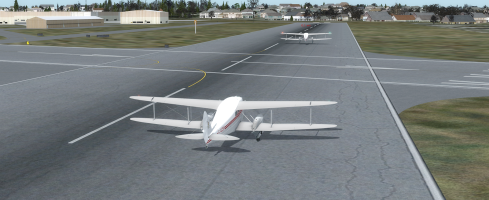
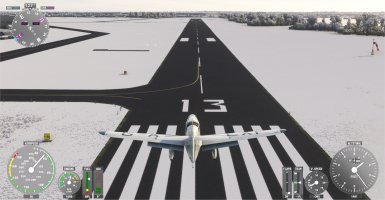
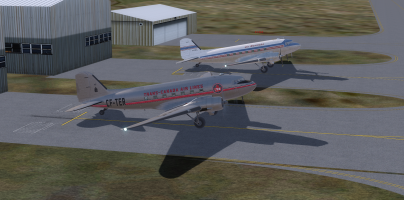
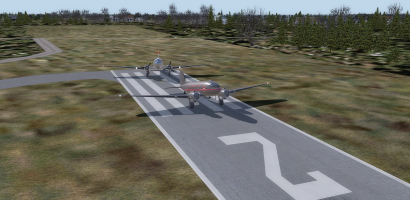
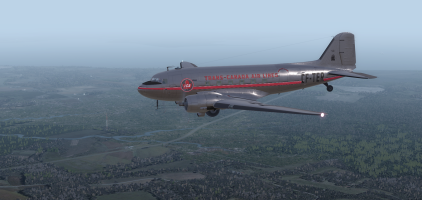
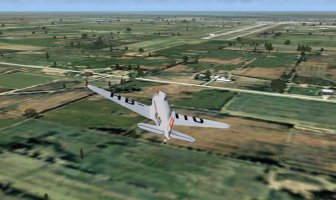
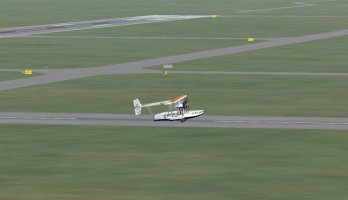
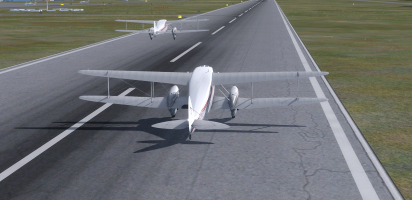
Here we are on the take-off run with Rob just lifting off.
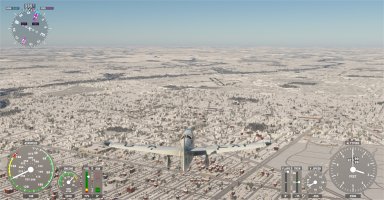
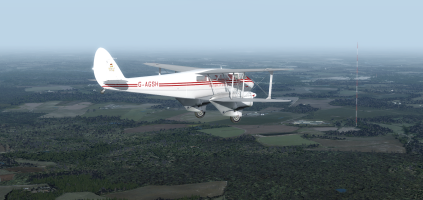
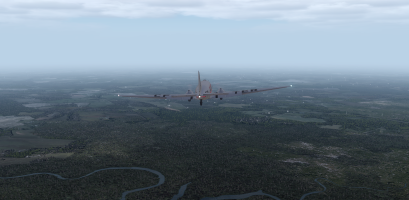
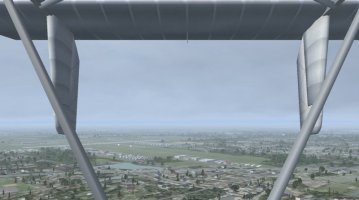
The real world WX was showing signs of middle distance fog/mist/haze again and I hoped we weren't going to get a repeat of the bad weather of the previous leg.
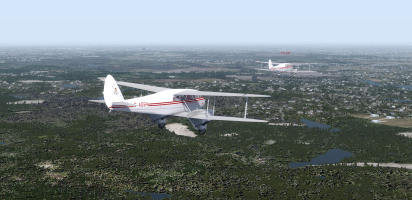
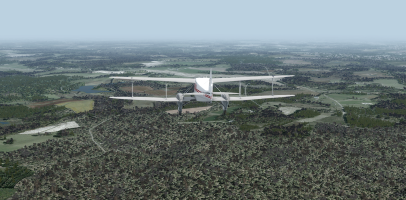
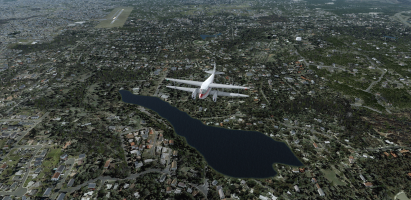
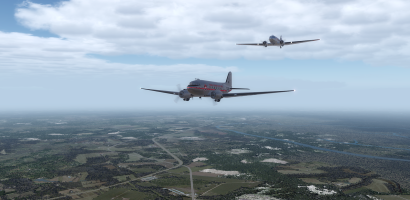
The further we went the better the weather got and it turned into a very pleasant flight despite the earlier issues.
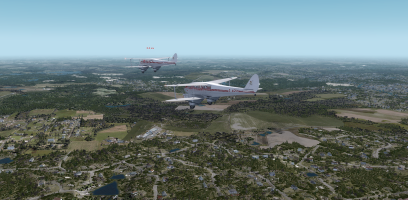
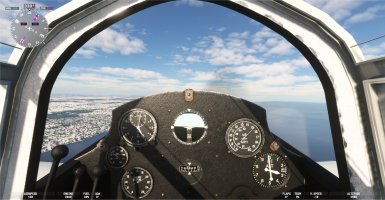
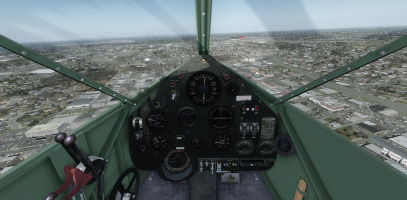
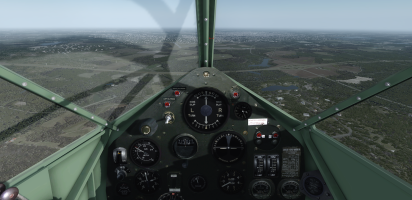
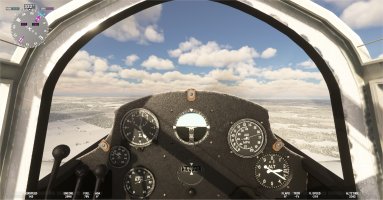
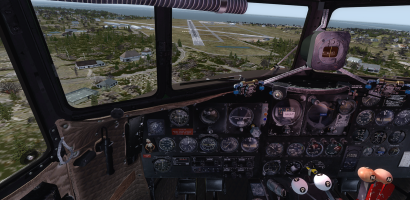
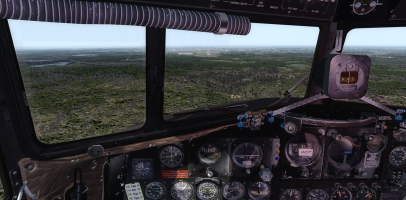
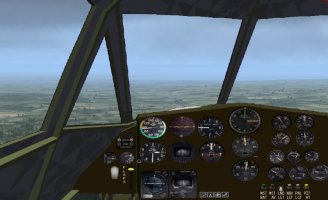
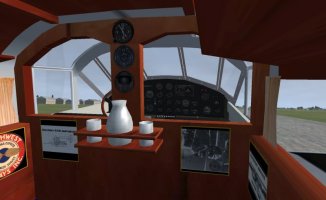
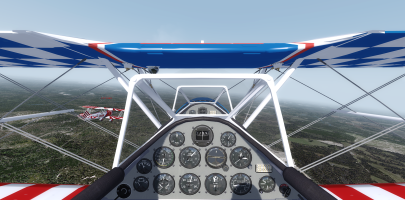
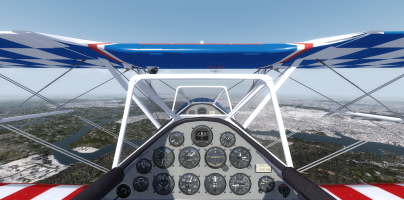
I wonder what the designers at de Havilland were drinking when they designed the Rapide and who thought it would be a good idea to create a pointy, single pilot cockpit and then put in a central pillar that completely blocks the pilot's forward view! It makes landing a pain because you can't see the runway on short final and if you are flying in multiplayer you can't see your buddies if they are right in front of you! I know Rob is there from his label but I can't see him at all!
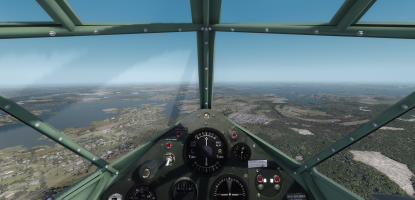
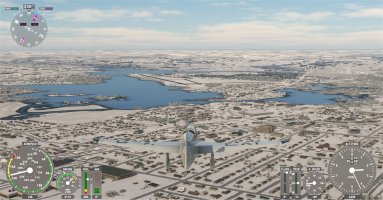
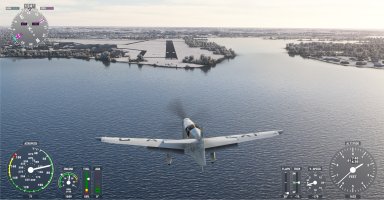
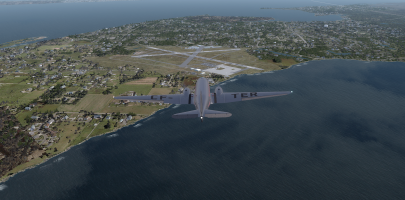
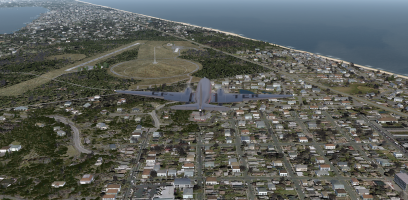
The destination airport came into view (KGMU) and I opted for a WWII fighter pilot's curved approach so that I could keep the runway in sight for the longest possible time before it disappeared behind the windshield pillar!
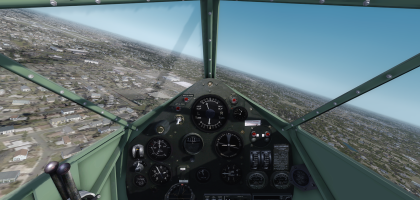
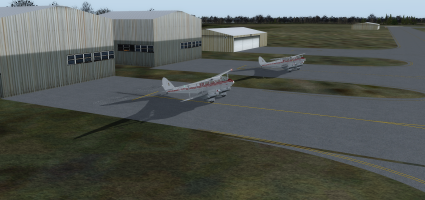
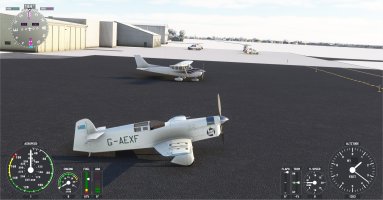
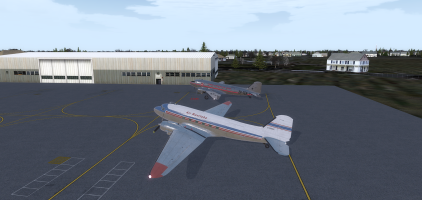
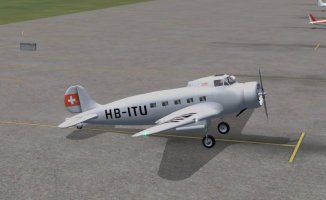
We got down safe then parked up and scratched our heads about what went wrong and still didn't have a reason for it. We even checked to see if I could see Rob's Monomail at the finish and as soon as I changed his aliased aircraft he disappeared again! Crazy!
It loaded into P3D with no issues and Rob could see me in my Monomail in FSX but I couldn't see him on my sim, nothing, nada, not a trace! We spent ages putzing around trying to get it to work and nothing showed in my sim. We did discover that if I aliased him to something other than the Monomail in JoinFS then he immediately appeared beside me, alias him back to the Monomail and poof he disappeared again. We also noticed that he had a red box in my JoinFS 'aircraft' window when he was in the Monomail and no red box when I aliased him to anything else. After more than an hour we gave up and decided we would go with whatever worked so he stayed in the Monomail with me aliased into a Monomail on his sim while I put him into a Dragon Rapide because I could see him in that and jumped into my own Rapide on my sim and we finally got to fly a leg!
Here we are on the take-off run with Rob just lifting off.
The real world WX was showing signs of middle distance fog/mist/haze again and I hoped we weren't going to get a repeat of the bad weather of the previous leg.
The further we went the better the weather got and it turned into a very pleasant flight despite the earlier issues.
I wonder what the designers at de Havilland were drinking when they designed the Rapide and who thought it would be a good idea to create a pointy, single pilot cockpit and then put in a central pillar that completely blocks the pilot's forward view! It makes landing a pain because you can't see the runway on short final and if you are flying in multiplayer you can't see your buddies if they are right in front of you! I know Rob is there from his label but I can't see him at all!
The destination airport came into view (KGMU) and I opted for a WWII fighter pilot's curved approach so that I could keep the runway in sight for the longest possible time before it disappeared behind the windshield pillar!
We got down safe then parked up and scratched our heads about what went wrong and still didn't have a reason for it. We even checked to see if I could see Rob's Monomail at the finish and as soon as I changed his aliased aircraft he disappeared again! Crazy!