• There seems to be an uptick in Political comments in recent months. Those of us who are long time members of the site know that Political and Religious content has been banned for years. Nothing has changed. Please leave all political and religious comments out of the forums.

    If you recently joined the forums you were not presented with this restriction in the terms of service. This was due to a conversion error when we went from vBulletin to Xenforo. We have updated our terms of service to reflect these corrections.

    Please note any post refering to a politician will be considered political even if it is intended to be humor. Our experience is these topics have a way of dividing the forums and causing deep resentment among members. It is a poison to the community. We appreciate compliance with the rules.

    The Staff of SOH

  • Server side Maintenance is done. We still have an update to the forum software to run but that one will have to wait for a better time.

**The OFFICIAL All Sims Air Tour Thread**

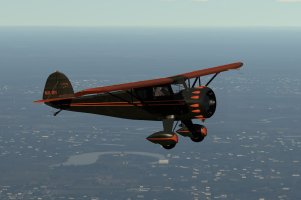
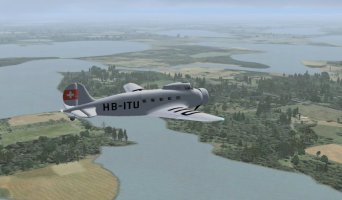
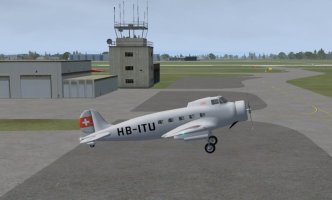
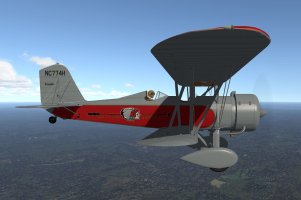
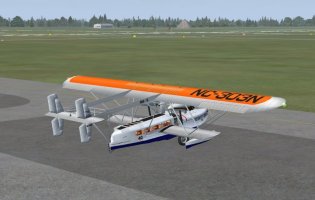
Rob and I got to fly again last night which was unexpected as I thought he'd be busy unpacking from his trip. As he was back at home with all his toys available he turned up in a new/old bird he wanted to try out, Piglet's Boeing Monomail. He had downloaded it a while ago but not really put any serious miles on her hence wanting to do a leg or two in it. I didn't have it in P3D so I grabbed it from the resources here and slapped it into the sim real quick. I added my usual pop-up panel and GPS unit and connected to the MP server and that's when things went pear shaped!

It loaded into P3D with no issues and Rob could see me in my Monomail in FSX but I couldn't see him on my sim, nothing, nada, not a trace! We spent ages putzing around trying to get it to work and nothing showed in my sim. We did discover that if I aliased him to something other than the Monomail in JoinFS then he immediately appeared beside me, alias him back to the Monomail and poof he disappeared again. We also noticed that he had a red box in my JoinFS 'aircraft' window when he was in the Monomail and no red box when I aliased him to anything else. After more than an hour we gave up and decided we would go with whatever worked so he stayed in the Monomail with me aliased into a Monomail on his sim while I put him into a Dragon Rapide because I could see him in that and jumped into my own Rapide on my sim and we finally got to fly a leg! :dizzy:

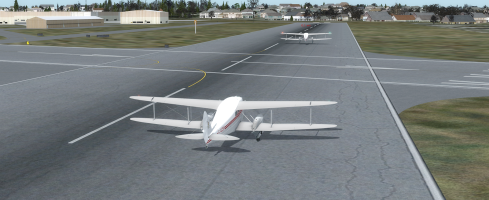
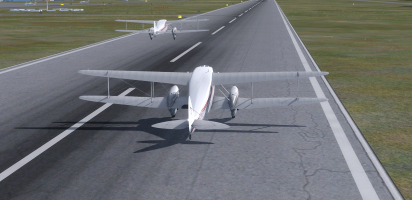
Here we are on the take-off run with Rob just lifting off.
L18_01.png

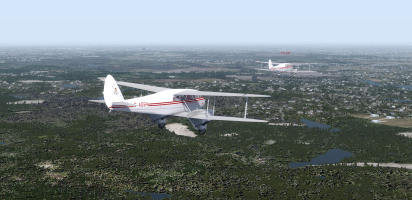
The real world WX was showing signs of middle distance fog/mist/haze again and I hoped we weren't going to get a repeat of the bad weather of the previous leg.
L18_02.png

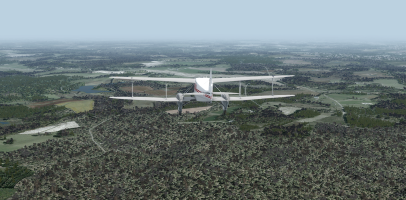
The further we went the better the weather got and it turned into a very pleasant flight despite the earlier issues.
L18_03.png

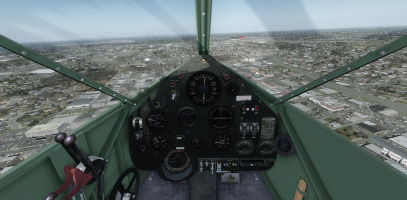
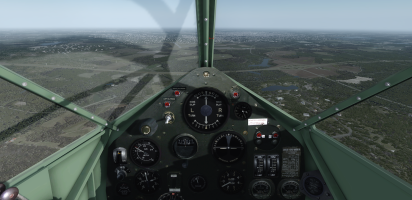
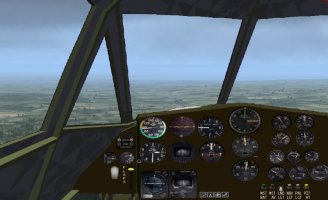
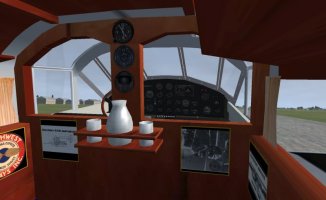
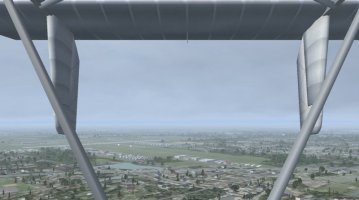
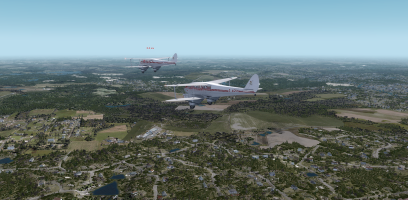
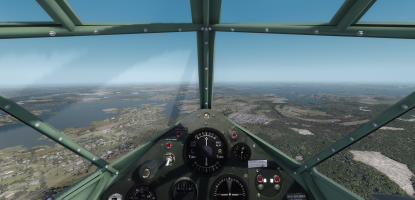
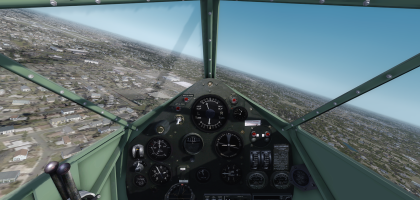
I wonder what the designers at de Havilland were drinking when they designed the Rapide and who thought it would be a good idea to create a pointy, single pilot cockpit and then put in a central pillar that completely blocks the pilot's forward view! It makes landing a pain because you can't see the runway on short final and if you are flying in multiplayer you can't see your buddies if they are right in front of you! I know Rob is there from his label but I can't see him at all!
L18_04.png

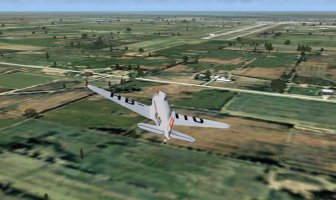
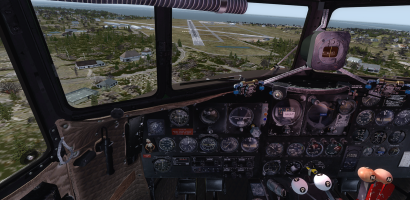
The destination airport came into view (KGMU) and I opted for a WWII fighter pilot's curved approach so that I could keep the runway in sight for the longest possible time before it disappeared behind the windshield pillar!
L18_05.png

We got down safe then parked up and scratched our heads about what went wrong and still didn't have a reason for it. We even checked to see if I could see Rob's Monomail at the finish and as soon as I changed his aliased aircraft he disappeared again! Crazy! :banghead:
 
Yesterday, finally able to start Leg 1 (will post screenshots soonish). What I thought would be a nice, quiet and peaceful little jaunt in my hired Cessna 152 wasn't, however it was interesting. In my old FS2002, set to Winter, midday, landscape was uninteresting, all white (snow) and flat. However I did add interest and realism by setting weather for the first time, instead of clear sky, set scattered stratus cloud with base at 4,500', light rain. (I don't have Internet access for my sim, and the old FS2002 Real Weather option I don't think is available anymore anyway). Set GPS Direct VFR alt 2k', expecting to get a good look at the countryside if low and slow. As I have no knowledge of most of the route's landscape, I don't know what to expect.

The 152 was nice and easy to fly. These days I have ATC enabled, with full AI traffic density set, and was surprised at the amount of traffic around. My plan for this Air Tour is to do only a few legs, and as usual, learn the geography by researching on Wikipedia and Google Maps where I'm flying to or have been. Also, wanting to do this Adventure 'properly' and enable all FS2002 functionality, for realism. As my FS2002 is the standard default, no extra scenery (don't wish to mess with downloads), for me, this Adventure is more about getting out of and into airports, ATC etc. Quite fun.

Found KYIP somewhat confusing, those crossing runways etc. Enjoyed all the messing about with Ground, Tower, ATC comms, including interacting with the traffic. Wanted to do proper planning, so looked at KYIP airport layout. Forgot to check out my destination however, oops, first rule 'know where you're going, and what it'll look like when you get there'! (Not to mention 'alternates' if I hit a problem, didn't bother with that.) Oh well, once airborne, realised this and thought 'heck, I can study the destination airport chart whilst pottering along at 100 knots at 2k' (My 152 doesn't seem to have an autopilot, so have to fly manually, but it did trim out nicely so was very stable and could go 'hands off'.)

Final observation, all my own planning omissions, in the Air Tour chart I studied some weeks ago, the one VP2 put in the FS2020 thread, it's titled '2003 Air Tour'. I've been remiss to only look at it, which shows the Leg 1 destination is indeed KBTL but I only looked for 'Kalamazoo' (42°14′06″N 85°33′07″W) and got KAZO in the flight planner. I see in the above posts that pilots are going to KBTL 'Kellog Airport' 42°18′23″N 85°15′00″W, nearer to Battle Creek town. Have looked in Google Maps just now and now see the destination vacinity, should have done that before. Will have to see if my FS2002 has it. Don't suppose it really matters, am heading in the correct anti-clockwise direction, but just don't wanna get the nickname of 'Wrong Way' Corrigan! (Oh well, from my saved flight, not far out of KYIP, I'll simply continue on but to KBTL now. As always, all these combibulations just adds to the simming fun!)
 
Last edited:
Leg 3 and 4: Meigs Field KCGX) to Lansing Municipal (KIGQ) to Lawrence J Timmerman (KMWC)

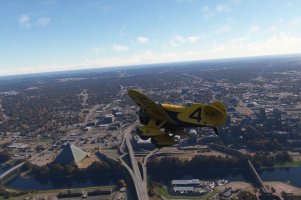
Flying the Percival Mew Gull in MSFS 2020. Using Active Sky FS for weather and Little Navmap for navigation.
The winds have calmed down here in the Pacific North West so today my flight was successful. Still lots of rain today locally.

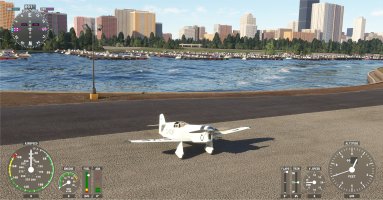
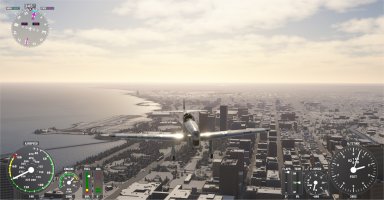
01 starting at KCGX.jpg
Starting at Meigs field. Chicago skyline behind me. Have 84% fuel on board. The wind was from the South so I took off on Runway 18. I rarely took off on 18 over the years in Flight Simulator. It was almost always Runway 36.

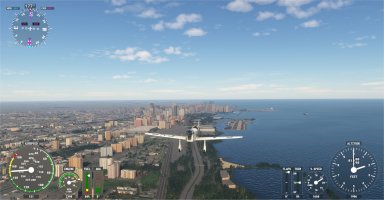
02 South from KCGX.jpg
Headed south from KCGX.

03 straight in to KIGQ.jpg
Straight in approach to KIGQ for my Touch and Go.

04 touch and go at KIGQ.jpg
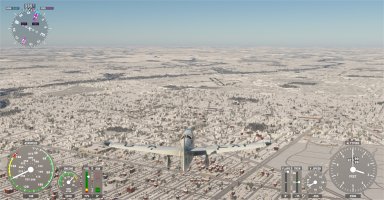
Successful Touch and Go. Next did a right 180 and headed back North.

05 Meigs behind again.jpg
Leaving Meigs Field and Chicago behind me again.

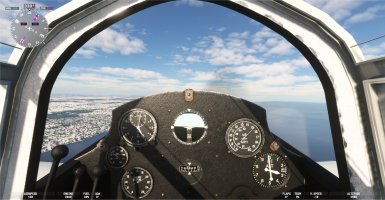
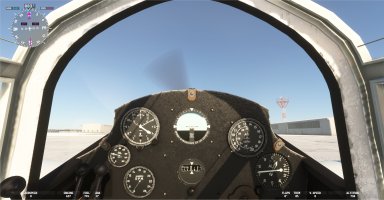
06 cockpit good weather.jpg
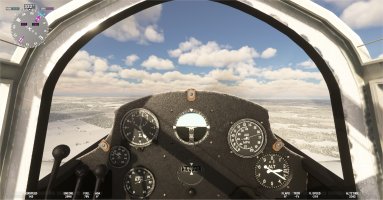
My Cockpit view of the good weather today.

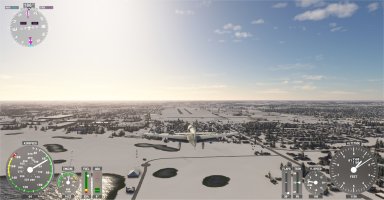
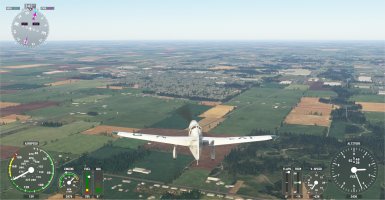
07 green north.jpg
Strangely enough, as I flew north, the terrain below went from white to green.

08 airport ahead.jpg
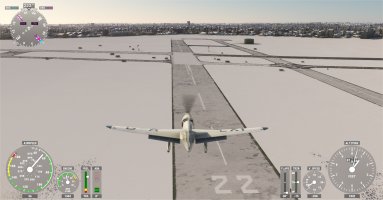
Spotted the airport ahead. Wind direction dictated a landing on 22R so I flew downwind toward Lake Michigan, then Base, and Final.

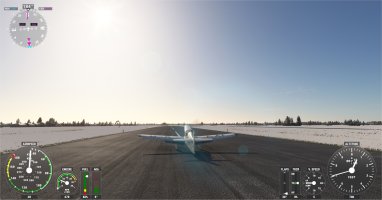
09 landed long 22R.jpg
Landed a bit long on 22R but there was plenty of runway available. And the short final airspeed of about 55 worked out very well. Did not float and landed easily.

10 landed at KMWC.jpg
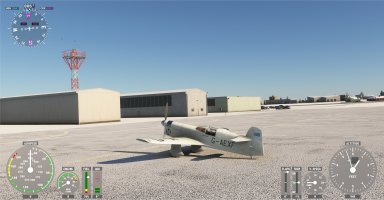
Parked at KMWC. Very few other aircraft on site. Quite different from the crowded airspace I transited near Chicago. I have 76% fuel on board, so no need to refuel yet.
 
I wonder what the designers at de Havilland were drinking when they designed the Rapide and who thought it would be a good idea to create a pointy, single pilot cockpit and then put in a central pillar that completely blocks the pilot's forward view! It makes landing a pain because you can't see the runway on short final and if you are flying in multiplayer you can't see your buddies if they are right in front of you! I know Rob is there from his label but I can't see him at all!

View attachment 178590

The destination airport came into view (KGMU) and I opted for a WWII fighter pilot's curved approach so that I could keep the runway in sight for the longest possible time before it disappeared behind the windshield pillar!

View attachment 178591
Try de Havilland Dragonfly. All you like in the Dragon minus what you don't like. She's one of my preferred airplane.
 
We got another couple of legs in last night with Rob really flying a Rapide this time! ;)

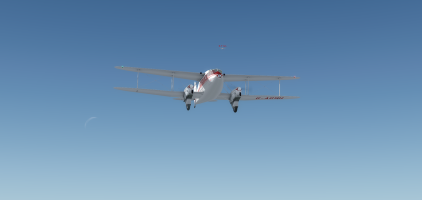
It was a beautiful start to the trip with blue skies and even a sliver of moon to keep us company.

L19_01.png

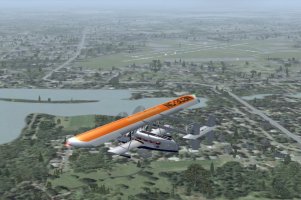
It wasn't long before the haze/fog started to creep in again though. :(

L19_02.png

The weather held off until we got to Winston/Salem (KINT) where we had an almost straight in approach although I did fly a slight curve just so that I could see the runway.

L19_03.png

We got down safe and then set up for the next leg. We didn't even bother to taxi back to the start and made full use of the Rapide's amazing STOL capabilities. Less than 100 ft and we were up and away again!

L20_01.png

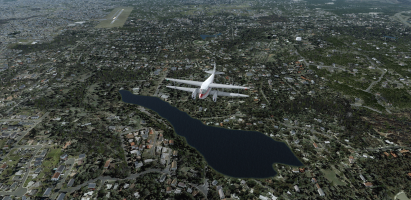
As I flew over this water feature I couldn't help chuckling while I wondered if it was called 'Sperm Lake'! :unsure::D

L20_02.png

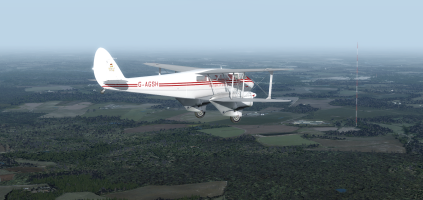
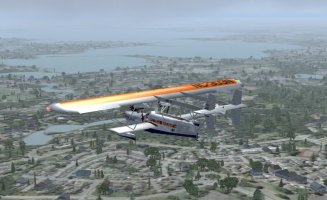
We put a few more miles under the wings and then this giant radio tower appeared through the haze. This thing was HUGE! I was flying at 2,500 ft and the top of the tower was easily as high as me. Boy they like 'em big in the Southern States! :dizzy:

L20_03.png

Wilson (W03) duly appeared under the nose and we had the familiar situation of flying a curved approach while Rob hid behind the central support!

L20_04.png

We got down safe, found a place to park and then went to find somewhere to eat and sleep for the night!

L20_05.png
 
Unfortunately there isn't one available for P3D v4.5 the older FS2004 one will only work in P3D up to v3.0.

The read.me file in Keith Paine's Dh 90 Dragonfly file says it does port over to P3D using the FSX .cfg file, but mouse clicks on the 3D panel don't work.

It may be worth a try if only so you can see straight ahead. :)
 
Things changed with P3D v4.5, that's when it went to 64 bit instead of 32 bit. FS2004 and port-over FSX planes do not play nicely but native FSX are usually OK. The usual requirements to work in P3D v4.5 are separate models for the interior and exterior and no .gau or .dll gauges, they must be XML gauges.
 
Leg 5: Lawrence J Timmerman (KMWC) to Wausau Downtown (KAUW)

Flying the Percival Mew Gull in MSFS 2020. Using Active Sky FS for weather and Little Navmap for navigation.

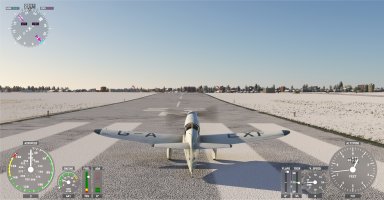
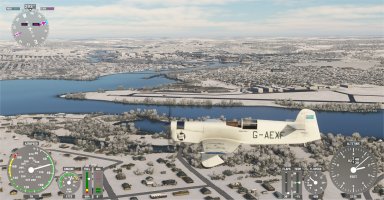
01 ready to taxi.jpg
Engine started and ready to taxi. 76% fuel on board.

02 takeoff 22R.jpg
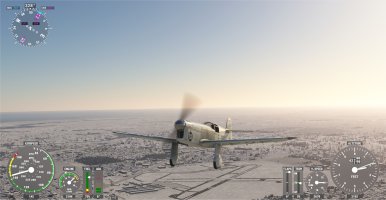
Lined up for takeoff on 22R.

03 on the way.jpg
Climbing out and on the way.

04 Oshkosh detour.jpg
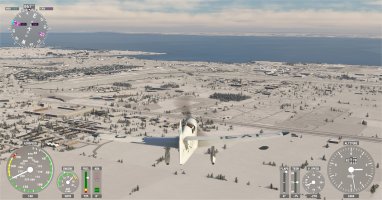
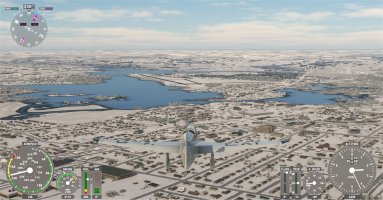
Almost half way there. Took a small detour to fly over Oshkosh. Not much activity today.

05 decent weather.jpg
At one point it looked like there were some storm clouds ahead. But as it turned out the weather was very good on this flight.

06 airport ahead.jpg
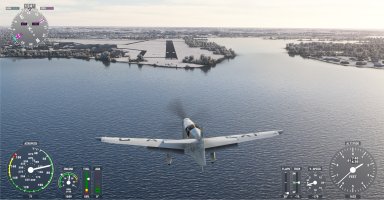
Spotted Wausau Downtown airport ahead. As I was approaching I expected to land on Runway 23 based on the wind direction. But suddenly the wind shifted dramatically and now I was instructed to land on Runway 13 instead.

07 downwind for 13.jpg
Downwind leg for landing on Runway 13.

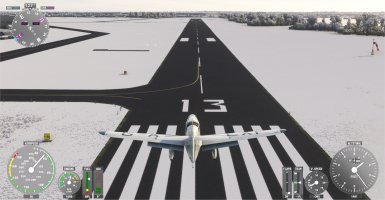
08 final for 13.jpg
It turned out to be a very pretty approach, coming in over the water on long final for Runway 13.

09 over the numbers.jpg
Over the numbers. Getting much more comfortable with this aircraft.

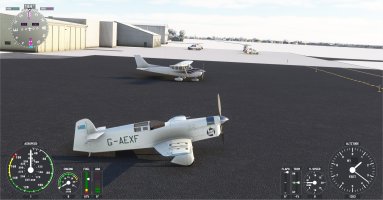
10 parked next to a cessna 172.jpg
Parked next to a much more modern Cessna 172. He was very curious to check out my aircraft. Still have 67% fuel on board so doing fine.

Next flight is to Anoka County - Blaine Airport (KANE)

I was very happy to get a flight in today on this special anniversary! :)
 
Epiphany moment (light-bulb, bell, penny dropped etc.), realised I can travel the route vicariously via all you other flyers, and apart from tracing the route in Real World (RW) via e.g. Google Maps, can also be a passenger in each of your aircraft and thereby see the various FS sceneries that my old default FS2002 is missing. So am now simply looking back up this thread to when each of you did Leg 1. Will complete Leg 1 myself in my FS2002, then intend to be a ground tourist, hire a car and drive to any of the other airports and hire another plane, so can do Leg n and repeat the passenger thing on that leg etc. (Not much time to enjoy this Adventure, RW chores to do, but will do my few hops and apply the above mechanism to be involved. Good enough for me!)
 
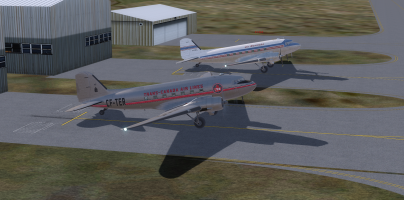
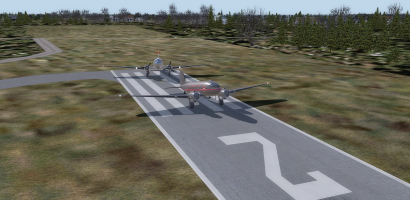
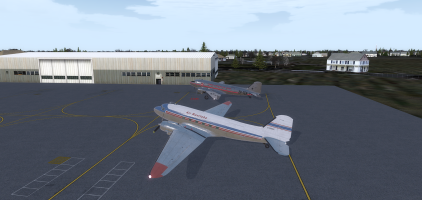
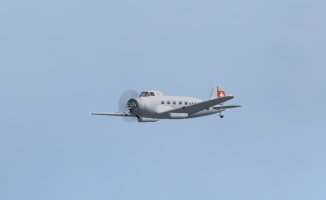
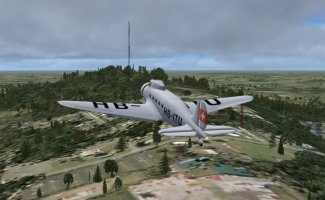
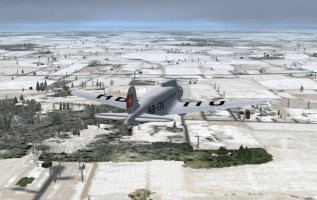
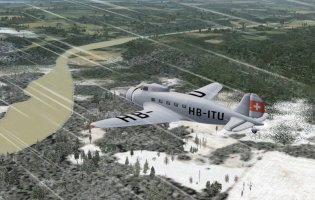
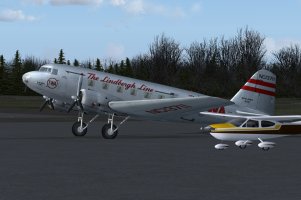
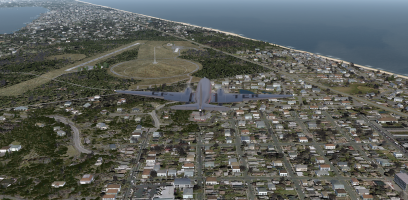
In honour of the DC-3's 90th birthday (yesterday) Rob and I decided to dedicate last night's flights to her legacy. Here we are at the location we stopped at immediately after doing the plane swap. While the Rapides fitted in these spots quite nicely the DC-3s are a tight fit with the wing tips almost touching!
L21_01.png

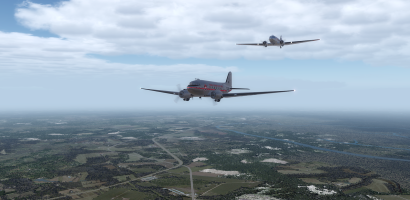
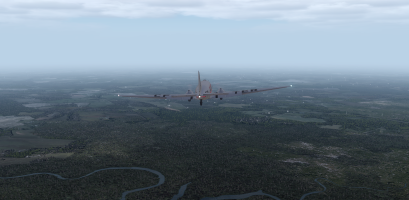
As I took this shot after we got established en-route I couldn't help wondering just how many thousands of times DC-3s have flown in close formation like this!

L21_02.png

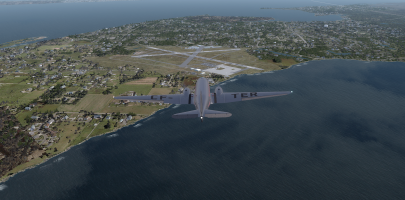
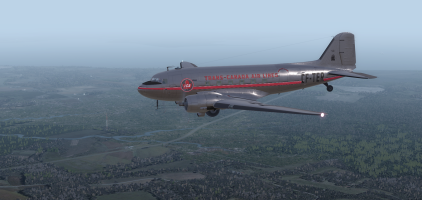
As we arrived at Dare County we decided to overfly the airport and then pull a 270° turn to get lined up with the active runway.

L21_03.png

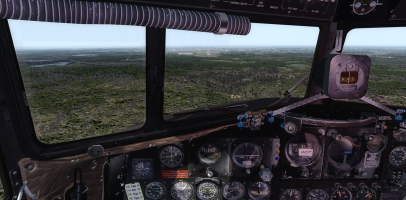
I ended up a little high on close final but dropping an extra notch of flaps and side-slipping for a couple of seconds soon bled off some altitude and I made it in safely. ;)

L21_04.png

We turned around and set off for Kitty Hawk where we did an overfly again before doubling back for the landing. How fitting was it to bring a couple of birthday girls to the place where it all began!

L22_01.png

We got down safe despite some early concerns about bringing DC-3s into there but then we had to get out again!

L22_02.png

It was a case of applying full power while standing on the brakes and then when everything was shuddering and rattling jumping off the brakes almost like a catapult launch on a carrier! As it turned out our initial worries were unfounded as we got out after only using about 75% of the runway! Then it was up, up and away into the gloomy, grey, yonder (that doesn't seem to have the same 'feel' as the original lyrics somehow)!

L23_01.png

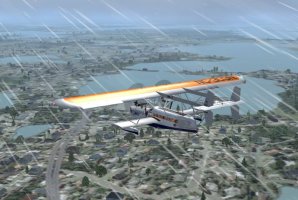
Do we have a theme going on here? Grey on grey over a green/grey terrain! :unsure:

L23_02.png

We made it to Richmond (KRIC) and it was nice to be able to do a long, straight-in approach and actually see the runway without having to peer around a Rapide windshield post! We opted for this runway as it meant we would end up close to our preferred parking area even though it meant having a 4 knot tail-wind but we knew the old girls could handle it!

L23_03.png

Down safe and once again we found a quiet spot to hang out in until the next time.

L23_04.png
 
Back
Top