

tgycgijoes
Members +
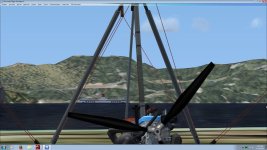
I finally stumbled on the AO 122 and that freighter. I was taking off from runway ??? and as soon as I rotated, there they were. I don't know how I missed them before.
From the looks of things... that oiler is just sitting er... floating in one spot with no particular place to go or does it?
I put all this in perspective to where the carriers were (red arrows)
Now will AO 122 be there all the time in static mode or what?
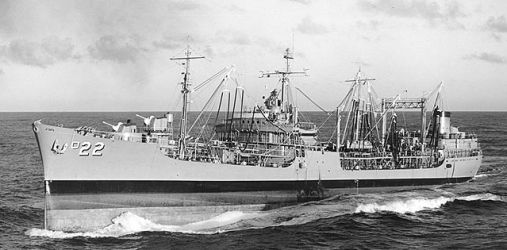
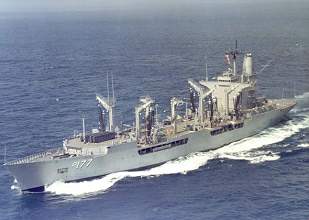
I finally found the USS Cimarron AO 122

Red arrows denote where the carriers are from this view

It seems that the USS Cimerron just kind of rotates around the anchor chain. I guess it "dropped the hook" there. It's not supposed to, it has a Route in Google Earth but though those compile perfectly, like the silly carrier, they don't cruise out to the Pacific like theyre supposed to. I'm going to try and see about that later. Right now I'm putting finishing touches on Version 3.1 I can see from the container ship that is tied up that you are using the static ship version of V3.0 which is why you have 2 carriers. I'll catch ya tommorrow. Sleep well.
Richard



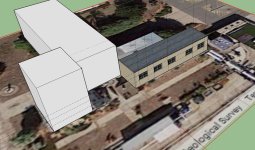
 I have just recently (yesterday morning) used GE to generate .kml files for five ships on the East Coast and Gulf of Mexico (additional USCG NSCs as in my thread "The Other Alameda"). All ships show up, follow the tracks, return as per the Plans. I have also made .bgls for nine USCG Bay Class icebreakers in the Great Lakes. And a sailboat in the Chesapeke Bay.


 AO-177 Cimarron was launched in 79.. AO-22 is a WWII Cimarron



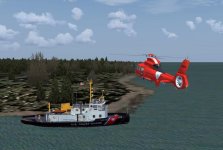
 I have the Aerosoft FSX Seahawk/Jayhawk cutter so this should all work out.