Yes please!
Jim
i second that. As soon as I saw this i thought we need some neglected paints!!

Please see the most recent updates in the "Where did the .com name go?" thread. Posts number 16 and 17.
Please see this thread for updates. Update Thread
SOH ADMINISTRATIONYes please!
Jim


I said "IT" stays on my box - I didn't say I wouldn't upload the base skin. Gawd it aint arf easy to wind some folk up, innit?If you'd all looked at the RW one, you'd 'ave seen that it was a loose "based upon" and that the RW one is literally littered with sponsor logos that were fairly difficult to ID. Also I said I was waiting to see if Scott G spotted the A2A "Bumper Gal" and if he had anything agin it.
Thin skinned bunch of sentsitives...
AND NOW - notice the- just as I did in some of the other posts. First one takes a pinch of salt....
I'll do a spot of rework. Besides - there are plenty of great painters around that are doing the Cub - some great paints too. Keep it up guys!
Again:
Excellent
Sorry to pick your brains but I cant find the bit that appears to be yellow here on a paint Im trying to finish - do you know where it is?

gajit,
This is on the upper wings in the "Detail" Layer on the Paint Kit.
Caz
Zork_DK
You can change the Image Size with either the MS Image Tool or using DXTBitmap (free from Martin Wright Graphics) to open the image and take it into your Graphics Editor. If you have none, just use MS Paint to resize, then "X" out, click Tes and reload the resized image into DXTBitmap. Note; You need to carry the Alpha over to your Graphics Editor also and resize it and reload it back into DXTBitmap before saving the Image.
Caz
gajit,
This is on the upper wings in the "Detail" Layer on the Paint Kit.
Caz
Caz

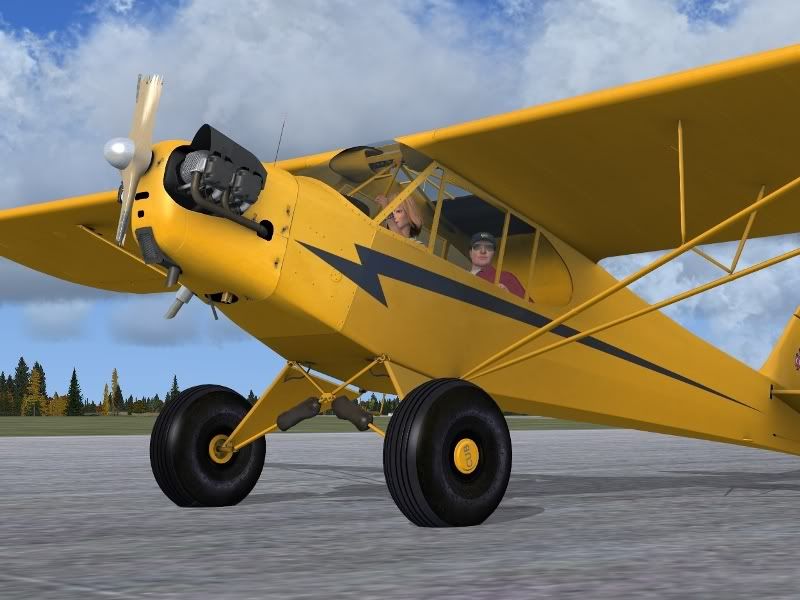
Hi Cazzie - nop - not there! I used a pink to block the whole area and it stilled showed up yellow!!

You really do not have to merge them in DXTBitmap, just make sure both are the same size and save as DDS DXT5, which should be the default A2A format for FSX.
That is some kick butt scenery Nils, mind letting us on to what it is?
Caz

 And Heidi survived

