• Please see the most recent updates in the "Where did the .com name go?" thread. Posts number 16 and 17.

    Post 16 Update

    Post 17 Warning old domain name stealing credentials

  • Special Server Maintenance

    Just when you think you have everything running some what better...

    You get a message from the Hosting company. Short story they need to move us to a new server. I have been working with them to plan a good date for all concerned. Here is what we have come up with as a schedule.

    1. November 4th 17:00 -5UTC shut off the forums and start backup proceedures. During this time there will be no access to the forums or the Resource Section.
    2. November 5th Continue with Backups and download same until complete.
    3. November 6th 7:00 turn over server to hosting company to move system to new server
    4. November 7th - 8th restore backups and upgrade forum software.

    If all goes well we should be back online on November 8th.

    To keep you updated we will post updates on AVSIM forums.

    Thank you for your support.

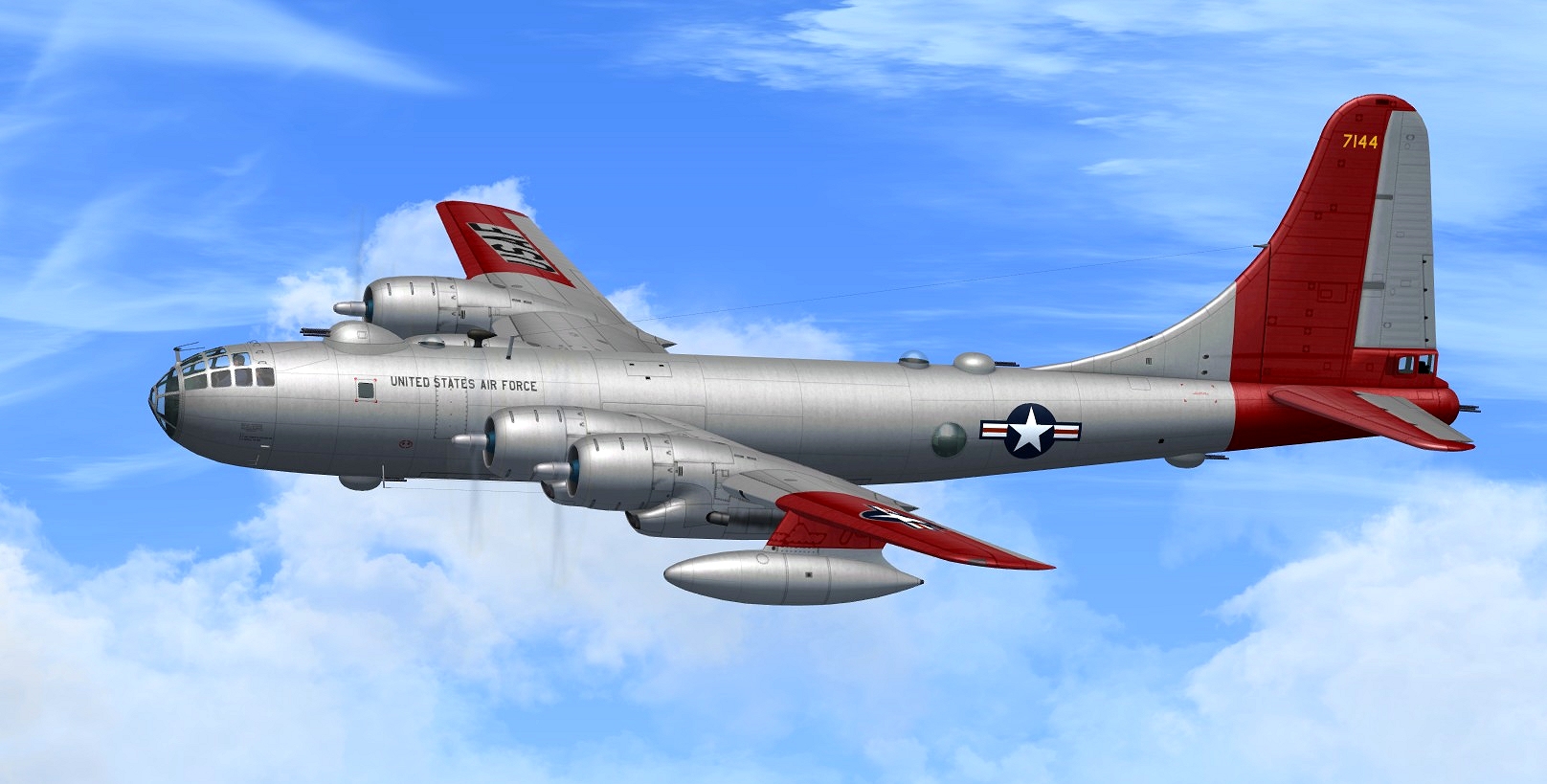
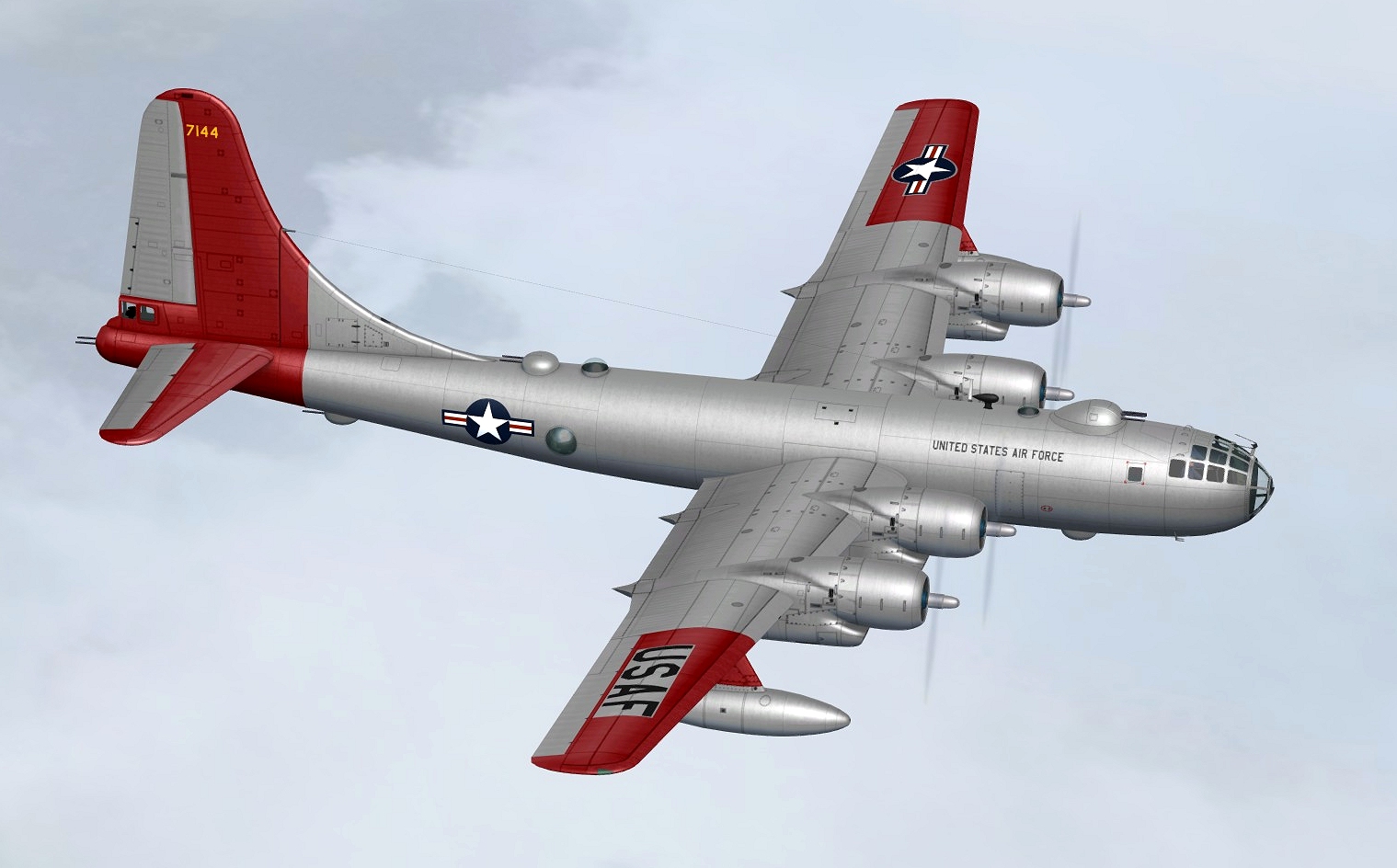
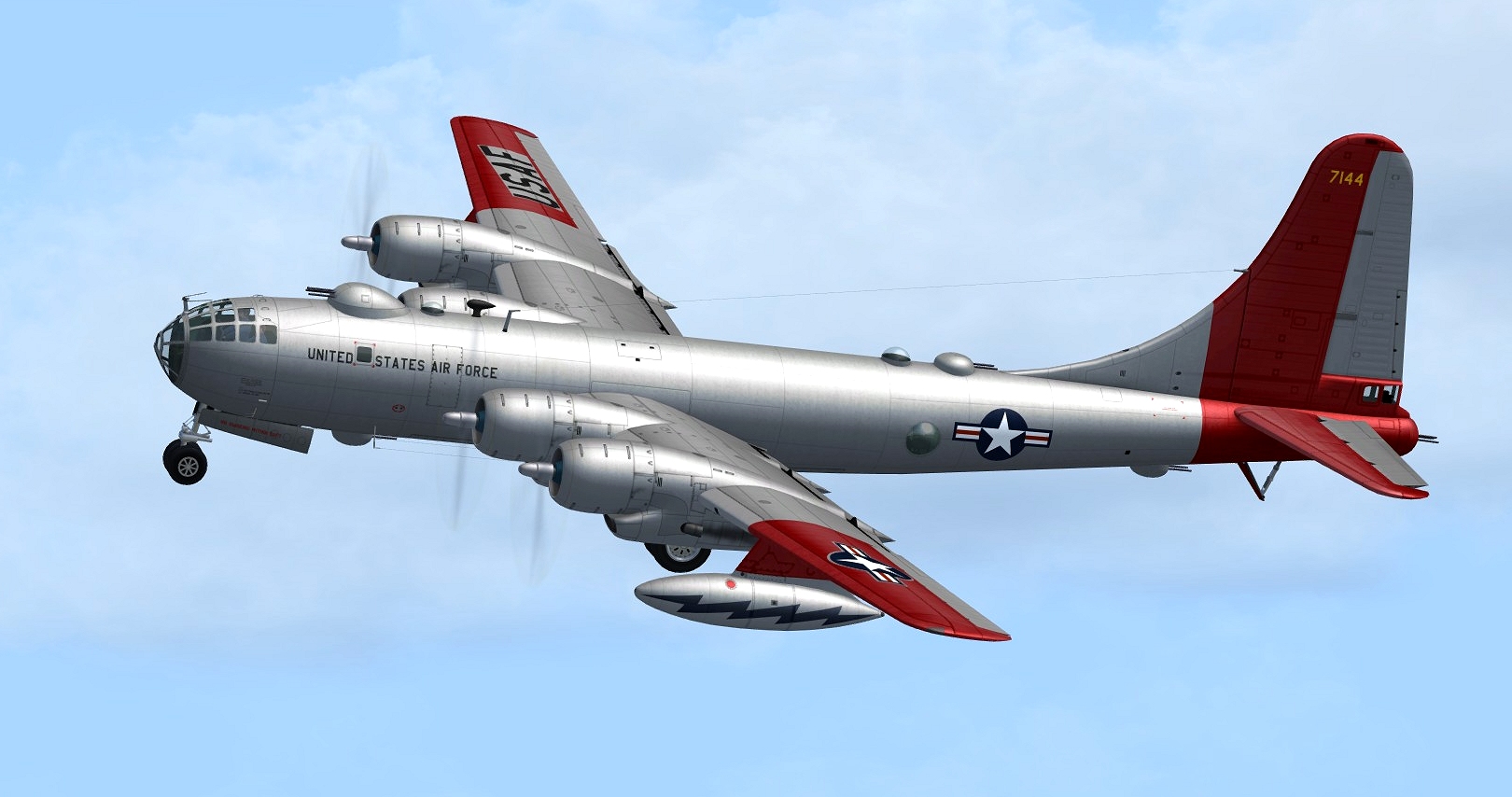
Boeing B-50 V1 Released

You have to add "B50" folder from the original MJ "panel" folder. Look at #60 post.

All ok!

2017-12-3_20-49-42-839.jpg


Thank you,
Zsolt
 
Zolt. Copy all the [Windowxx] entries from the original B-50 panel file and over-write those in the B-29 panel file. The monitor should show then.

Dave
 
Zsolt
I think you may be the victim of a corrupted download. Happened to me the first time I downloaded the B-50. Even had an MD-3 GPU sticking out of the top of the fuselage. Try deleting your current file, download it again, and start from scratch. Not what you want to hear, I know, but I think it may solve your problems. Good luck my friend...
The OMS
 
Zsolt
I think you may be the victim of a corrupted download. Happened to me the first time I downloaded the B-50. Even had an MD-3 GPU sticking out of the top of the fuselage. Try deleting your current file, download it again, and start from scratch. Not what you want to hear, I know, but I think it may solve your problems. Good luck my friend...
The OMS

Unfortunately, this did not improve the situation!

2017-12-4_7-34-30-571.jpg
 
Are the graphic hiccups perhaps related to FSX being run in DX9 mode I am beginning to wonder?

As one of the suspicions is that the Sim_B50. xml gauge is at fault, you could try eliminating <elements> sections in that gauge one by one (or half by half) to see if the finger can be pointed at one element in particular. Nowhere in that code is there any reference to autogen or street lighting, or dx mode.

As I said, I am only concerned with setups that come out of the box.

For instance, out of the box, the turrets should operate just fine, both in increments, and up and down. A panel merge might kill that.

Let me follow up another suspicion, this time related to the fact that the mdl is FSX/P3D. I'll offer a dedicated FSX test model here to see if that avoids the horroshow effects shown by by MZee, Warhorse and ZSolt. Stand by.
 
I removed the (Sim_B50.xml) file and the abolition of the graphical anomaly
After the "flight reset", even occurs

2017-12-4_12-14-7-887.jpg


2017-12-4_12-16-9-458.jpg


2017-12-4_12-16-18-966.jpg


How to remove your pilots how to add external objects (GPU, fire extinguisher etc)?


Thank you for all efforts!


Zsolt
 
Just started doing my test flights in this magnificent aircraft! I did check the wingview from the pilot's seat in the stock VC and will assume this will be fixed
in the final version like you did for the C-97. And I bet Milton figured out that the 2 special sound files labeled for P3DV4 and FSX 64 bit needed to be eliminated to have the aircraft work in 32 bit WinXP.

Excellent aircraft, Manfred!:applause:

 
No gear down voice

Using tine monitor, when I cycle the landing gears to UP I here Gear UP, When I cycle all the landing gears Down, I don't hear a gear down but rather "Gear up".
I looked at the sound files and didn't see any gear down wave either."
 
Back
Top