RingTingTing
Members +
Last time I checked, I could not find any such utility.
Does anybody know if one has been written yet ?
Does anybody know if one has been written yet ?

Please see the most recent updates in the "Where did the .com name go?" thread. Posts number 16 and 17.
Just when you think you have everything running some what better...
You get a message from the Hosting company. Short story they need to move us to a new server. I have been working with them to plan a good date for all concerned. Here is what we have come up with as a schedule.
If all goes well we should be back online on November 8th.
To keep you updated we will post updates on AVSIM forums.
Thank you for your support.


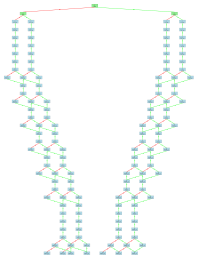
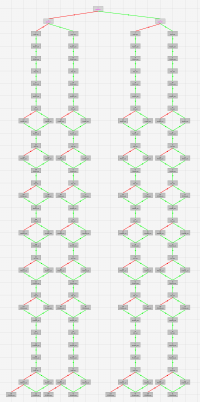
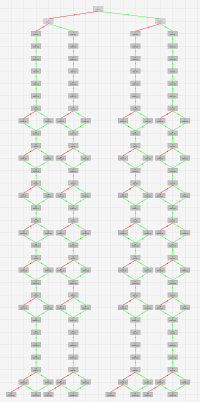
Utility for Creating & Editing CFS2 Campaign files.

Hello RTT
Before diving in it: from what I read I understand that with your tool one could generate a campaign with missions from any region or any time, mixing them. If I understand rigthly.
For instance startng as a PZL11 pilot during fall weiss, then flying a B29 over Tokyo is successful or a Bf109 over Tobrouk is missed then a Me262 in Germany or a P47 in France or a Stuka in Russia or D21 in PNG, etc...
Provided obviously I have the corresponding missions and required materials in my CFS2 folder?
Is it right or not?
It could generate a new interest by using the already existing missions from talented people, in my view.
In any case, many thanks for your work

My anti virus shut it down.Yes, that's correct.
I did not build any date checking into it, so you should be free to plonk any of your missions into the campaign.
Regards
RingTingTing
My anti virus shut it down.
Hiede
If I get notice from my AV I get rid of what caused it.It's been deleted.Better to be safe.Yes, I'm secretly mining data with this utility . . . . . . .
Don't know what to tell you Hiede. Can't you whitelist it in the AV ?
It writes a small text file to the "Programdata" folder to save the Game path.
Maybe your AV or WIndows rights management does not like that part.
Try to run the executable as Administraror and see if helps.