• Please see the most recent updates in the "Where did the .com name go?" thread. Posts number 16 and 17.

    Post 16 Update

    Post 17 Warning old domain name stealing credentials

  • Special Server Maintenance

    Just when you think you have everything running some what better...

    You get a message from the Hosting company. Short story they need to move us to a new server. I have been working with them to plan a good date for all concerned. Here is what we have come up with as a schedule.

    1. November 4th 17:00 -5UTC shut off the forums and start backup proceedures. During this time there will be no access to the forums or the Resource Section.
    2. November 5th Continue with Backups and download same until complete.
    3. November 6th 7:00 turn over server to hosting company to move system to new server
    4. November 7th - 8th restore backups and upgrade forum software.

    If all goes well we should be back online on November 8th.

    To keep you updated we will post updates on AVSIM forums.

    Thank you for your support.

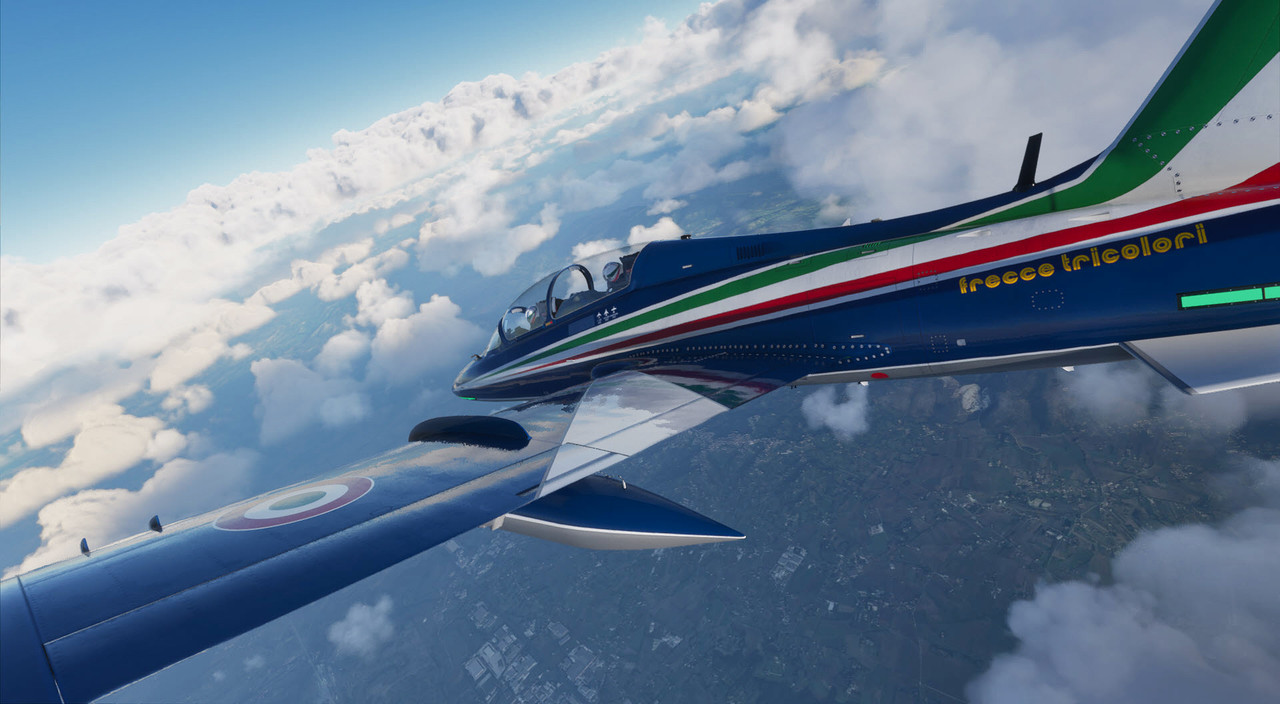
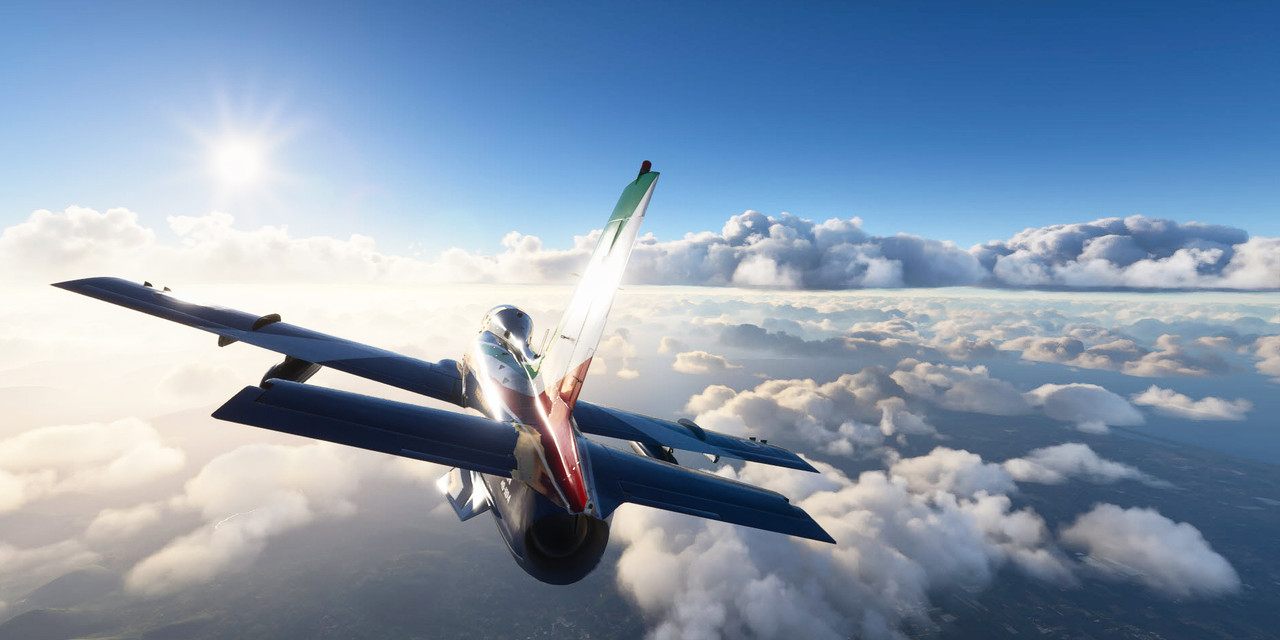
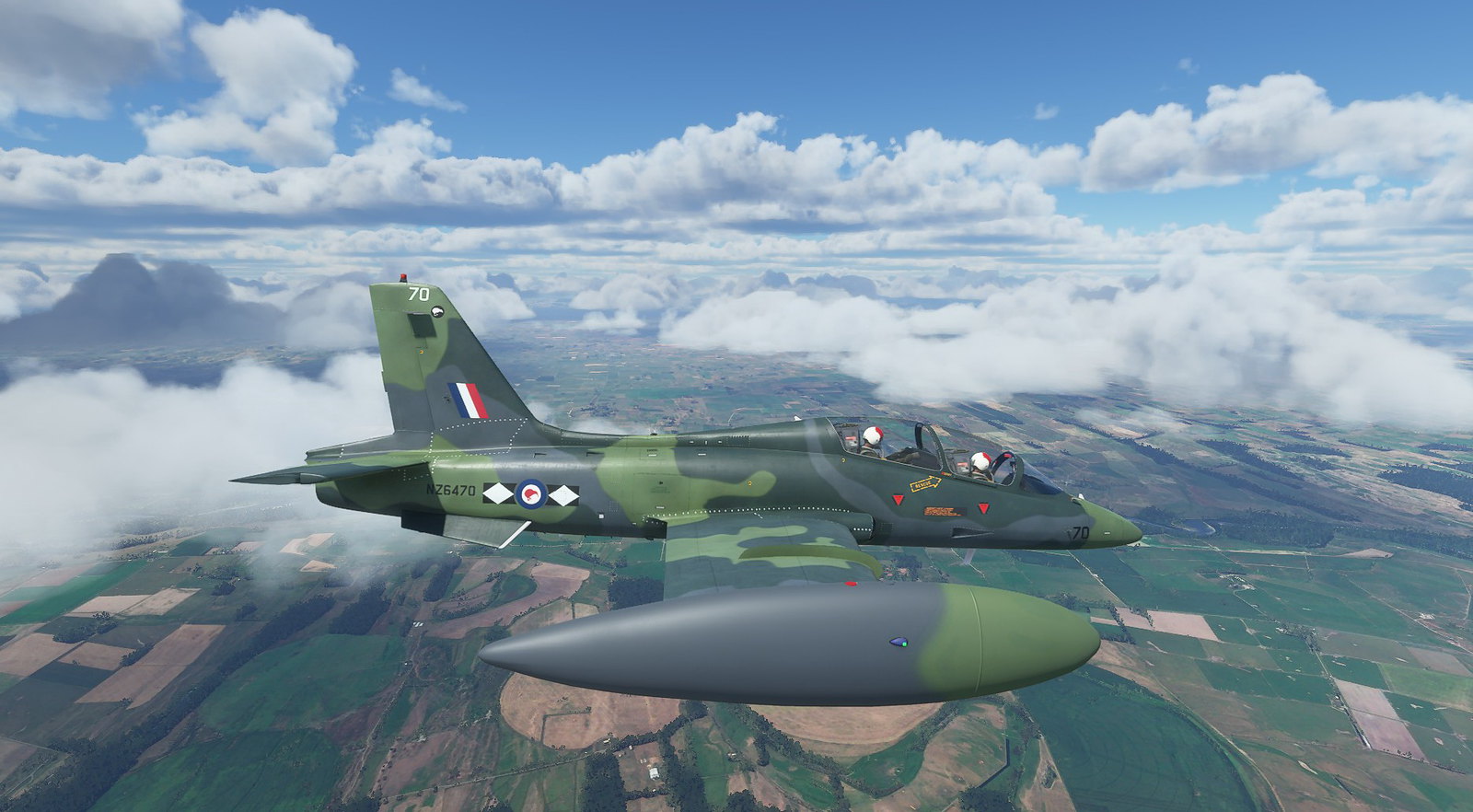
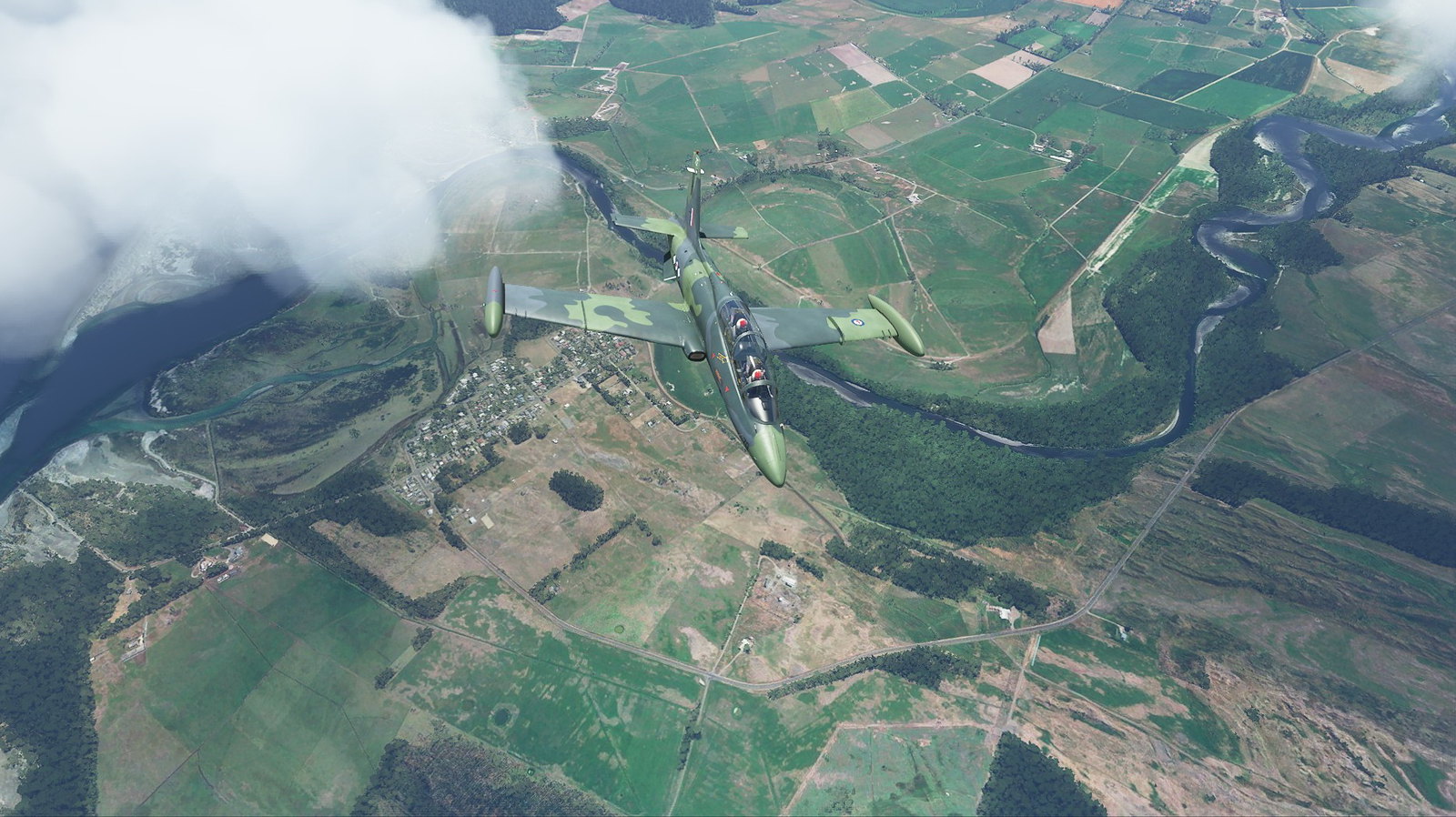
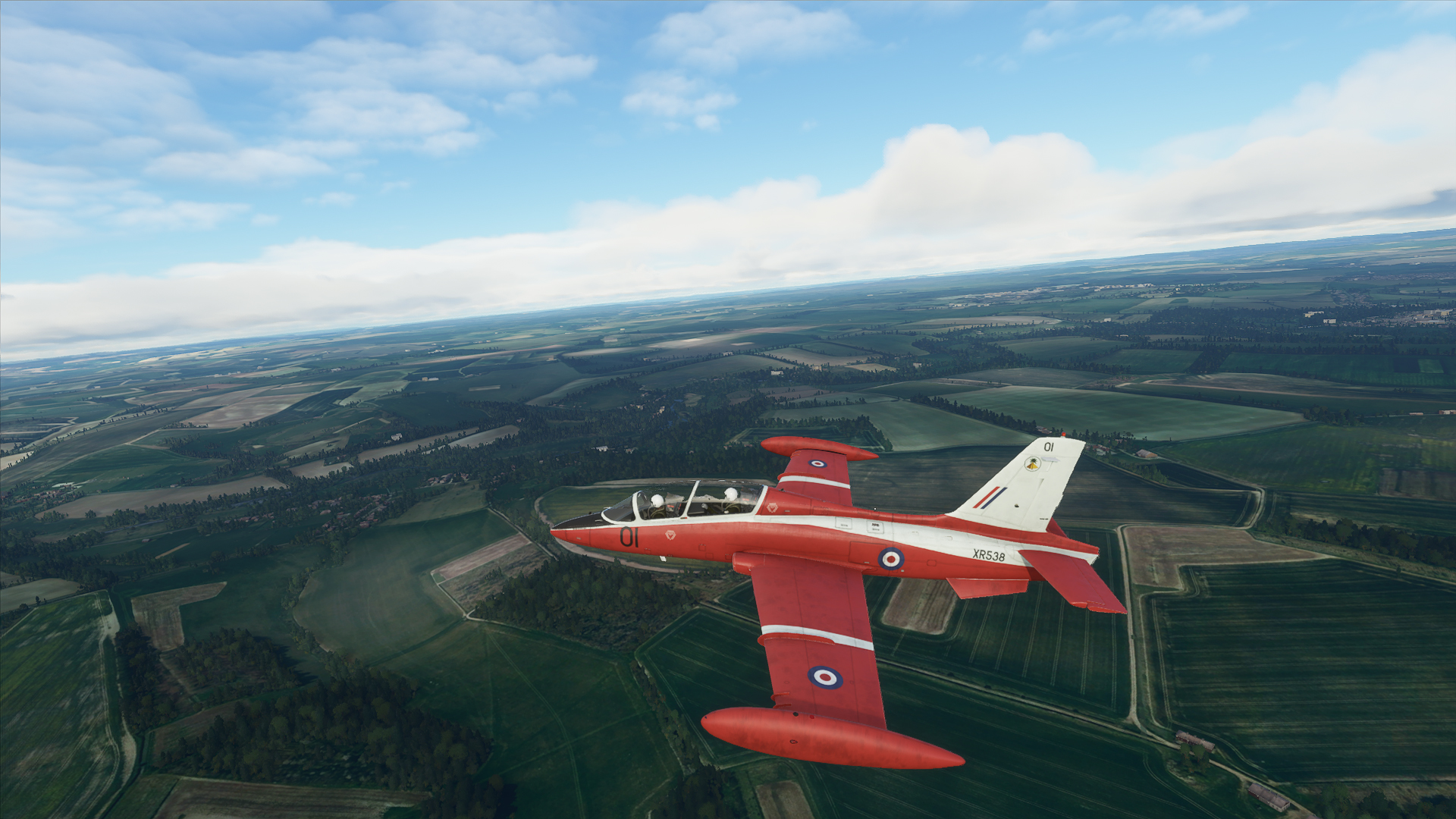
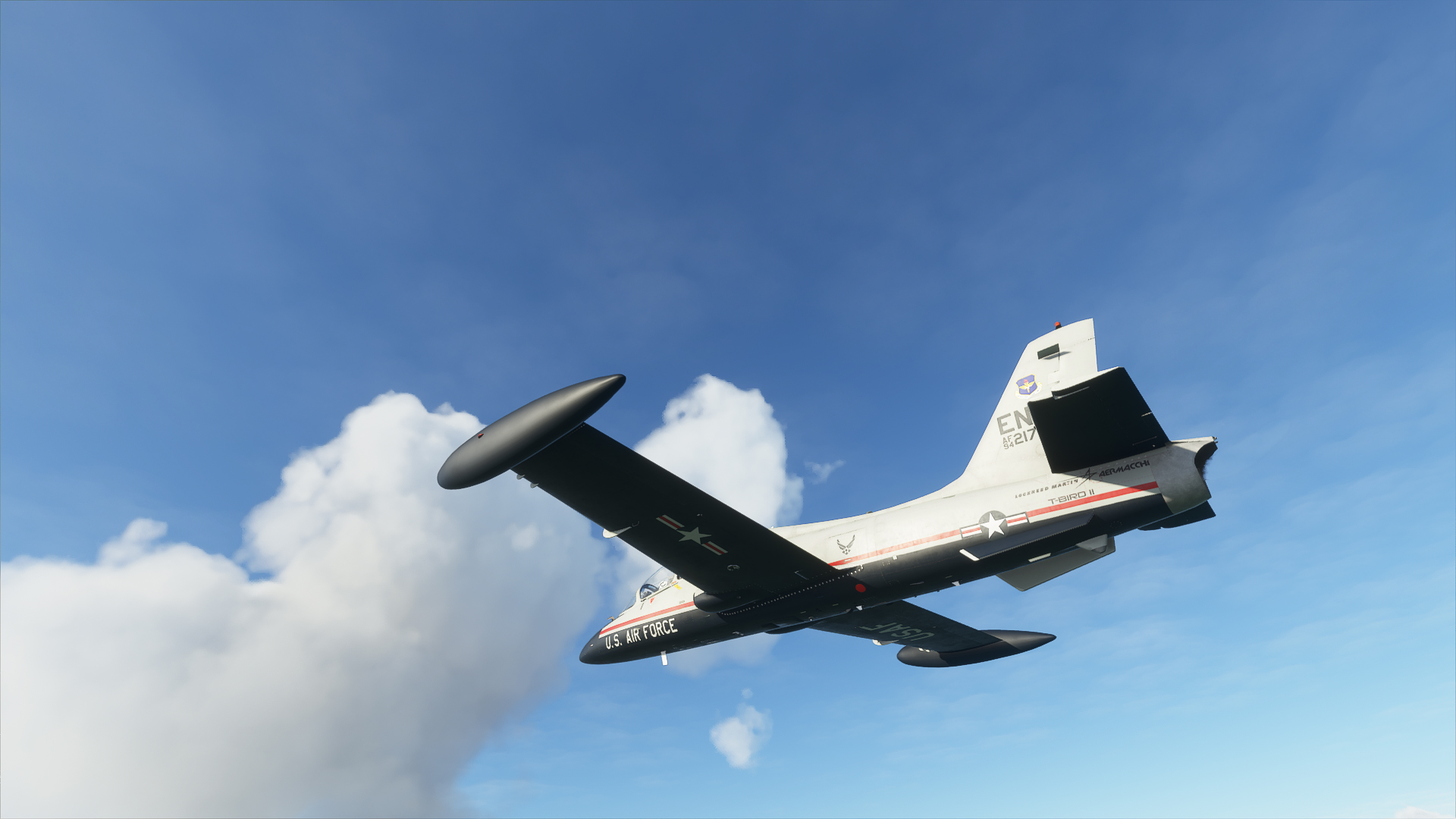
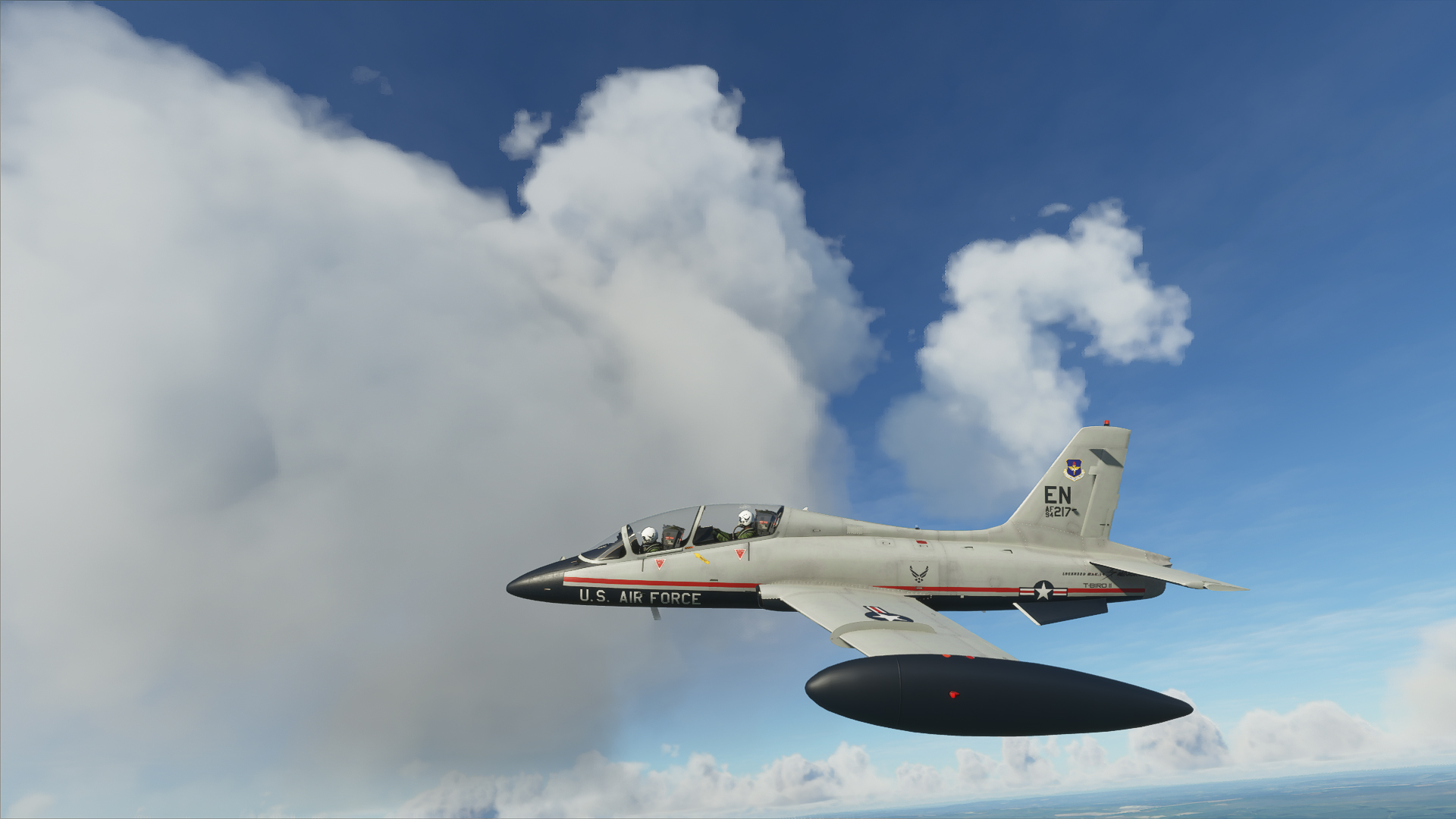
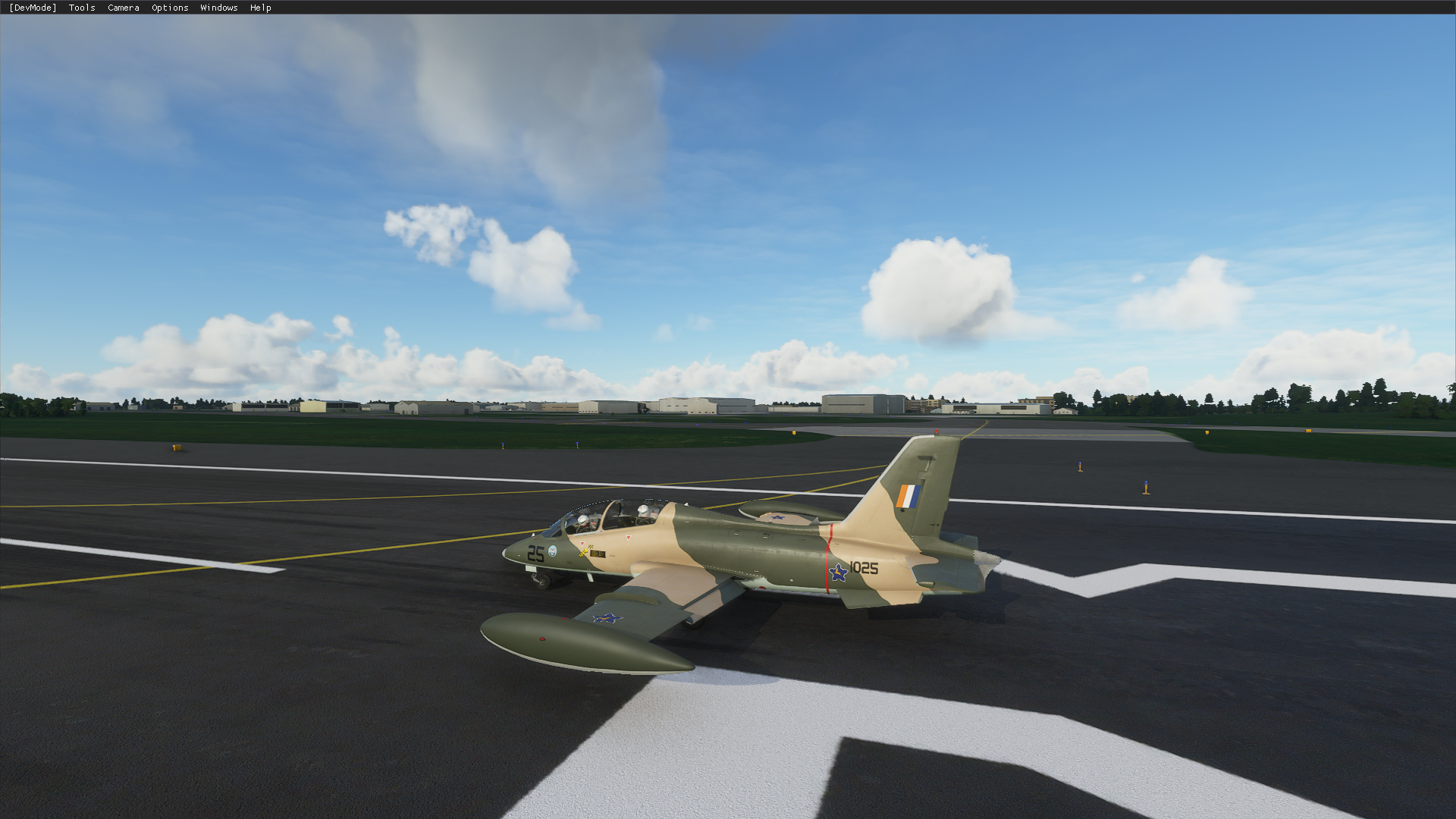
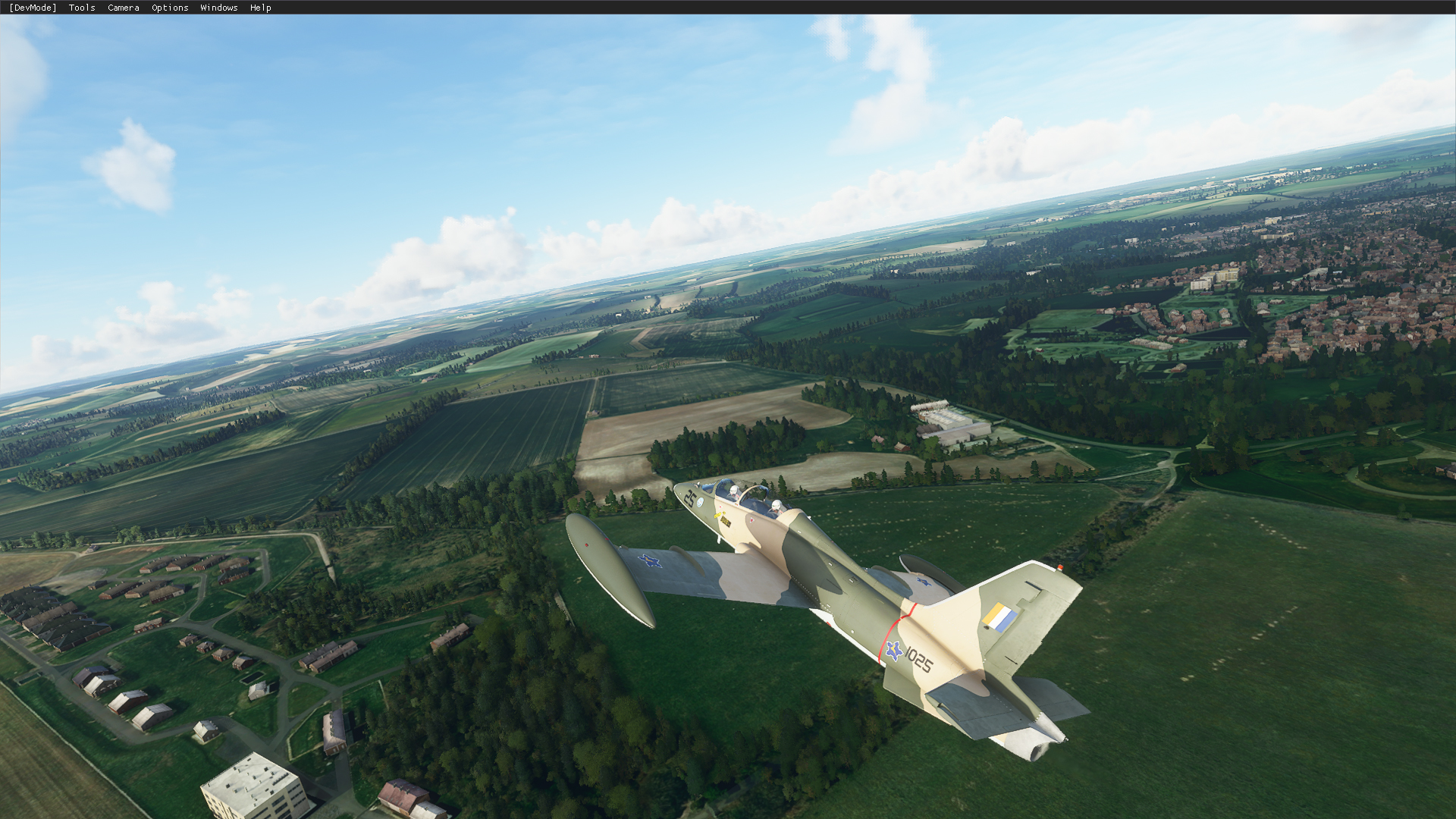
Indiafoxtecho MB-339 now available

I like !
031.jpg


032.jpg
 
Great looking aircraft.
Question does it have autopilot?

The real one doesn't have an AP and the simulation officially doesn't either. However, the autopilot code is there and if you map the AP keys you can invoke the AP functions with them and they will work. But there's no cockpit indication of these functions being active which makes it rather annoying but it's manageable.

Note that there is a flight director.

I use the FSX/P3D standard keys.

CTRL-Z: hold current altitude
CTRL-H: hold current heading
CTRL-N: Hold NAV1/GPS
CTRL-A: Approach (ILS) hold
Z: toggle AP on/off

Hope this helps
Dutch
 
I mapped basic Autopilot functions on my HOTAS Warthog which work great with this model. The only thing I added was to make sure I assigned Off Buttons for switching off the Heading & Altitude Hold functions (in addition to the A/P Master and On Switches and the A/P Disengage). Once I did that, it stayed perfectly on altitude and would change heading when moving the heading bug.
 
Foggy ride around the Mach Loop:


Made a few wrong turns but survived. Also buzzed a few yachts. Fun meter busted the scales!

Still can't embed videos here...
 
Foggy ride around the Mach Loop:


Made a few wrong turns but survived. Also buzzed a few yachts. Fun meter busted the scales!

Still can't embed videos here...


Fantastikós ! :cool:

What if there was a RW fighterpilot completely unaware of MSFS and he would see your Mach Loop video ? Would he think it's real ? If there was anything that would give it away it would be the gauges, wouldn't it ?


Still missing : spectacular view by an innocent bystander. We really need that Fly-By view, don't we. And not to forget vapor effects like this :
https://youtu.be/6zhAekECH78?t=41

Great show, Dimus, Well done! :encouragement:
 
Does the canopy work? I clicked on the handle and it is animated. However, the canopy didn't open.
 
I don't have the product, but it seems impossible to get doors etc to open on the default aircraft. Perhaps its still being implemented?!!

Caranado's C-182 and Moody doors work. The doors don't work on the default because someone decided it wasn't cost effective or needed.
 
Does the canopy work? I clicked on the handle and it is animated. However, the canopy didn't open.

In order to open the canopy on the MB-339, you have to make sure that the locking lever (left side of cockpit, just in front of canopy) is in the unlocked position, and then by clicking on the canopy handle it will then open, but it will only open if the locking lever is unlocked. There is a warning light on the instrument panel that turns on when the locking lever is in the unlocked position.


Back
Top