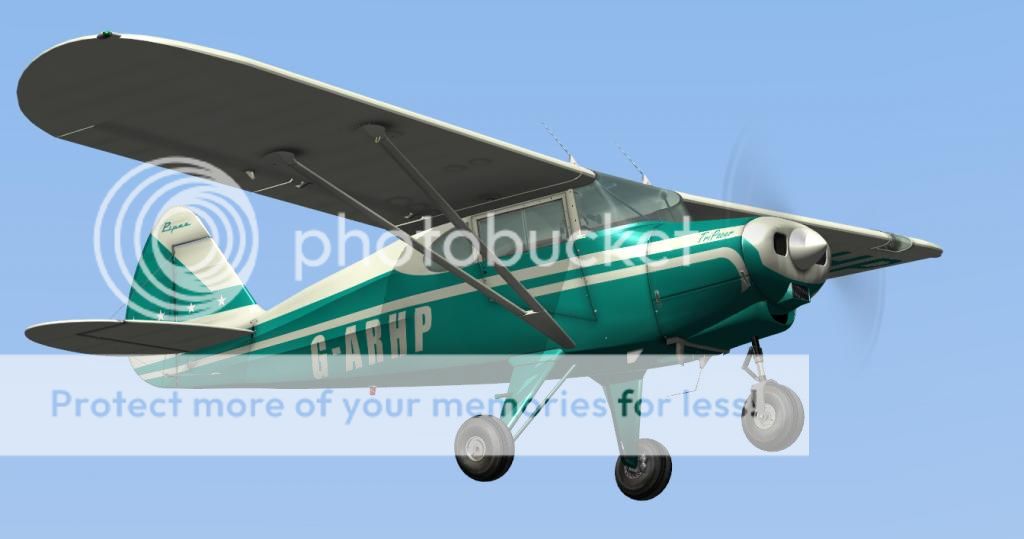
I cut and pasted this into the file and then found that the instruments weren't lined up in the cockpit. So changed the panel from 'Bush' to 'New' and everything now is back to normal. Still loving it all and even had phone calls from my drinking friends this evening wondering where I've been for the last two nights.......well am at present between Compton Abbas and Dunkeswell!!!
Thanks to all again,
Best wishes,
Martin
Hey Martin,
Just a heads up. When you are putting a new panel selection with a paint scheme, you need to find a plane that has 'that panel' and copy/paste in the same panel textures. There are 5 different panel texture sheets to copy/paste. This will then allow you to have the panel you want.
In the Registry block, you must have the model match the panel; New, New; Bush, Bush, and Classic, Classic. If you have a Bush model with a Classic panel, grim.... Very grim.. Textures totally askiew... :S
Bill



 ..
..