Manschy
SOH-CM-2023
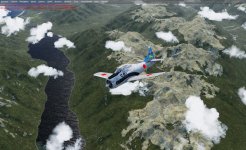
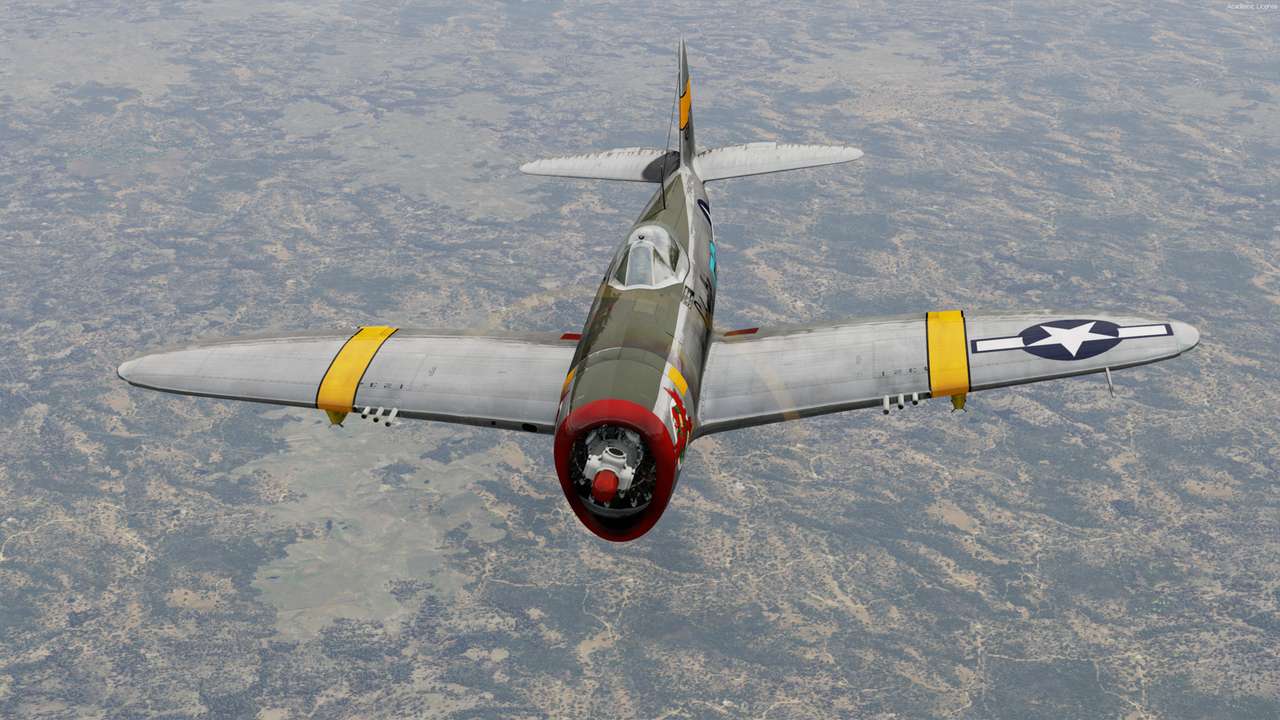
In Kunming, China, back in the days of Chennault's Flying Tigers...

True art! Reminds me of a model kit presentation


Please see the most recent updates in the "Where did the .com name go?" thread. Posts number 16 and 17.
Just when you think you have everything running some what better...
You get a message from the Hosting company. Short story they need to move us to a new server. I have been working with them to plan a good date for all concerned. Here is what we have come up with as a schedule.
If all goes well we should be back online on November 8th.
To keep you updated we will post updates on AVSIM forums.
Thank you for your support.
In Kunming, China, back in the days of Chennault's Flying Tigers...

A little flight around San Francisco (ORBX scenery) in the Carenado Beech 18.


Great shots John!
What did you do to make the D18 work in v5? I have a lot of issues with all models from v4.5....


Thank you, Gunnar! Frankly I didn't do anything special. I saved my Airplanes, Effects, Gauges and Sound folders from P3Dv4, and simply pasted the contents into P3Dv5, without overwriting anything, and all of my Alabeo and Carenado aircraft (quite a few) have been working without issue.


WIP Beale AFB is generally working. Rendering is different on some textures, especially the PBR glass on the tower that will need rework.


Dimus, did you solve this problem of detail1.bmp ?
According this post it works https://www.prepar3d.com/forum/viewtopic.php?f=6323&t=137112#p214078 but mine looks like this second picture, blurries, not this grass.
I have DETAIL_TEXTURE=1 from the beginning.




 !
!


 - FTX Global only and P3Dv5.