Hauksbee
Members +
That's good news. Anyone have any knowledge on SketchUp?The texture maping will be kept with the cloned object as well.

Please see the most recent updates in the "Where did the .com name go?" thread. Posts number 16 and 17.
Please see this thread for updates. Update Thread
SOH ADMINISTRATION
That's good news. Anyone have any knowledge on SketchUp?The texture maping will be kept with the cloned object as well.
Much appreciated, guys. Thanks.After some looking around it looks like you can use SketchUp to save a .KMZ. Model Converter X can load .KMZ files. Use Model Converter X to save a .3ds that can be loaded into gMax.

I was afraid you'd say that.No, make the object the size it needs to be in-game before exporting.
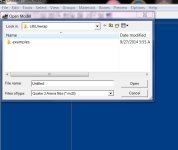
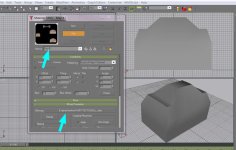
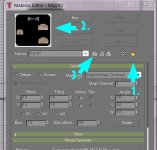
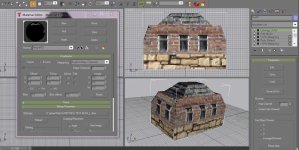
Yes, it's selected. Then I go to the Map with the Navigator, select it, click 'Open', the Navigator closes, the Map image is in the Materials Editor window and the checkered box is grayed out. Would it help if I attached the Gmax doc.?Do you have the object(s) selected to apply to at this point?
I select the objects, go get the map/material (or create one) with the Navigator, then apply.