
thunder100
Charter Member 2010
A small step further

Please see the most recent updates in the "Where did the .com name go?" thread. Posts number 16 and 17.
Just when you think you have everything running some what better...
You get a message from the Hosting company. Short story they need to move us to a new server. I have been working with them to plan a good date for all concerned. Here is what we have come up with as a schedule.
If all goes well we should be back online on November 8th.
To keep you updated we will post updates on AVSIM forums.
Thank you for your support.
 and me -->


Roland,
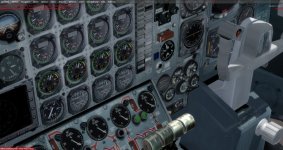
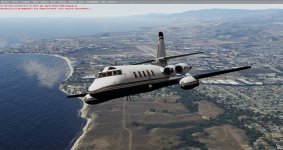
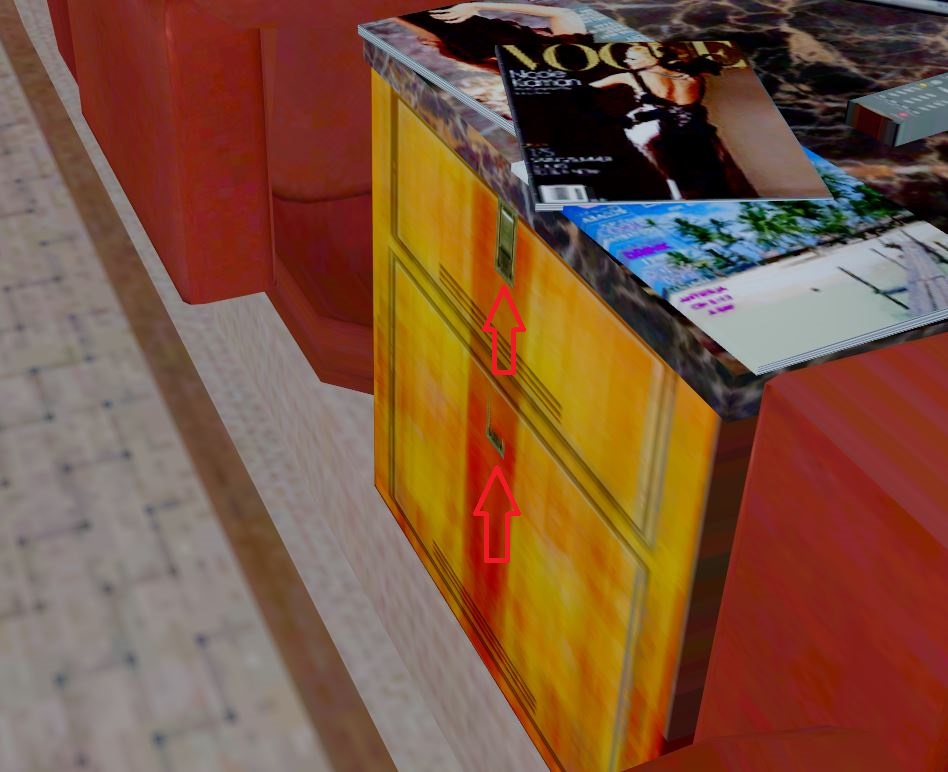
Got the latest beta you sent me. Here are a few images using P3D V4.5
A little flicker with the drawer latches (red arrows) like some cockpit switches.
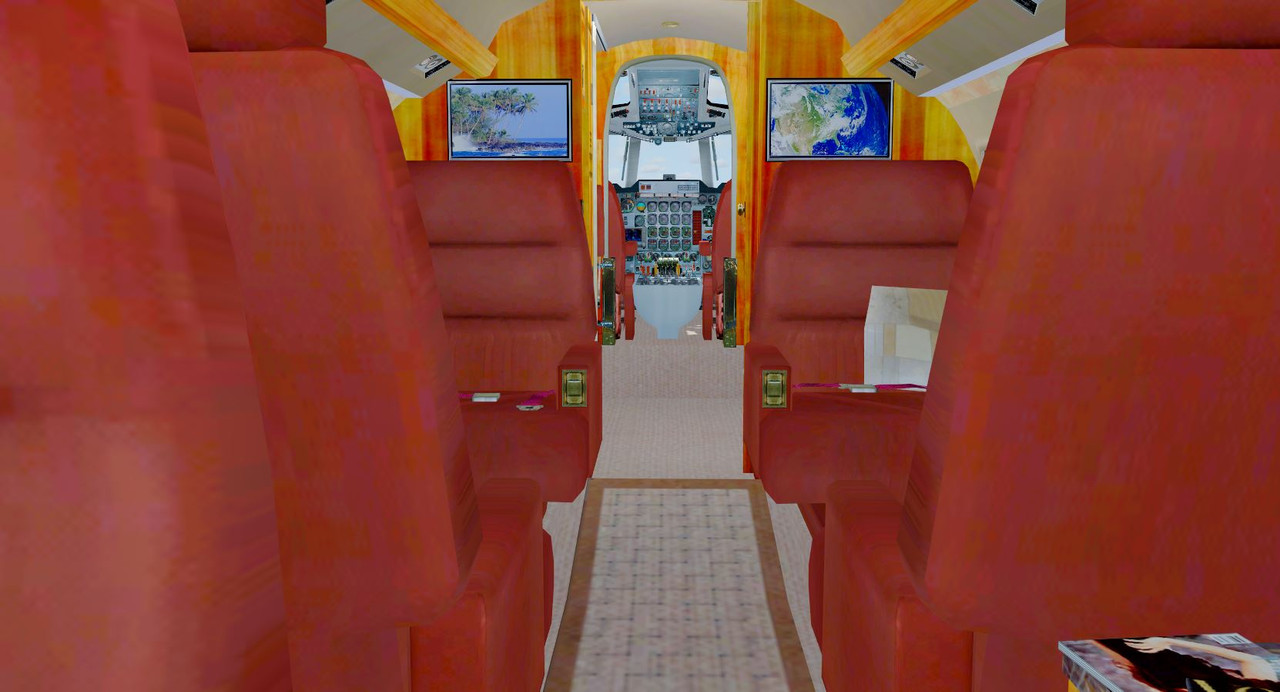
Where are the cockpit/cabin lights located?
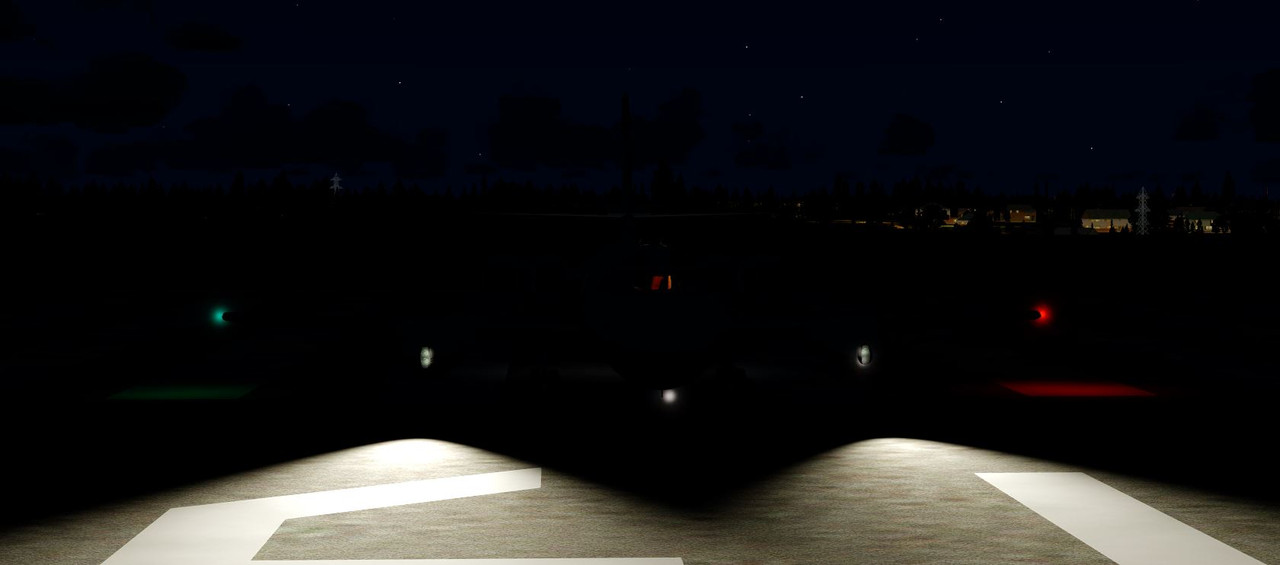
In your latest beta, there is a folder (Effects) inside of that is a file fx_JS2.bmp - does that file go directly to the effects folder and not the folder texture?
Thanks
Unfortunately, same results here in FSX/SE. Also tried it in P3Dv3, only got a CTD.
The Old MSgt
Thank you Roland, appreciate it. Looking forward to giving it a try!
Thanks, Roland but still no joy. Got the same error message regarding the visual model; however, the model did show in the View pane just before FSX reported a Fatal Error and restarted. This is for the updated model and panel.cfg.View attachment 84856
Pls try this in FSX
Sorry I cannot test as my FSX imploded in Summer
FSX ONLY
You either put this folder in the JG Jetstar folder -->and in aircraft.cfg you edit all model= --> to model=FSX
OR
you rename that folder model put it ito plane file and allow overwrite ( overwrites 1 file the model.cfg)
Pls give it a run
Roland

