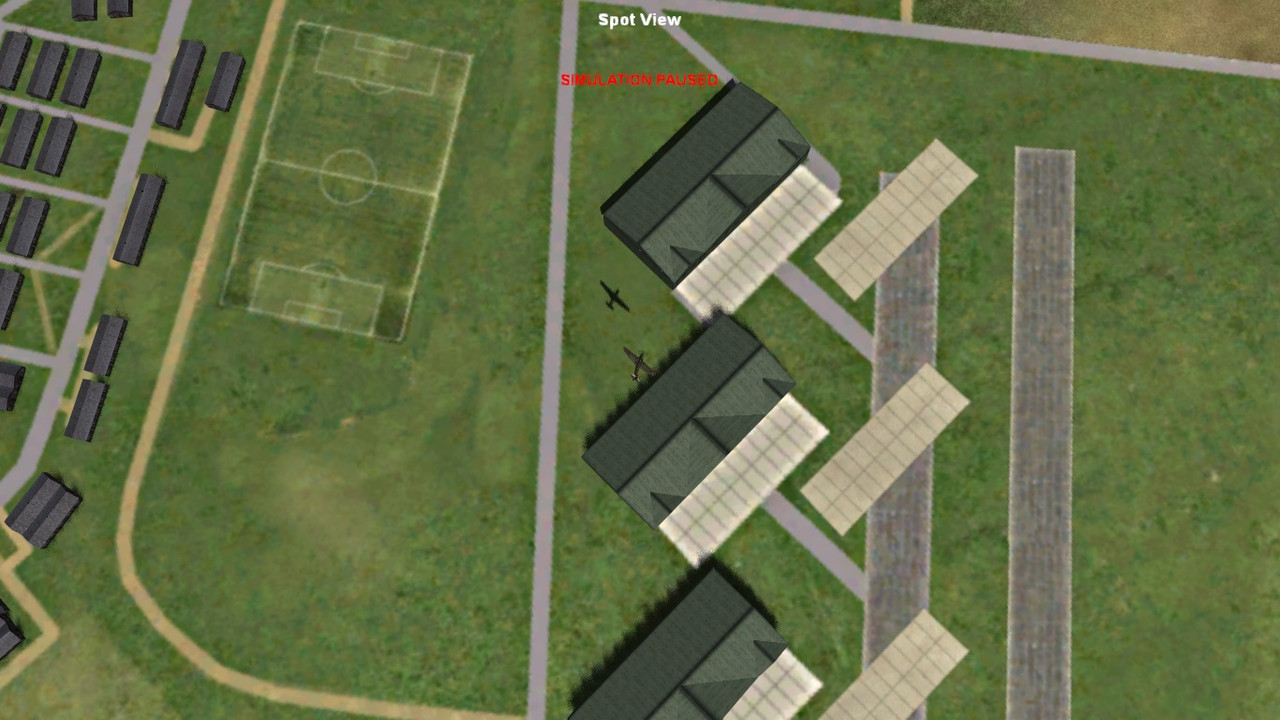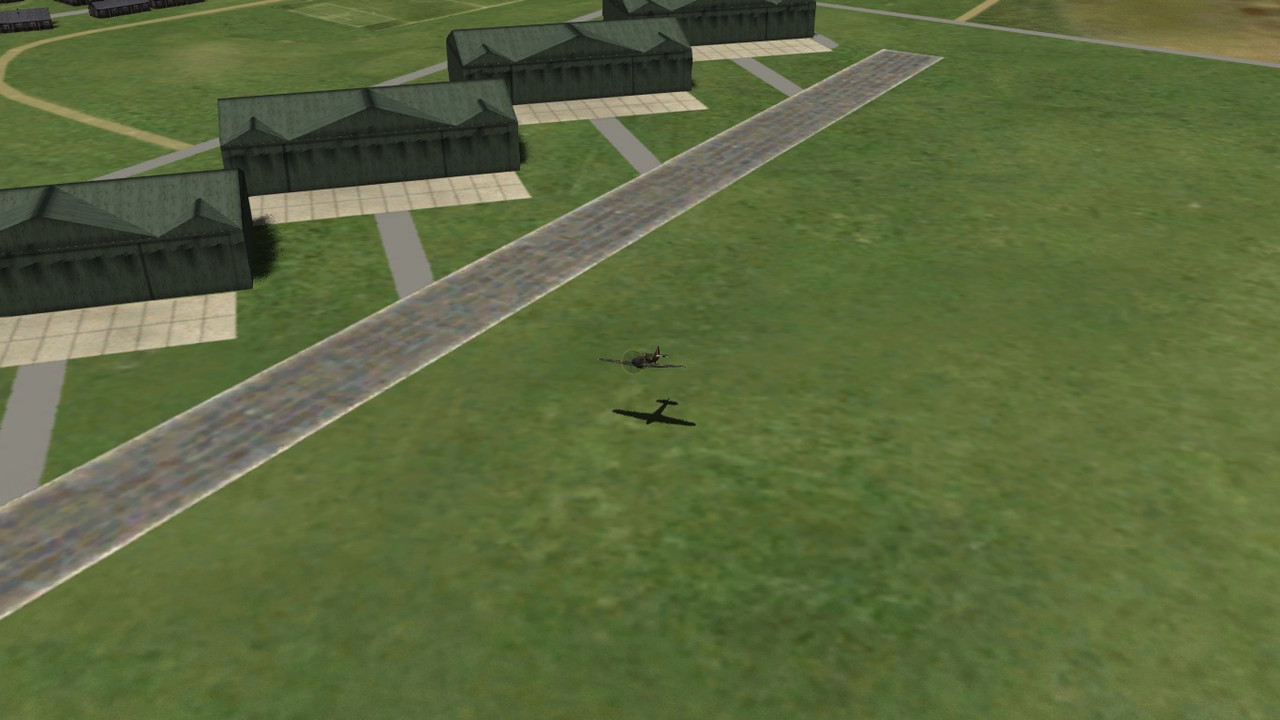
City Textures rework

Yes, agreed this lighter concrete is slightly better. The slab look is good, but IMO just a little heavy as GC says. How about combining the two and vary the opacity/blend to get a slight slab effect and lighter concrete.

Of course it depends at what height you're viewing the texs and the light conditions, you can't totally please both conditions!! lol

Cheers

Shessi
 
The heaviness is more due to the thickness of the divisions than the opacity I think. I can increase tire marks to add a bit more character.

Adding the paving effect is tricky work when angles are involved and though interesting does look a bit stylized the more I think about it.
 
I like them both Glen , probably leaning towards the lined version. It looks more 'airfieldy'.1000055759.jpg

1000055758.jpg

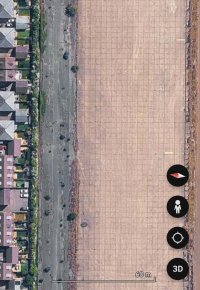
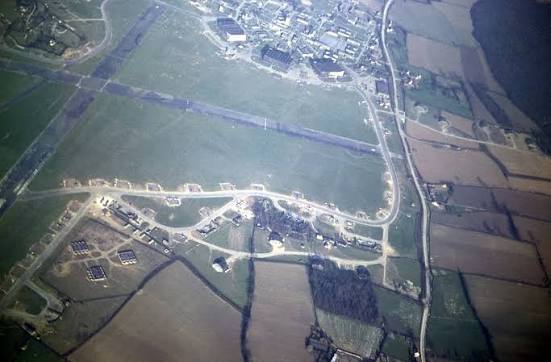
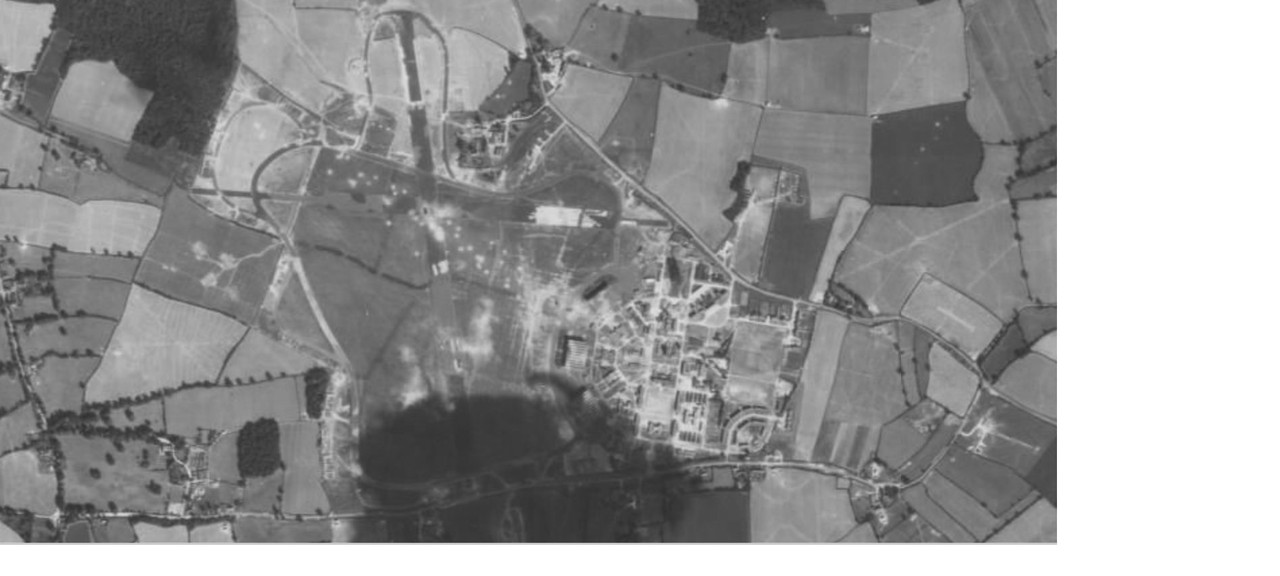
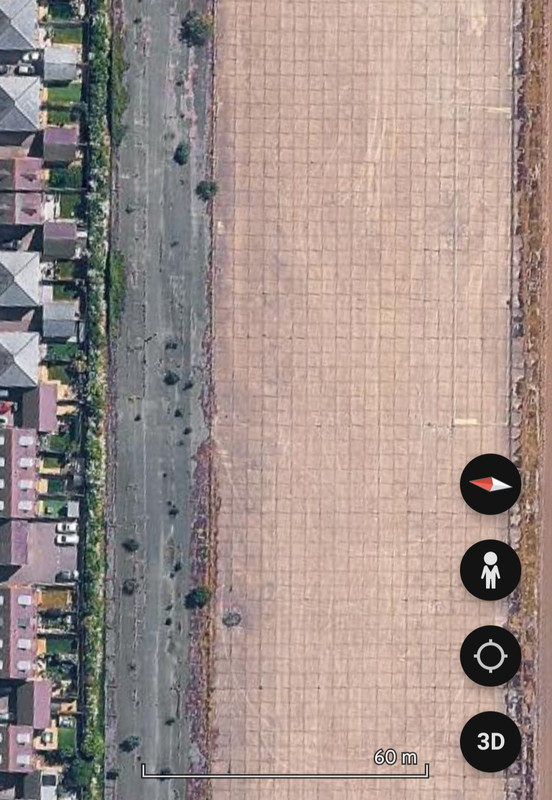
This is the apron at Tangmere, I don't know if this was ever re-laid to accommodate jets though.

1000055761.jpg
 
Last edited:
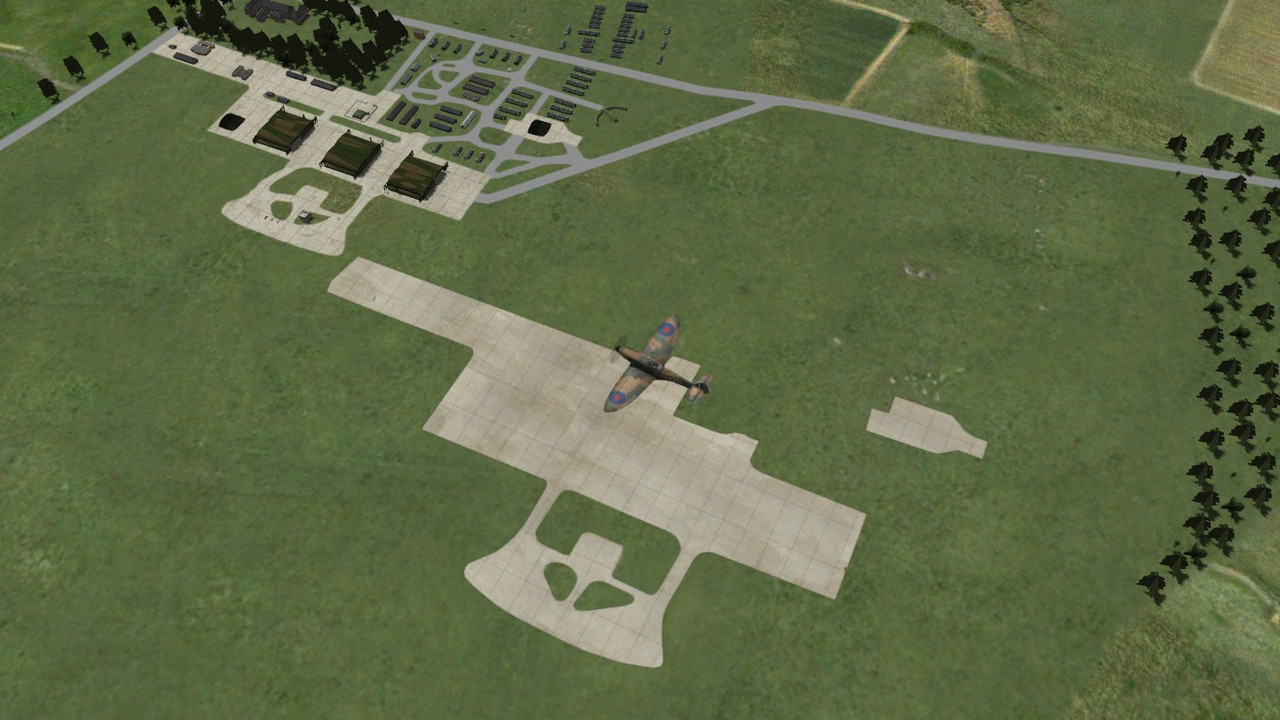
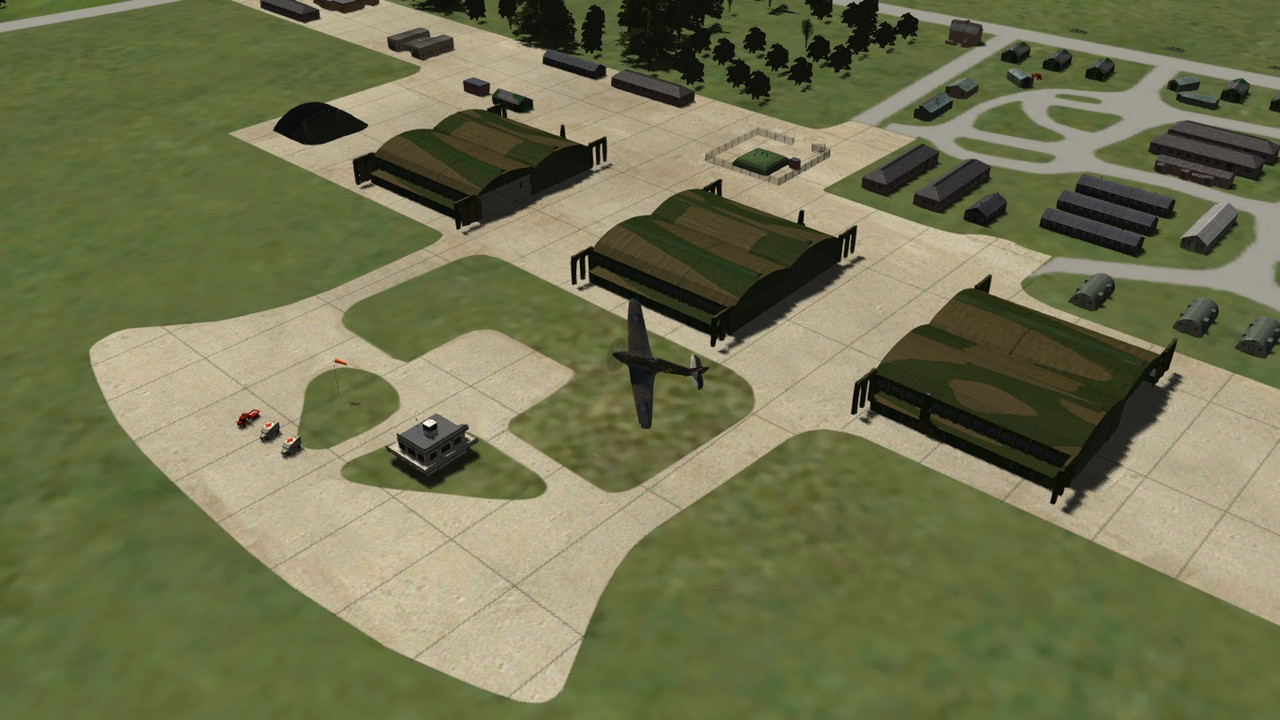
I think this will be "airfieldy" enough for you Clive while being less heavy. I doubled the resolution of the texture and redrew the lines, thereafter decreasing the resolution. With a bit of blurring and opacity adjustment.....VIOLA!

I must restore Kenley's runway paving lines. So now we've ended up with a nice light concrete with subtle paving.

Way to go guys! good teamwork!(y)

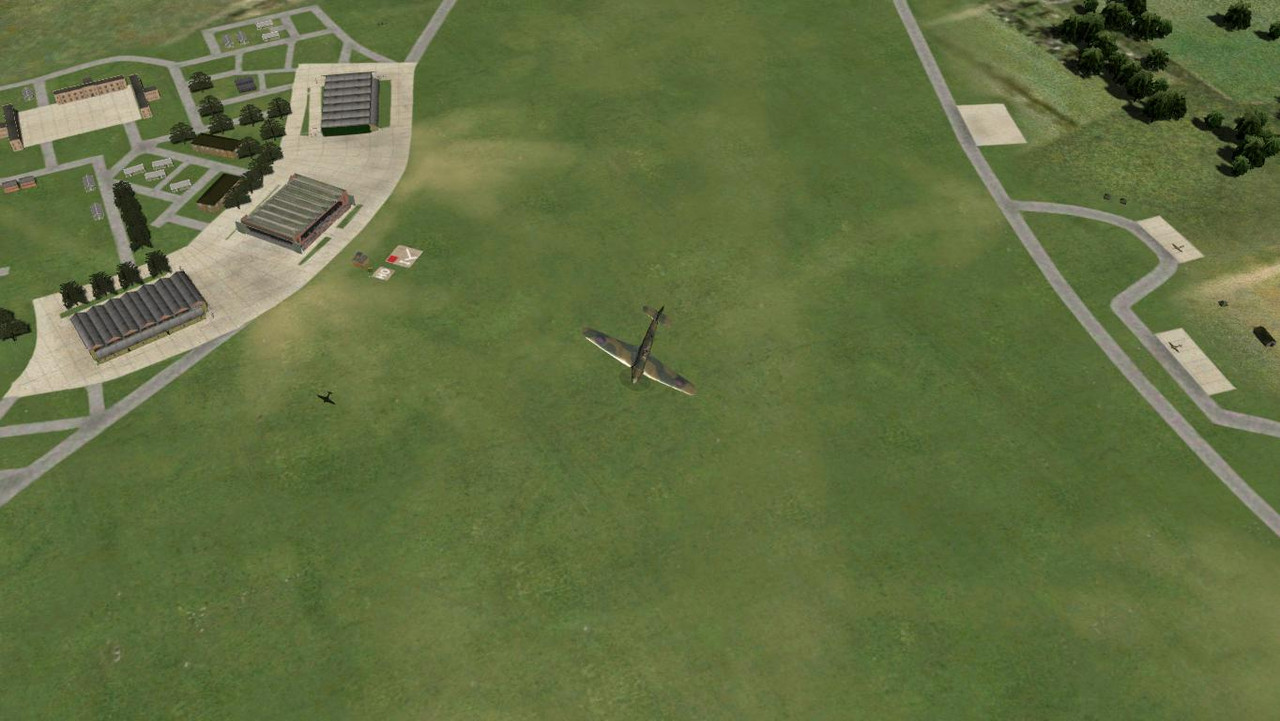
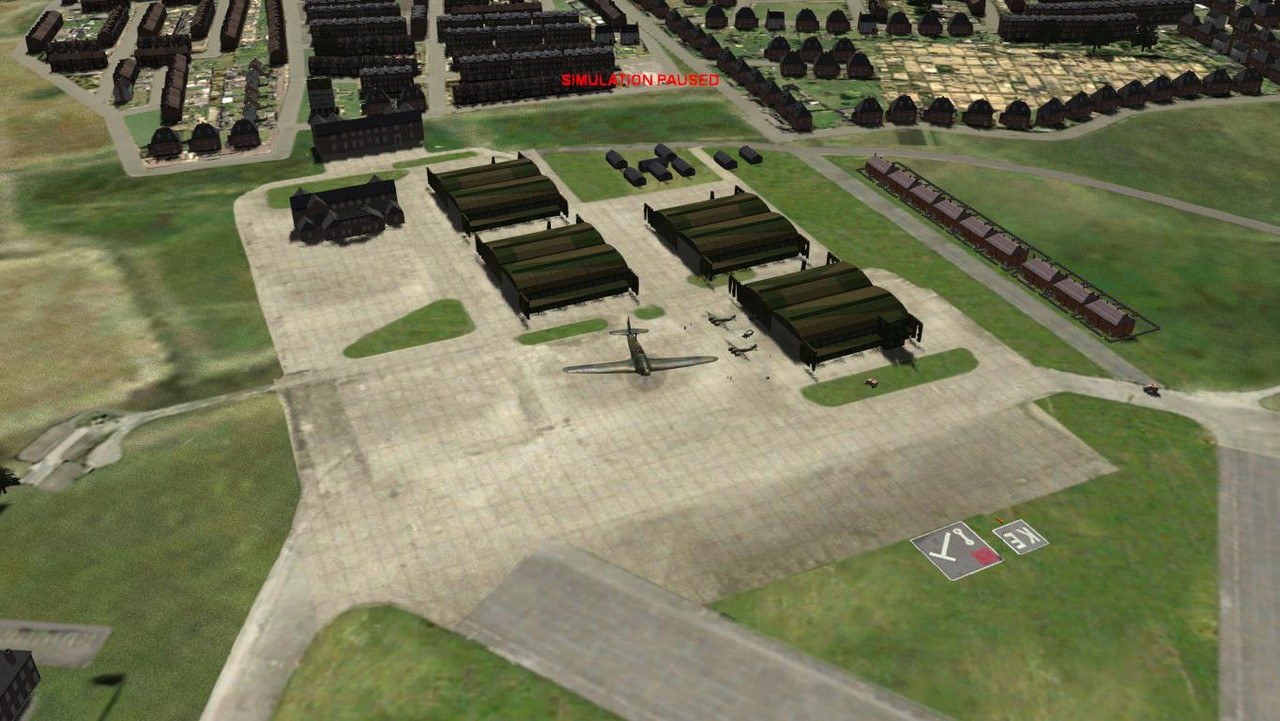
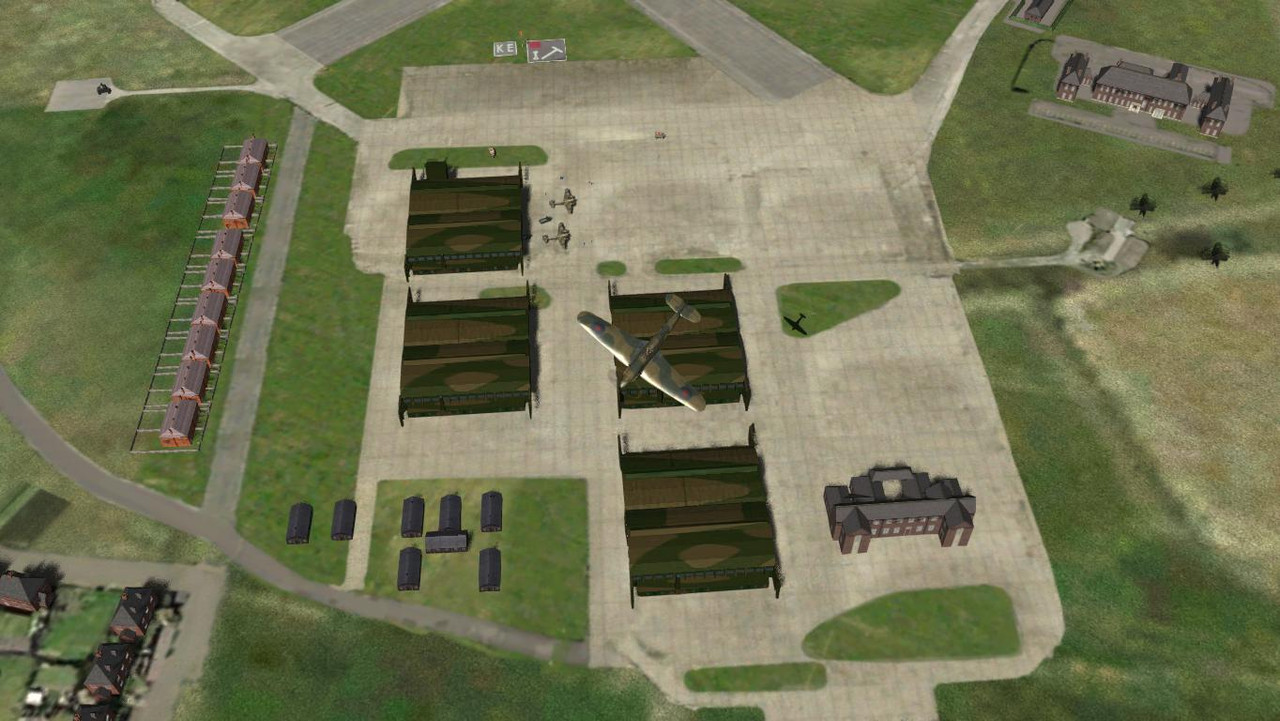
cfs3-2026-10-31-11-21-24-70.jpg


cfs3-2026-10-31-11-22-21-73.jpg


cfs3-2026-10-31-11-13-53-77.jpg


cfs3-2026-10-31-11-14-47-45.jpg


This calls for an appropiate song::D


Last edited:
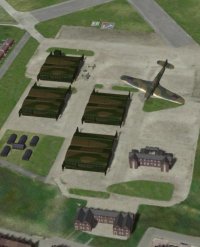
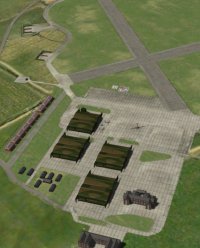
I'm working on Eastchurch and Lympne at the moment. The hangar aprons are a small part of the texture, resulting in a lack of
definition to edges, and paving.

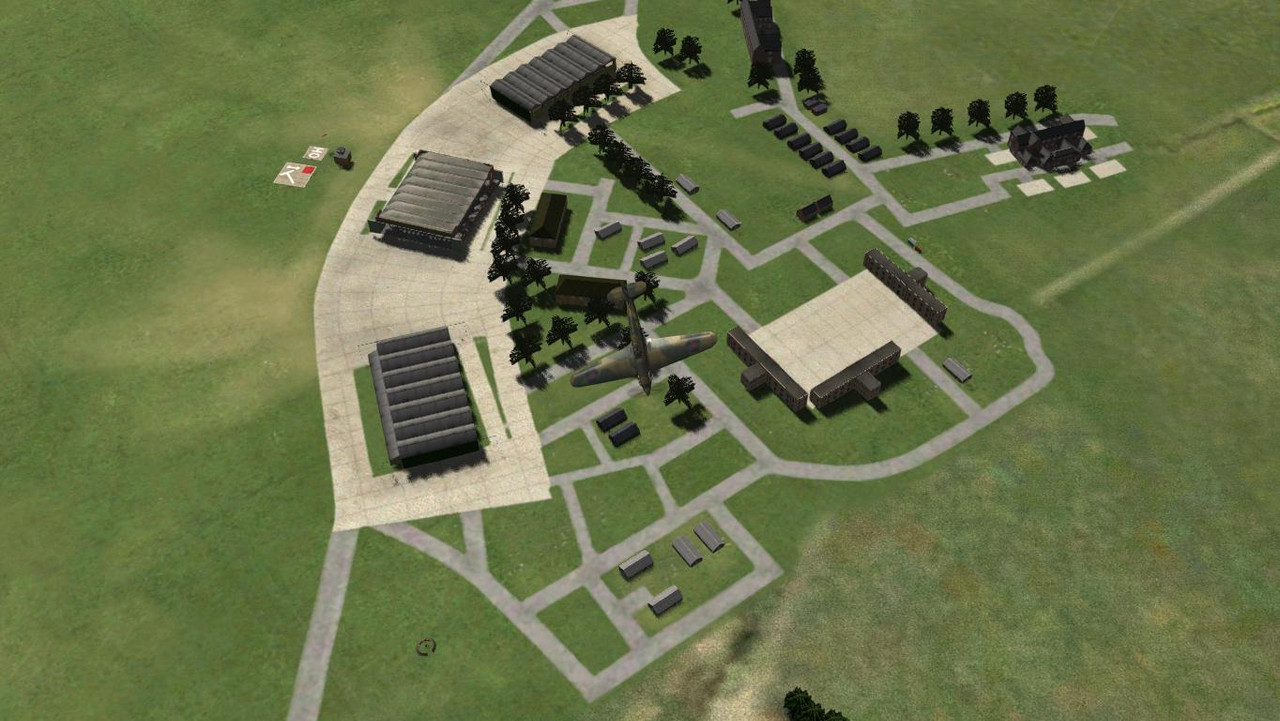
I decided to create a separate hangar apron texture which requires a global layer entry and facility file. It's extra work but the results are worth the effort.
This will probably be the new standard so I will have to rework Kenley and Hornchurch as well.

I'm currently adding dirt roads and worn grass areas.


cfs3-2026-11-14-10-45-05.jpg


cfs3-2026-11-14-11-58-14.jpg


cfs3-2026-11-09-11-52-42.jpg


cfs3-2026-11-09-12-55-22.jpg
 
So...this is essentially one airfield mos layered on top of another? I didn't know this was possible. The advantage in sharpness is clear! Over the years there have been various attempts to get the paved areas to be more sharply defined, including making 3d models, but I don't think this approach has ever been tried.
 
My placement experience with the global layer and facility files enabled me to see this as an option. The last global layer entry mos texture always takes precedence. I discovered this when overlapping building module and beach textures.
 
Last edited:
Looking good Glen, love the detailed buildings and choice.

Although the layering will give authority, could you not suffer with poly bias and any flickering of lower layers done that way?

Cheers

Shessi
 
Looking good Glen, love the detailed buildings and choice.
The original Bob install airfield building placements are Clive's lovely work. I think he created those buildings as well. I am only reworking his original textures, however I may be adding one or two buildings to Eastchurch that are missing in old photos.... we'll see.

Although the layering will give authority, could you not suffer with poly bias and any flickering of lower layers done that way?
The overlapping mos file textures do not suffer from texture flickering, as you can see from general landclass terrain texture overlapping in a stock install.
 
Last edited:
Back
Top