Hello Brian,
When you open the Flight Replicas addon, you can find at least 8 variations: C-54 ATL98 Carvair, C-54 R5D, C-54 SAAF, C-54A, C-54B, DC-4, DC-4 Firefighter & DC-4 1009.
1) To begin such a project, my rugles are to take one variation (
the most common) and to create one blender model (
reference).
2) When you basic model is OK (
not necessary perfect but useable), you backup it for the next step,
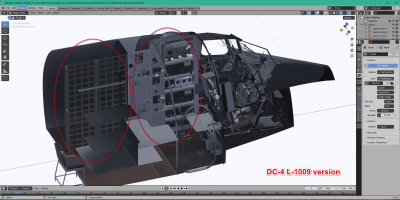
3) After that, studing the others variations, you can let’s say quite easily isolate the differences between the basic and the variation (
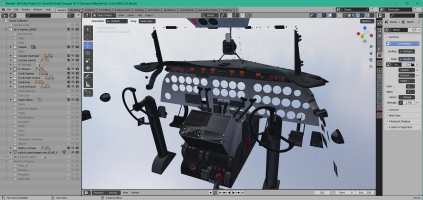
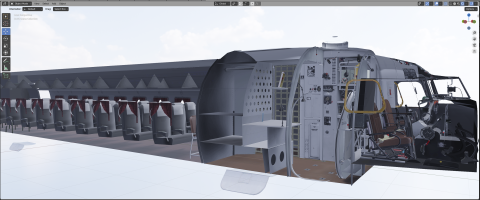
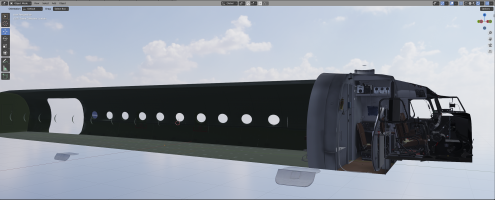
picture below or in the post #10).
4) By Copy/Paste of the Blender basic model, you can now create others variations and in theses variations change the parts which are different by the real parts and obtain several copy slightly different from the initial version.
If you work using some Blender possibilities:
Link function, the basic model can be upgraded and the other variations will be updated automatically because they are linked to this first model.
By affinity with the Air France DC-4 (
when I was young I have travel with one DC-4 L1009 between Marseille and Ajaccio, my father during this time was working at Air France / LFML), I choose to start with this Flight Replicas specific model but it contained a vintage VC.
Besides the fact that its old gauges are not easy to model correctly, I suspected that this question would one day be asked.
So yes,
I plan to make a more modern model with newer radio equipment and the model that should serve as an example for me is the model still in operation in South Africa (
immat. N500EJ).
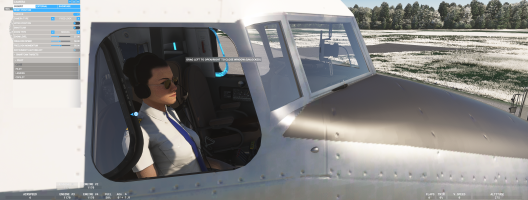
The crew bulk is as the
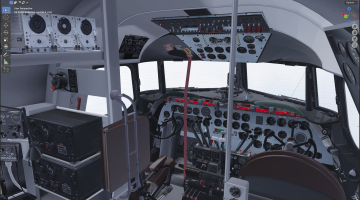
DC-4 L1009 picture above and the real VC is like this :
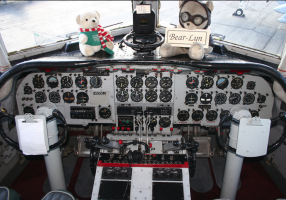
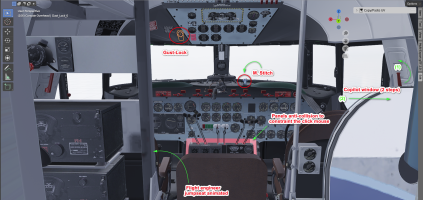
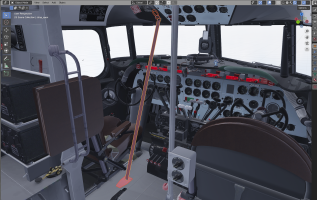
As you see, some works had bee done on this variation :
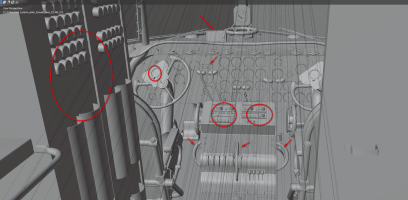
A lot of documentation and pictures/videos are stored on my hard disk to build the necessaries modifications.
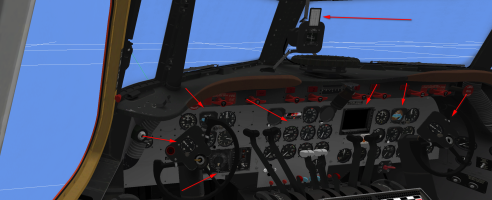
Firefighter variation with the highlighted modification to bring on the VC:
One of the best videos I have seen, for the joint work of the 3 crew members in the cockpit (Landing at 10:12):
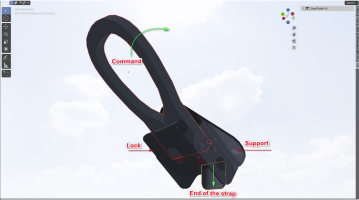
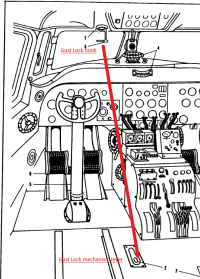
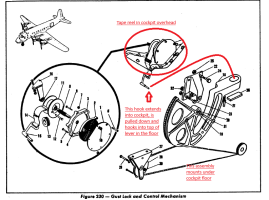
Nota: the gust lock is applied by the flight engineer before the plane is completely stopped




 parallel42.com