• Please see the most recent updates in the "Where did the .com name go?" thread. Posts number 16 and 17.

    Post 16 Update

    Post 17 Warning old domain name stealing credentials

  • Special Server Maintenance

    Just when you think you have everything running some what better...

    You get a message from the Hosting company. Short story they need to move us to a new server. I have been working with them to plan a good date for all concerned. Here is what we have come up with as a schedule.

    1. November 4th 17:00 -5UTC shut off the forums and start backup proceedures. During this time there will be no access to the forums or the Resource Section.
    2. November 5th Continue with Backups and download same until complete.
    3. November 6th 7:00 turn over server to hosting company to move system to new server
    4. November 7th - 8th restore backups and upgrade forum software.

    If all goes well we should be back online on November 8th.

    To keep you updated we will post updates on AVSIM forums.

    Thank you for your support.
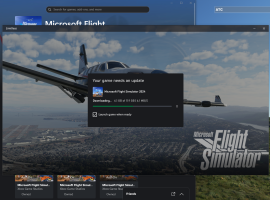
Downloading now

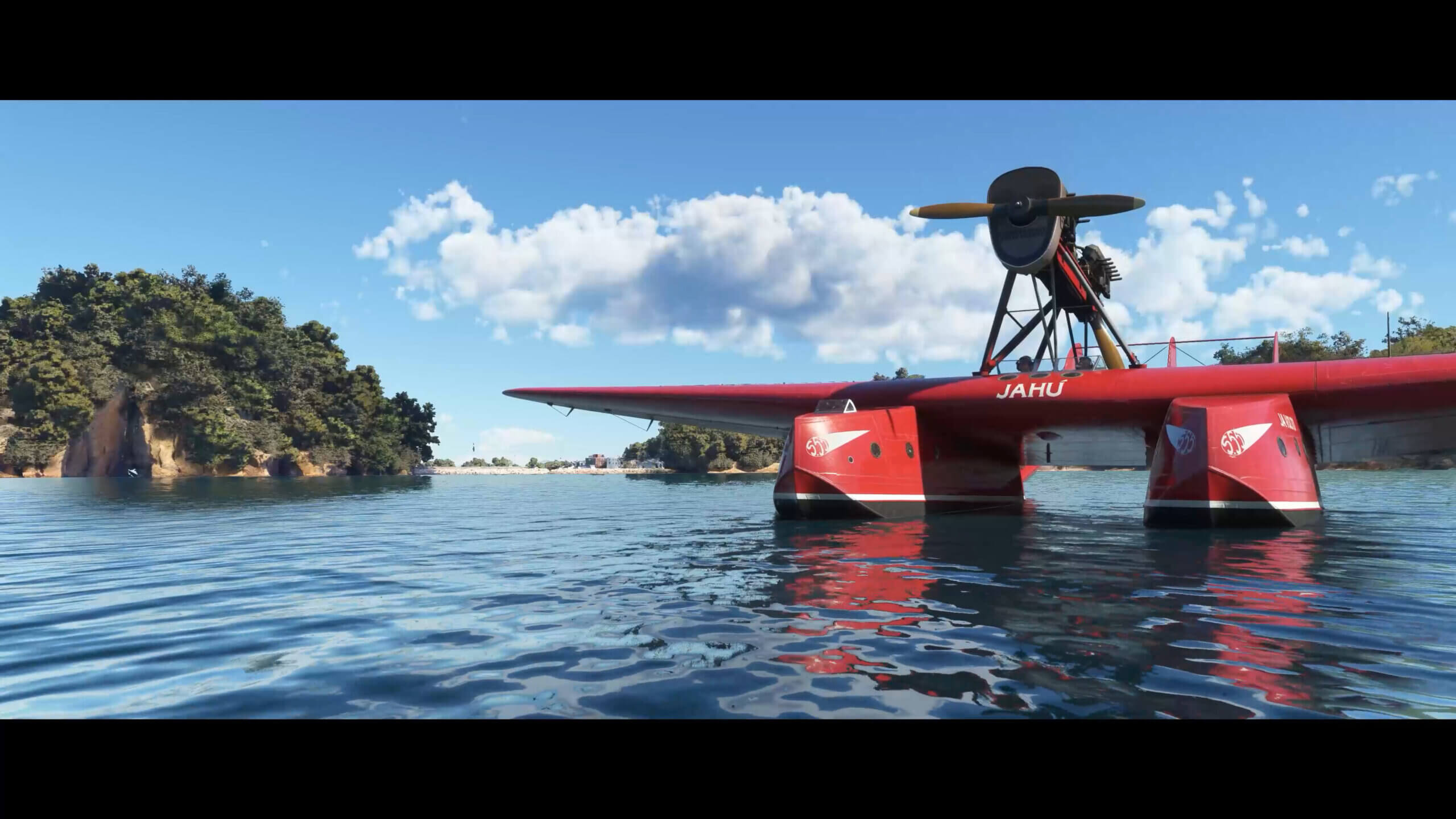
Initial launch is very slow, mine's been stuck at 6% Loading language for about 5 minutes - but the intro videos are truly spectacular!
 
You're going to see a LOT of the loading video.

It has super-long pauses at 6%, 12%, and 15% so far. It's not how it's going to be going forward The servers are getting slammed by a cubic bazillion of us hitting it at the same time. This will literally be the worst morning to play MSFS until FS2029 launches.

One guy in the official forums posted a screenshot that he made it in!

15% activating packages. Meanwhile, I'm just downloading all the new manuals in a separate window to make the best use of my time! I have a feeling I might also get time to read a couple of them before I get in to the sim. :)

 
Some shots from the load screen. Agree I am upto 9%

EQNRtZ.png
IYBtjq.png
Ybl5tp.png
gPoHfJ.png
 
Typical Microsoft loading progress meter. :) 55 minutes to go from 0% to 20% and then about 15 seconds to go from 20% to loaded.

Once you get it loaded, keep it open! Alt-tab if you need to do something productive, don't exit. I got a CTD trying to configure my Tobii Eye Tracker and the second load is also taking forever.
 
Yep, still activating packages here. Ah well, I found out where the new Community folder is (MS Store default location):

C:\Users\<your username>\AppData\Local\Packages\Microsoft.Limitless_8wekyb3d8bbwe\LocalCache\Packages
 
Mine is at 97% but is complaining about loading unusually long...

It also jumped pretty fast from the teens to 97% awful fast.

1732037580208.png
 
Last edited:
Mine at 9% - activating packages.

It turns out my purchase had been charged to a card I had replaced, 2 years ago! MS did not notify me that it had been refused until I tried to download today.
 
Back
Top