• Please see the most recent updates in the "Where did the .com name go?" thread. Posts number 16 and 17.

    Post 16 Update

    Post 17 Warning old domain name stealing credentials

  • Special Server Maintenance

    Just when you think you have everything running some what better...

    You get a message from the Hosting company. Short story they need to move us to a new server. I have been working with them to plan a good date for all concerned. Here is what we have come up with as a schedule.

    1. November 4th 17:00 -5UTC shut off the forums and start backup proceedures. During this time there will be no access to the forums or the Resource Section.
    2. November 5th Continue with Backups and download same until complete.
    3. November 6th 7:00 turn over server to hosting company to move system to new server
    4. November 7th - 8th restore backups and upgrade forum software.

    If all goes well we should be back online on November 8th.

    To keep you updated we will post updates on AVSIM forums.

    Thank you for your support.

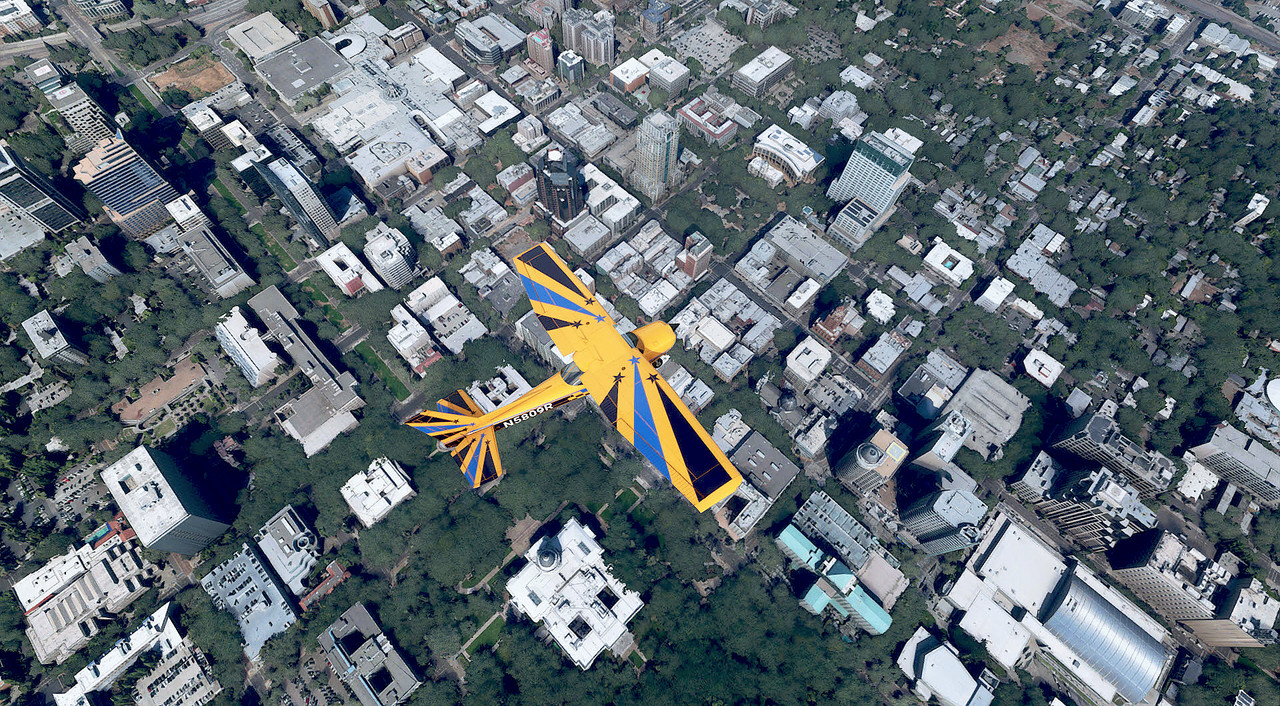
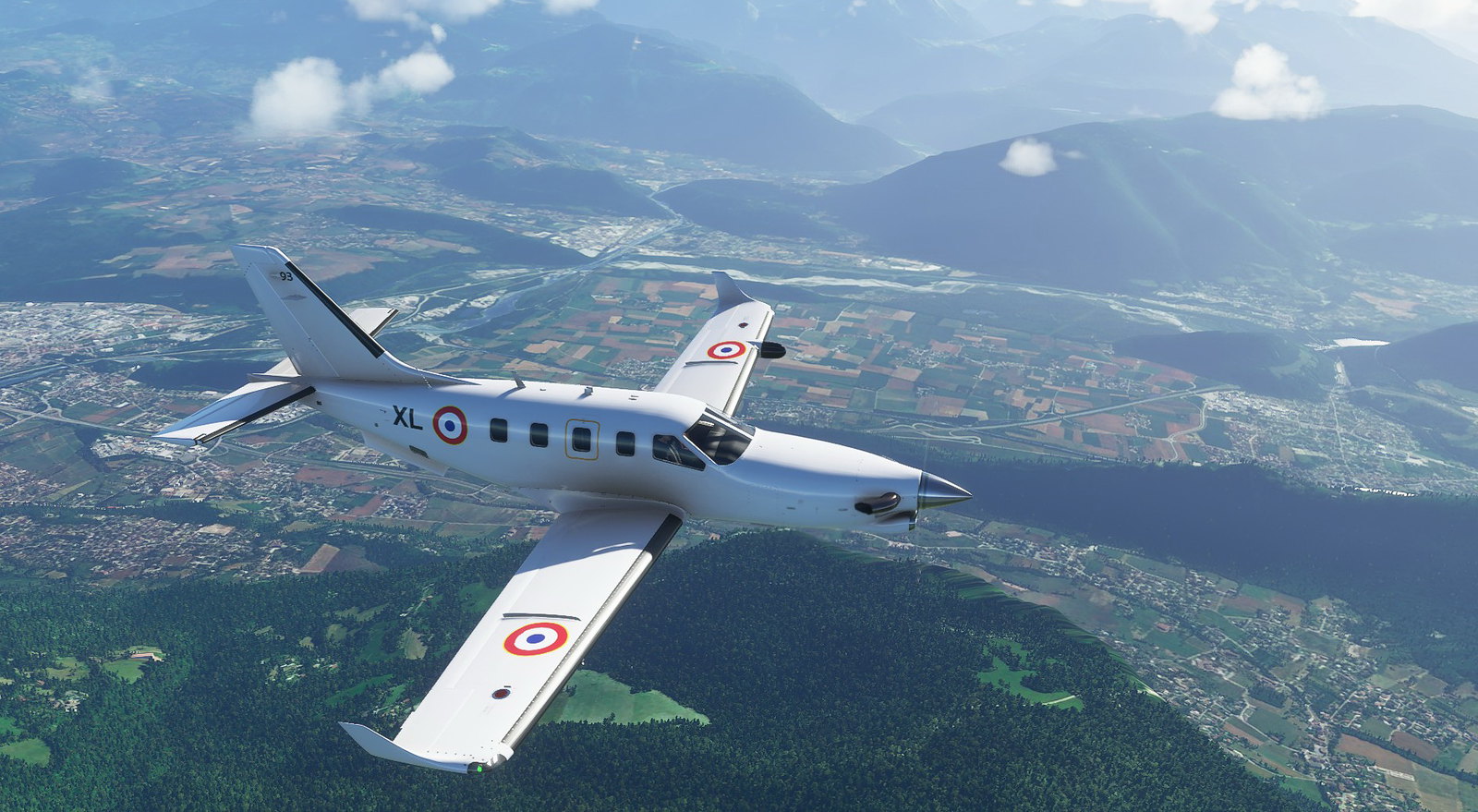
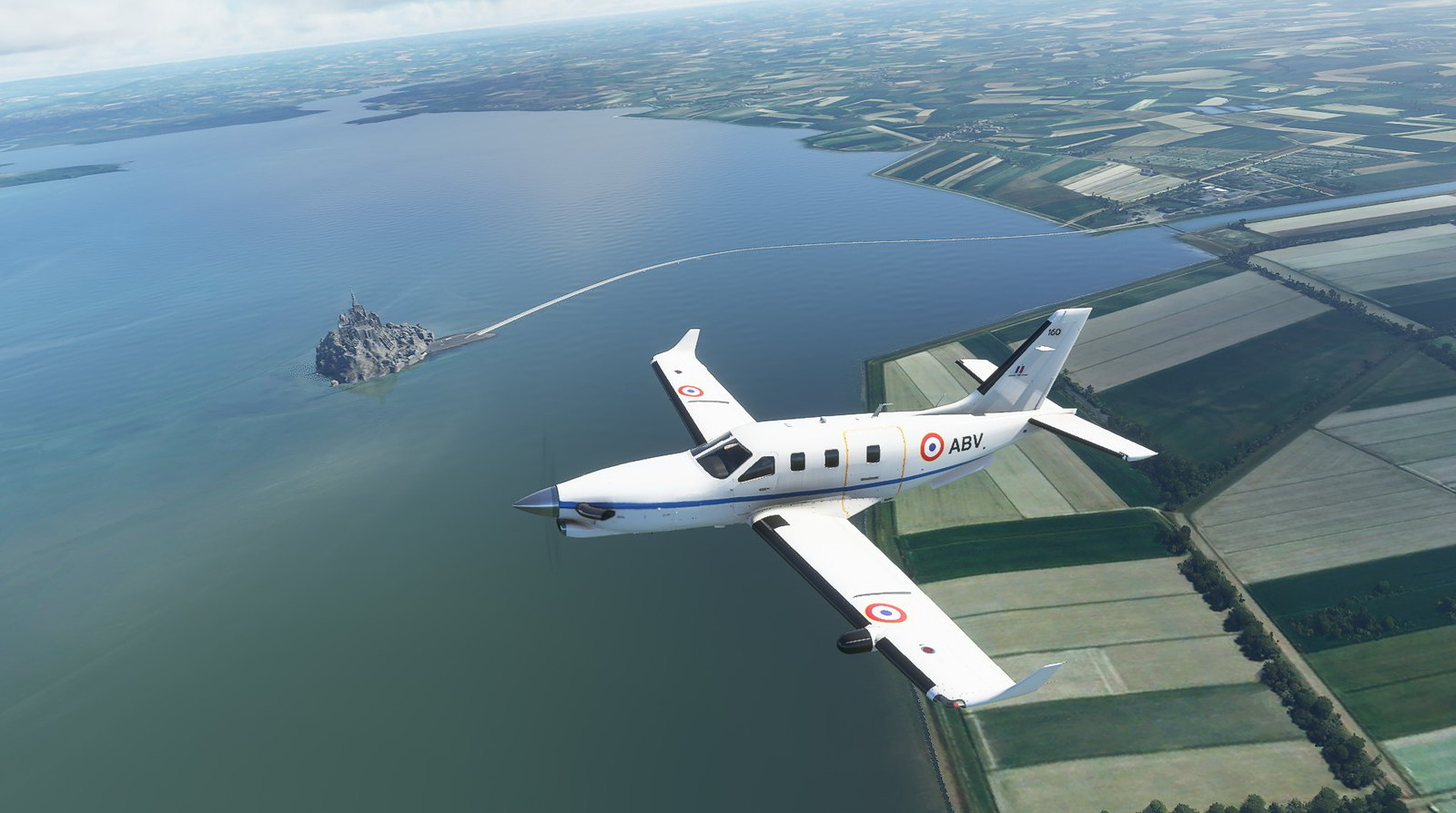
Screenshots

031.jpg


032.jpg


033.jpg


034.jpg


Some extras
035.jpg


036.jpg
 
Yeah, it has quickly become another favorite.

With the Cessna, I did a bit of experimenting - they say that with some of the aircraft you can change the color of the external registration through the Panel.cfg file, and that is the case with the Cessna 172 (the steam gauge version in this case).

After copying and pasting the Panel folder & panel.cfg file from the standard C172 into the Burgundy C172 repaint folder, I renamed it Panel.BURGUNDY and added it to the repaint's Aircraft.cfg file panel entry (Panel = "BURGUNDY").

In this new panel.cfg file, just for the Bugundy C172 repaint, I edited the last line of the .cfg file to read:

[VPainting02]
size_mm = 1024, 256
texture = $RegistrationNumber
location = exterior
painting00=Registration/Registration.html?font_color=black, 0, 0, 1024, 256

I then added the Panel.BURGUNDY/panel.cfg to the Layout.json (using the Layout.json generator, just to make sure it was done right)

Looks a bit better, I think. Not sure how far you can take it/other color options.

 
That is also the way to make the outside registration disappear (useful for repaints where you want the registration in another location), by setting the sizes to zero.

for instance:
[VPainting02]
size_mm = 0, 0
texture = $RegistrationNumber
location = exterior
painting00=Registration/Registration.html?font_color=black, 0, 0, 0, 0
 
Btw. small OT from RL (sorry but its nice movie and idea), Carbon Cub "from MSFS also" and first polish "carrier" landing & take off :biggrin-new:, just idea for MSFS ;) :

 
Back
Top