• Please see the most recent updates in the "Where did the .com name go?" thread. Posts number 16 and 17.

    Post 16 Update

    Post 17 Warning old domain name stealing credentials

  • Special Server Maintenance

    Just when you think you have everything running some what better...

    You get a message from the Hosting company. Short story they need to move us to a new server. I have been working with them to plan a good date for all concerned. Here is what we have come up with as a schedule.

    1. November 4th 17:00 -5UTC shut off the forums and start backup proceedures. During this time there will be no access to the forums or the Resource Section.
    2. November 5th Continue with Backups and download same until complete.
    3. November 6th 7:00 turn over server to hosting company to move system to new server
    4. November 7th - 8th restore backups and upgrade forum software.

    If all goes well we should be back online on November 8th.

    To keep you updated we will post updates on AVSIM forums.

    Thank you for your support.

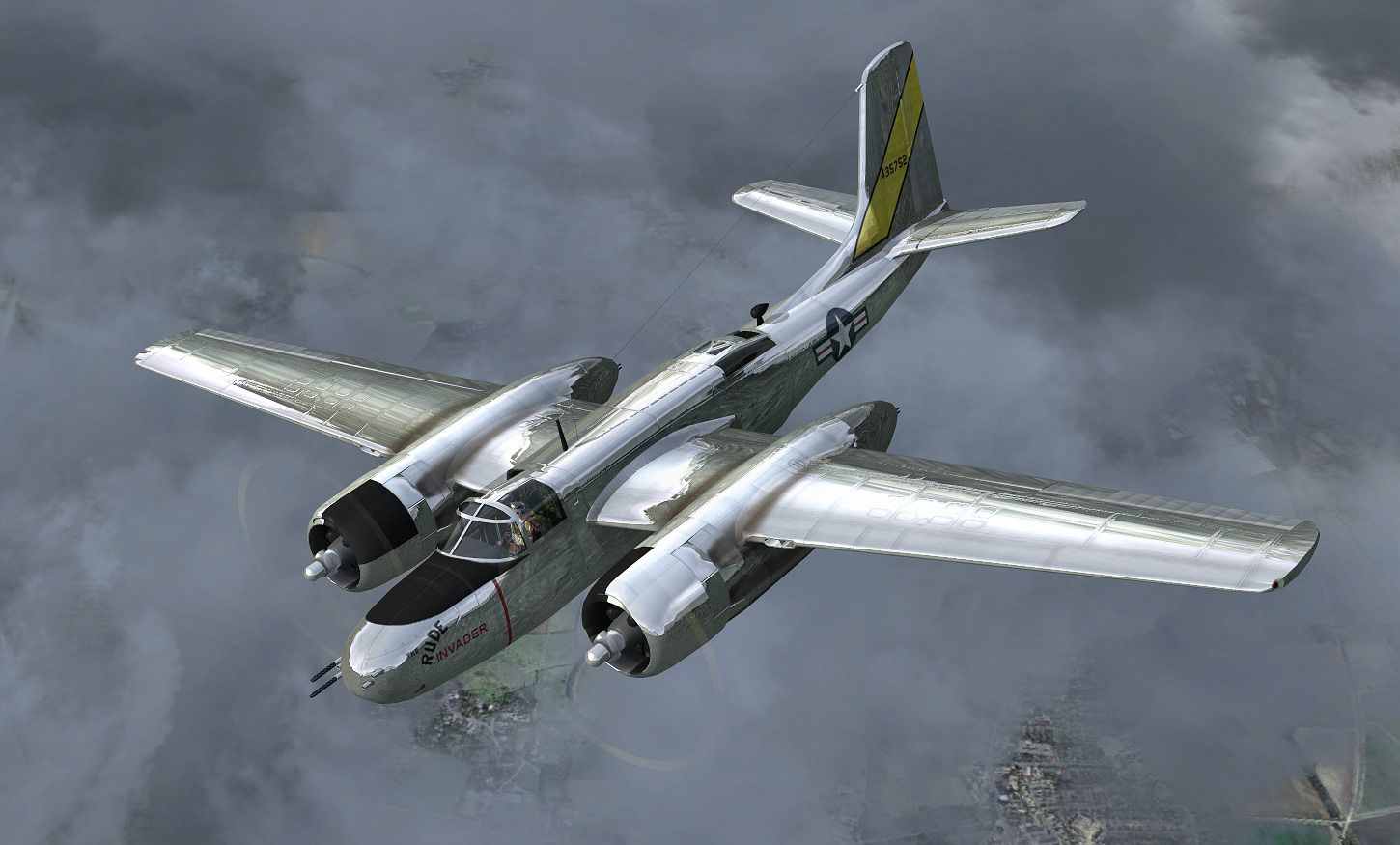
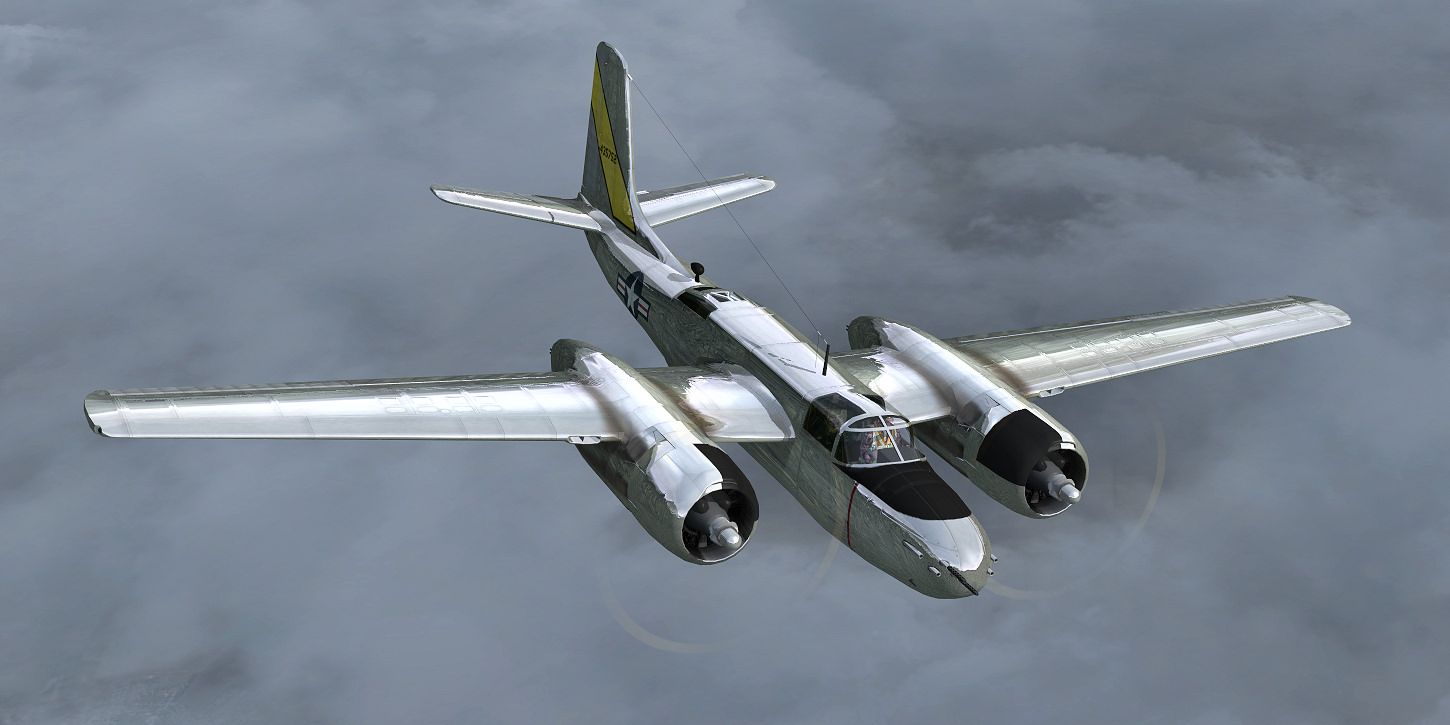
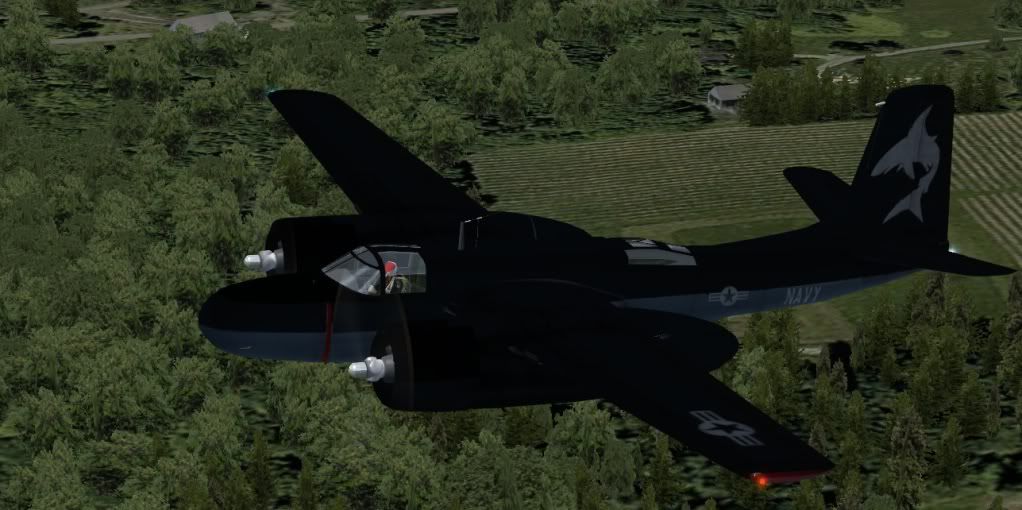
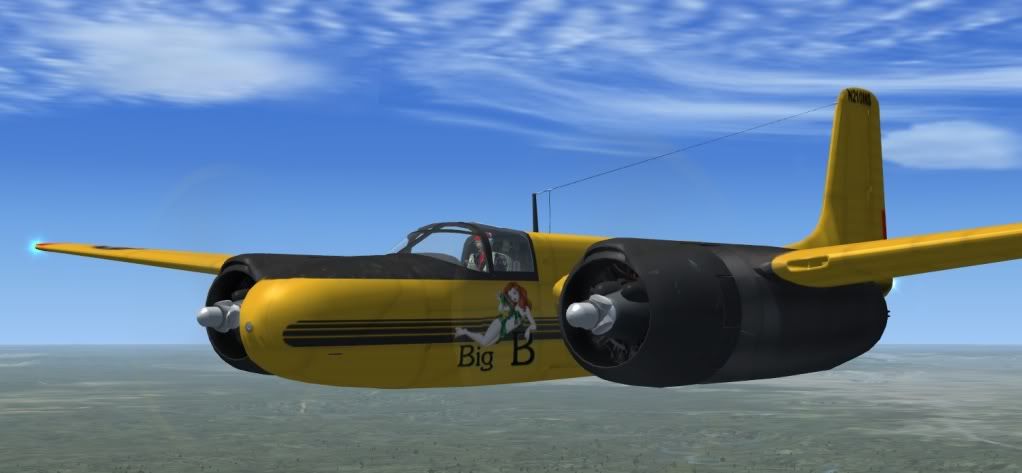
SOH A-26 Invader FSX Converted Files Download

N210MSA26.jpg
 
found handy gauge on avsim.com for A26 makes taxing much easyer!!!

[FONT=verdana, sans-serif]DC-3 Taxi throttle Control[/FONT]

[FONT=verdana, sans-serif]This package offers a modification to the "hard to steer" Douglas DC-3. The DC-3 relies on differential braking and power to taxi properly. This package is for those pilots without dual throttle controls. It uses the rudder deflection to apply proportional differential power under the appropriate circumstances. Documentation is included. It will work with the Default Microsoft DC-3, the C-47 by Beaumont & Bitzer (shown), or other twin engine tail draggers that are hard to steer.


[/FONT]Filename: [FONT=verdana, sans-serif]taxi_throttles.zip[/FONT] [FONT=verdana, sans-serif]License:[/FONT] [FONT=verdana, sans-serif]Freeware, limited distribution[/FONT] [FONT=verdana, sans-serif]Added:[/FONT] [FONT=verdana, sans-serif]4th June 2010[/FONT] [FONT=verdana, sans-serif]Downloads:[/FONT] [FONT=verdana, sans-serif]1363[/FONT] [FONT=verdana, sans-serif]Author:[/FONT] [FONT=verdana, sans-serif]Ken Austin and Dave Bitzer[/FONT] [FONT=verdana, sans-serif]Size:[/FONT] 3kb

http://library.avsim.net/download.php?DLID=149412[FONT=verdana, sans-serif]


[/FONT]
 
hey guys i am trying to get the VC Lights to work cant read gauges with no lights any ideas?
Ditto here. The switches don't really give me anything, however if I use the "L" key I do get a bright light in the cockpit that almost obscures night vision outside the cockpit. So the questions are. . .is that what we have to work with?. . . .did the switches ever work correctly?. . . .was there a mod that we aren't privy to?. . . .there's probably another one, I just can't come up with one right now.
 
Updated Models

It's not much, but here is a link to download updated model files. The only updates are to the landing lights, VC glass (cutting down on the glare at night from the VC light), the removale of the wingtip modeled lights (since they are already present in the Aircraft.cfg file), and a couple of small parts in the VC, which were over-looked material-wise, are now assigned to the proper materials/textures they should be.

Download: http://www.mediafire.com/?4nxvj0kym4vml9c
 
It's not much, but here is a link to download updated model files. The only updates are to the landing lights, VC glass (cutting down on the glare at night from the VC light), the removale of the wingtip modeled lights (since they are already present in the Aircraft.cfg file), and a couple of small parts in the VC, which were over-looked material-wise, are now assigned to the proper materials/textures they should be.

Download: http://www.mediafire.com/?4nxvj0kym4vml9c


Thanks John:applause:
 
Thanks to the whole development crew for providing this aircraft for FSX. :applause:

Here's a video clip that us virtual A-26 pilots may find interesting

[YOUTUBE]Uxj2Ugfm7Vs[/YOUTUBE]
 
Panel and gauge backlighting work fine here.

Leave Panel lights off except for preflight duties.

Turn on INST Lights, then turn up the Dimmer switch as shown in the attached.

EDIT: My apologies. What I showed was the 2D panel. Although the VC lighting does work using the same procedure, it is very faint.
I know that the vc backlighting works differently in native FSX models, but maybe a simple brightening of the vc01_L.bmp in the texture folder would help somewhat.
If push comes to shove, use the 2D panel at night. :)

EDIT 2: Well, I tried changing the vc01_L.bmp to pure white for the best brightness and it only improved a bit. Gauges can be read once your eyes adjust. The only way to do this right is to change the interior model I'm afraid.
 
Layered Photoshop "Metal Skin" Files

I've uploaded my metal skins PSD layered files. Also texture files for Model C. Everyone knock yourselves out and have fun with these.

Thank you Milton, John and the rest of the SOH members who have done such a magnificent job updating this aircraft. As a new member I hope that my small contribution will bring as much enjoyment to those lucky enough to "own" this aircraft as it has brought to me.

I'm looking forward to seeing everyone's own creations.

Please feel free to contact me via my page for any suggestions, questions or tips. I'll be glad to answer any questions.

Gman :salute:

View attachment 65674
 
Back
Top